Apple and accessories
iPhone, Mac and accessories explained through everyday use: charging, battery care, cables and compatibility before buying.
Check what works with your device and distinguish a useful feature from a label on the box.READING ROUTE
THE DOSSIER
Start here and follow the story.
 01OPEN
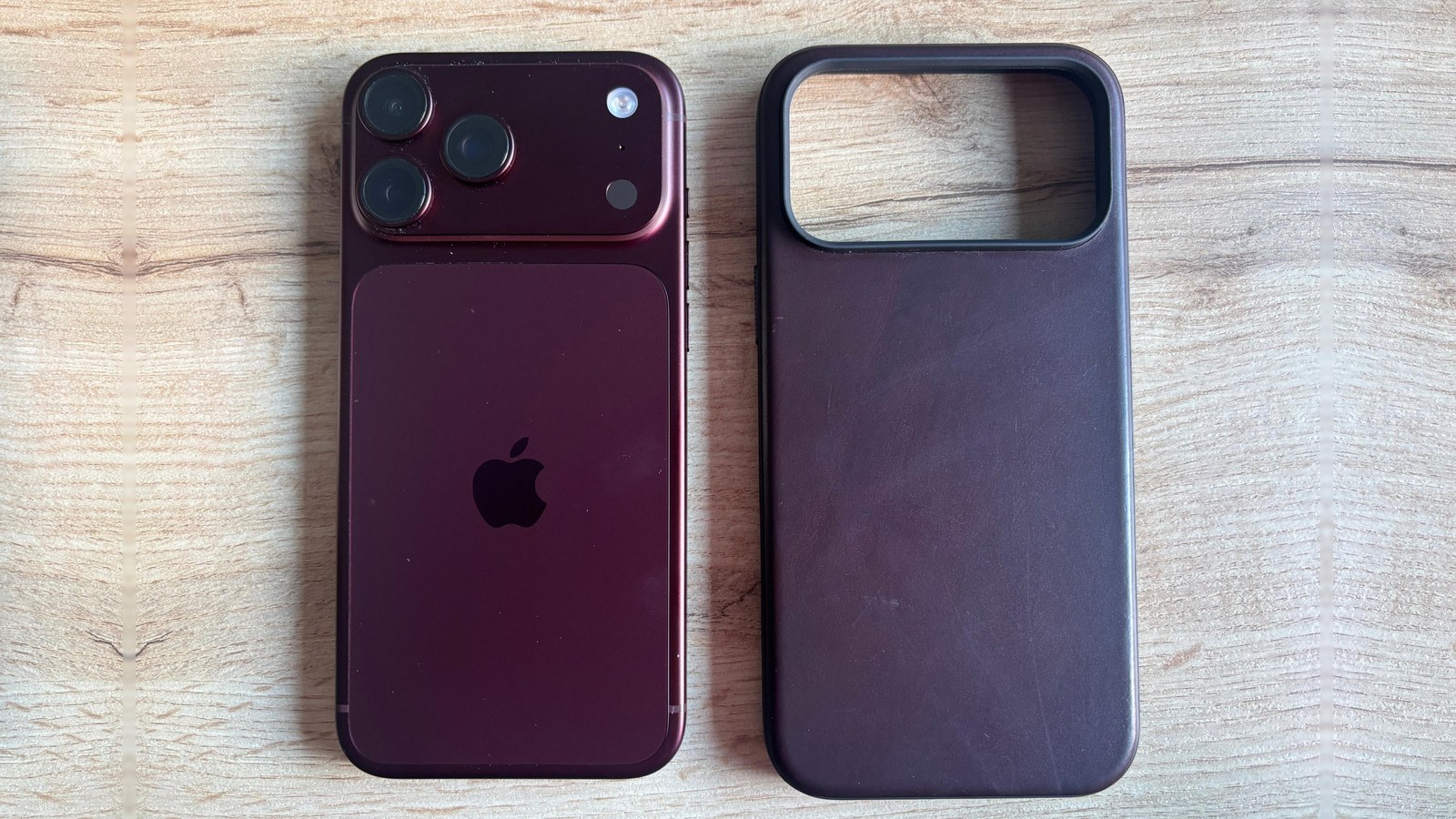
Nomad Modern Leather Case review: Horween leather worth a 9.5 on the iPhone 18 Pro Max
After a week of daily use on a burgundy iPhone 18 Pro Max, its leather is already developing a patina, the aluminum buttons feel great and MagSafe holds tight. Add a screen protector and go easy with magnetic accessories.
 02OPEN
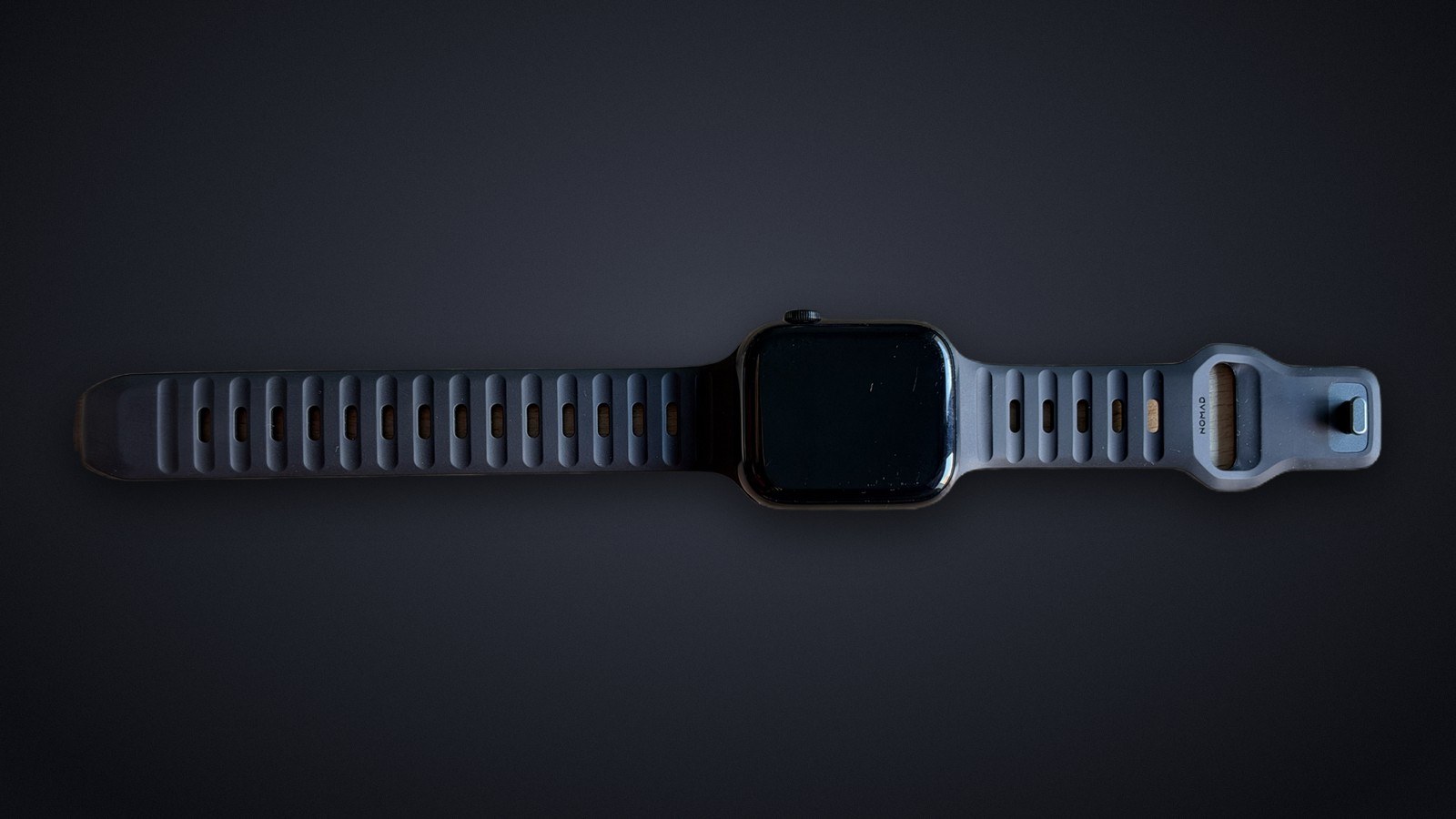
Nomad Sport Band review: a better workout strap than Apple's, but pricey for rubber
We wore it for a week on an Apple Watch Series 8 at the gym and at home. It stays comfortable, never comes loose and cleans in a minute, but at its $69 list price it costs $20 more than Apple's band made of the same rubber. It gets an 8/10.
 03OPEN
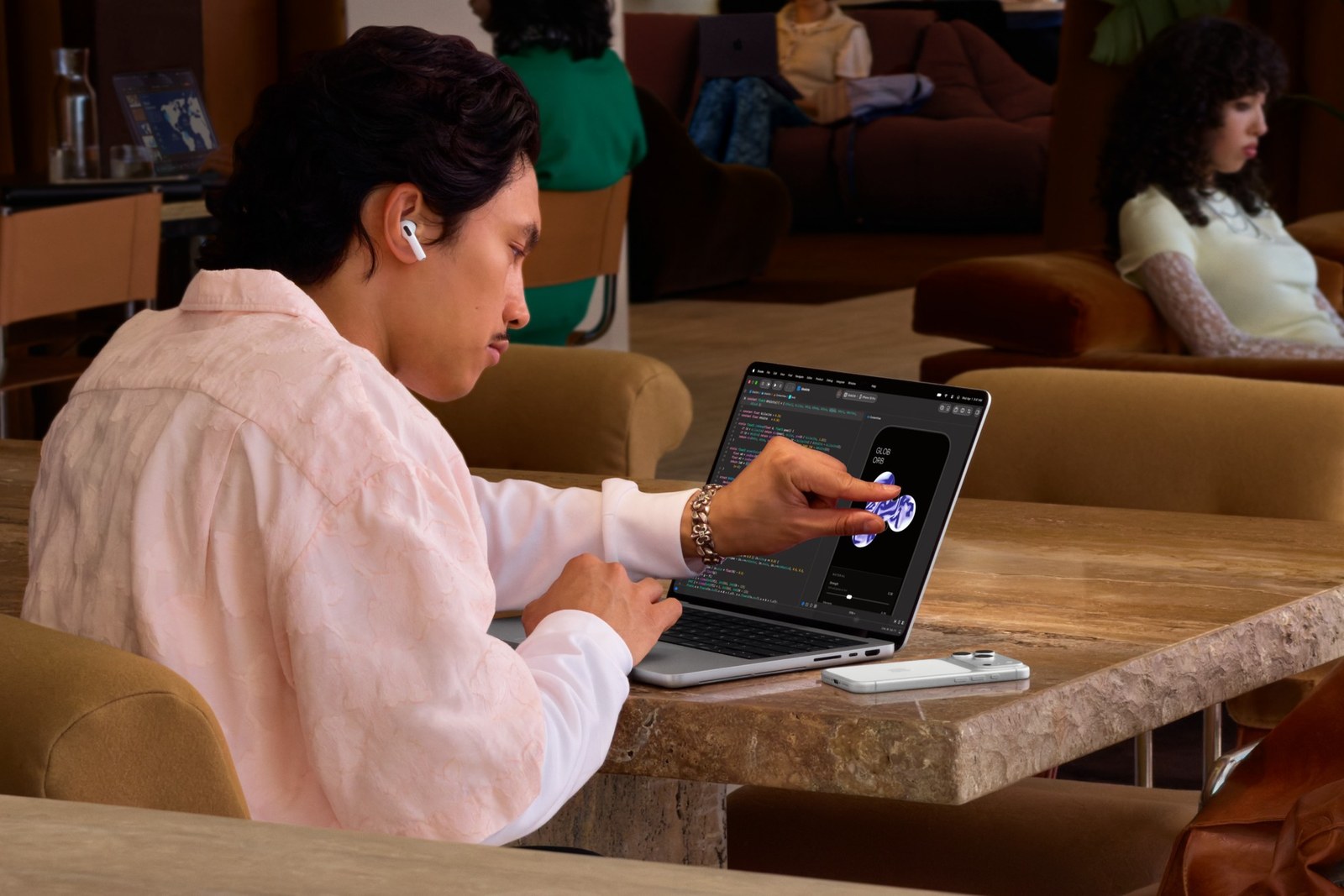
Apple's first touchscreen Mac is in stores, and the OLED MacBook Pro starts at $2,899
The MacBook Pro with PROLED XDR Display keeps the M5 Pro and M5 Max chips, sheds up to 0.7 pounds and sits beside the mini-LED MacBook Pro instead of replacing it.
 04OPEN
Apple warns memory costs will keep rising and Macs and iPads will be scarce through the holidays
In his first earnings call as CEO, John Ternus called memory pricing unprecedented and said it will keep rising into next year. Here is what that means if you plan to buy a Mac, an iPad or a PC on Black Friday.
 05OPEN
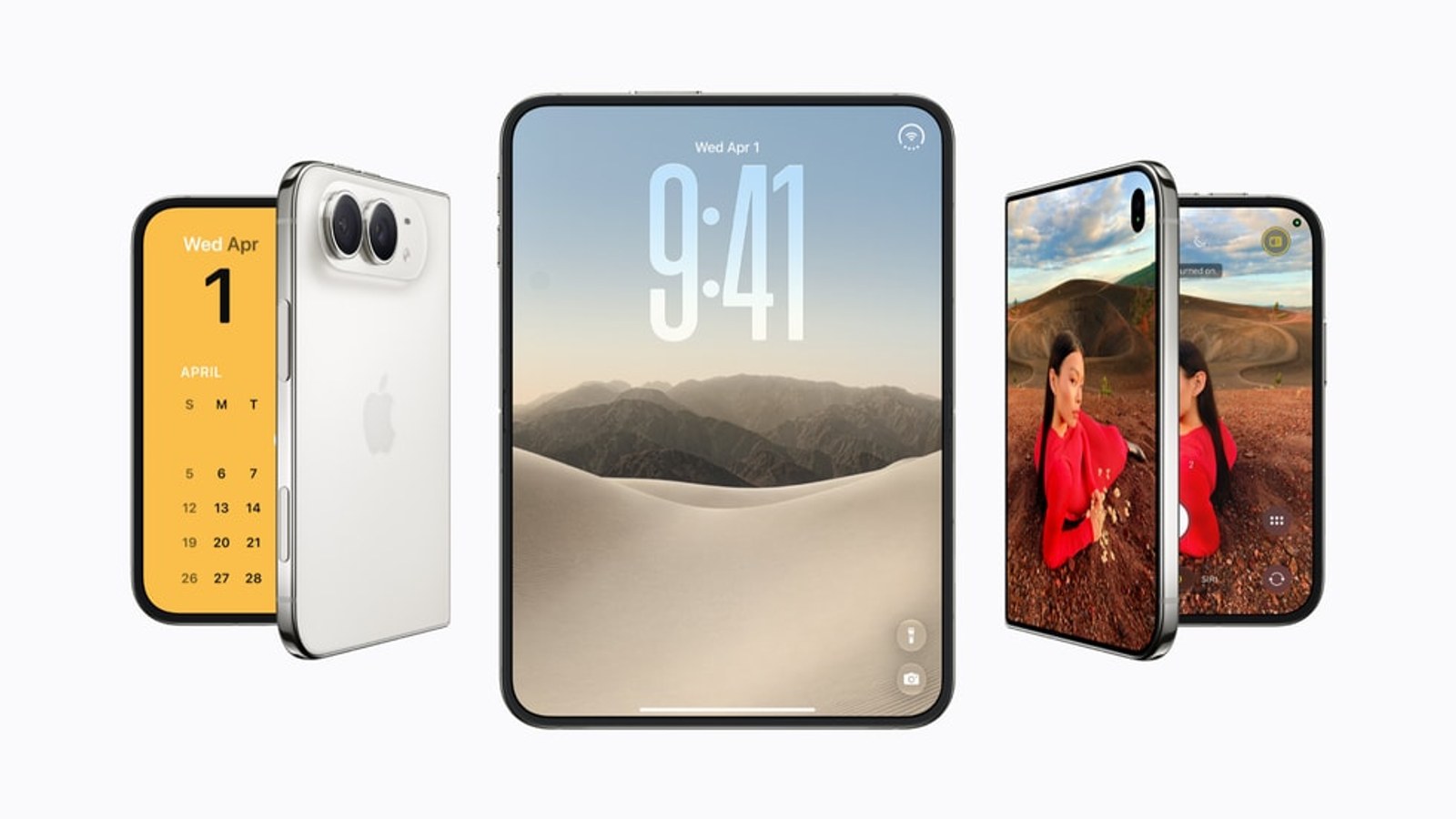
iPhone Duo preorders open today at 5 a.m. PT, ahead of its October 23 release
Apple’s foldable pairs an A20 Pro chip with a large inner display and Split View. Siri AI begins in English, with initial EU availability excluded.
 06OPEN
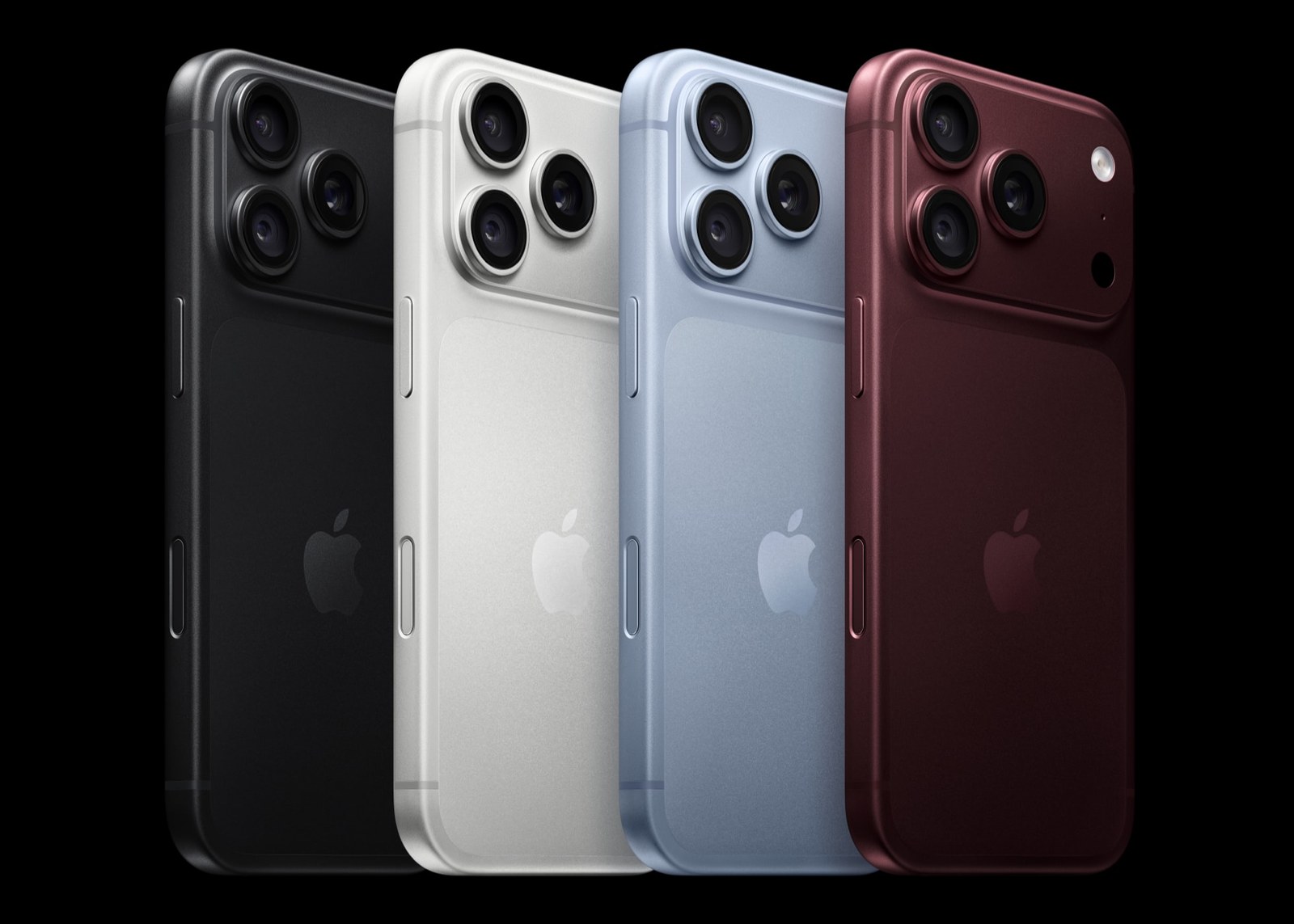
iPhone 18 Pro vs 17 Pro: the camera makes a better upgrade argument than AI
Variable aperture and faster charging give Apple's new Pro meaningful advantages. Whether those are worth replacing a 17 Pro depends on what you actually ask your phone to do.
 07OPEN
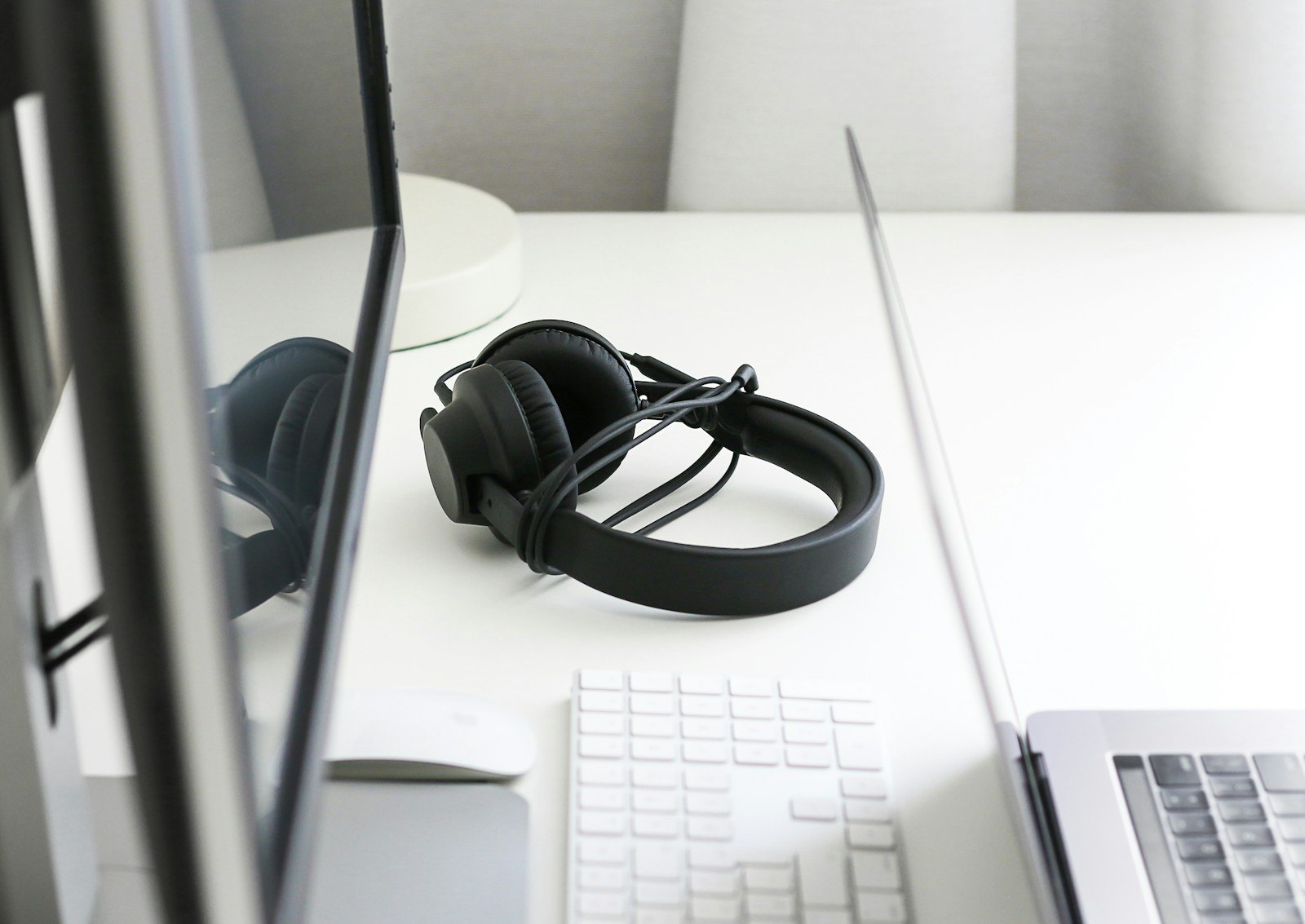
Lossless audio over Bluetooth or USB-C: where the chain breaks
Turning on lossless in a music app is only the first step. The source, connection and headphones must all support the path. Here is a simple way to check it.
 08OPEN
Two HDMI ports, one duplicated Mac desktop: what to check before replacing your dock
Two connectors do not guarantee two independent desktops. Your Mac’s chip, the adapter technology and macOS settings determine what works.
 09OPEN
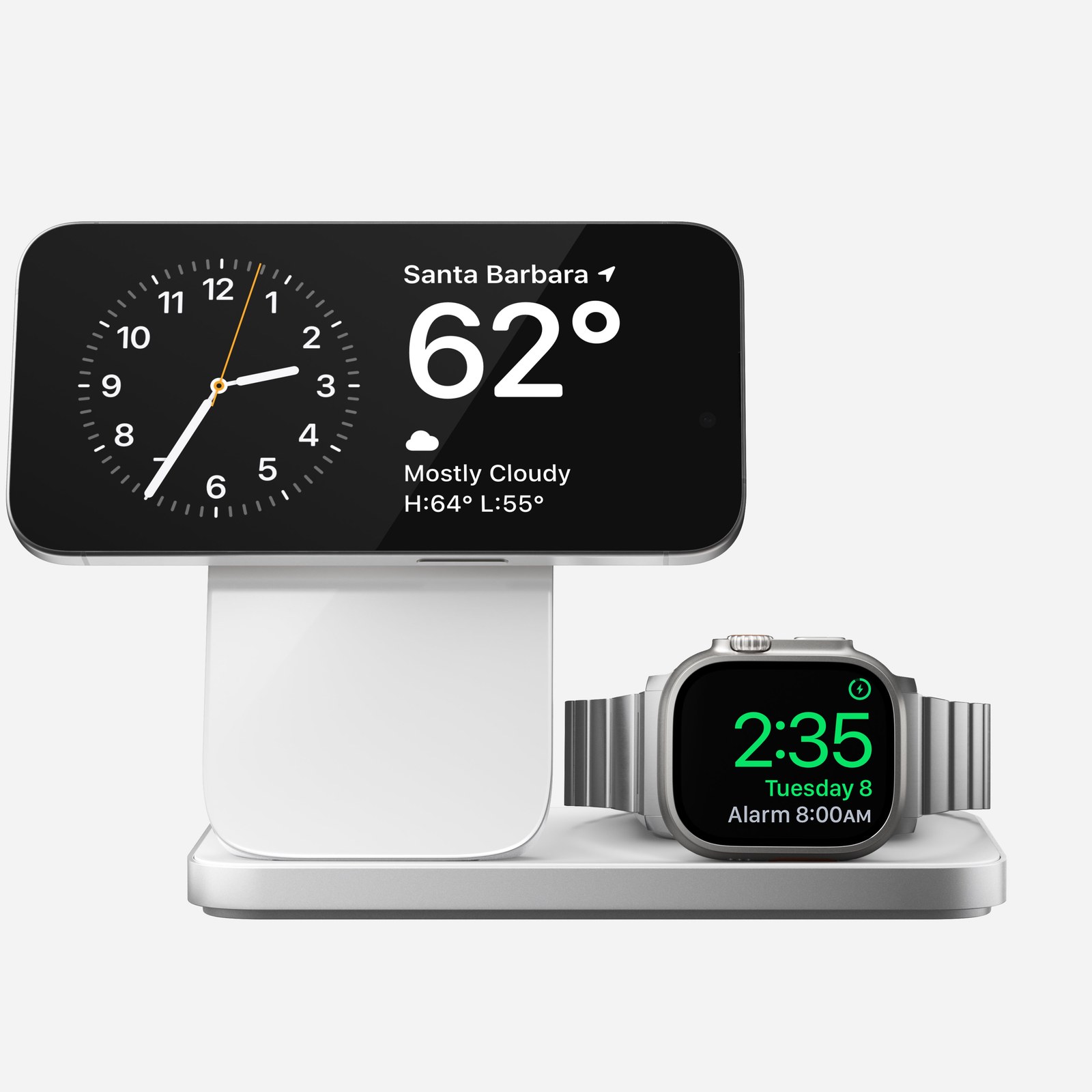
Qi2 and MagSafe are not interchangeable labels: what to check before buying a charger
A charger snapping onto your phone does not guarantee a particular charging speed. The phone, charging pad, adapter and case all matter.
 10OPEN
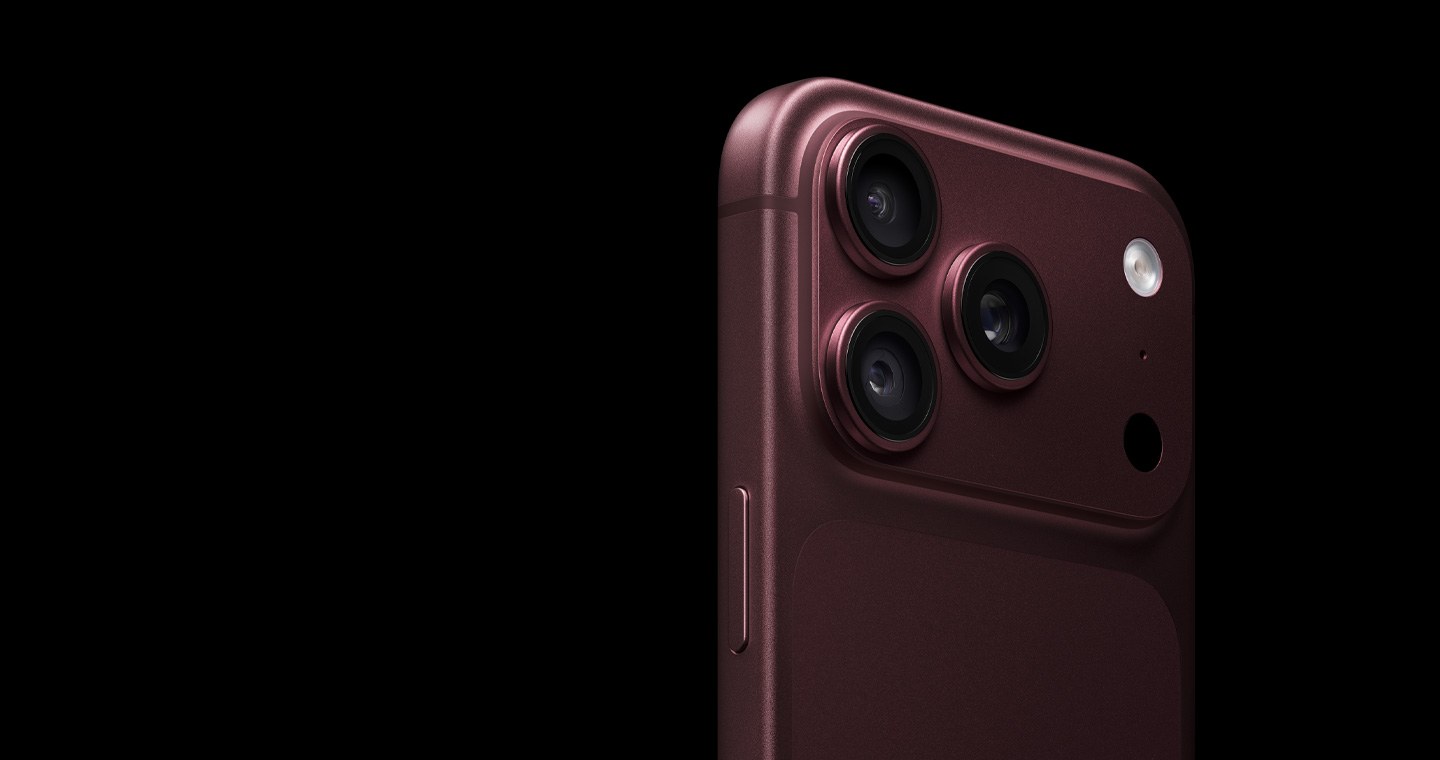
Should you charge your iPhone to 80% or 100%? Start with how much battery you actually need
Charge Limit and Optimized Battery Charging solve different problems. You can reduce battery wear without turning every trip outside into a hunt for an outlet.
 11OPEN
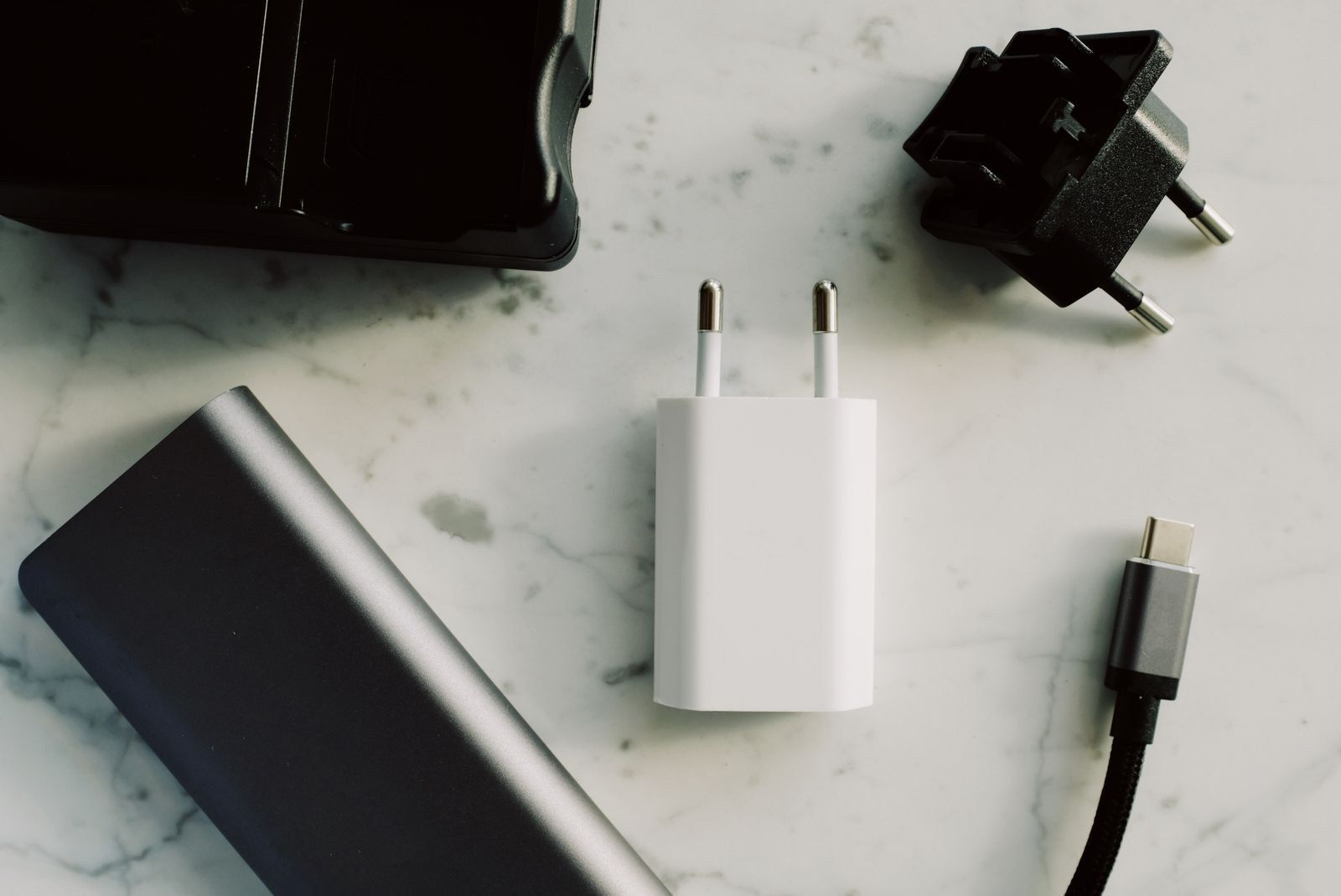
Can a phone charger charge your MacBook? Check more than the USB-C plug
A compatible charger can help in a pinch. Available power and the cable determine whether the battery charges or struggles to keep up while you work.
 12OPEN
Your USB-C cable can charge a laptop and still be slow at copying files
The plug alone tells you little about charging power, transfer speed or display support. Check three separate capabilities before buying a replacement.
12 of 14 stories showing