
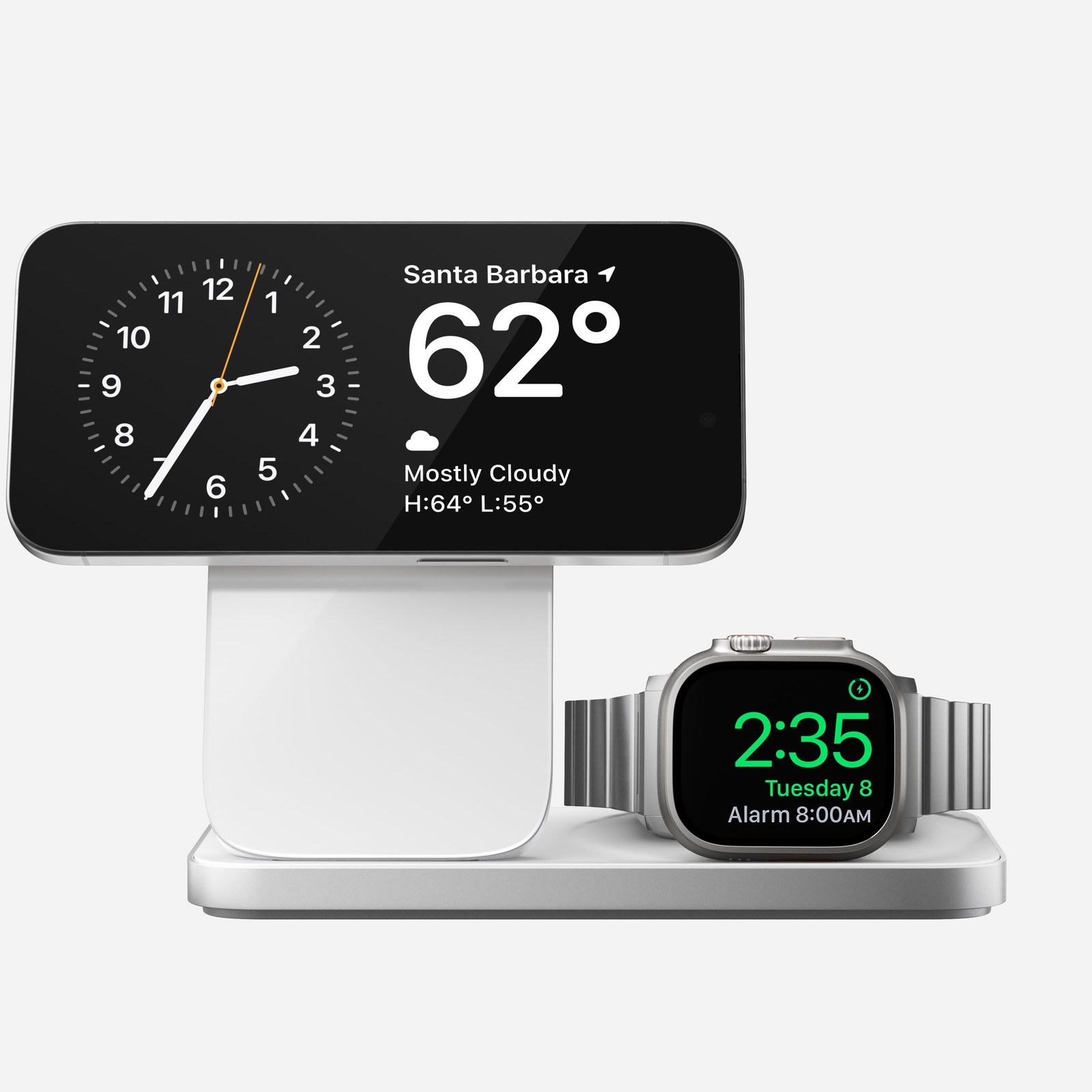
A magnetic connection is not a charging certification
Qi2 is a Wireless Power Consortium charging standard. MagSafe is Apple’s system, which also supports magnetic accessories. A case or stand advertising a magnetic fit does not establish that a charger is Qi2-certified or delivers 25W.
The WPC separates Qi2 from Qi2 25W. Original Qi2 combined magnetic alignment with 15W charging, while Qi2 25W raises the maximum power. Both the charger and receiver must support the relevant combination. A faster pad cannot give an older iPhone a charging capability it lacks.
Check the phone, charger and certification together
Start with your exact phone model. Apple’s MagSafe support page lists supported combinations of iPhones, charger generations and power adapters. For iPhone 18 Pro Max, it specifies up to 25W with a compatible MagSafe Charger and a qualifying adapter rated at least 30W. That is peak power, not a promise of constant speed.
If the charger advertises Qi2, find its exact brand and model in the WPC certified product database. The certification process checks compliance and interoperability. A retailer’s “MagSafe compatible” description does not establish Qi2 certification.
Why a 25W stand may need a larger adapter
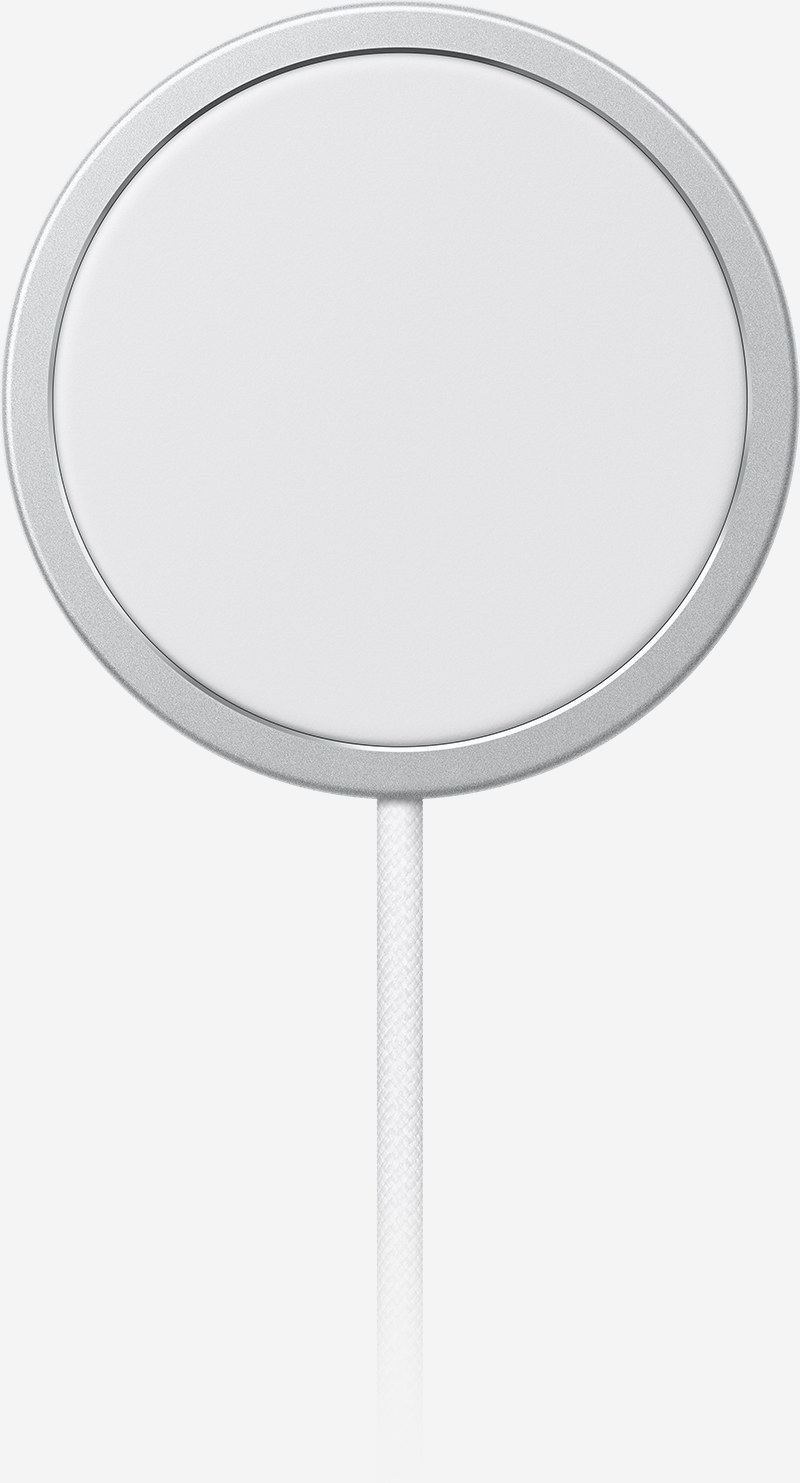
A multi-device station has to power more than the phone. Nomad’s fourth-generation Stand One Max documentation-3105205), for example, requires a 40W USB-C adapter, sold separately, despite the phone charger being rated for Qi2 25W. This illustrates the requirement rather than recommending a product we have tested.
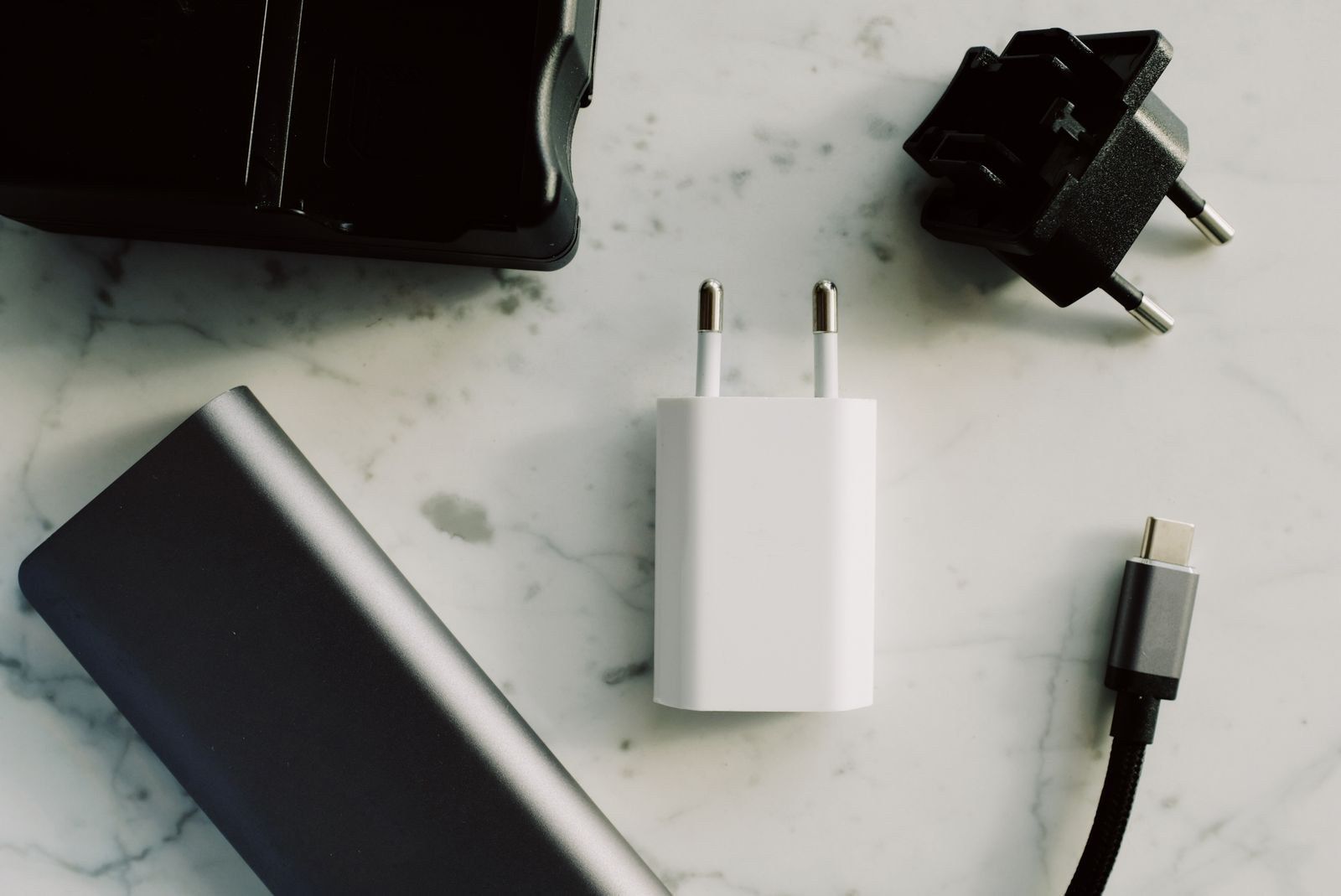
Check the included cable as well. Our USB-C cable guide explains why matching connectors do not establish matching capabilities. For a multi-device station, read the specifications for simultaneous use and distinguish total output from the phone’s share.
What to check when it arrives
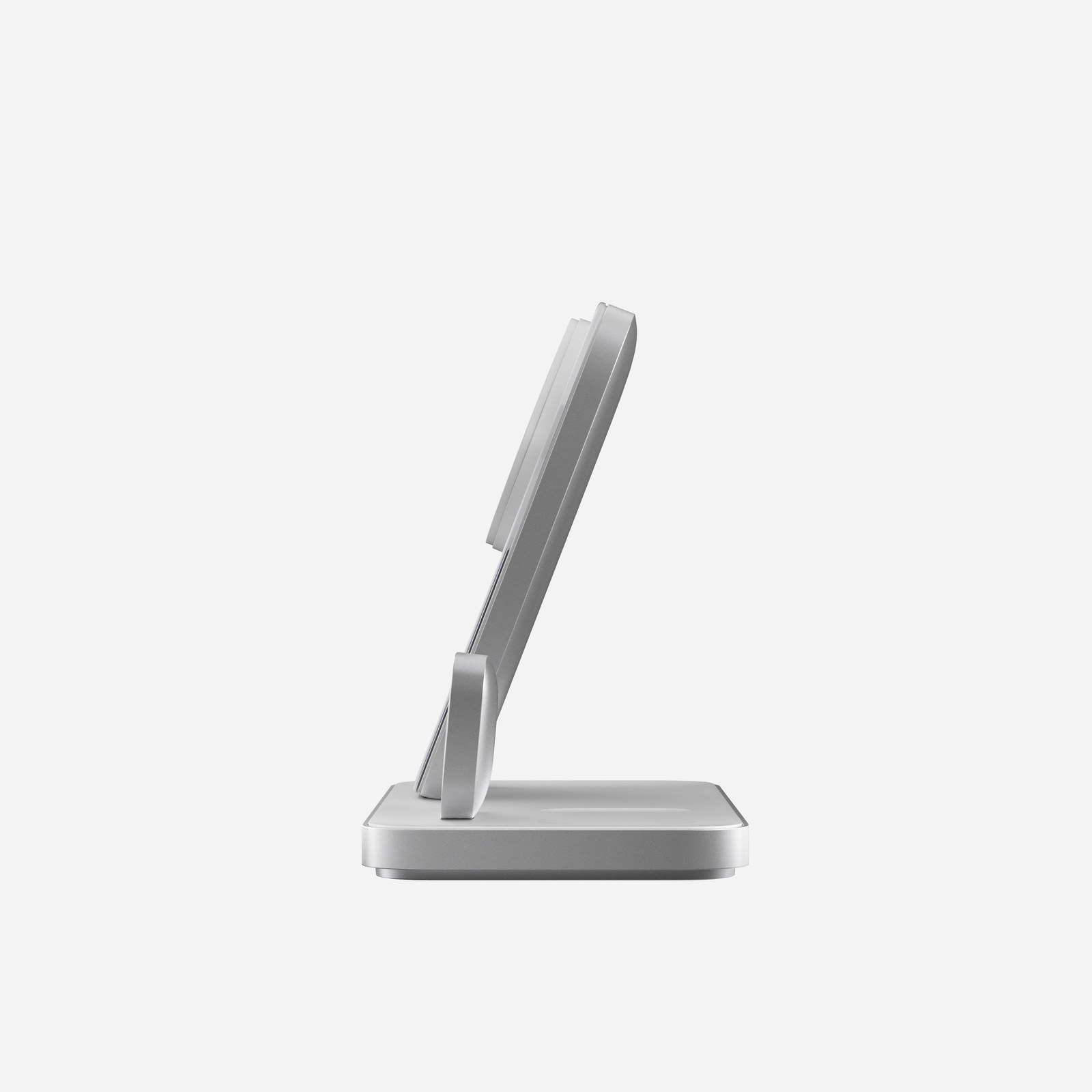
Center the phone and confirm that charging begins. If it keeps disconnecting, test without the case and check the required adapter. Remove cards or metal accessories between phone and pad. A charging animation and a firm magnetic grip do not measure the wattage reaching the battery.
For overnight charging, a stable, convenient position may matter more than peak output. Short top-ups put more weight on speed. If you own an iPhone 18 Pro Max, check its specific capabilities. For another model, look up its own Apple specifications rather than assuming a charger described as universal delivers the same power.
The conversation starts here
Sign in with a supporter account to comment. Sign in

Nobody has commented yet. Want to go first?