
Pick a limit that leaves enough battery for your day
An 80% limit can make sense when you usually finish the day with plenty left or spend long stretches near a charger. If you routinely run low, 90%, 95% or 100% may fit better. Preserving capacity is not useful if the choice regularly leaves you without a working phone.
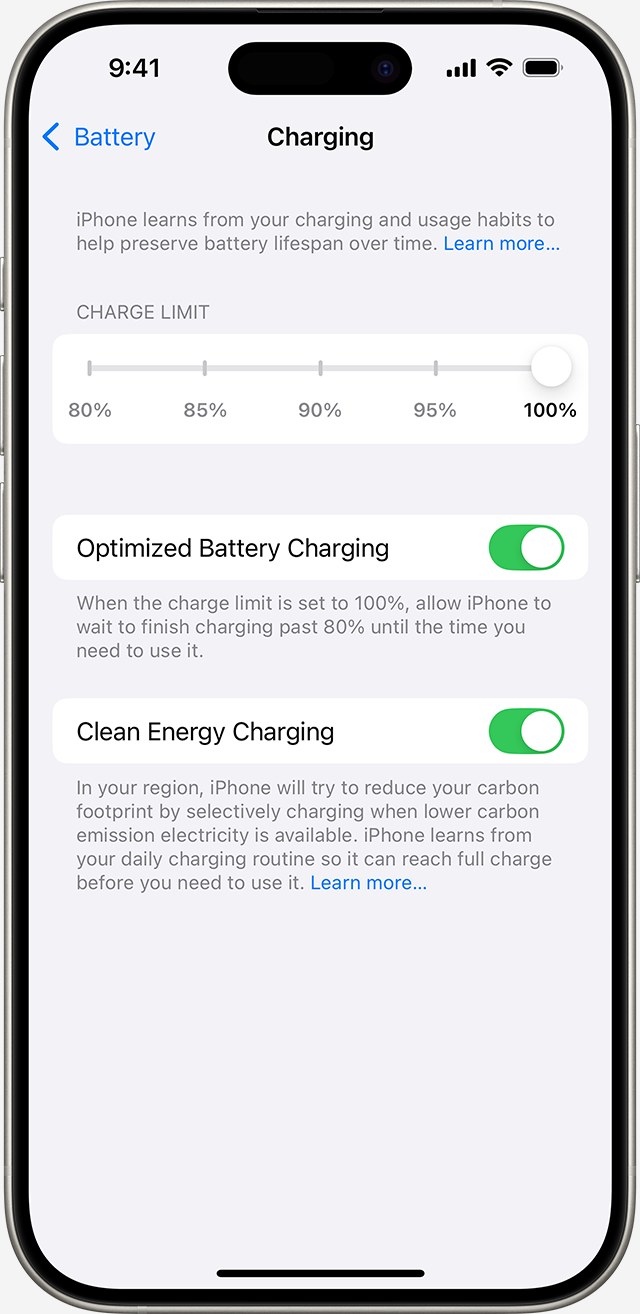
On iPhone 15 and later, open Settings > Battery > Charging to choose between 80% and 100% in five-point steps. Apple’s support guidance describes the setting as a way to reduce wear. It does not restore capacity an aging battery has already lost.
A charge limit and optimized charging do different jobs
Charge Limit caps the approximate level the phone reaches. With the limit set to 100%, Optimized Battery Charging can learn your routine and delay the final stage until closer to when you are expected to unplug. Apple’s charging and maintenance guide explains the reasoning behind reducing time spent fully charged.
Watch several ordinary days before deciding. If an 80% start sends you searching for a charger every afternoon, raise the limit and reassess. A full charge before a long travel day is a reasonable choice. The setting should suit the way you use your phone, not make you avoid using it.
Why it sometimes reaches 100% or stops at 80%
Apple says an iPhone with a lower limit may occasionally charge fully to keep its battery-level estimates accurate. That does not mean you need to drain it to zero. Today’s charge percentage is also different from the maximum capacity an older battery retains.
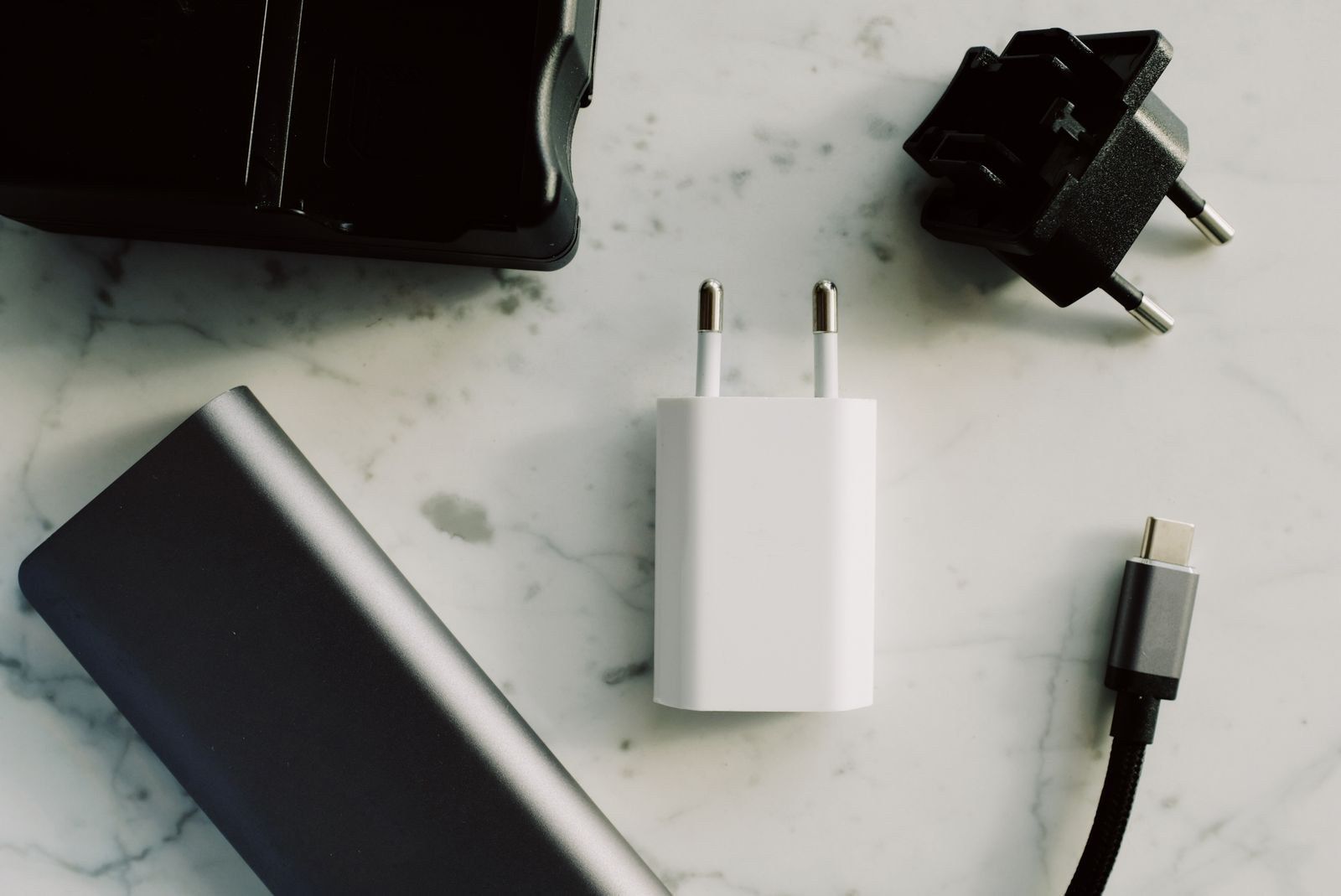
If you expected a full charge but it stops at 80%, check the limit, optimized charging and temperature. Apple’s troubleshooting page explains that heat can pause charging until the phone cools down. Move both phone and charger to a cooler location rather than trying to force charging with another adapter.

Pay attention to heat too
Apple advises avoiding ambient temperatures above 95°F, or 35°C, particularly while charging. Leaving a phone in direct sun deserves more attention than hitting an exact percentage. Remove the case if it appears to be making the phone hot during charging.
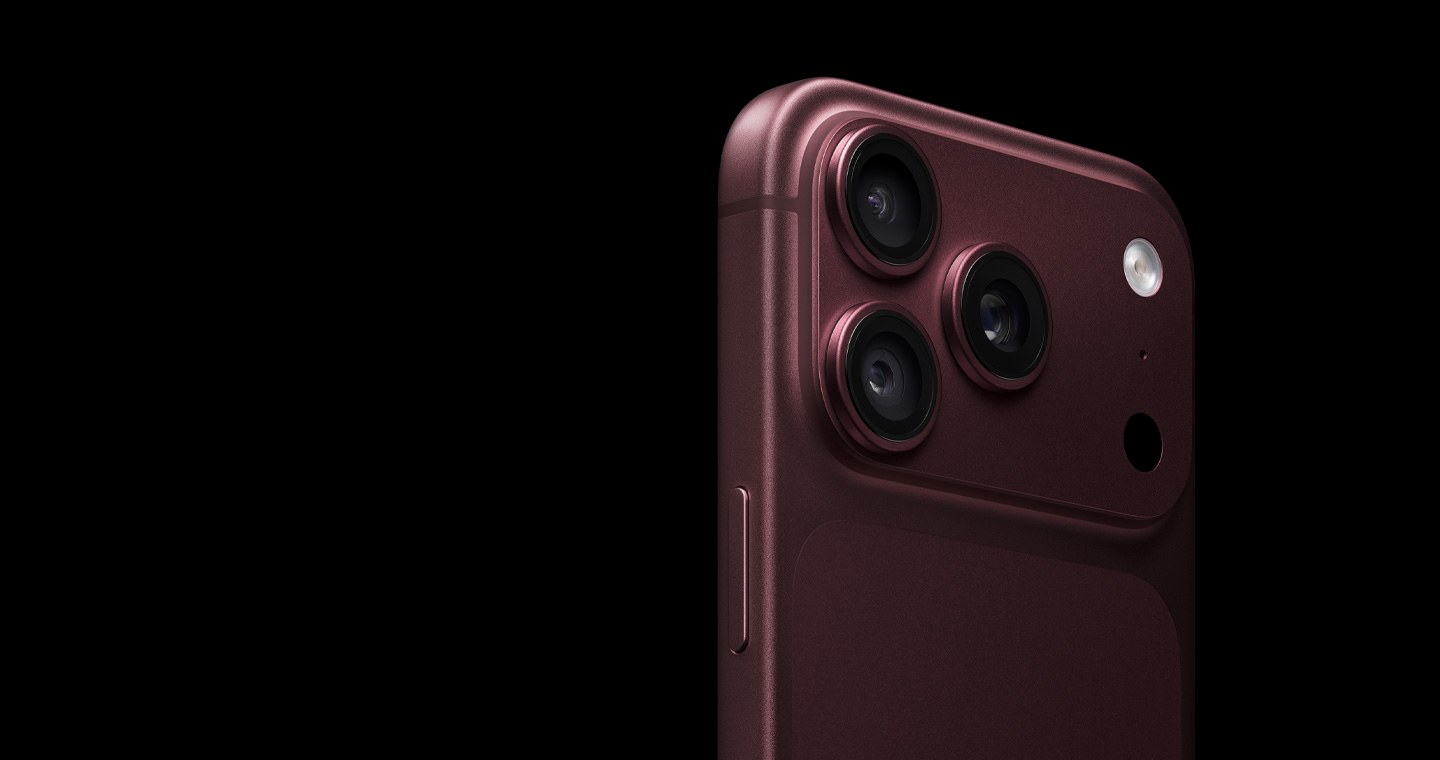
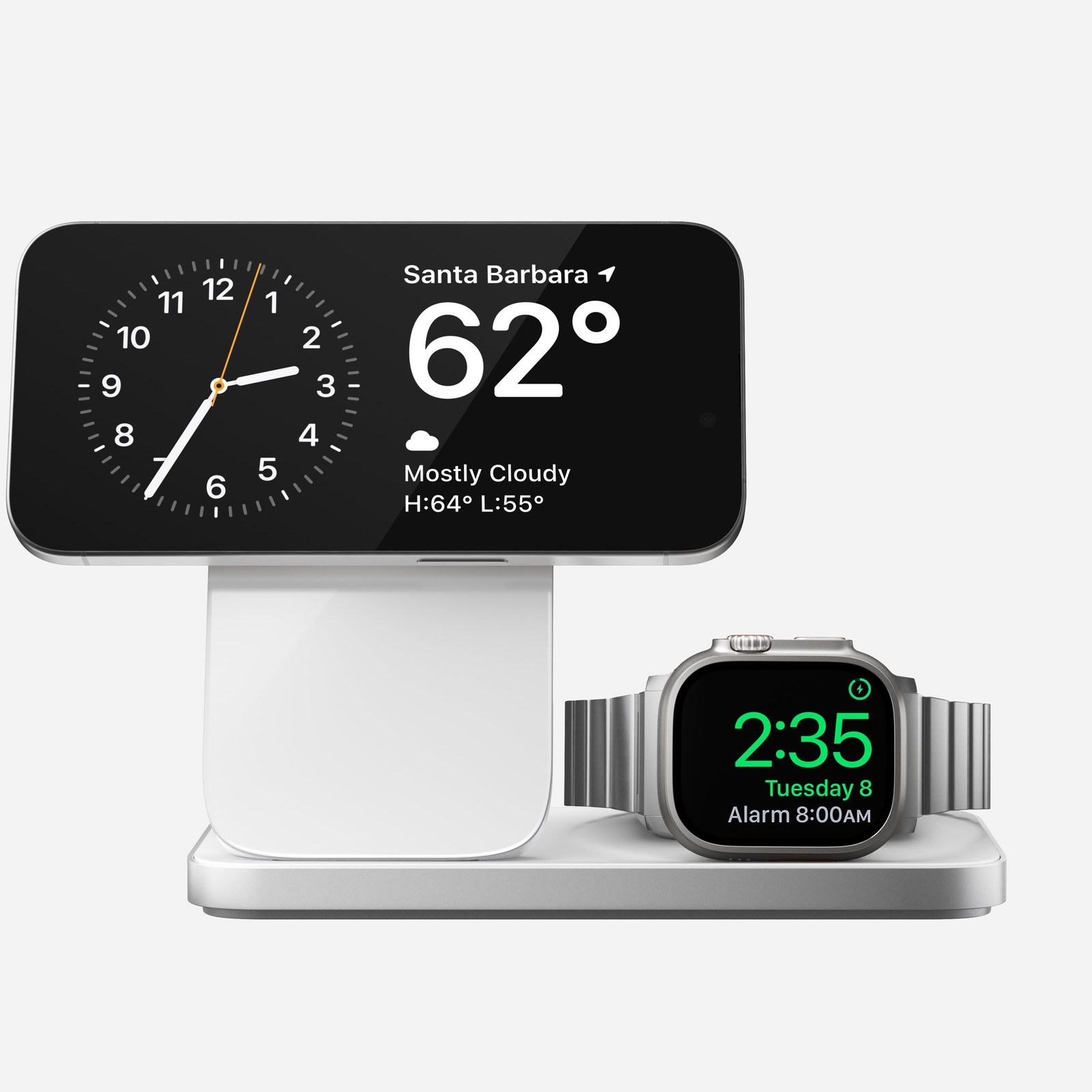
A charging stand also needs the right compatibility and power supply, not just a large wattage on the box. Our Qi2 and MagSafe guide covers those checks. If you have just bought an iPhone 18 Pro Max, start by observing how much battery remains at the end of your actual day, then choose a limit that preserves the runtime you need.
The conversation starts here
Sign in with a supporter account to comment. Sign in

Nobody has commented yet. Want to go first?