

It can work, but the plug is only the start
A MacBook that supports USB-C charging can use a phone charger if the adapter supports USB Power Delivery and the cable supports charging the computer. Apple permits compatible third-party adapters that meet the relevant safety standards. The practical limitation is usually how much power the charger can supply.
A higher-rated adapter does not force its full wattage into the Mac. Equally, seeing a connected charger does not prove that a small adapter can keep up with the laptop. Recharging while asleep and powering a demanding workload are different jobs.
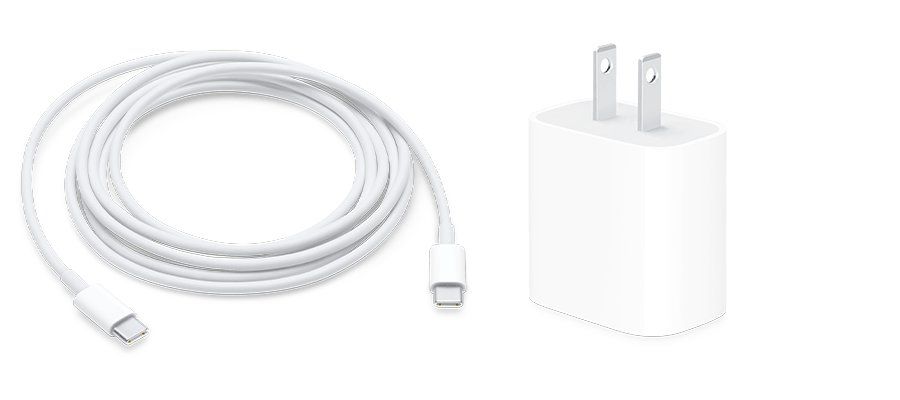
Match the output to your Mac
Find your exact Mac model in Apple’s recommended adapter list, then check the charger’s label or specifications. Look at the output of the USB-C port you will use. On a multiport charger, the large number on the box may describe shared capacity. Check the manufacturer’s allocation for the devices you intend to connect.
The cable needs a suitable power rating too. Our guide to USB-C charging, data and video cables explains why the connector shape alone tells you so little. High data-transfer speeds are not required for charging, but an appropriate charging rating is.
Check the result under your normal workload
Connect the adapter to a working outlet and plug its cable directly into the Mac. Open the battery menu and read the status. Apple’s charging guidance says macOS Tahoe 26.4 or later can show “Slow Charger” when the supplied power is too low for the model. Older software not displaying that message is not proof that the charger is sufficient.
Note the battery percentage and see whether it rises during the work you normally do. If it falls while editing video or gaming, the setup is not covering the power being used at that moment. A charger that catches up while the Mac sleeps may be useful in an emergency without being a good everyday choice.
For adapter information, hold Option while opening the Apple menu, choose System Information and select Power. The reported charger wattage helps identify the charging connection. It is not a live measurement of the power each application consumes.
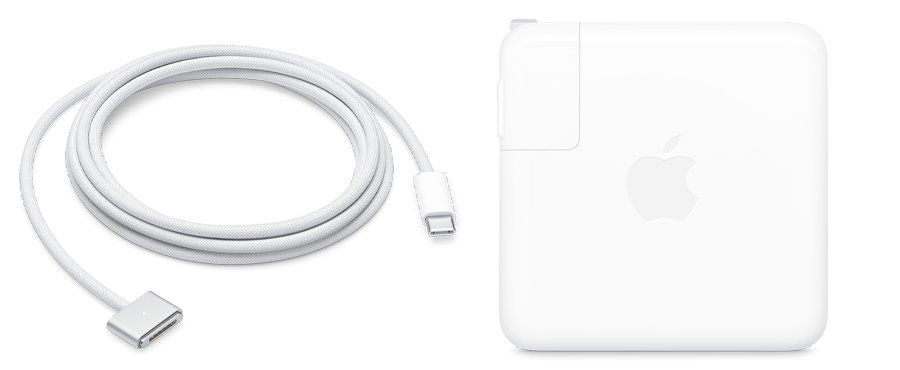
Rule out a cable fault before replacing everything
If charging fails, try the recommended adapter and cable with a known working outlet. Apple’s troubleshooting guidance suggests another charging cable to isolate a fault. Stop using a cable that only works when moved or wiggled. Also check for an optimized-charging pause, which does not necessarily indicate a faulty adapter.
A USB-C monitor can power the laptop when it supports that function. The connector alone is no guarantee, as our USB-C monitor compatibility guide explains. A useful travel charger meets your devices’ power needs, not merely their connector shape.
The conversation starts here
Sign in with a supporter account to comment. Sign in
Nobody has commented yet. Want to go first?