
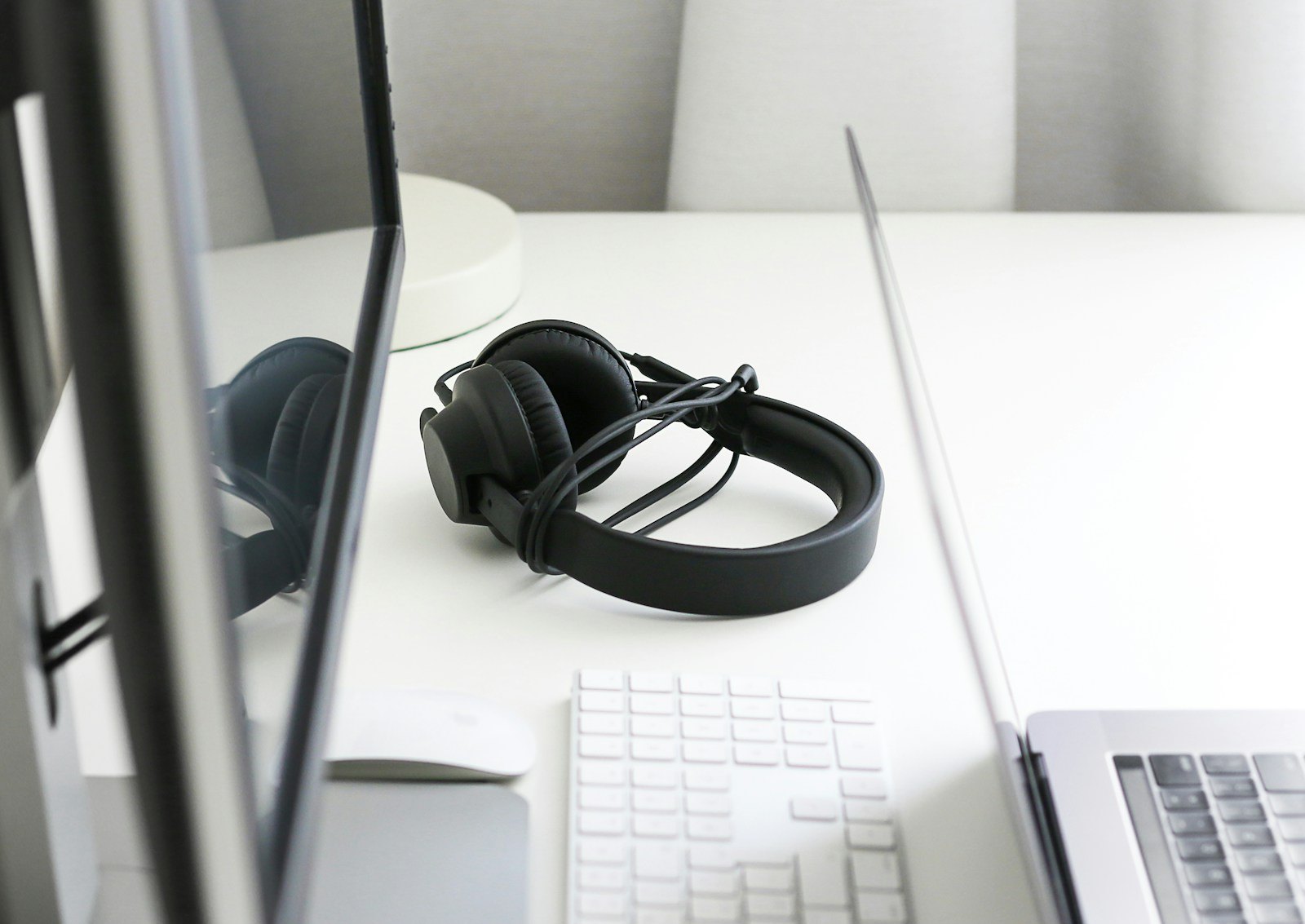
The Apple Music answer in one sentence
Switching on lossless audio in Apple Music does not turn a normal Bluetooth connection into a lossless one. Apple says its wireless AirPods, AirPods Pro, AirPods Max and Beats use AAC over Bluetooth, and that Bluetooth connections are not lossless. A lossless file can therefore be compressed again on its way to your headphones.
A suitable wired USB-C path can avoid that wireless step. The second-generation Bose QuietComfort Headphones, for example, accept digital wired audio up to 24-bit/48 kHz. That is an input capability, not a guarantee that every track or app supplies it.
Check the path, one link at a time
1. The track and app: choose music offered in a lossless format and enable that quality for streaming or downloads. On iPhone, Apple puts the control under Settings → Apps → Music → Audio Quality. A song previously downloaded in another quality may need to be removed and downloaded again.
2. The source device: confirm that it can send audio through the port you plan to use. Apple says an iPhone needs an external digital-to-analog converter for sample rates above 48 kHz. That threshold should not be confused with a blanket requirement for every USB-C headphone that accepts up to 24-bit/48 kHz.
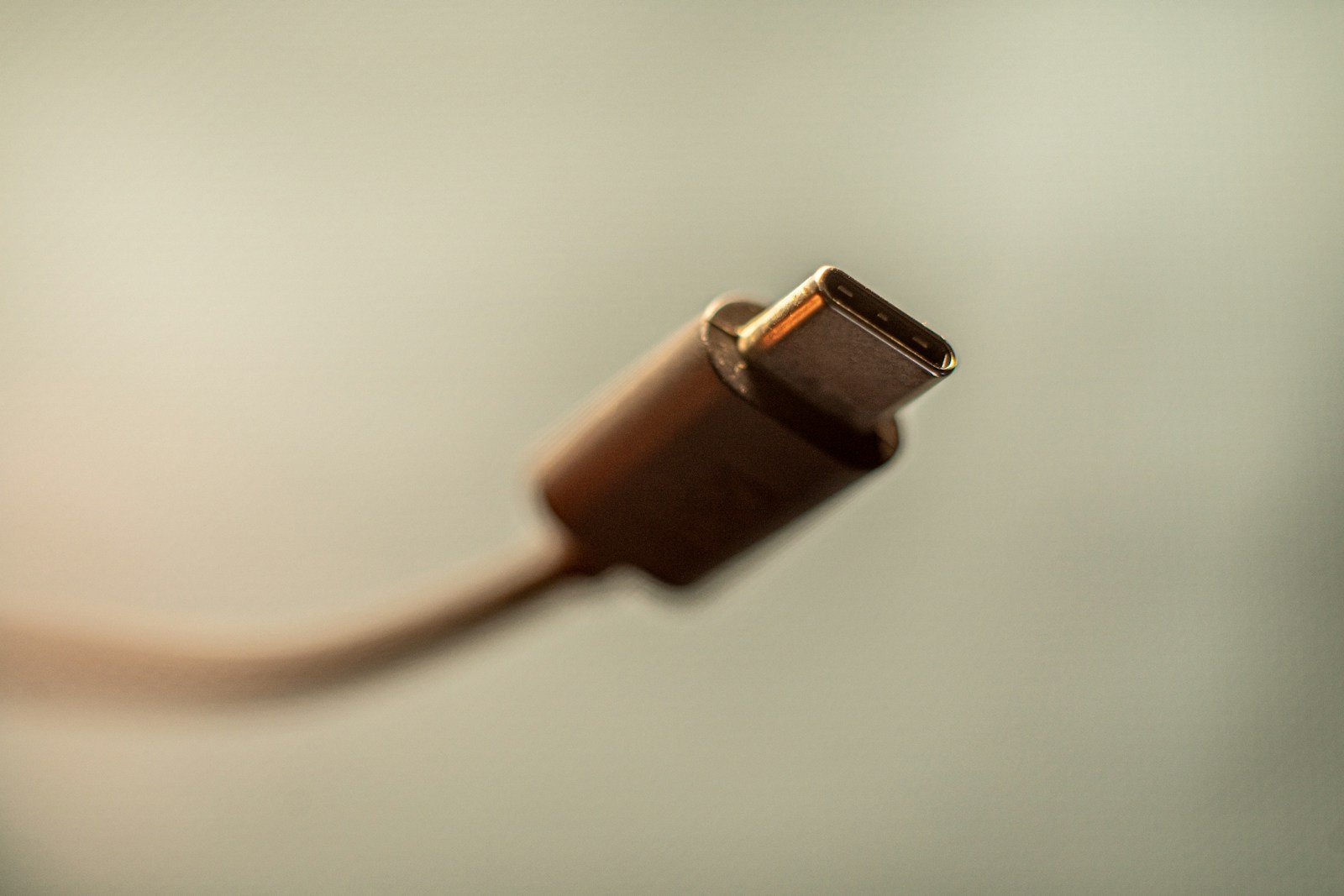
3. The cable and headphones: check that both work with USB-C audio or the required data connection. Identical plugs do not establish identical capabilities. Our USB-C cable guide covers the charging-versus-data distinction.
4. The active output: verify that your device is sending sound to the wired headphones and that the app identifies the track as lossless. An album badge alone cannot tell you what happened later in a Bluetooth or adapter stage.

A bigger number is not a listening test
Lossless compression means the original digital data can be reconstructed. A 24-bit/192 kHz badge describes file resolution, but it does not prove that recording will sound better to a listener than a good 24/48 master. Headphone fit, the mix and listening conditions matter too.
Apple notes that lossless streams and downloads use more data and storage. If most of your listening happens over Bluetooth while traveling, the highest mobile setting can increase usage without making the final wireless hop lossless. To hear whether a setup matters to you, compare the same song on the same headphones at matched volume and change only the source quality or connection.
The conversation starts here
Sign in with a supporter account to comment. Sign in


Nobody has commented yet. Want to go first?