
Start with access to one repository
Use the `ai-practice` repository from part one of GitHub without fear. ChatGPT can search and explain its files, but the GitHub app itself is read-only. It cannot push edits, create commits or open pull requests.
In ChatGPT, open Settings > Apps, choose GitHub and select Connect. Sign in to GitHub, read the authorization screen and grant access only to `ai-practice` when you reach the repository selector.
One repository gives the experiment a visible boundary. You know exactly which files are available, and GitHub's installed-app settings let you add or remove repositories later. Opening the entire account adds risk without improving this first test.
Availability varies by plan, workspace and ChatGPT surface. You may find GitHub in standard chat, deep research or an agent workflow. Check the app directory and your plan if the connection is missing.
A newly authorized repository may take a few minutes to appear. OpenAI's current GitHub guide says content is retrieved on demand. There is no separate sync or repository-import command to trigger.
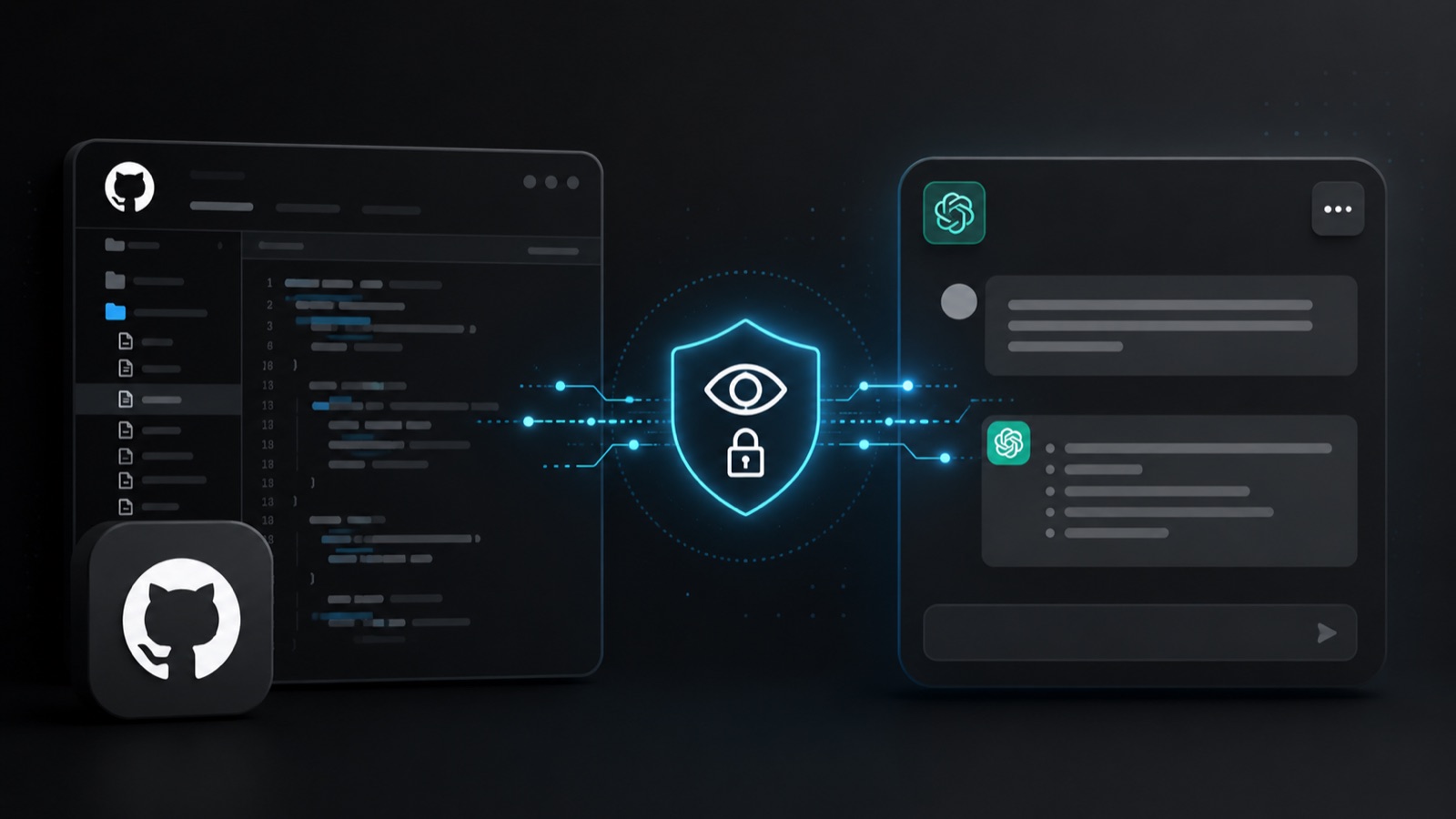
Ask a question you can check yourself
Begin with the file you just wrote. Try: “Read only the `ai-practice` repository. Summarize its purpose in three points and cite the exact file path behind each claim. If the README does not contain an answer, say so rather than filling the gap.”
Open `README.md` and compare it with the response. The check takes less than a minute and teaches an important habit: a citation makes a claim easier to inspect, but it does not guarantee that the explanation is right.
Next, ask which files are present and what each appears to do. A useful third request is: “Without changing anything, suggest one small improvement and name the file that would need editing.” Reading and editing remain separate.
A dependable request names the repository, the task, a boundary and the evidence you expect. Our guide to how ChatGPT works explains why those constraints reduce confident guesswork.
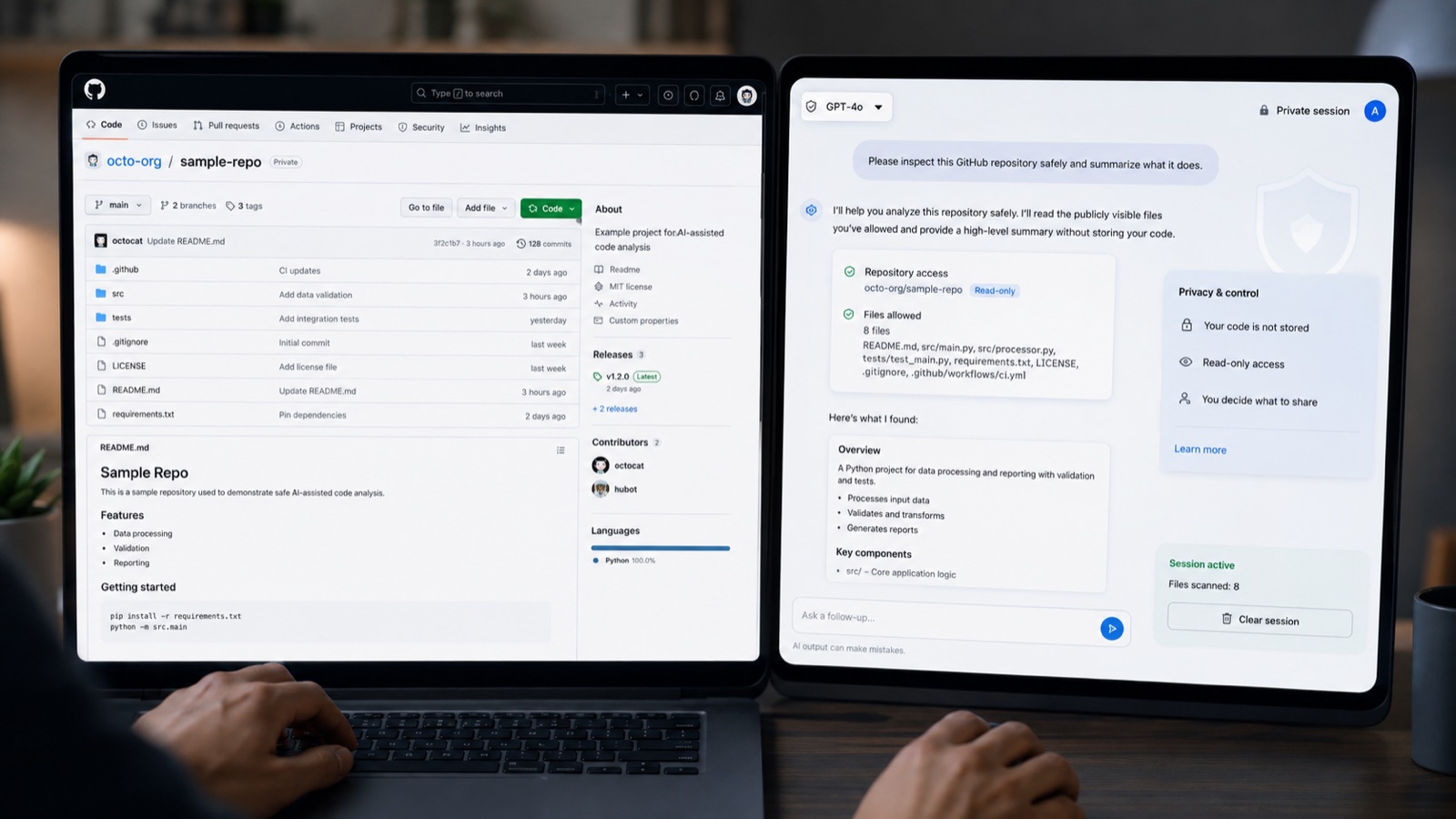
Before connecting real work
A private repository does not make passwords or API keys safe when they have been committed into a file. Inspect the project and its history for secrets before granting access.
Review your ChatGPT data controls as well. OpenAI says content from individual services may be used to improve models when the relevant setting is enabled, while its organization products do not train on that data by default.
You can disconnect GitHub under Settings > Apps and change the allowed repositories in GitHub. Find both controls now so revoking access is not a scavenger hunt later.
Part three moves from reading to a proposed edit. The work will happen on a separate branch, keeping `main` untouched until you inspect the result.
The conversation starts here
Sign in with a supporter account to comment. Sign in


Nobody has commented yet. Want to go first?