

GitHub is a folder with a memory
GitHub looks like a tool built exclusively for programmers. Its central idea is far less intimidating: it stores a project folder and remembers how every file changes over time. The folder can hold software, but it can also contain articles, images or research notes.
You do not need to learn the whole interface. Four ideas are enough for a safe start: repository, commit, branch and pull request. Together they tell you where the files live, what changed and how an AI tool can work without touching the stable version.
This exercise requires no command line or local Git installation. You can do it entirely in a browser, following the same basic route as GitHub's own Hello World tutorial.
The four ideas in plain English
A repository is the complete project. It groups the files with their history. Most repositories include a `README.md`, the front-page document that explains what the project is for.
A commit records a point in that history. It contains the changes and a short message describing them. “Add README instructions” is useful. “Updates” will mean very little when you return weeks later.
A branch is a separate place to work. The stable version usually sits on `main`, while a branch lets you try an edit without changing it. That makes a branch the sensible home for AI-generated work.
A pull request, or PR, compares the branch with `main` before they are joined. It shows added and removed lines, gives reviewers somewhere to comment and leaves the final decision visible.
The normal sequence is branch, commit, pull request. The repository contains the complete history. If a proposal is poor, `main` can remain exactly as it was.
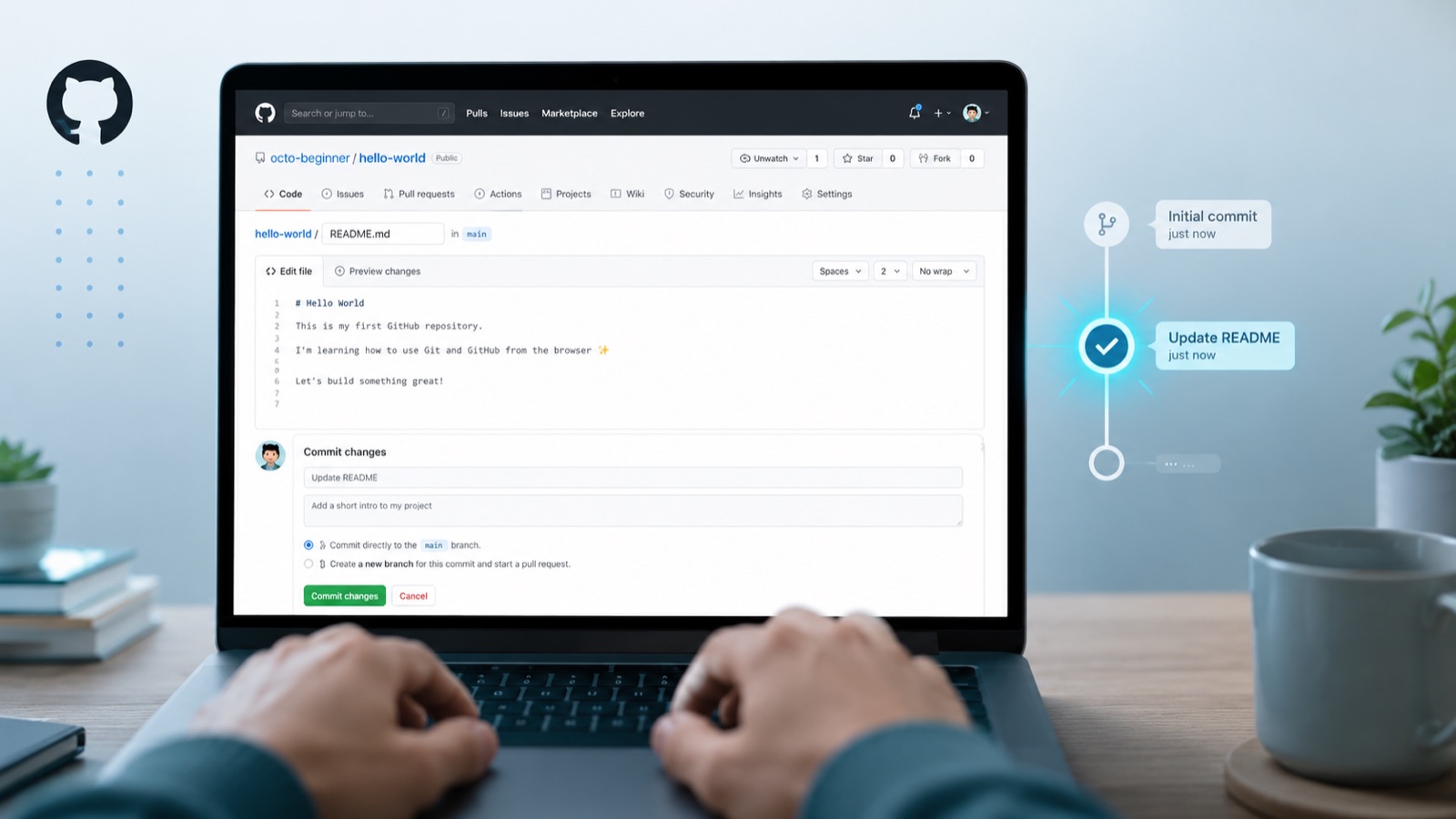
Try all four with one README
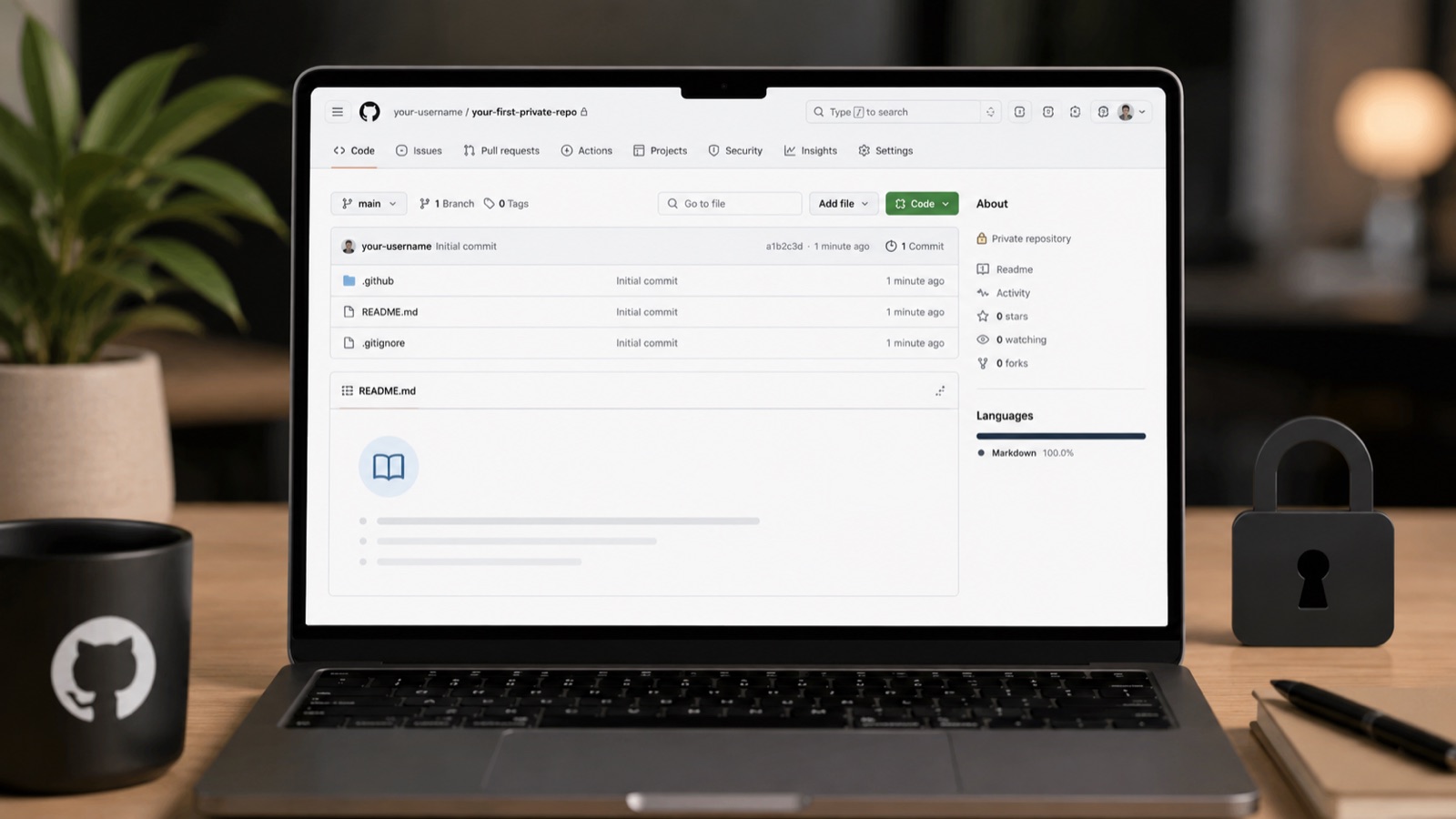
Sign in to GitHub and choose New repository. Name it `ai-practice`, select Private, tick Add a README file and create the repository. Private keeps it out of public view, but you should still control which apps can access it.
Open `README.md`, select the pencil icon and add two lines explaining the folder. Save the edit with a specific commit message such as “Explain repository purpose”. Open the history and you will see both versions.
Now create a branch called `improve-readme`, add one sentence and open a pull request back to `main`. You do not have to merge it. Seeing the comparison is enough to understand how a branch protects the original.
Part two connects this one repository to ChatGPT. Our separate guide to how ChatGPT works explains the model, context and tools if you want the AI side demystified first.
You are done when you can find the commit in the history and compare your branch with `main`. Everything else can wait.
The conversation starts here
Sign in with a supporter account to comment. Sign in

Nobody has commented yet. Want to go first?