
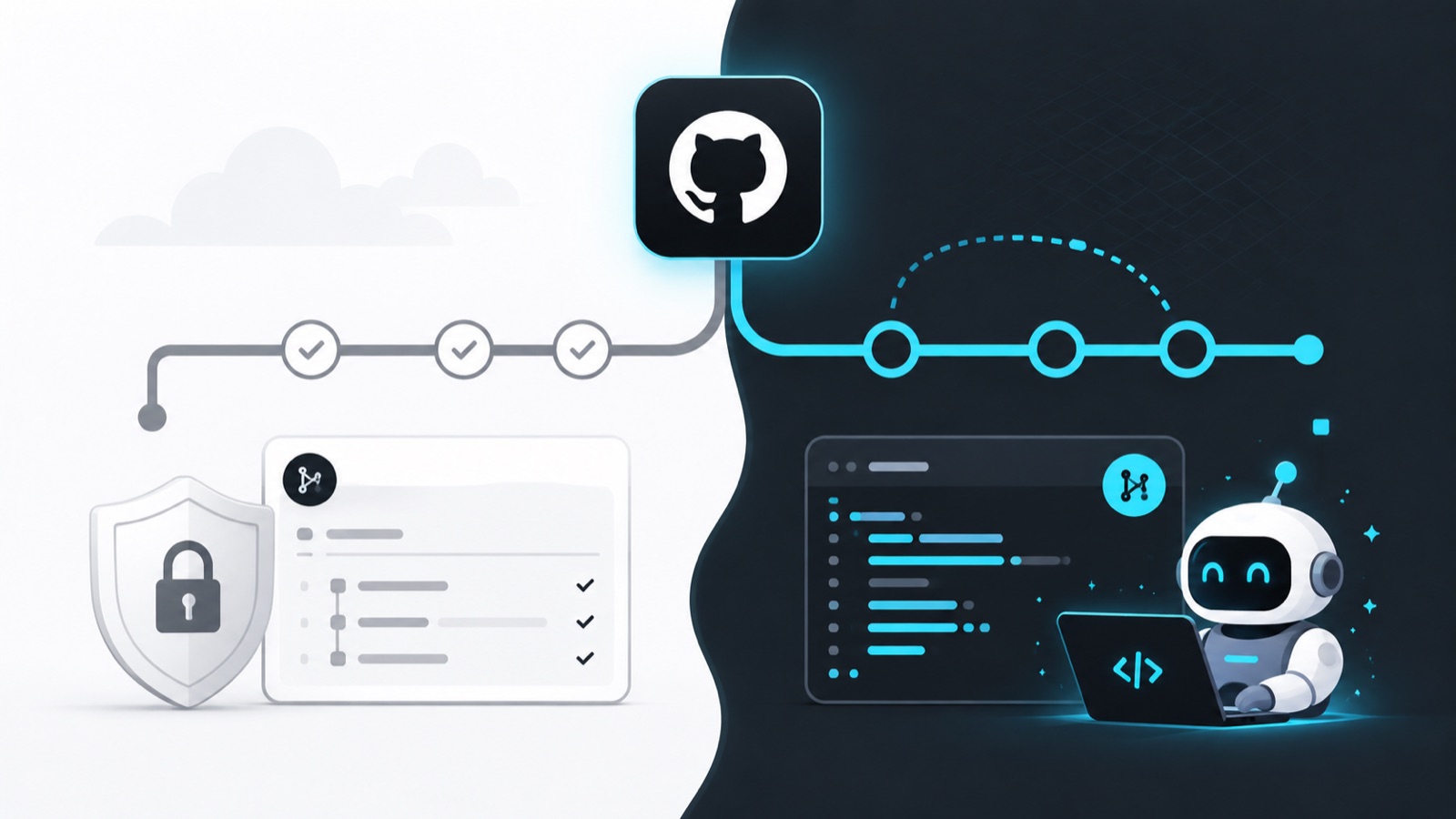
First rule: AI does not start on main
In part two, ChatGPT only read the repository. An editing task carries more risk. The agent can rewrite a file, delete content or expand a small request into parts of the project you never intended to change.
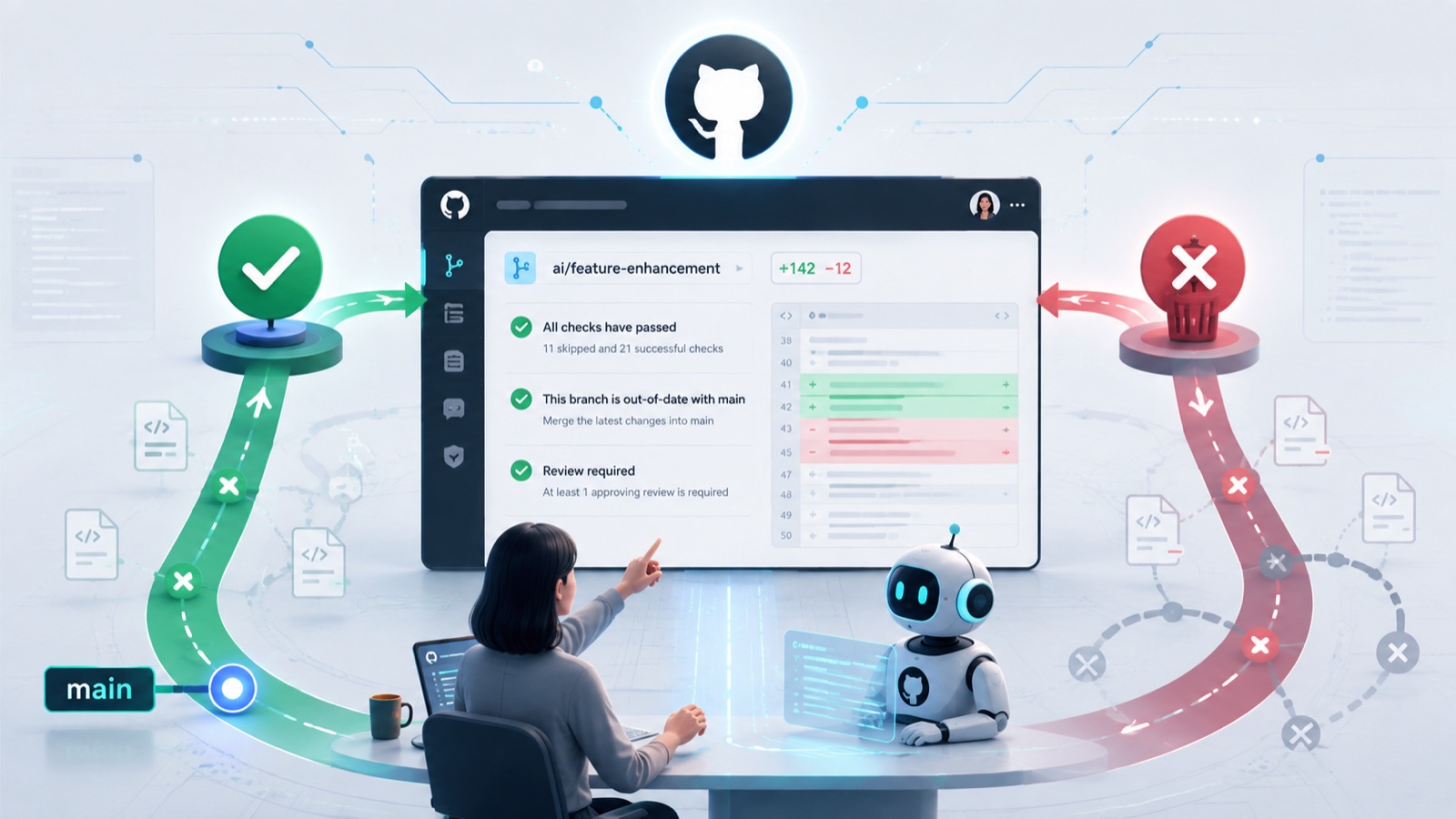
Keep the stable version on `main` and put every AI-generated edit on a separate branch. Until that branch is merged, the working website, app or document remains untouched.
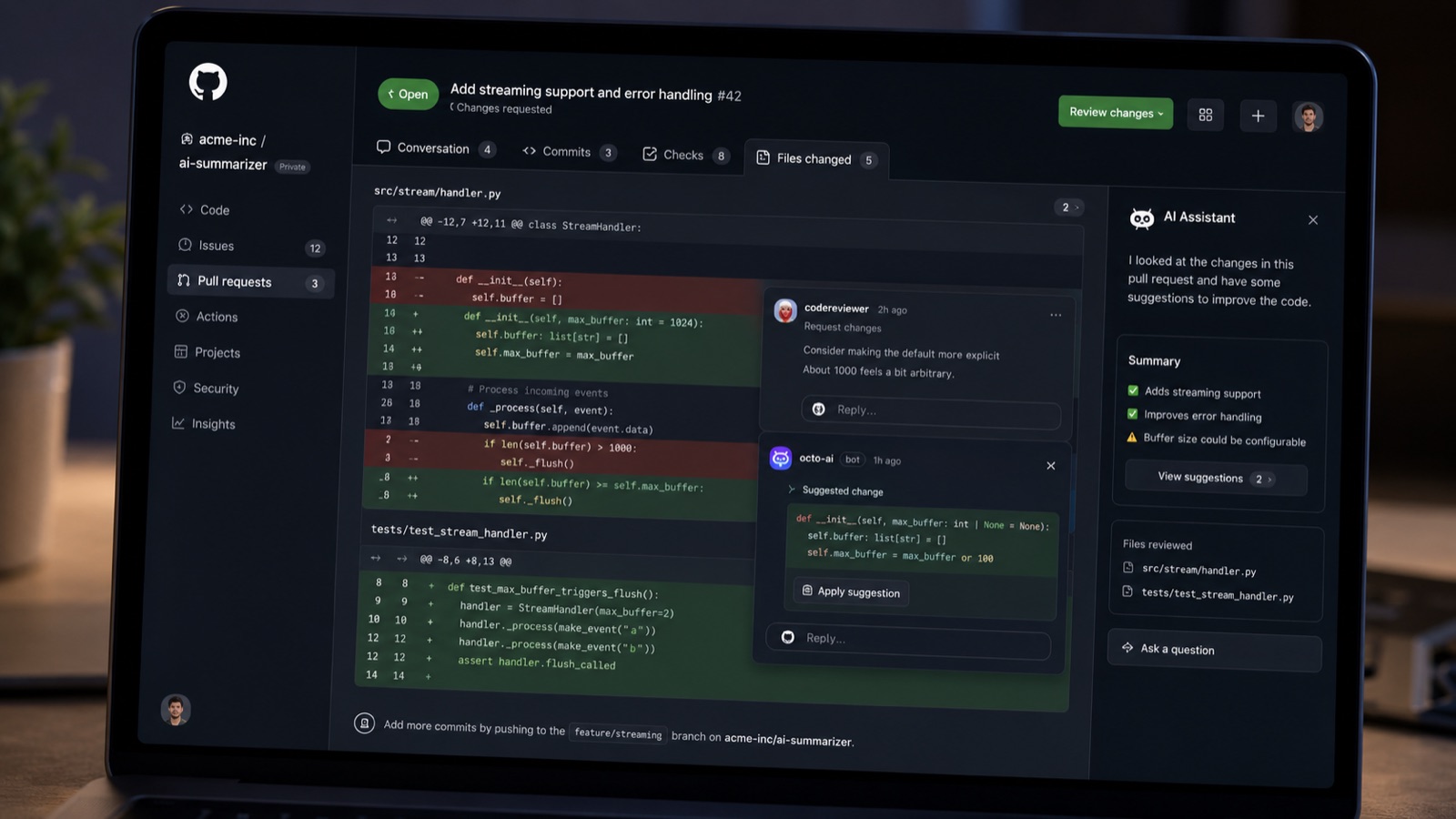
Codex can work in an isolated environment and return both a summary and a diff comparing old lines with new ones. You may ask for another pass or turn the result into a pull request. Neither action accepts the work automatically.
Use `ai-practice` for the first attempt and request one README edit. If reviewing every changed line takes longer than a minute, the exercise is too broad.
A small task you can copy
A useful request answers five questions: What should the result be? Which file may change? What must remain? How should the agent check its work? Where must it stop? None of that requires developer jargon.
> Add a short “Purpose” section to `README.md`. Edit only that file and preserve all existing text. Check that the Markdown renders correctly. Finish by showing me a summary and the diff. Do not merge the branch.
“Only that file” prevents a README task from drifting into configuration. The verification step asks the agent to inspect its own output. The final sentence keeps approval with you.
If the task genuinely requires another file, the agent should stop and explain why. You can expand the scope afterwards, but the decision will not be buried inside the work.
This pattern also works for documentation, datasets and editorial files. AI agents can chain tools and actions, so a narrow scope makes their route much easier to audit.
Read the diff before you merge
Green lines in a diff are additions and red lines are removals. Read both. A good new paragraph does not excuse an accidental deletion elsewhere.
Open the complete file afterwards and run the project's tests when they exist. A diff tells you what moved. The surrounding file tells you whether the result still makes sense. GitHub's pull-request tutorial follows the same propose, inspect and merge sequence.
Before accepting, ask five questions. Did only the requested files change? Do I understand every edit? Does the project still work? Are secrets and private data absent? Could I reverse it? If one answer is “I don't know”, do not select Merge.
You can comment, request a correction or close the pull request. Another AI review may catch defects, but it does not replace tests or your inspection. Part four schedules content that has already been approved without turning the automation into an editor.
The conversation starts here
Sign in with a supporter account to comment. Sign in

Nobody has commented yet. Want to go first?