
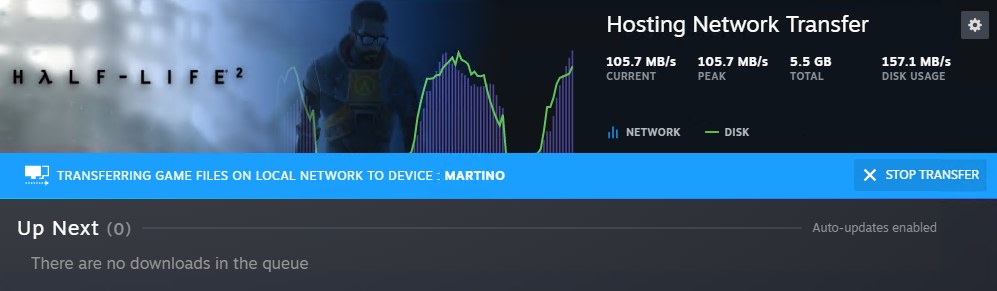
Steam can install or update a game using files already stored on another PC or Steam Deck on the same local network. Both clients must be online and allow the transfer. This means devices on your home network, rather than copying directly from a friend’s computer across the internet.
According to Valve’s local-transfer documentation, the receiving client looks for compatible installation data when a normal download begins. It can copy available files locally and fetch any missing data from Steam’s servers.
Set transfer permissions on both devices
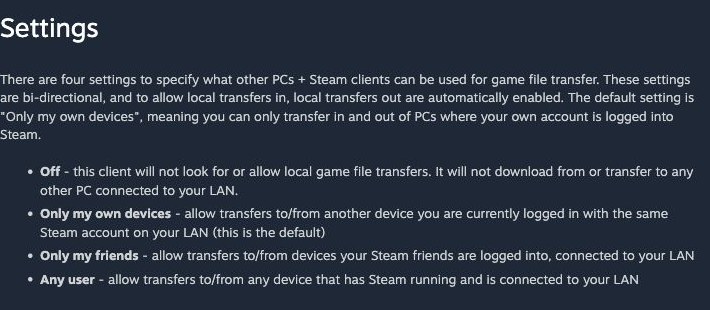
Open Steam Settings, then Downloads, and check the game-file transfer setting on both clients. The sender and receiver must each allow the connection under their chosen permissions.
The default allows transfers between devices signed into your own account. Other choices allow Steam friends or any user. Use the narrowest setting you need on a trusted network. Sharing installation data does not give another account a game license.
Prepare the sending installation
The sender must be idle, with no game running or download in progress. Its installation must be up to date, and the game must be released and playable on both devices. An unreleased game’s preloaded files cannot supply the transfer.
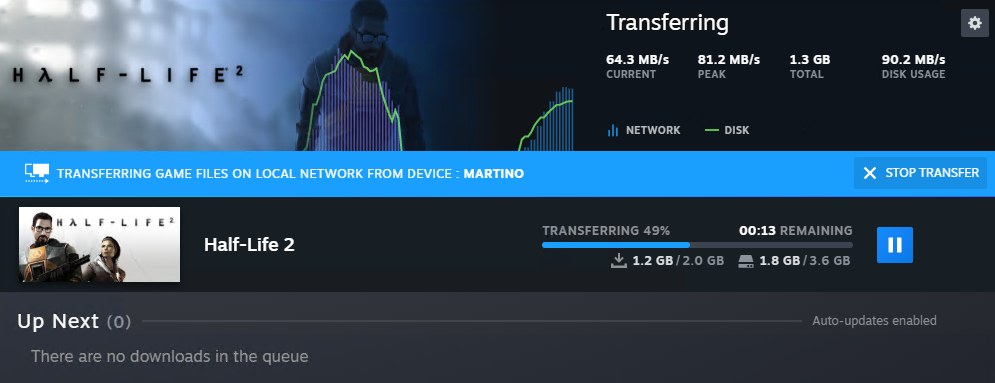
Valve’s current documentation allows a desktop PC or Steam Deck to send files. A PC client running in Big Picture mode cannot act as the sender. Start the regular installation on the destination and watch Downloads for the local-transfer status and source device.
Transfer speed depends on storage and the network connection, so there is no guaranteed time saving for every setup. If the local source becomes unavailable, Steam can continue obtaining missing files over the internet. Check Downloads if reducing internet use was the reason for choosing a local copy.
Saves and personal settings need separate handling
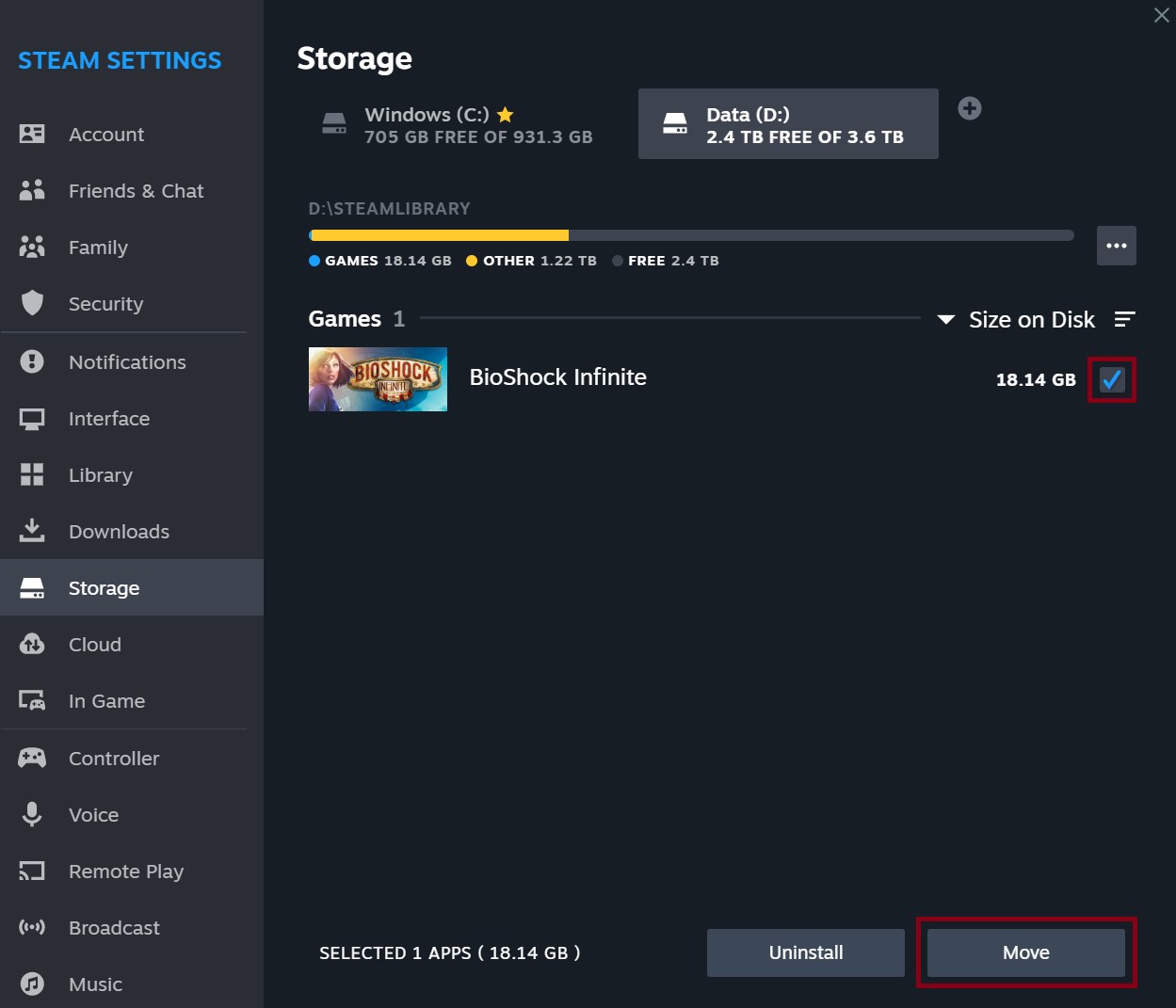
Local transfers provide original game installation files. They do not include local saves, personal configuration, Workshop content or shader caches. To relocate an installation between drives on one computer, follow our Steam storage guide instead.
For progress, check whether the game supports Steam Cloud or make a separate save backup. Our Steam Cloud conflict and backup guide explains how to protect the version of your progress you want to use on the newly installed game.
The conversation starts here
Sign in with a supporter account to comment. Sign in
Nobody has commented yet. Want to go first?