
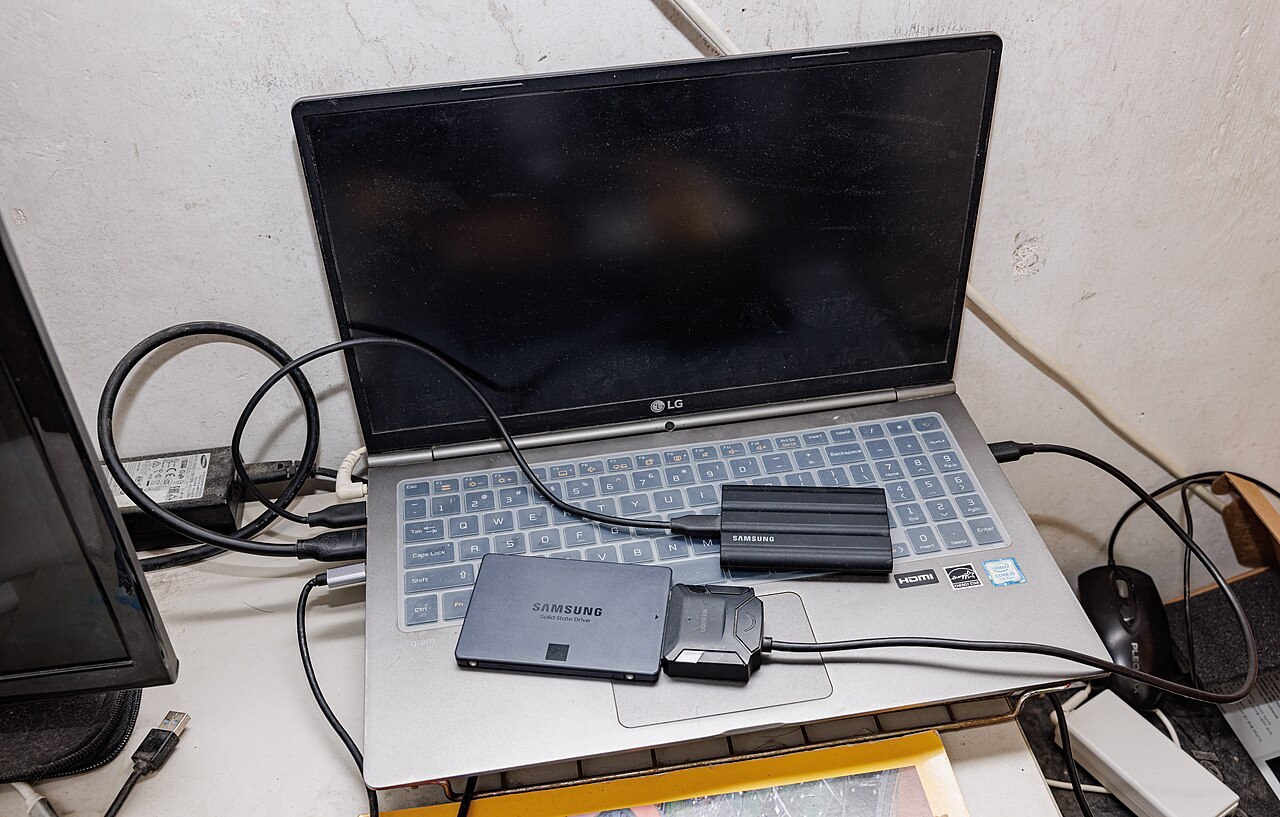
QLC is not automatically the wrong choice for a gaming SSD. A drive holding games you mostly install and then play has a different workload from one receiving large transfers every day. Capacity and price can make QLC worthwhile, but headline write speed is not enough to judge it.
TLC and QLC describe flash memory inside the drive. They do not identify its connector or protocol. SATA and NVMe are a separate distinction, covered in our NVMe versus SATA guide.
More bits require more precise voltage levels
Kingston's NAND explanation describes TLC as three bits per cell and QLC as four. QLC must distinguish more electrical levels to represent those values. It increases density while making writes more demanding and generally reducing rewrite endurance compared with otherwise comparable technologies.
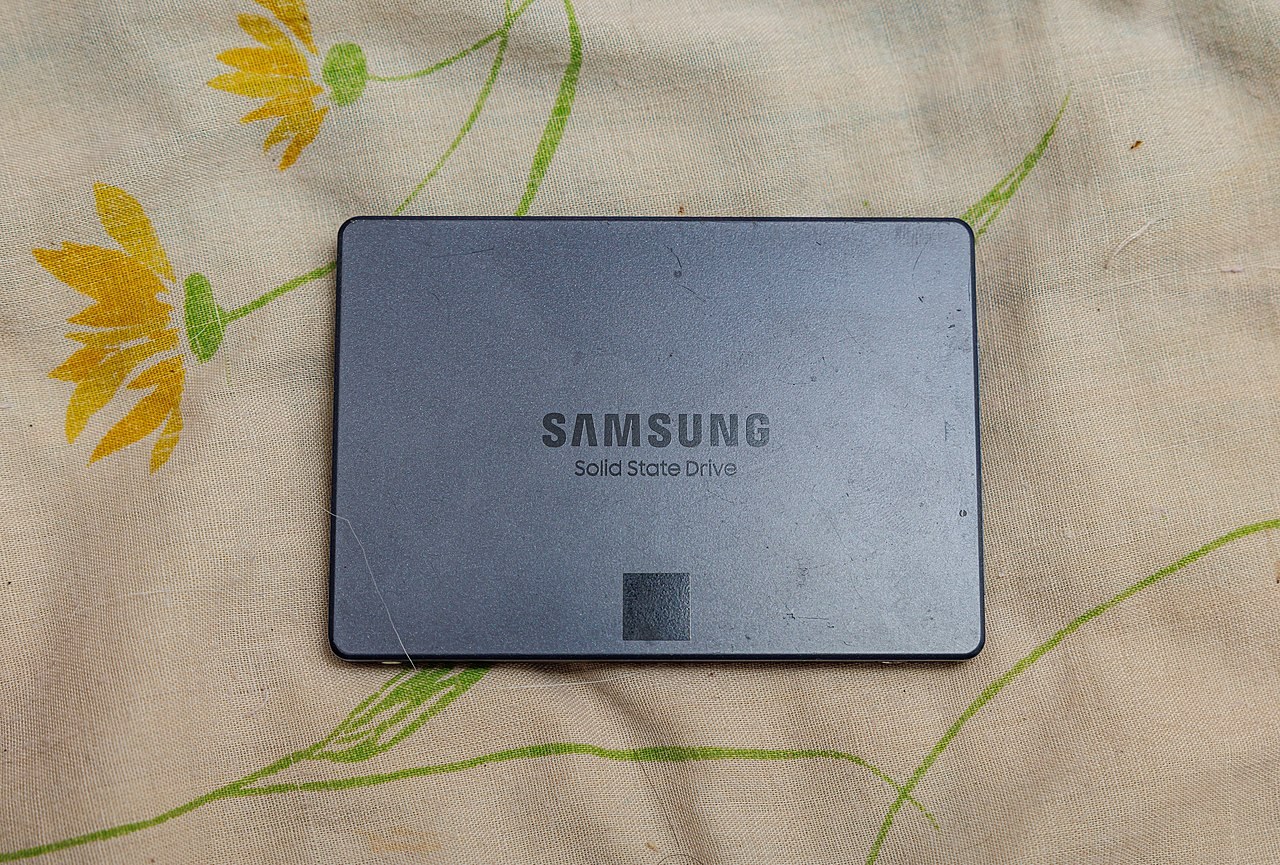
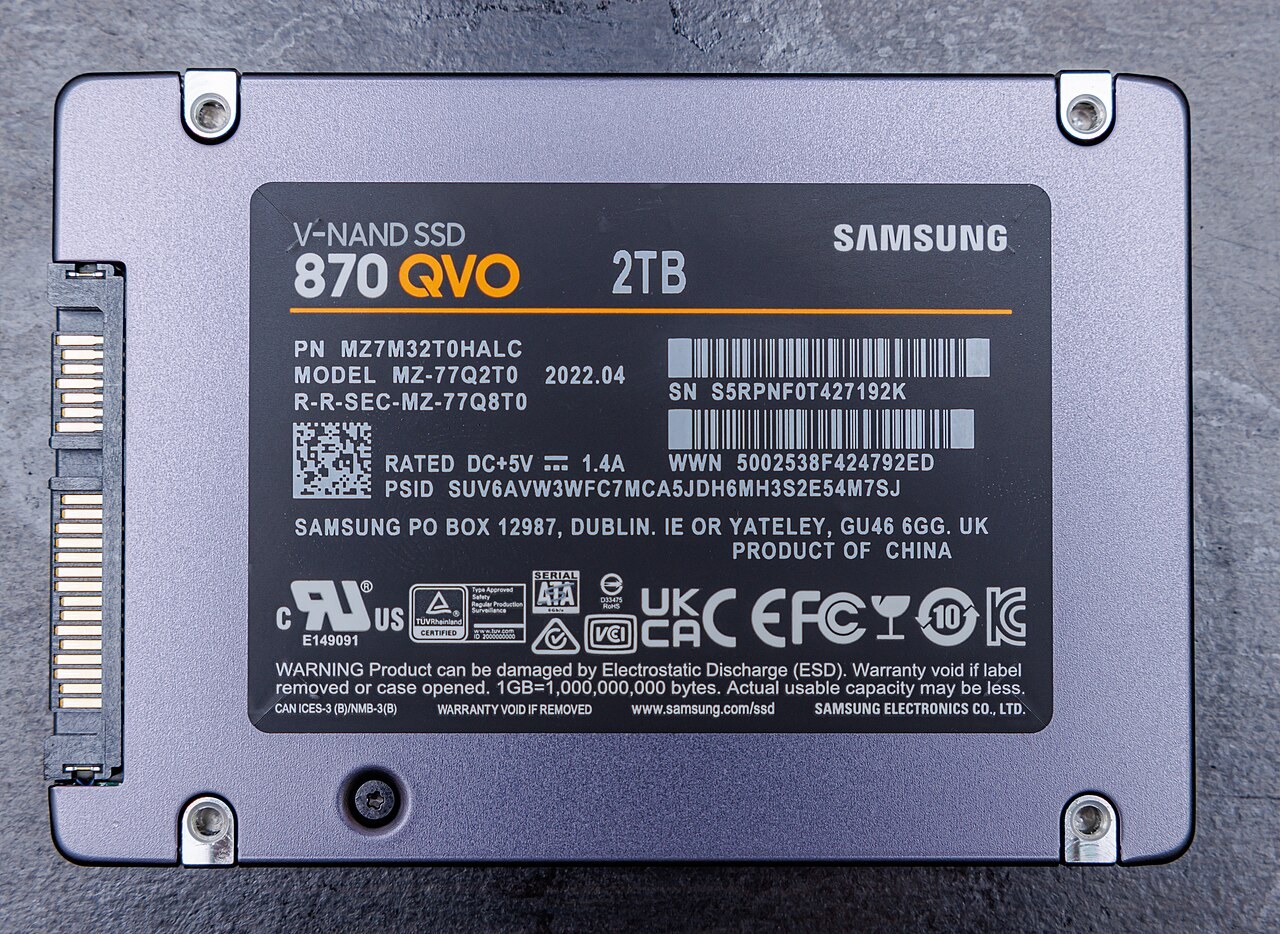
That does not make every QLC drive slow or every TLC drive equivalent. Flash generation, capacity and the controller also matter. The photographs show Samsung 870 QVO drives as examples of four-bit flash. They are not our own performance comparison.
Look beyond the cache-assisted speed
A pseudo-SLC cache temporarily stores fewer bits per cell to accept data quickly, then moves it into denser storage. Transfers that outgrow the cache can slow down. The initial burst and the rest of a long copy may therefore behave differently.
Samsung's 870 QVO data sheet distinguishes TurboWrite performance from speed after its buffer is exhausted. Look for sustained-transfer tests of the exact capacity you intend to buy. Available space and cache size can influence the result.
Match the comparison to your workload
For a mostly settled game library, compare capacity, cost, warranty and measured game loading. For video editing or frequent large transfers, sustained writes deserve more weight. A well-tested TLC model may be worth a modest premium in that second workload.
Kingston's flash guide discusses TBW, or terabytes written, as an endurance measure. Read it alongside the warranty period and conditions rather than treating it as the date the drive will die.
Our PCIe 4 versus PCIe 5 gaming guide also explains why paying for a newer interface does not automatically buy a noticeable improvement in games.
The conversation starts here
Sign in with a supporter account to comment. Sign in
Nobody has commented yet. Want to go first?