
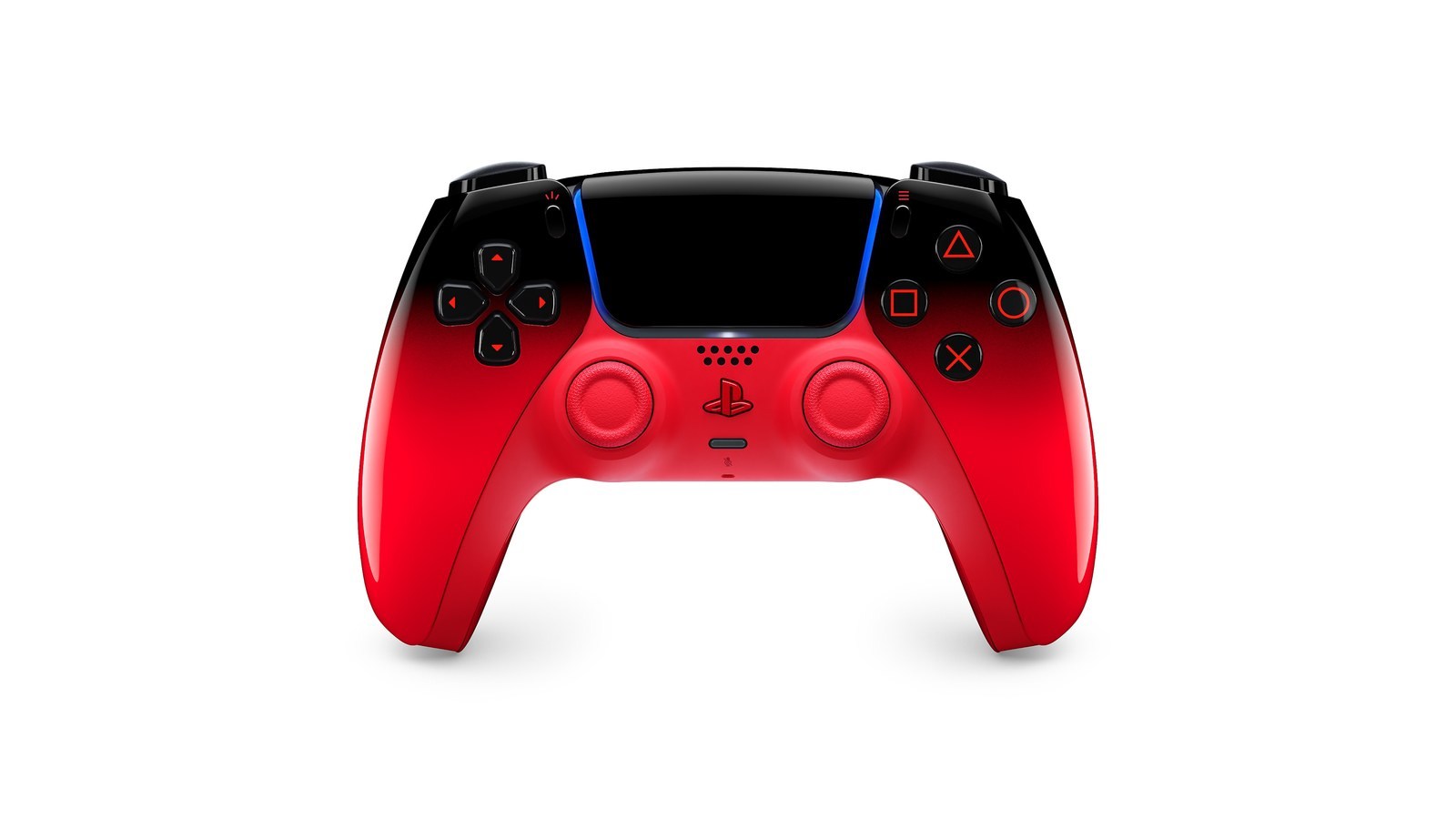
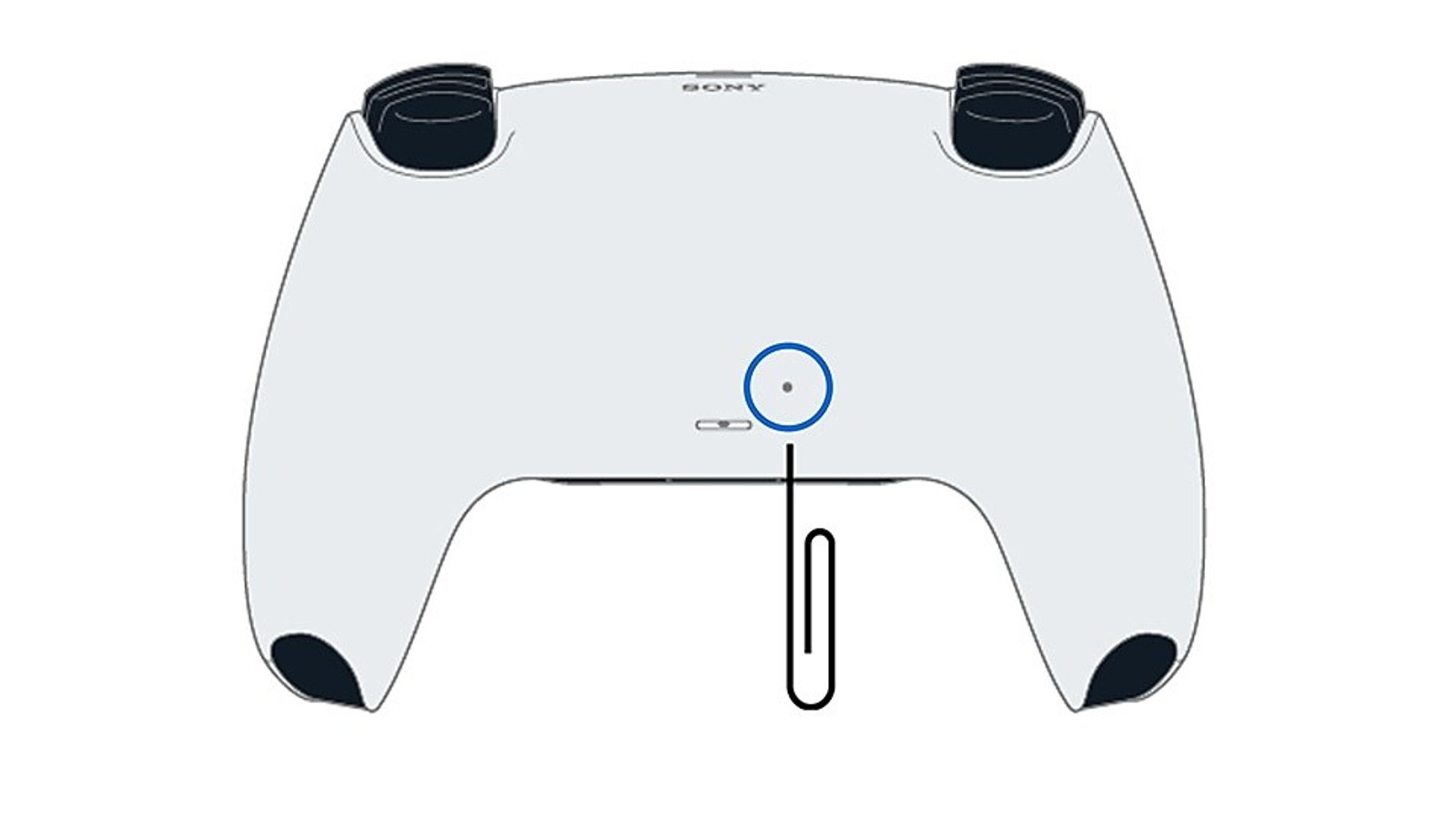
For a DualSense that stops responding or disconnects, turn off PS5 and unplug the controller. Hold the reset button inside the small hole beside the Sony logo on its back for at least five seconds. Connect it to PS5 over USB and press PS, following PlayStation’s reset procedure.
This resets the controller rather than deleting console saves. If you use it on a computer, our DualSense PC connection guide covers the connection to check there.
Reset and reconnect
Follow the standard DualSense procedure. The recessed button is designed to avoid accidental presses.
- Turn off PS5 and disconnect the controller’s USB cable.
- Find the reset-button hole beside the Sony logo on the controller’s back.
- Use a suitable thin tool to hold the button for at least five seconds. Do not force the hole.
- Connect the controller to PS5 using the supplied USB cable or a compatible data cable, then press PS.
Check the connection before going wireless
PlayStation’s pairing guide describes the player indicator lighting up after connection. Check navigation in the console menus, then launch a game. Once the wired connection works, test wireless use separately.
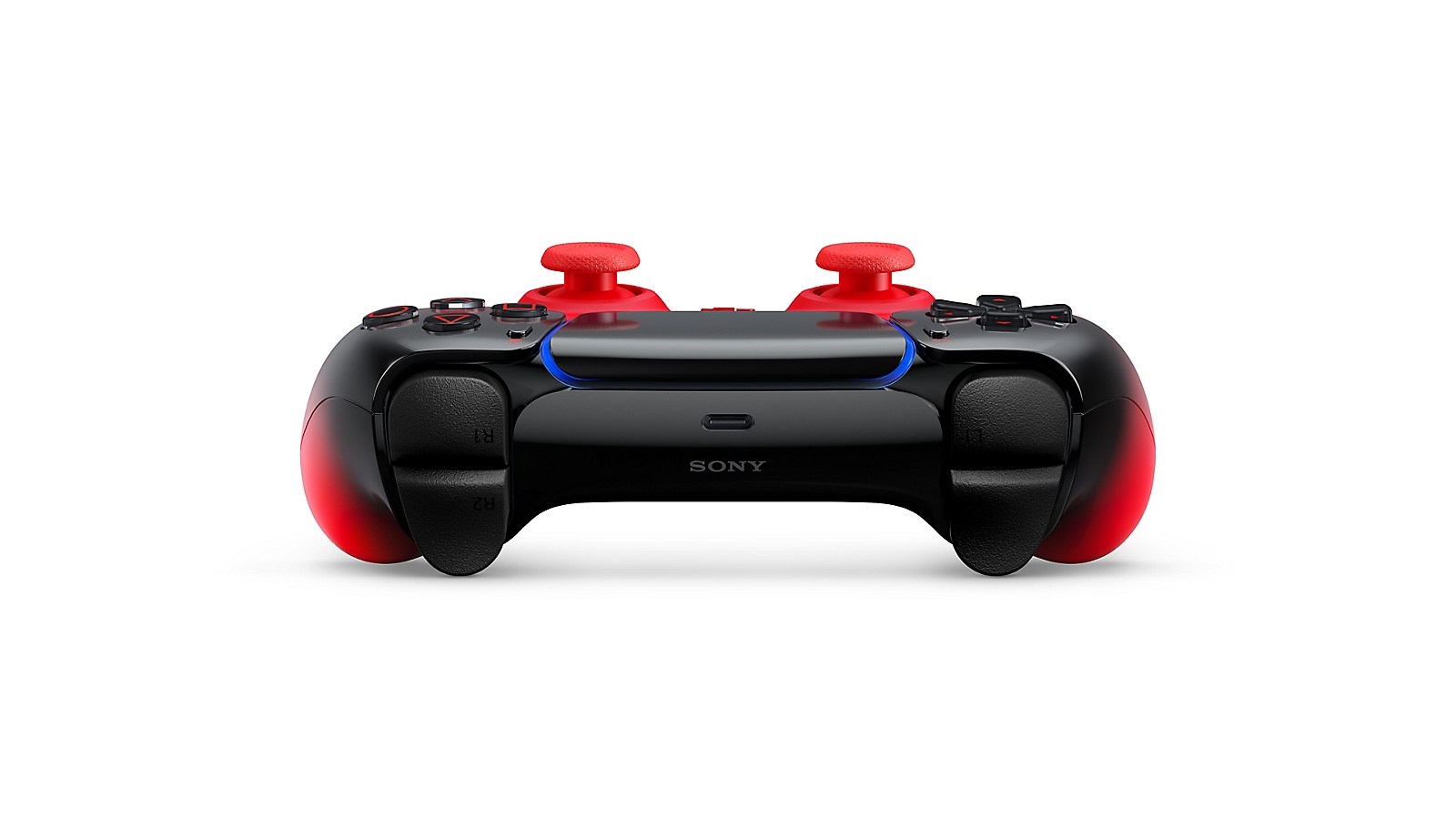
If the controller charges without responding over USB, try another console port and a data-capable cable. USB-C cables have different capabilities, so a charging indicator does not establish communication with the console.
If the fault returns
Where possible, update console and controller software. PlayStation’s accessory support places manual updating in Settings > Accessories > Controller (General) > DualSense Wireless Controller Device Software. Follow the prompts and allow the update to finish.
Note whether the fault occurs wired, wirelessly or in a particular game. That distinction helps describe the problem to support. For persistent button or stick problems, use PlayStation Repairs’ diagnostic flow.
Repeated resets do not establish that a faulty stick has been repaired. If a character moves without input or the issue returns, keep a clear description of that behavior and check support options for your controller model.
The conversation starts here
Sign in with a supporter account to comment. Sign in

Nobody has commented yet. Want to go first?