
The quick table: yes, partial or no
Nintendo Switch 2 preserves much of the original system's library and controller support, but sharing a USB-C plug does not guarantee that everything works in the same way. Here is the short answer before the exceptions:
- Yes: most physical and digital Switch games, original Joy-Con over a wireless connection, the Switch Pro Controller, Nintendo Switch Online classic controllers and the GameCube Controller Adapter.
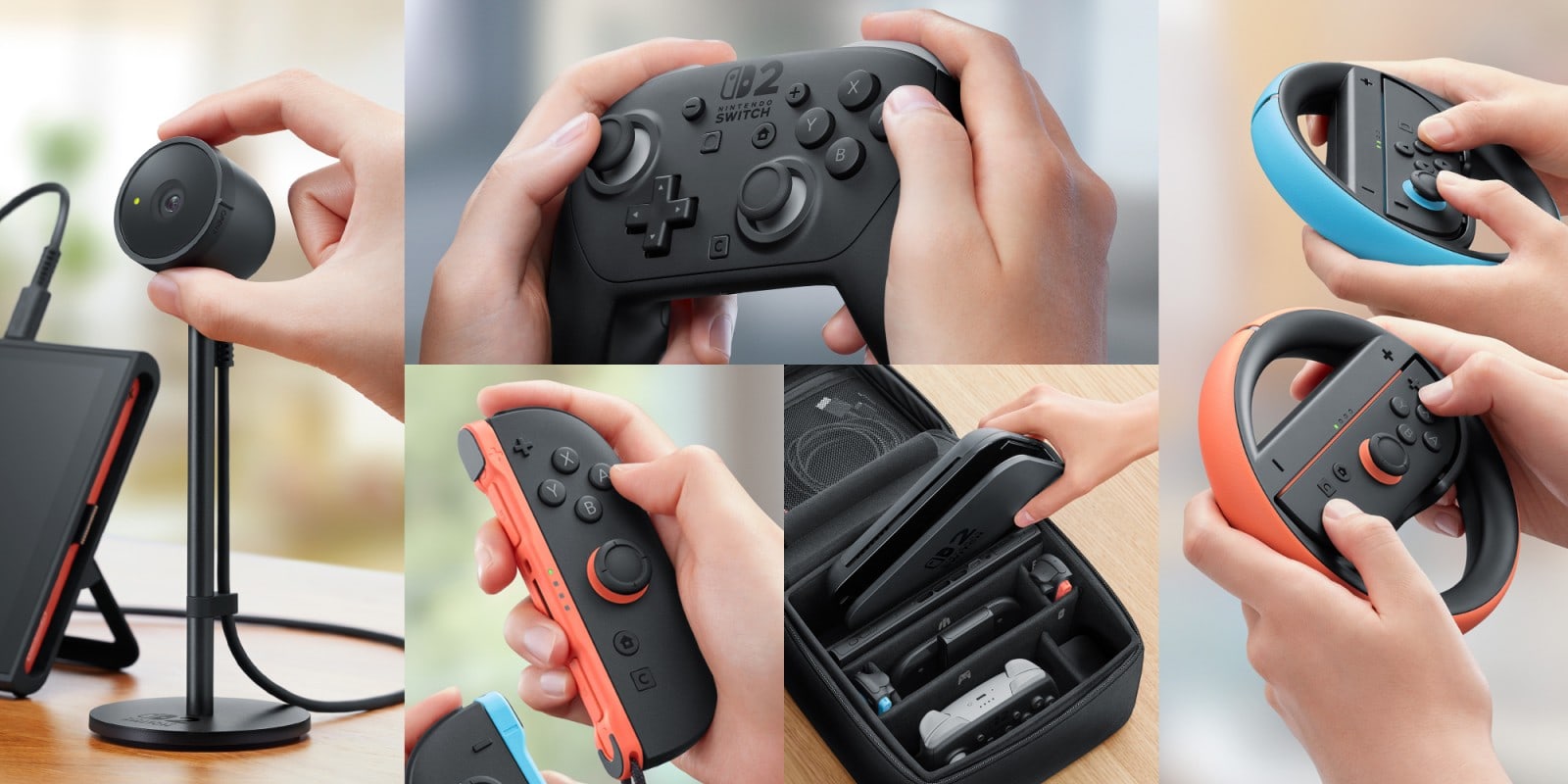
- Partial: the original AC adapter only charges Switch 2 directly, old microSD cards only import captures, while Ring-Con, the leg strap, wheels and old grips require original Joy-Con.
- No: the original Switch dock, its adjustable charging stand, a regular microSD card for game storage or accessories designed to slide onto original Joy-Con when used with Joy-Con 2.
Physical and digital games
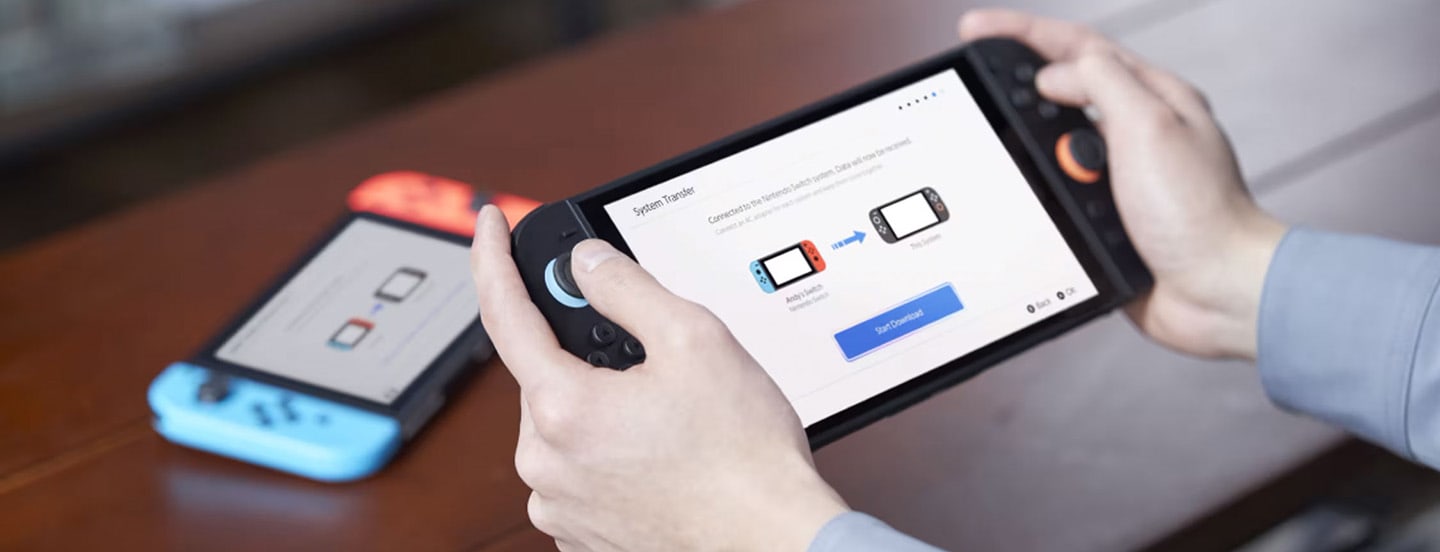
Switch 2 runs compatible Nintendo Switch games from cartridges and digital downloads. Your Nintendo Account, eShop purchases and Nintendo Switch Online membership remain tied to the same user. Some games also receive free updates or paid Switch 2 upgrades. If you are changing systems, our complete Switch-to-Switch 2 transfer guide covers the users and save files that need to move with them.
The important word is compatible. Switch 2 uses different hardware, and Nintendo maintains a live checker for games with known issues, special requirements or unsupported features. A static list would age badly, so search Nintendo's checker before buying a particular older title.
Accessory-dependent games have not necessarily been left behind. Ring Fit Adventure and Nintendo Switch Sports can use their original peripherals when an original Joy-Con is paired wirelessly. A Joy-Con 2 does not fit inside Ring-Con or the leg strap.
Controllers that work on Switch 2
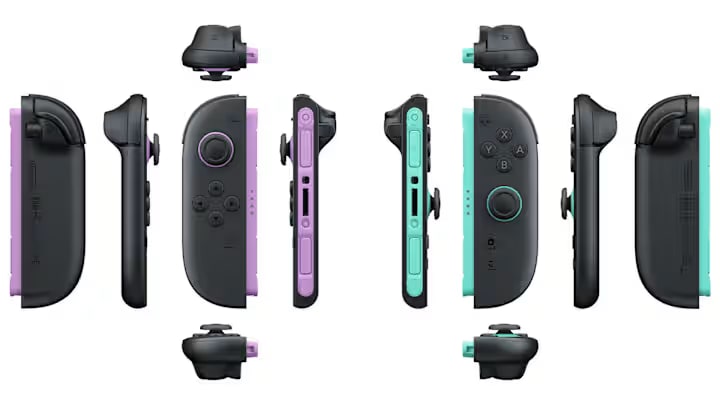
Original Joy-Con work wirelessly, but they cannot attach to or charge from Switch 2. Charging them requires an original Switch, a compatible charging grip or the two-way charging stand. Pressing HOME on them cannot wake Switch 2 either, a small limitation that matters if they become your main controllers.
The original Switch Pro Controller pairs wirelessly and can charge through a USB port on the Switch 2 dock. NES, SNES, Nintendo 64 and SEGA Genesis controllers also work with compatible games. The NES pair still needs an original Switch or charging accessory because it cannot attach to the new system.
Joy-Con 2 only work with Switch 2. Their magnetic attachment, C button, HD Rumble 2 and mouse controls do not make grips, straps or wheels built around the old Joy-Con rail compatible.
Dock, charger, HDMI and storage cards
The original Switch dock does not work with Switch 2. Its AC adapter should not power the new TV mode either because the output differs. It can charge Switch 2 when plugged directly into the console, which is why Nintendo labels it partially compatible rather than completely obsolete.
Nintendo also marks the HDMI cable bundled with the first Switch as incompatible because it follows a different standard, recommending the ultra high speed cable included with Switch 2 for full output. The GameCube Controller Adapter is the friendly exception around the dock. It works in TV mode through one of the new dock's USB ports.
Compatible Switch cartridges slot straight in. A conventional microSD card cannot store Switch 2 games, although it can be used to view or import old screenshots and clips. Expanded game storage requires microSD Express. Our Switch 2 microSD Express buying guide explains how to identify one and choose the right capacity.
Ring-Con, wheels and specialist accessories
Ring-Con, the leg strap, wrist straps, controller grip, charging grip, wheel and AA battery pack remain tied to the shape of the original Joy-Con. They can still serve compatible games on Switch 2 when those controllers are paired wirelessly, but Joy-Con 2 cannot replace them inside the accessory.
The practical rule is simple. Keep at least one way to charge old Joy-Con if you still play Ring Fit Adventure, Nintendo Switch Sports or local multiplayer games that need a pile of controllers. The old dock can go if you are not keeping the first console, while TV mode should use the power and HDMI cables supplied with Switch 2.
Nintendo can fix games and expand support through system and software updates, so this guide will remain on the same URL and evolve with the compatibility list. If you also want something built to use the new hardware, start with our 2026 Nintendo and Switch 2 game recommendations. Your existing shelf matters, but so does the first icon you put on the new HOME Menu.
The conversation starts here
Sign in with a supporter account to comment. Sign in
Nobody has commented yet. Want to go first?