
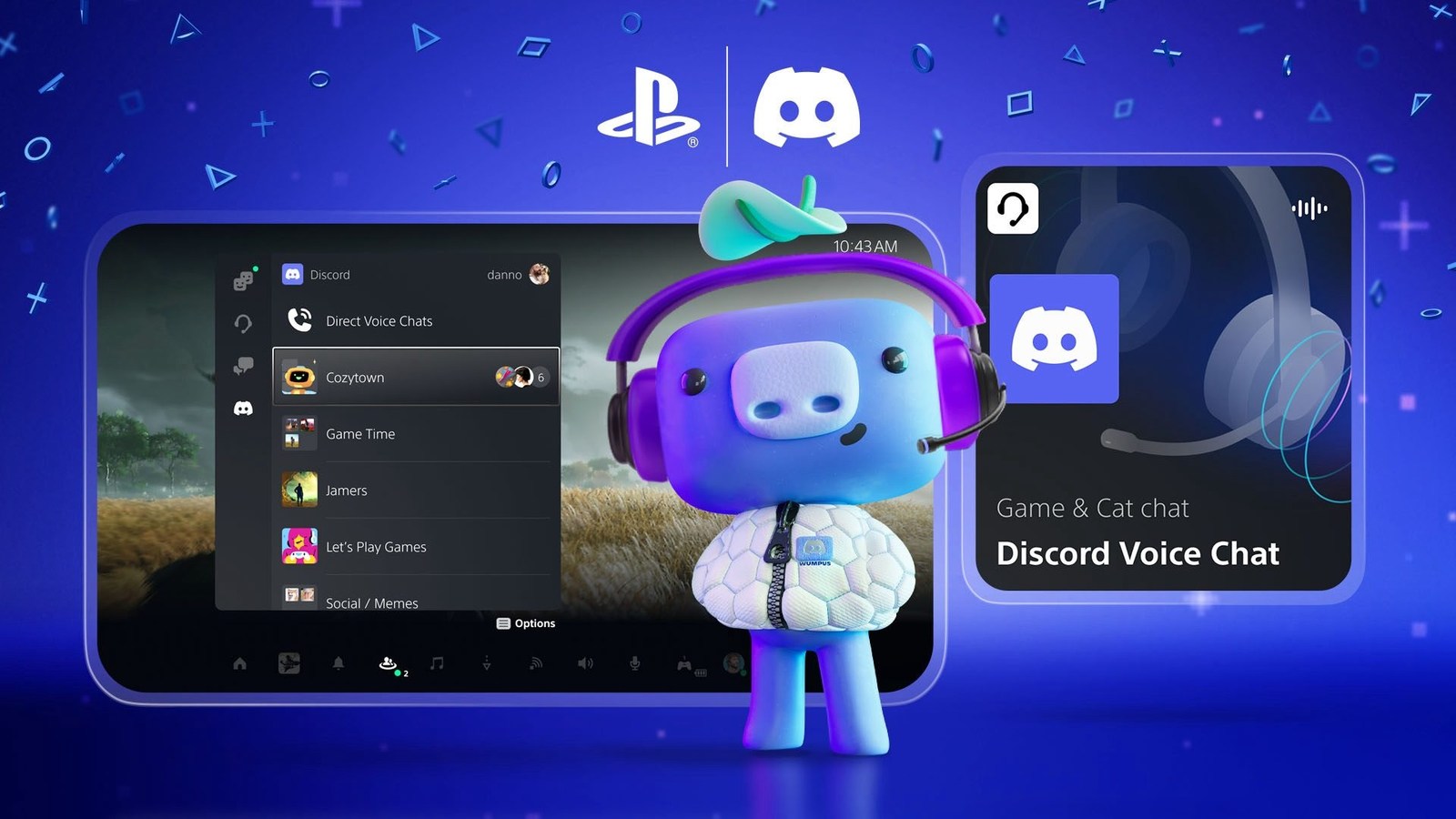
Link your Discord and PlayStation accounts, then open the Discord tab in PS5 Game Base to join voice chat. An updated console can join server channels and direct chats itself, without transferring every conversation from a phone.
Discord is integrated rather than installed as a separate PS5 app. Talking to a PC player does not enable crossplay in a game. Voice communication and playing in the same match are separate capabilities.
Link the accounts on your console
Use PlayStation’s account-linking instructions and check that you authorize the accounts you actually use.
- Press the PS button to open the control center.
- Choose Game Base, then Discord.
- Select Link Account and follow the onscreen instructions.
- Wait for successful linking before attempting to join a channel.
Join and check the conversation
PlayStation’s voice-chat guide covers direct console access. You can use the DualSense microphone or a headset.
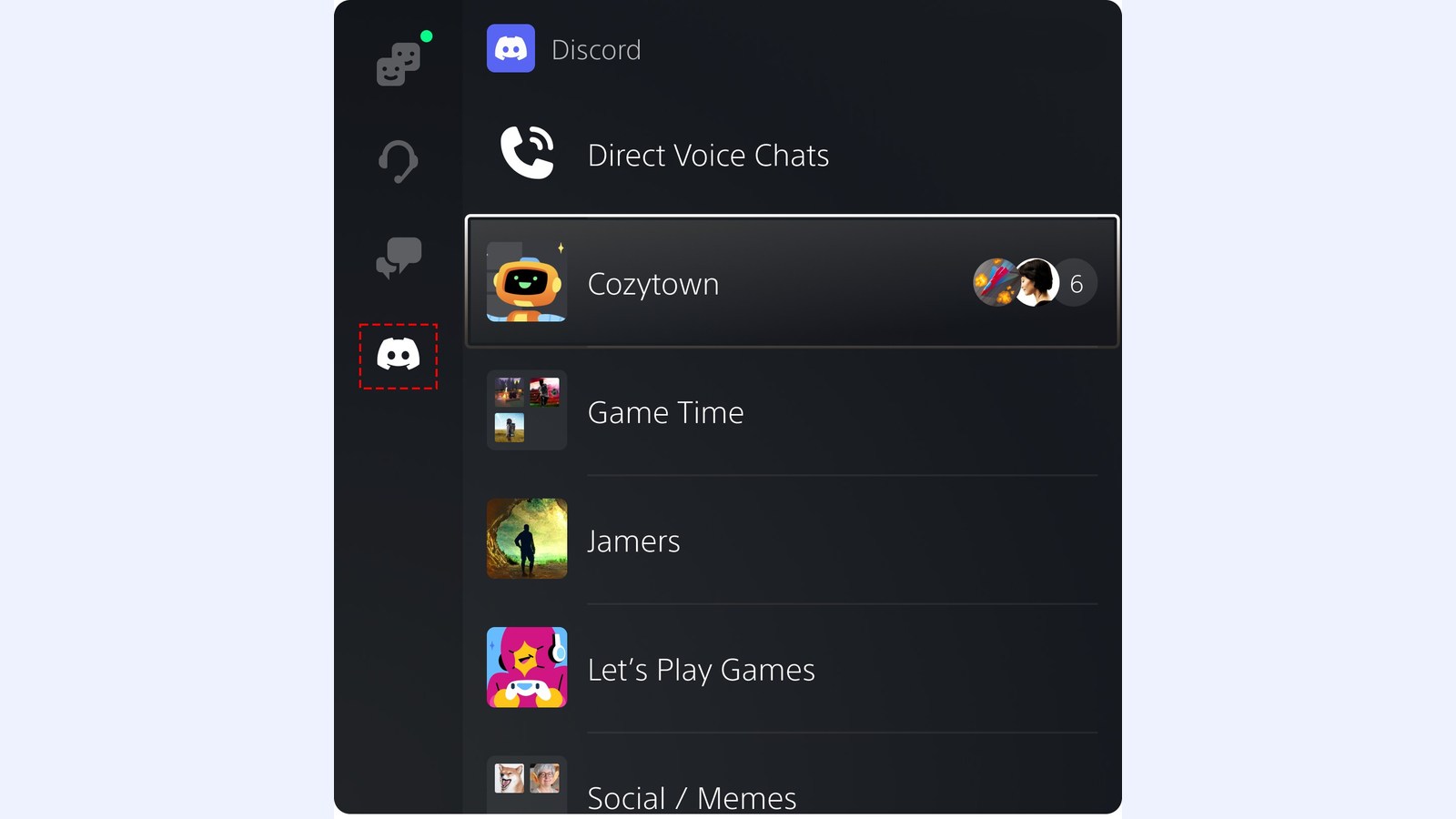
- Open Game Base > Discord in the control center.
- For a server channel, select the server and voice channel, then Join.
- Direct Voice Chats lists people and groups you have chatted with before. Select one, then choose Start Voice Chat or Join. For a new conversation, start it in Discord on your phone or computer first.
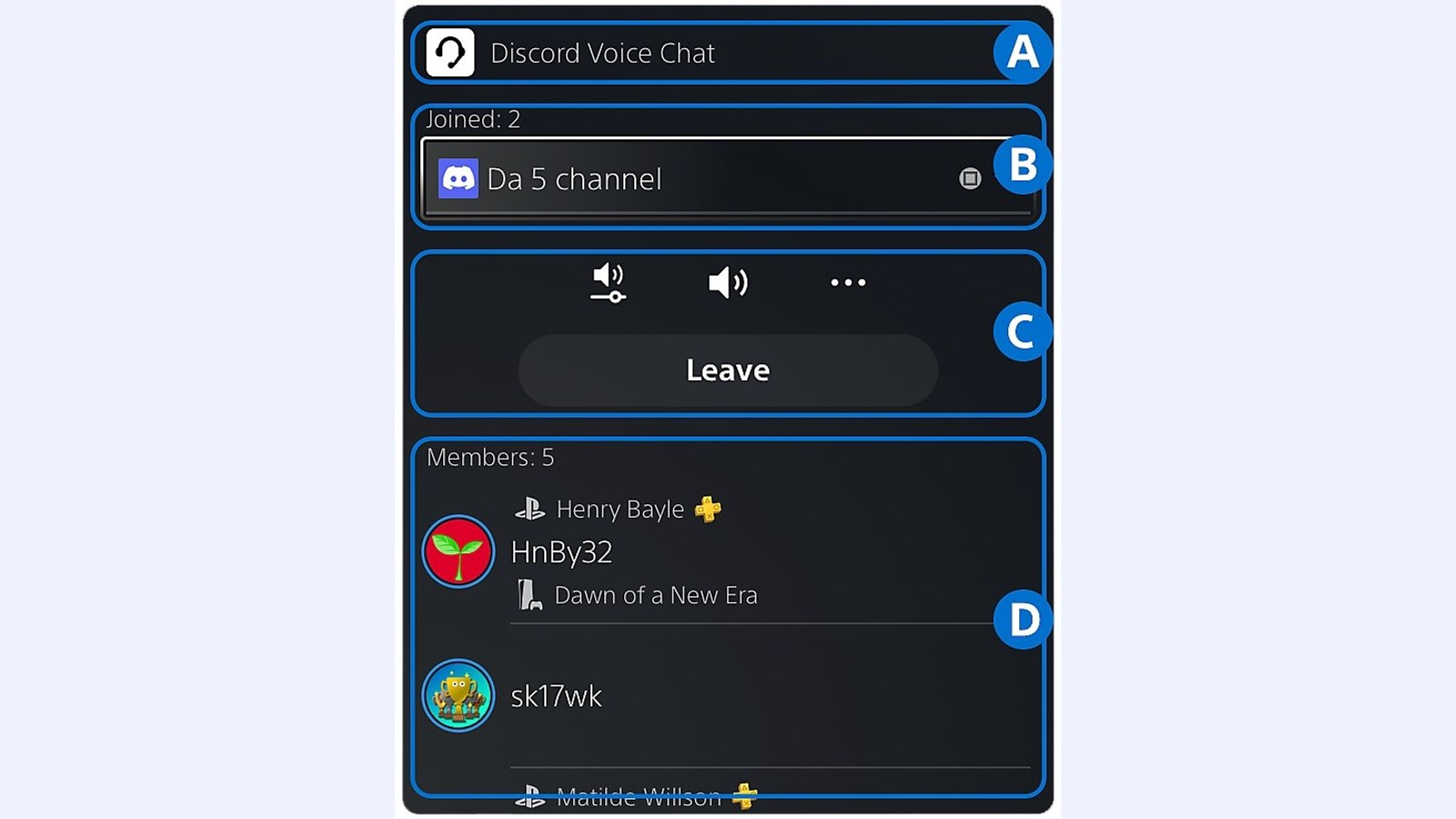
- Open the voice-chat card. Check the participants and ask whether they can hear you.
Missing channels and microphone problems
Update PS5 system software and confirm which Discord account is linked. Child-account communication restrictions, age and location can affect availability. A channel’s own Discord permissions also determine whether your account can enter.
If you join but cannot be heard, check the controller’s mute button and the microphone selected in Sound in the control center. Use the chat card’s audio balance if game sound overwhelms voices. Our gaming headset guide covers microphone and compatibility considerations before replacing equipment.
PS5 cannot use a Discord voice chat and a PlayStation party chat simultaneously. Sony also says Discord voice audio is not included in PS5 captures and broadcasts.
Disconnecting the accounts
On PS5, choose Settings > Users and Accounts > Linked Services > Discord, then Unlink Account. In Discord, remove the PlayStation connection in User Settings > Connections and confirm Disconnect. Check that the service is no longer shown as linked.
The conversation starts here
Sign in with a supporter account to comment. Sign in


Nobody has commented yet. Want to go first?