
The bytes have not disappeared
A drive sold as 1TB contains approximately one trillion bytes. Divide that by one billion and the answer is 1,000GB. Divide it by 1,073,741,824 and the answer is roughly 931.32GiB. Those are different units describing the same capacity.
Windows commonly displays the latter number with a GB label, creating an apparent gap with the packaging. Seagate explains the decimal-versus-binary calculation. Reformatting cannot recover an imaginary missing 69GB. The same distinction applies to hard drives as well as SSDs.
Total capacity and free space are different questions
About 931GiB is a unit conversion, not a promise of available space on a new computer. Windows, applications, personal files and recovery partitions consume storage. Formatting also requires some capacity to organize the volume. Apple distinguishes these uses from the measurement difference.
A drive’s total capacity answers how much the device contains. Free space answers how much you can save on a particular volume now. A 1TB SSD showing 300GB available is not evidence of missing storage if the remainder is in use. Equally, the unit conversion should not become an explanation for every unexpectedly low number.
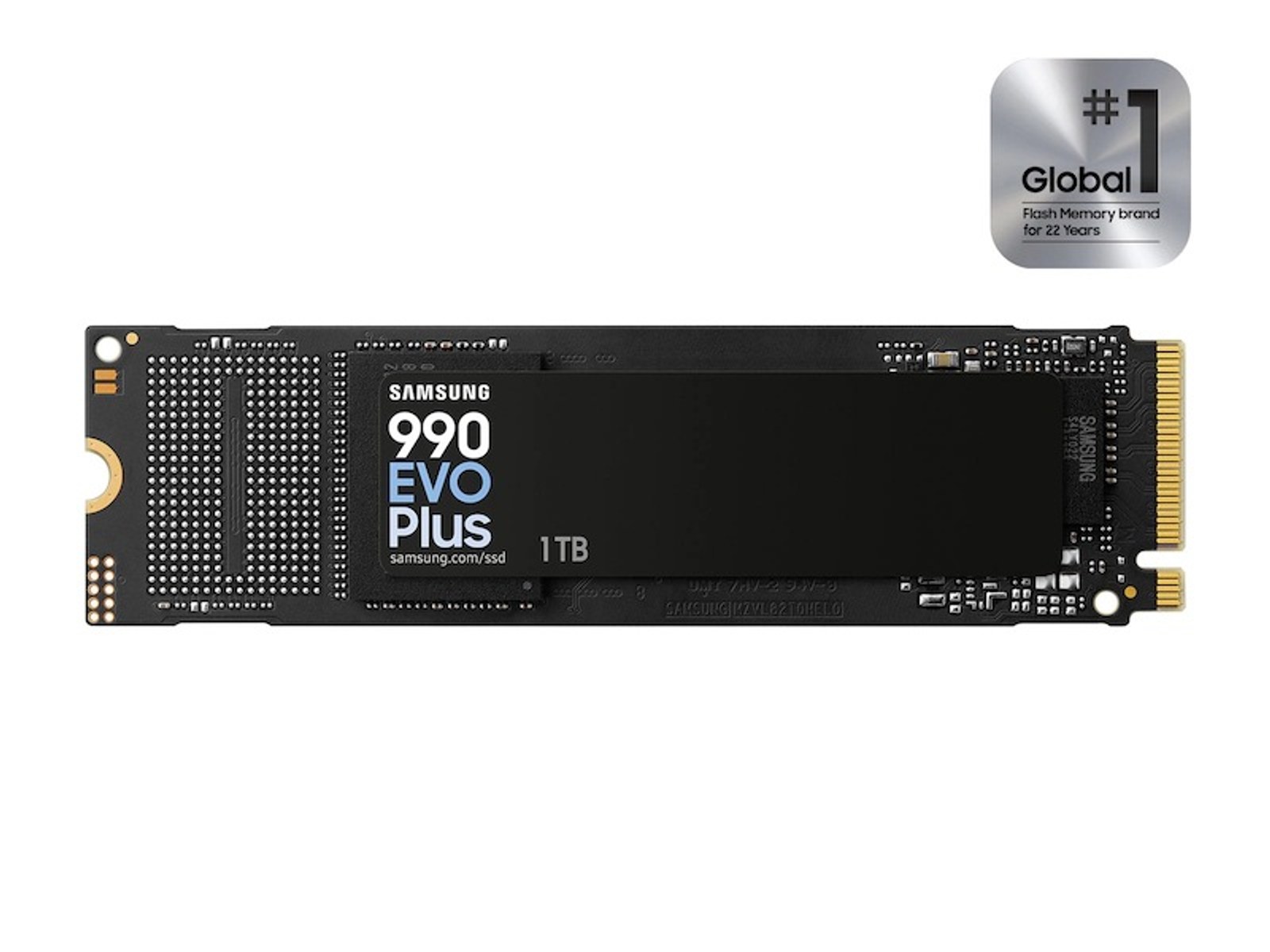
Check the physical drive, then the volumes
Start in File Explorer, open This PC and inspect the drive’s properties for used and free space. Then right-click Start and open Disk Management. Identify the correct physical disk and examine its partition blocks.
If the full device is around 931GB there but C: is much smaller, look for another partition or unallocated space. That is a question of how the disk is divided, not a TB-to-GiB conversion. Do not delete recovery partitions or resize volumes blindly. Make a backup before changing the layout.
If the entire physical device reports far less than expected, check its model and capacity with the manufacturer’s official utility. Switching among exFAT, APFS and NTFS cannot turn a smaller drive into a larger one or establish authenticity by itself. For a nominal 1TB device, approximately 931GiB is the normal conversion before accounting for storage actually used.
The conversation starts here
Sign in with a supporter account to comment. Sign in


Nobody has commented yet. Want to go first?