
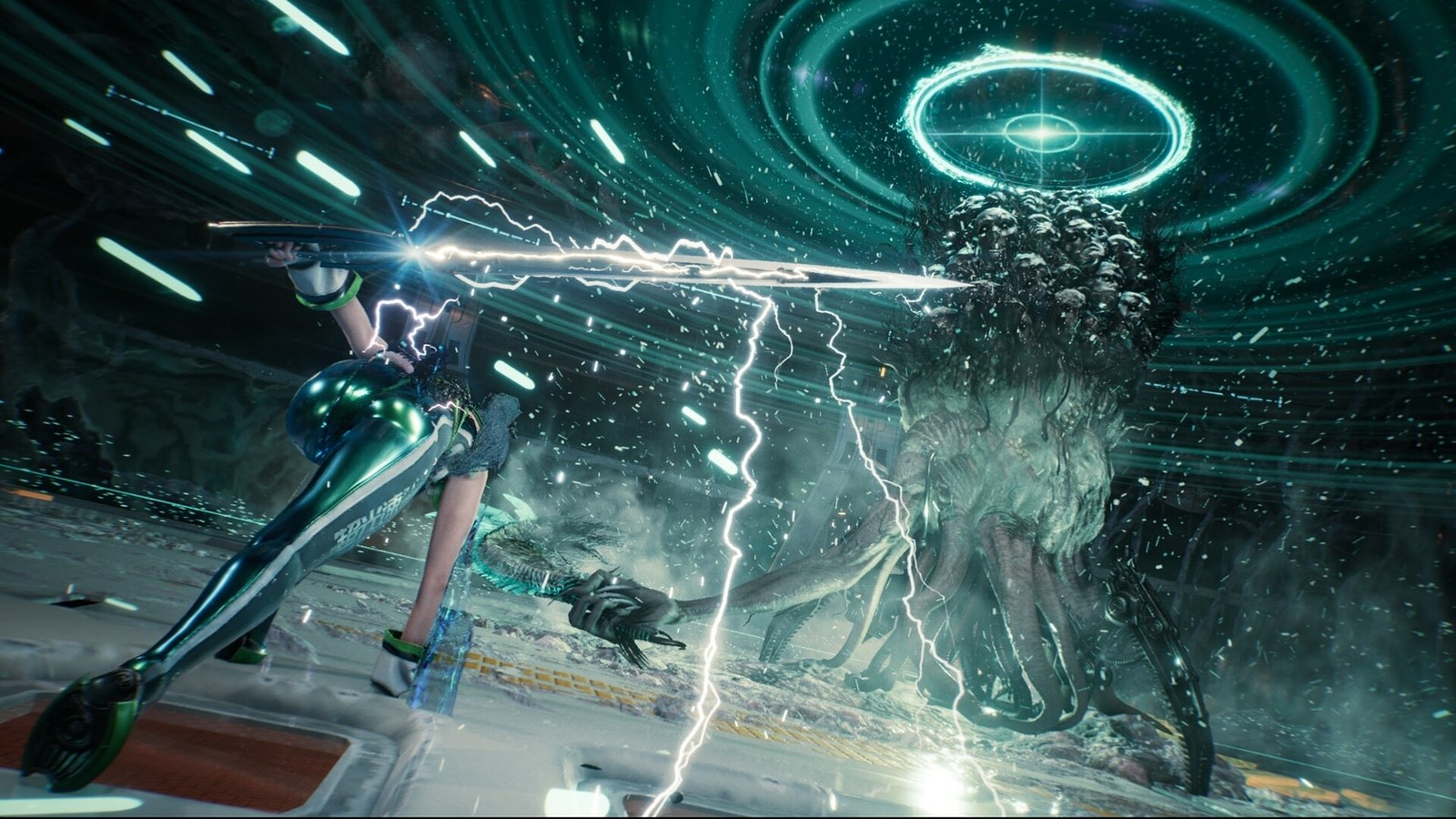
Stellar Blade launches on Nintendo Switch 2 on Thursday, Nov. 5, at 7 a.m. PT (10 a.m. ET), targeting 60 frames per second (fps) handheld and docked. A frame is one of the still images that, shown in quick succession, make up motion on screen. The console renders only 30 of those 60. Frame generation fills in the rest by building an in-between image for every pair of real ones, so motion looks twice as smooth.
Those generated frames don't carry anything you do on the controller, so the game still responds at the pace of the 30 real frames, and a little later than before. That's why AMD, which makes the frame generation this port uses, recommends starting from at least 60 real frames per second. Release time and price are in our Stellar Blade on Switch 2 guide.
How a frame the game never drew gets made
For every frame, a game reads your inputs, works out where everything is and draws the result. Once frame A and the next one, B, both exist, frame generation compares them and uses data from the game, such as the direction each object is moving, to estimate how far each pixel has traveled. From that it draws the moment halfway between, and the display shows A, the generated frame, then B.
The guess breaks down where B shows something A didn't, like a leg swinging out from behind a body, and on elements that don't move with the scene, like HUD text. That's where shimmering edges and ghost trails show up.
Smoother on screen, no faster in your hands
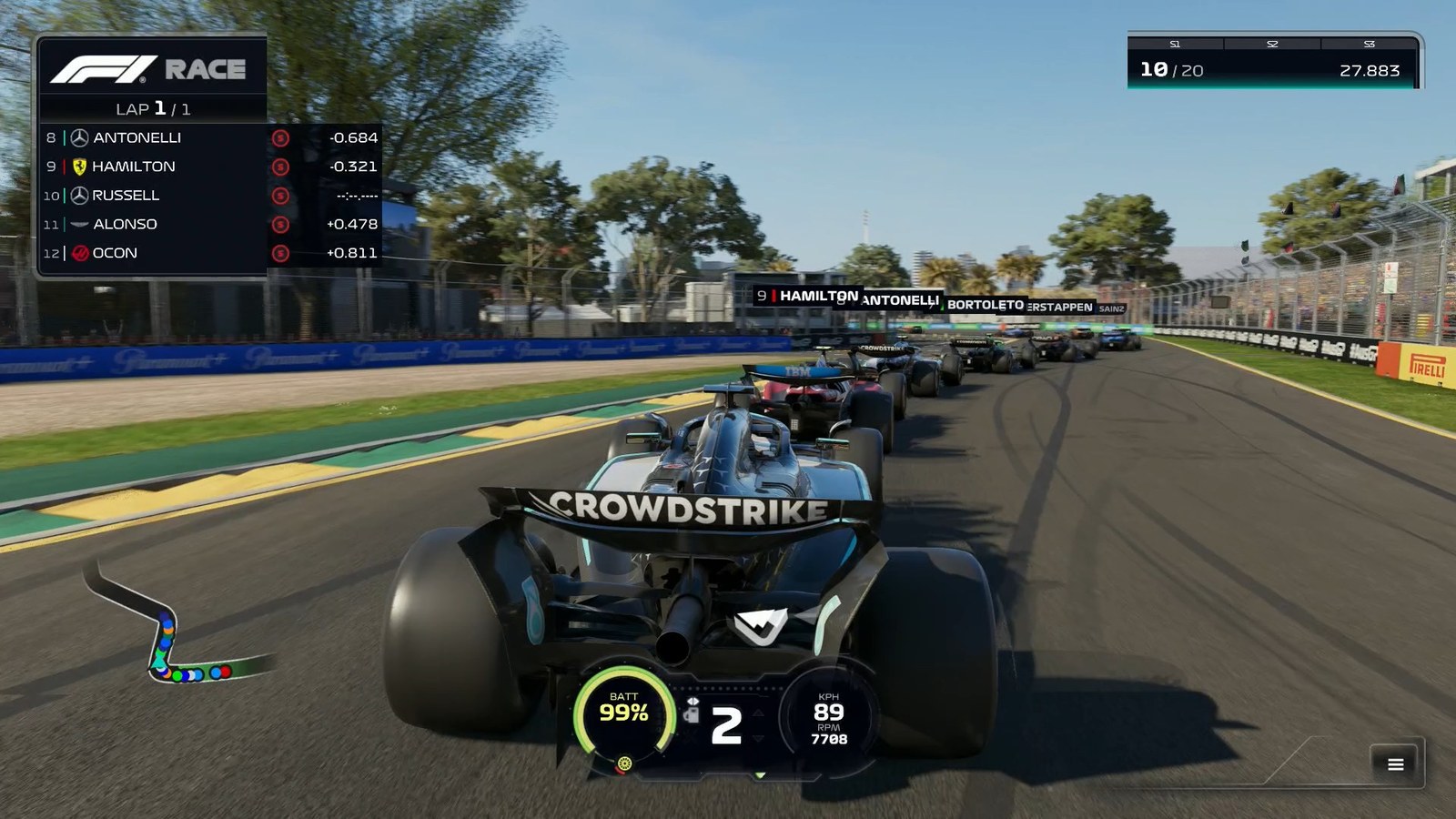
At 30 fps, a new image arrives every 33 milliseconds. With frame generation on, the screen updates every 17 milliseconds, but half of those images are generated and carry no new input. Press dodge right after a real frame and the dodge won't appear until the next real one, exactly as it would without the feature.
There's a second cost. The in-between frame can't be built until B is finished, so the console or graphics card holds B back while it creates and displays the generated one. That wait stacks on top of the delay that already exists between button and screen, known as input lag. Neither Nvidia nor AMD, the two big graphics card makers, publishes a general figure for how many milliseconds it adds, since it varies by game and hardware.
Why AMD wants 60 real fps first
AMD recommends at least 60 real fps, warns that visual errors get more noticeable below that and says to avoid going under 30 entirely. At 60 real fps, 17 milliseconds pass between frames, so objects haven't moved far and the extra wait is short. At 30, the gap grows to 33 milliseconds, the wait gets longer and the algorithm has twice as much motion to invent.
DLSS, FSR and PSSR: which ones generate frames
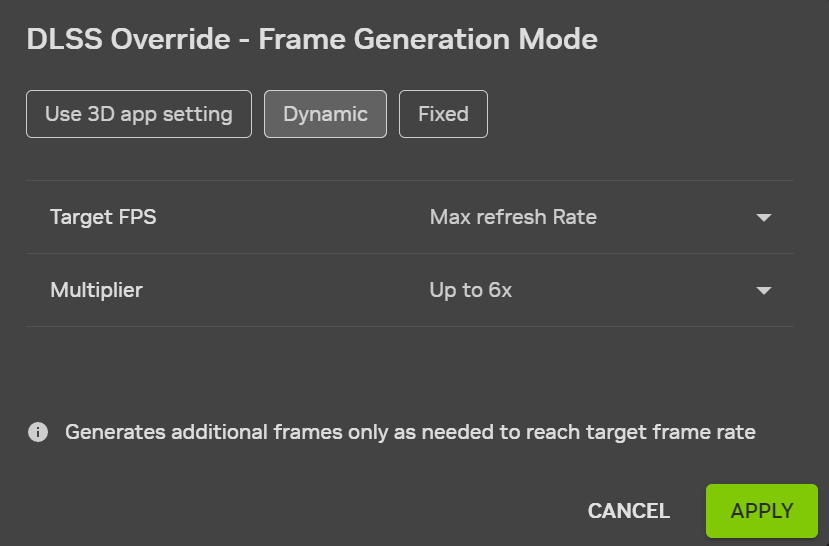
On Nvidia hardware, frame generation is part of DLSS, the set of rendering features the company offers on its GeForce RTX graphics cards. RTX 40 cards add one generated frame per real one, and RTX 50 cards can add up to three. Since March 2026, DLSS 4.5 goes up to five in some games and gives RTX 50 cards a dynamic mode that adjusts how many frames it adds to match the most frames per second your monitor can display.
At AMD, frame generation is part of FSR and comes in two versions. The one that debuted with FSR 3 runs on AMD's Radeon cards, Nvidia's GeForce cards and consoles, while the machine-learning version requires a Radeon RX 9000 card and Windows 11. Starting with FSR 3.1, frame generation is separate from upscaling, FSR's other feature, which renders each frame with fewer pixels and rebuilds a sharper image. That lets a game generate frames with FSR and upscale with another company's technology.
PSSR, Sony's tech for the PS5 Pro, doesn't generate frames. It only upscales, which DLSS and FSR also do through a separate setting, as our DLSS, FSR and PSSR guide explains.
What Shift Up did with Stellar Blade on Switch 2
Shift Up's port uses technology from both Nvidia and AMD. Technical director DongKi Lee said in an interview published Aug. 31 that the game relies on DLSS for upscaling, but that Switch 2 has no frame generation of its own. So the studio turned to FSR 3.1.
Lee said the team locked the game to 30 real frames per second to keep responsiveness consistent, then used interpolation, another name for frame generation, to reach 60. That's half the 60 real fps AMD recommends. The demo didn't let you turn the feature off, and after player complaints, Shift Up said on Sept. 23 that the full game will ship with an option to disable it. The studio hasn't said how much delay frame generation adds or what frame rate the game hits without it.
If parries and perfect dodges felt late in the demo, start with frame generation off. If you'd rather have a smooth camera while you explore, leave it on and watch the outline of EVE, the protagonist, and the sparks in combat for ghost trails.
When to turn it on, and when to skip it
For any game, on PC or console:
- Turn it on when you're near 60 real fps and your display can show 120 images per second (120 Hz) or more. If your screen tops out at 60 Hz and the game already hits 60 real fps, there's no room for the extra frames, as our FPS vs. Hz explainer shows.
- It suits adventure games, open-world games and simulators, where a smooth camera matters more than a few milliseconds of response. Skip it in competitive shooters and fighting games.
- Check which number you're reading, because with frame generation on, an fps counter may include the generated frames. Steam's performance monitor lists real and generated frames separately.
Frequently asked questions
Does frame generation increase input lag?
Yes, slightly. To build the in-between frame, the hardware has to wait for the next real frame to finish, and that wait adds to the delay between pressing a button and seeing the result. The game also only reads your inputs on real frames. Nvidia builds Reflex into games with its frame generation, and AMD recommends Anti-Lag 2, to cut latency elsewhere.
What frame rate do you need before using frame generation?
AMD recommends at least 60 real fps before you turn it on and says to avoid it entirely below 30, because visual errors and added latency both get worse as the base frame rate drops. Nvidia doesn't publish a minimum on its DLSS 4 and 4.5 pages, but the underlying mechanism works the same way.
What's the difference between frame generation and upscaling?
Upscaling renders each frame at a lower resolution and rebuilds a sharper image, which lightens the load so the hardware can produce more real frames. Frame generation leaves resolution alone and invents new frames between real ones. DLSS and FSR offer both as separate settings, while Sony's PSSR on the PS5 Pro only upscales.
Can you use FSR frame generation on an Nvidia graphics card?
Yes, in games that support it. The FSR 3 and 3.1 version doesn't need dedicated AI hardware, and AMD lists GeForce RTX 20 cards and newer as supported, with RTX 30 or newer recommended. AMD's newer machine-learning version only runs on Radeon RX 9000 cards under Windows 11.
Should you turn on frame generation in Stellar Blade on Switch 2?
It depends on how you play. The console renders 30 real frames and FSR 3.1 generates 30 more, which smooths motion but doesn't make the game respond to your buttons any sooner. If you rely on precise parries and dodges, try it off first. If smooth exploration matters more, leave it on. Shift Up hasn't published latency figures.
The conversation starts here
Sign in with a supporter account to comment. Sign in
Nobody has commented yet. Want to go first?