
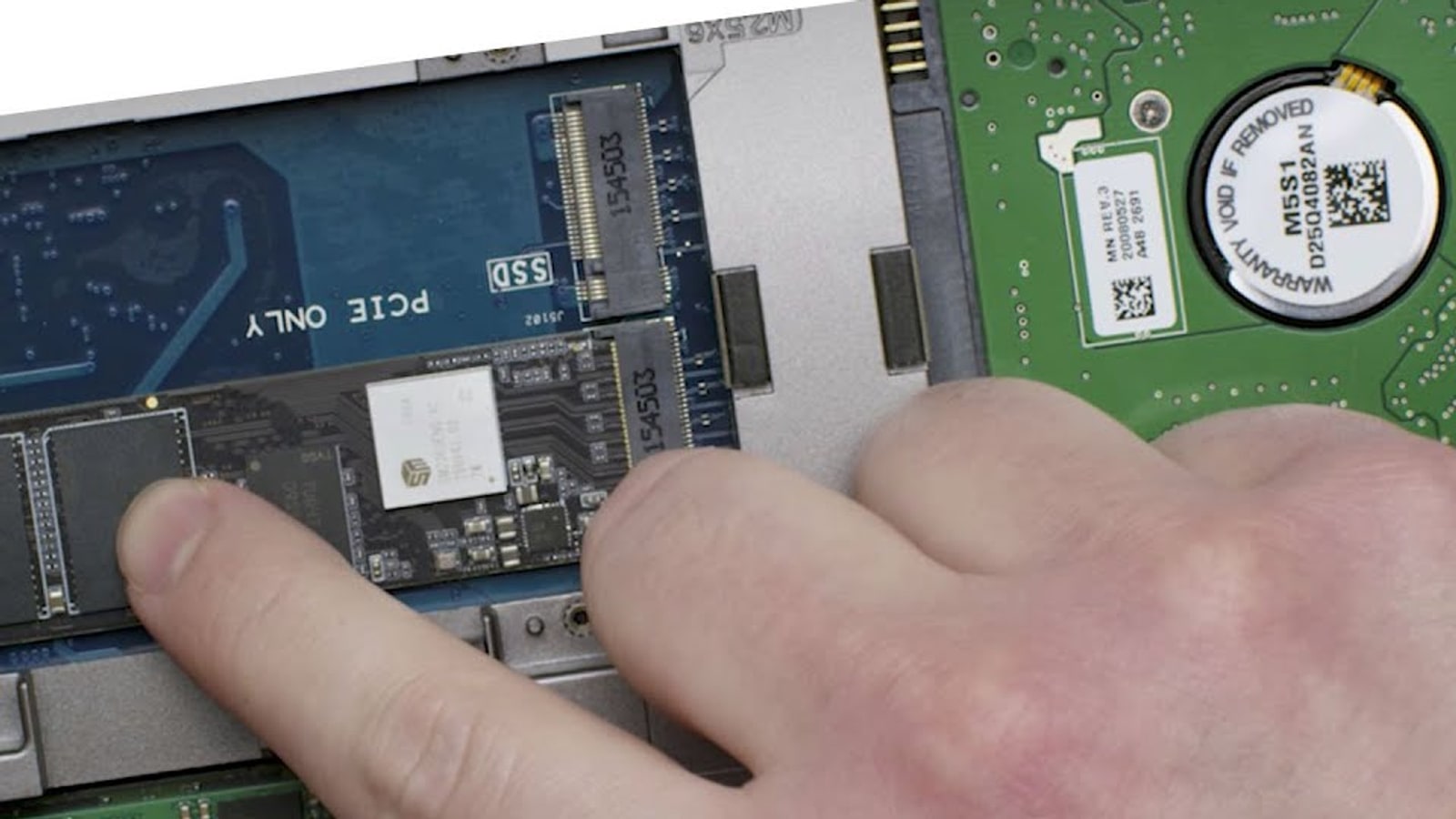
NVMe and SATA describe the connection, not the size
SATA and NVMe describe how a drive communicates with the computer. A 2.5-inch SATA SSD uses cables, but M.2 SATA drives also exist. An M.2 card can therefore be SATA or NVMe. Its slim shape alone cannot tell you what you are buying or what a motherboard accepts.
SATA III usually limits a consumer SSD to roughly 500 to 550MB/s in sequential reads. NVMe travels over PCI Express lanes and can reach several gigabytes per second depending on generation and model. That gap is enormous for large file copies. In a game, the difference depends on how much data the engine requests and how it decompresses it.
Loads improve, frame rates usually do not
Moving from SATA to NVMe can shorten installs, copies and some loading screens. Worlds that stream many assets while you move have more headroom too. Storage speed does not normally raise average frame rates after a scene is in memory. The processor and graphics card still perform most simulation and rendering work.
A faster load is not the same as smoother animation. When a game already opens an area in a few seconds from SATA, the upgrade may feel modest. If it stutters, first determine whether storage or shader compilation is responsible. An NVMe drive cannot repair a poorly managed shader cache.
DirectStorage only matters when a game uses it
Microsoft says DirectStorage reduces the cost of many small requests and makes better use of modern drive parallelism. It recommends placing supported games on NVMe to maximise input and output performance. Windows 11 contains the latest storage optimisations, although the API also works on Windows 10.
Supported is the important word. Buying an NVMe drive does not automatically switch every game to a new loading path. Developers must integrate DirectStorage and prepare assets around it. There is consequently no universal percentage that applies to every title, computer or loading screen.
What to buy for a gaming PC
For a new gaming PC, a PCIe 4.0 NVMe drive is usually the sensible choice because prices are competitive, it occupies little space and needs no data cable. The fastest benchmark number is not worth more if capacity, sustained temperature or warranty are worse. At least 1TB is practical for a library containing large modern games.
A SATA drive you already own remains useful as secondary storage. PS5 is different because Sony requires an M.2 NVMe model meeting specific rules. Our PS5 storage upgrade guide covers speed, dimensions and heatsinks. For PC, verify M.2 length, protocol, PCIe generation and shared lanes before ordering.
The conversation starts here
Sign in with a supporter account to comment. Sign in

Nobody has commented yet. Want to go first?