
If a game already reaches your target frame rate, try DLAA to assess image stability and edge quality without lowering its internal resolution. If the GPU cannot reach that target, DLSS Super Resolution is usually the more useful starting point. The choice depends on whether you need to reduce rendering work or have headroom to spend on image quality.
These are not two names for one setting. NVIDIA's documentation distinguishes native-resolution DLAA anti-aliasing from DLSS Super Resolution's lower-resolution reconstruction. Both use AI, but their starting images differ.
Native resolution versus reconstruction
DLAA starts with rendering at the output resolution and applies anti-aliasing to reduce jagged edges and temporal instability. At 1440p, it does not lower the internal resolution to reduce rendering work in the way Super Resolution does.
DLSS Super Resolution reconstructs a lower-resolution image to the output resolution. Modes such as Quality and Balanced change that starting point. Our wider DLSS, FSR and PSSR guide explains how those systems differ.
Frame generation is a separate feature. It may sit nearby in the settings menu, but it does not define either DLAA or DLSS Super Resolution. Switching it during a comparison without recording that change makes the results harder to interpret.
Compare them without changing everything else
Keep output resolution, graphics preset and a repeatable scene fixed. Temporarily disable frame generation when comparing DLAA with DLSS Quality so it does not add another variable. Follow the same route and inspect thin edges, foliage and moving objects rather than only still screenshots.
Check whether performance meets your target and whether there are stutters. A high average can hide rough moments, which is why frame times and one-percent lows add information an instantaneous FPS counter misses.
If DLAA falls below your target, try DLSS Quality and adjust from there. If both meet it, choose the moving image you prefer. No universal rule establishes DLAA as the winner across every game and implementation.
These screenshots are illustrations, not benchmarks
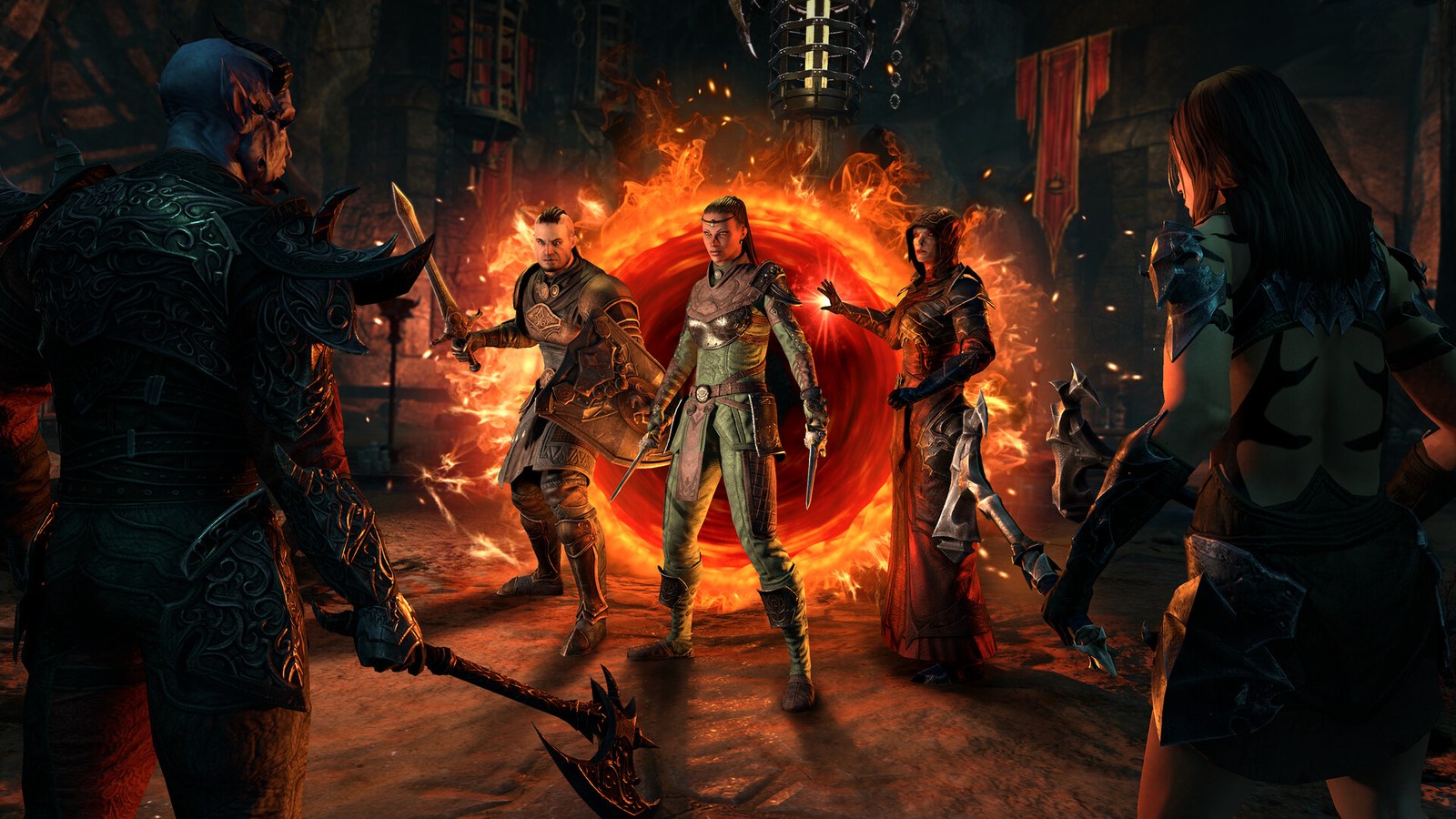
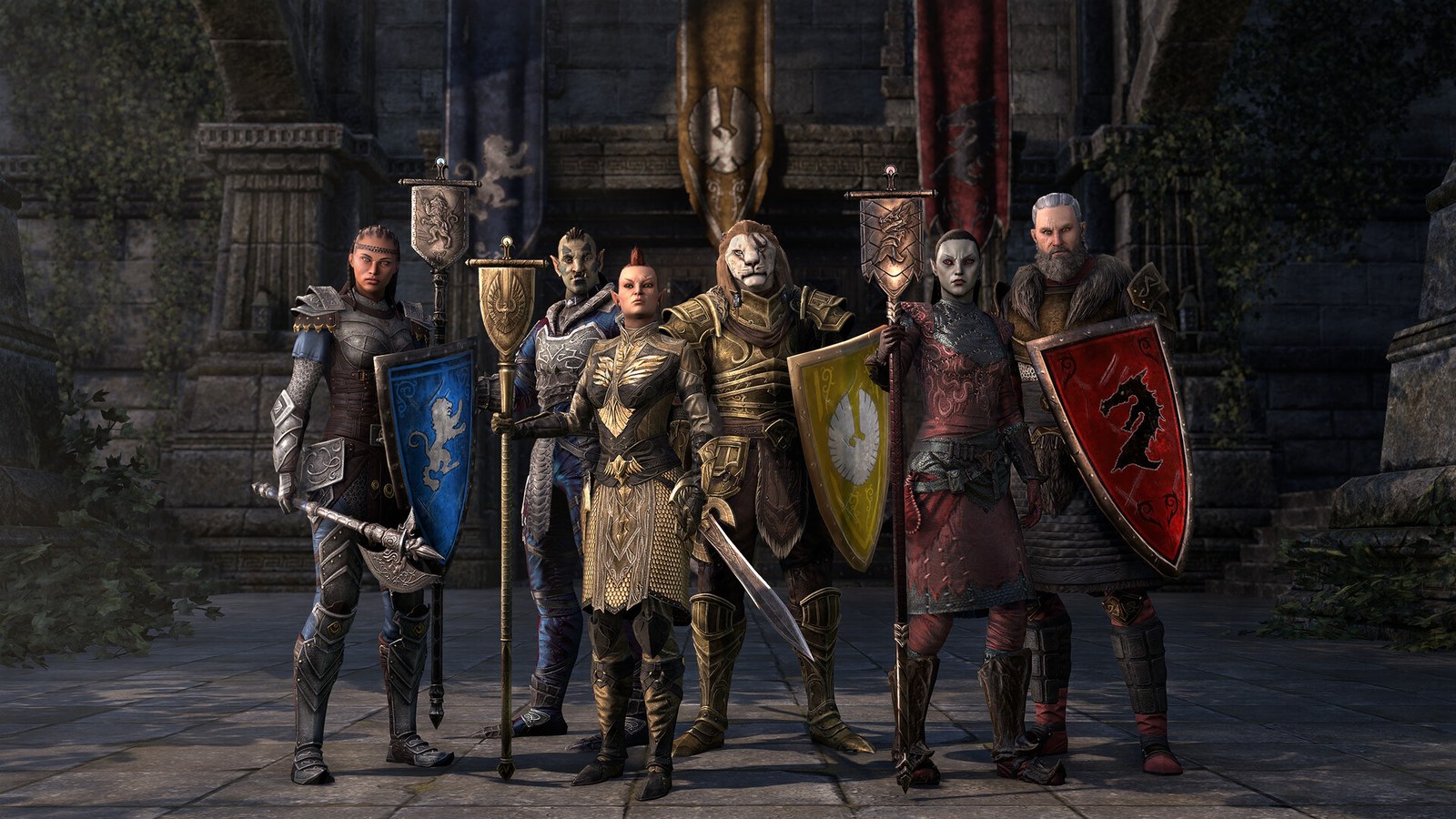
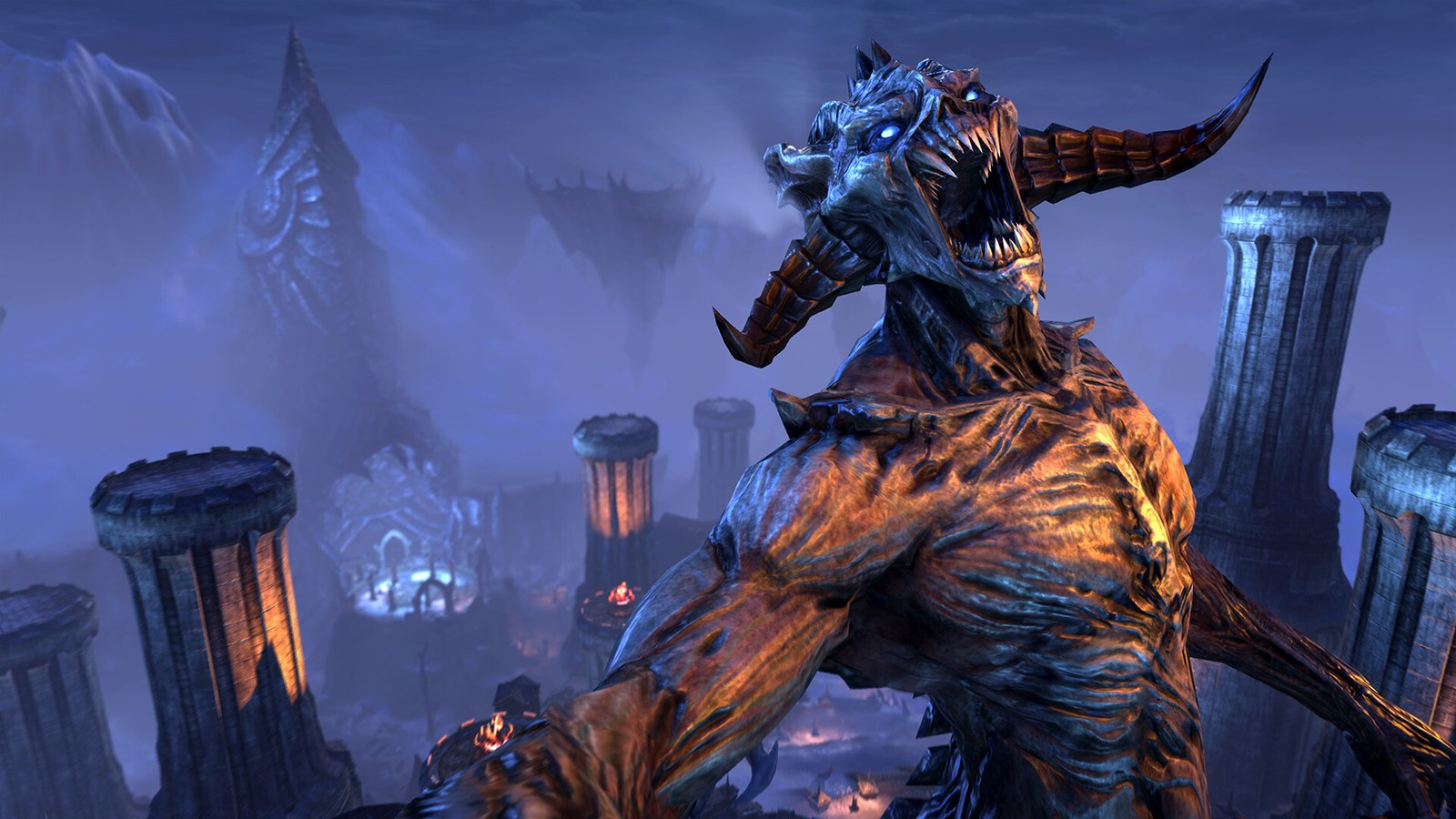
The Elder Scrolls Online was an early game for which NVIDIA announced DLAA support. The official promotional screenshots here illustrate environments and visual detail. They are not a controlled comparison of settings or performance.
Check the options and GPU requirements for your game. NVIDIA's DLSS page covers several separate features, and support for one should not be inferred from another setting in the menu.
Begin with the actual problem: do you need more performance, or do you already have enough and want to improve the image? That is more useful than enabling whichever name sounds more advanced.
The conversation starts here
Sign in with a supporter account to comment. Sign in

Nobody has commented yet. Want to go first?