
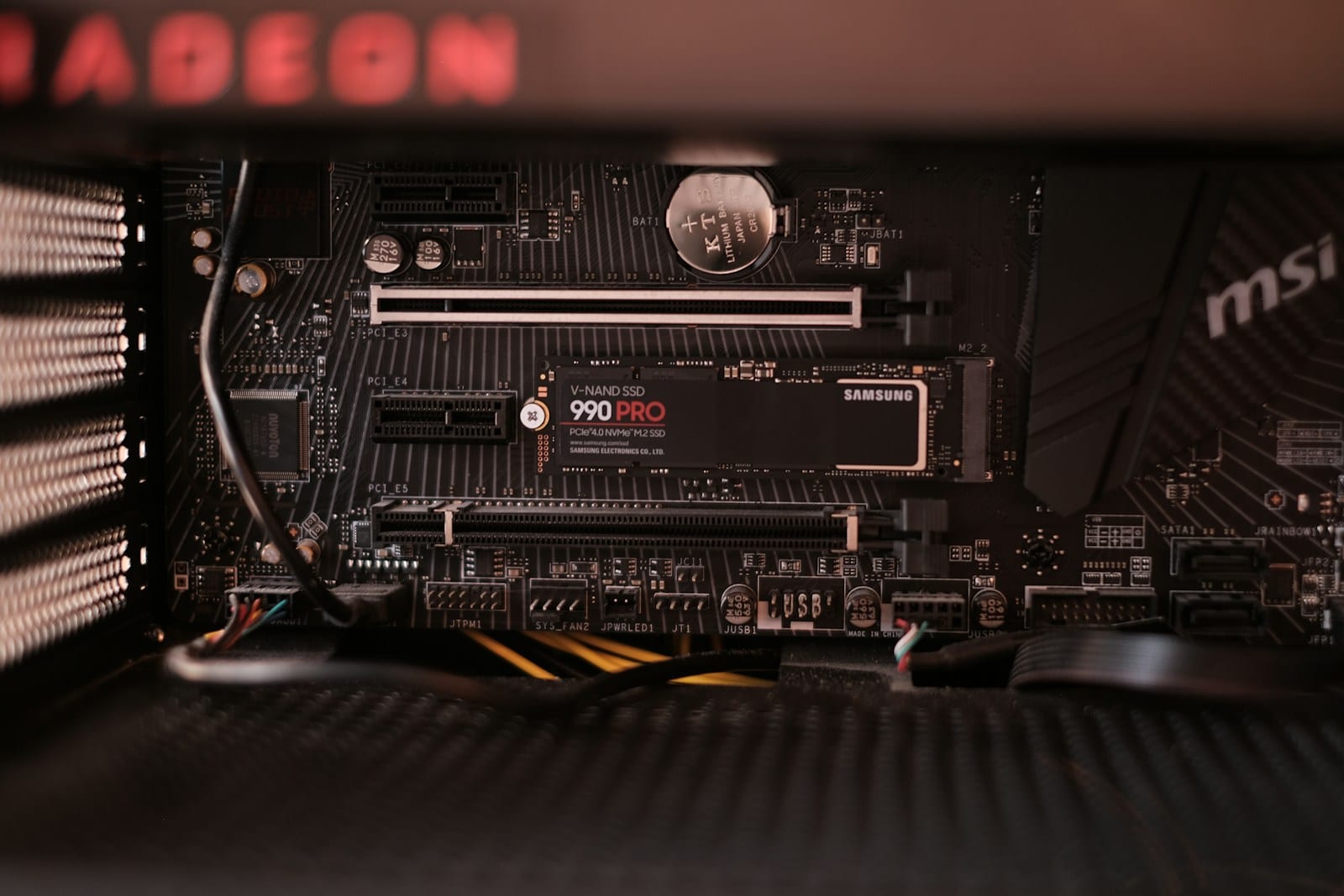
Twice the interface does not mean twice the game
PCIe 4.0 provides roughly twice the per-lane bandwidth of PCIe 3.0, and PCIe 5.0 doubles it again. A fast Gen5 drive can clearly beat Gen4 in one large sequential transfer. A game is not one continuous copy. It requests different file sizes, decompresses data and waits on the CPU and GPU.
Storage therefore rarely changes frame rate once a scene is loaded. A 2026 Tom's Hardware test across eleven games found no consistent normal-gameplay advantage among PCIe 3.0, 4.0 and 5.0 SSDs. That is one test suite rather than a promise for every future engine.
Loading can improve, but software still decides
A faster SSD can shorten installations, copies and certain loading screens. The gap narrows when the CPU must decompress assets, the engine serializes work or an area already opens within a few seconds. The sequential speed on a box represents an ideal workload, not every small request made by a game.
Microsoft designed DirectStorage to batch many requests and use NVMe more efficiently, with GPU decompression available as well. A game must integrate the API and prepare its asset pipeline. Installing a Gen5 drive does not automatically create a new loading path across an existing library.
Our NVMe versus SATA comparison covers the more visible jump from older storage. Moving from a hard drive to an SSD changes the experience. Replacing a good Gen4 drive with Gen5 is usually a narrower upgrade.
What to buy for a gaming PC
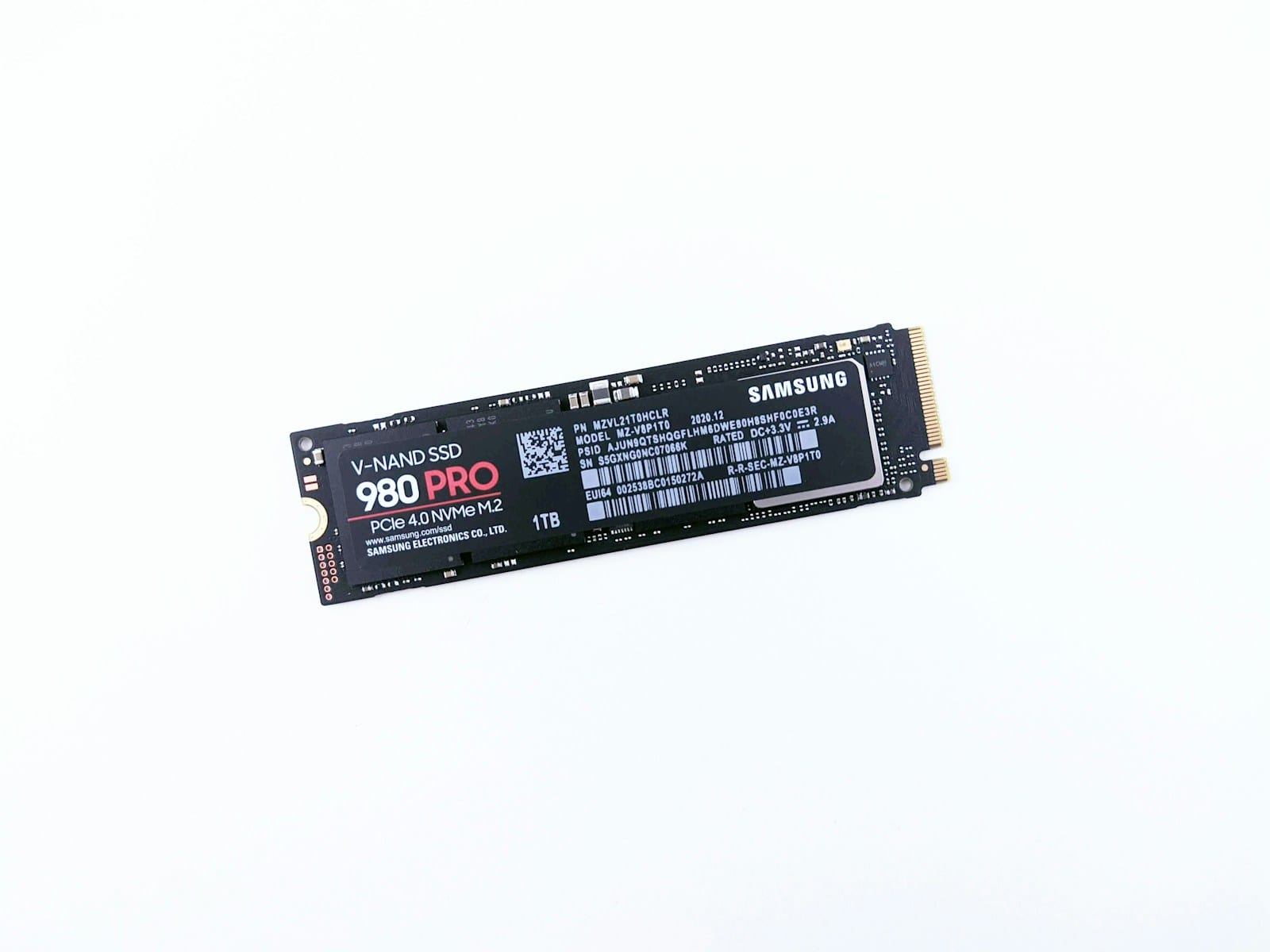
For a game library, a good Gen4 drive with more capacity and a solid warranty usually offers better value than a smaller Gen5 model at the same price. Running out of room forces transfers and deletions. Saving one second in a loading screen rarely offsets that friction. Check sustained performance, controller, NAND and warranty rather than only peak read speed.
PCIe generations are backward compatible. A Gen5 drive can operate in a Gen4 slot at Gen4 speed when the board and form factor support it. Check shared lanes too: on some motherboards, an M.2 slot disables another port or divides bandwidth.
Gen5 makes more sense for huge transfers, high-resolution video, professional projects or a new build where the price gap is small. It also produces more heat. Our NVMe heatsink guide explains how to inspect the motherboard cover and check for throttling before adding cooling. For games, buy capacity and reliability first. Chase the interface ceiling when the workload can use it.
The conversation starts here
Sign in with a supporter account to comment. Sign in

Nobody has commented yet. Want to go first?