
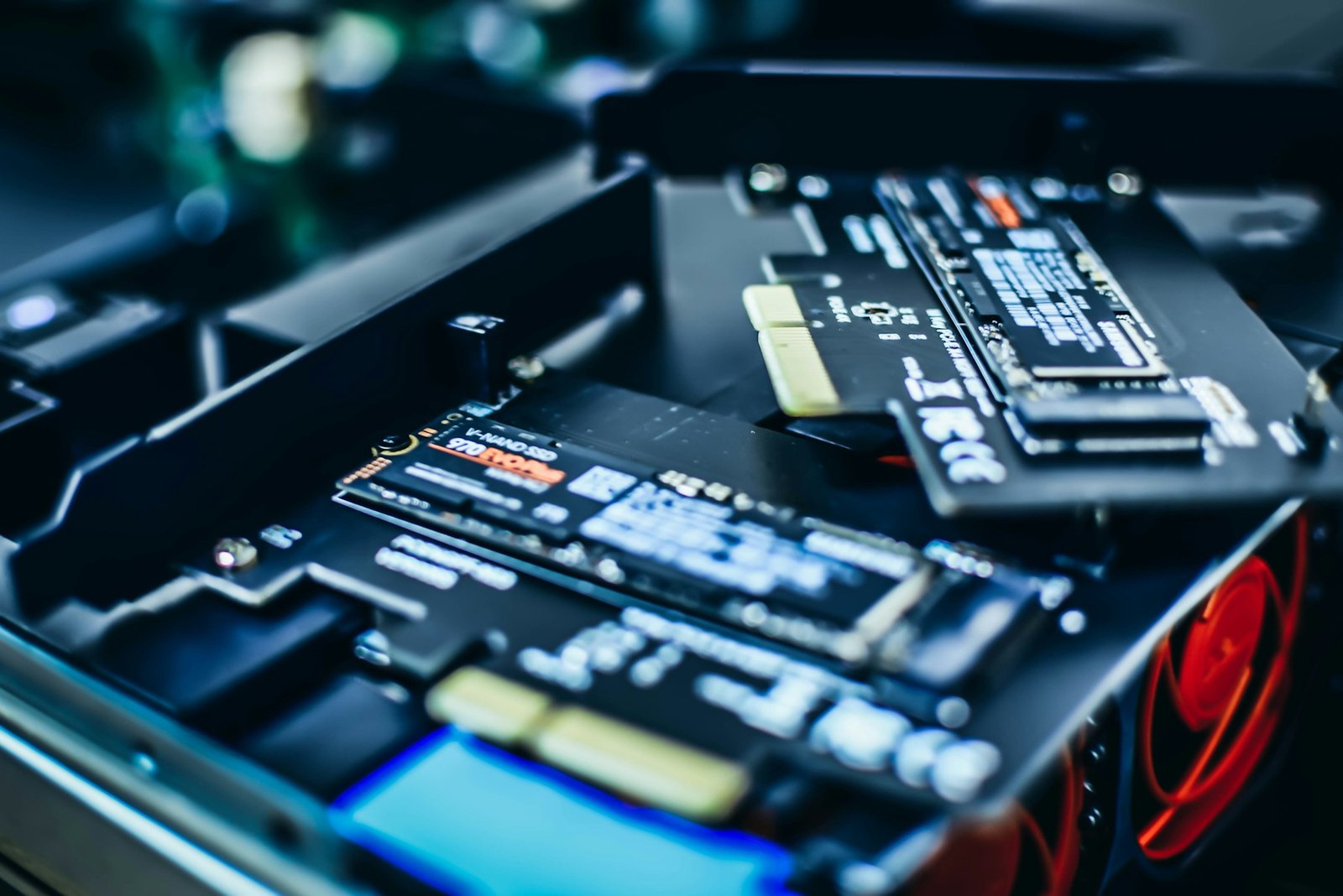
An NVMe SSD does not need to be cold. It needs to remain inside its operating range without reducing speed because of heat. The controller produces most of that heat. Once it passes a defined limit, the drive uses thermal throttling and slows down to protect itself. That does not normally erase files immediately, but sustained copies and loads can take longer.
The answer depends on use. A PCIe 3.0 drive used to boot Windows may be fine with case airflow. A PCIe 5.0 model under long writes is far more demanding. PS5 is unambiguous: Sony requires a heat-dissipation structure on every M.2 expansion SSD. Our guide to expanding PS5 storage covers the measurements and full installation process.
Before buying, look under the motherboard cover
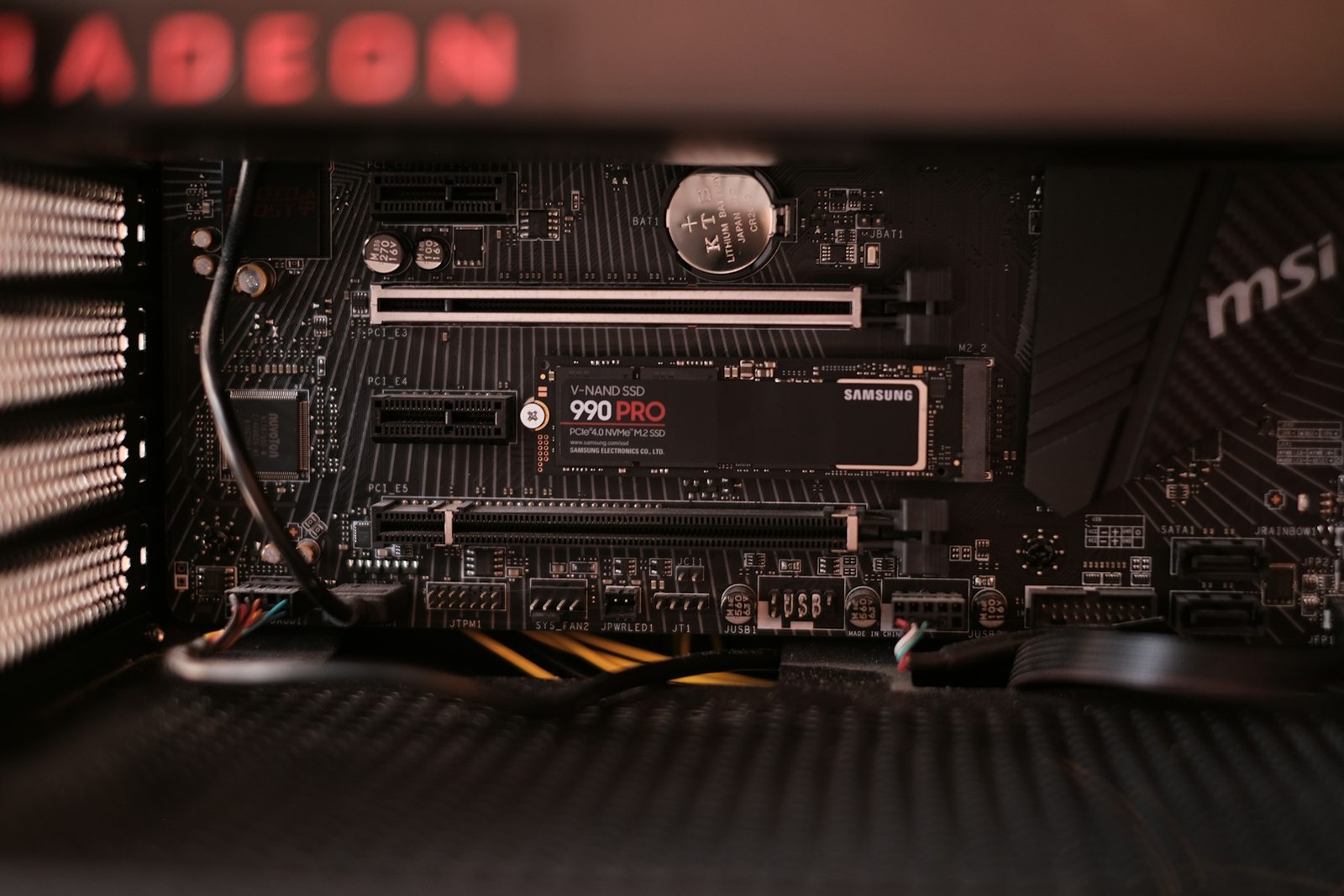
Many motherboards include a metal cover over one or more M.2 slots. That part is already a heatsink and normally includes a thermal pad protected by film. Remove the film before closing it. A drive with a large preinstalled heatsink may stop the motherboard cover from fitting. Use one cooling solution or the other rather than stacking them.
Generation is the second factor. PCIe 4.0 can benefit from cooling during long sessions, while PCIe 5.0 needs it much more often. Airflow is third: a slot underneath a hot GPU faces worse conditions than one in front of a case fan. Workload is fourth. Installing 200GB or editing video stresses the controller more than opening a document.
Our NVMe versus SATA SSD guide helps establish whether the speed difference is worthwhile before paying for cooling too. A heatsink does not turn a slow drive into a newer generation. It prevents a fast drive from losing performance to heat.
Which temperature matters and when to act
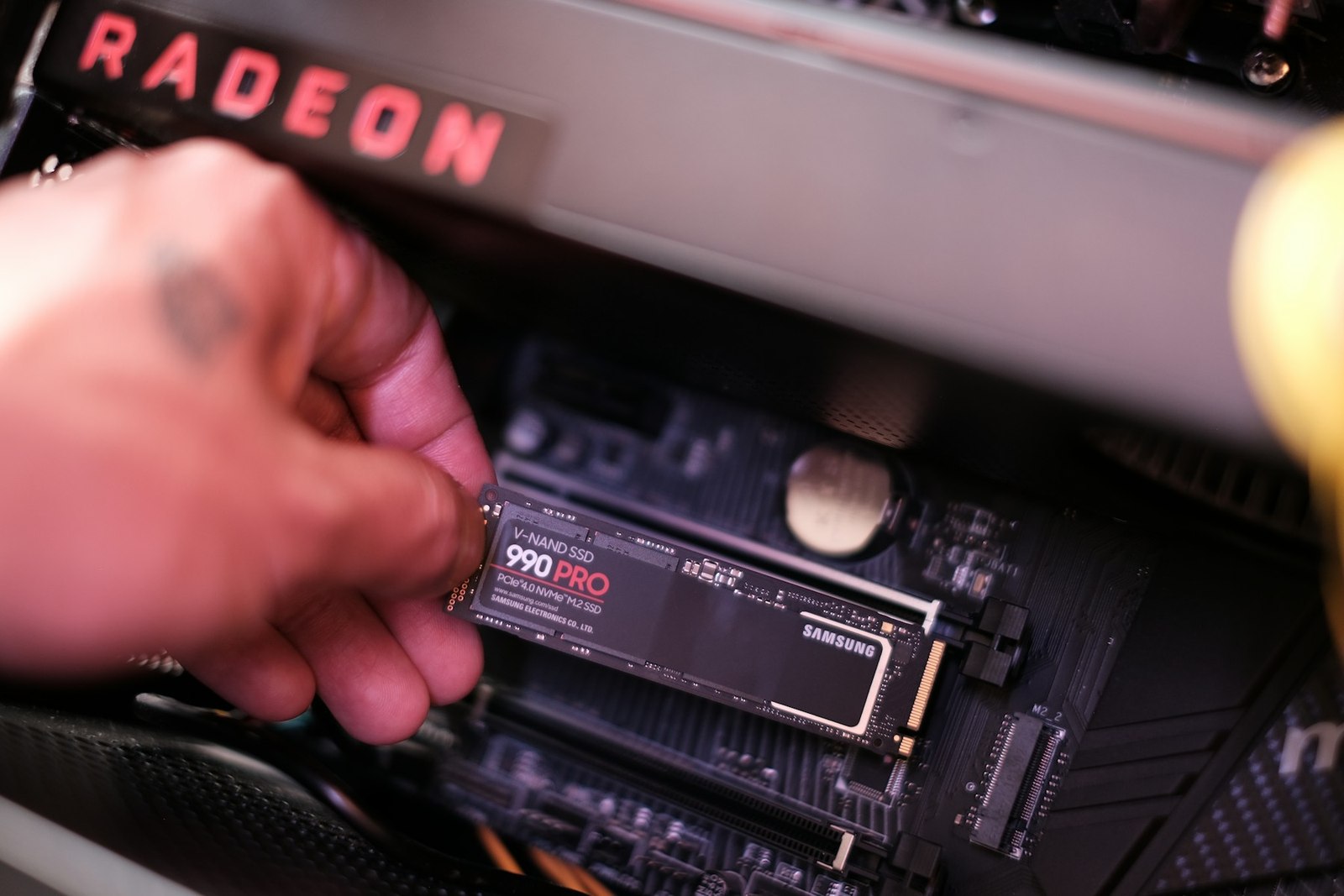
Read the sensor with the manufacturer's software or a monitoring tool while running the workload that concerns you. An idle reading says little. Kingston notes that many drives begin protecting themselves around 70 degrees Celsius, but the exact threshold depends on the model. Its specifications and official software take priority over a universal rule.
If temperature stays within range and speed does not fall, no change is necessary. If it repeatedly approaches the limit, check the thermal pad, mounting screw and airflow first. A simple passive heatsink is normally sufficient in a PC. Active models add noise and another point of failure. They mainly make sense for particular PCIe 5.0 drives under sustained work.
For PS5, the assembly must fit Sony's defined bay: no more than 11.25mm total height, with limits above and below the SSD board. Buy a compatible pre-cooled model or attach a correctly sized heatsink before closing the console. Do not leave the bay's outer cover off in an attempt to improve airflow.
The practical rule
On PS5, always make sure the drive has a heat-dissipation structure. On PC, start with the motherboard's included heatsink. Replace or improve that solution when the drive maker requires it or measurements show throttling under normal workloads. A PCIe 5.0 drive deserves closer attention, but its label does not justify stacking two heatsinks or buying cooling without measuring.
The conversation starts here
Sign in with a supporter account to comment. Sign in


Nobody has commented yet. Want to go first?