
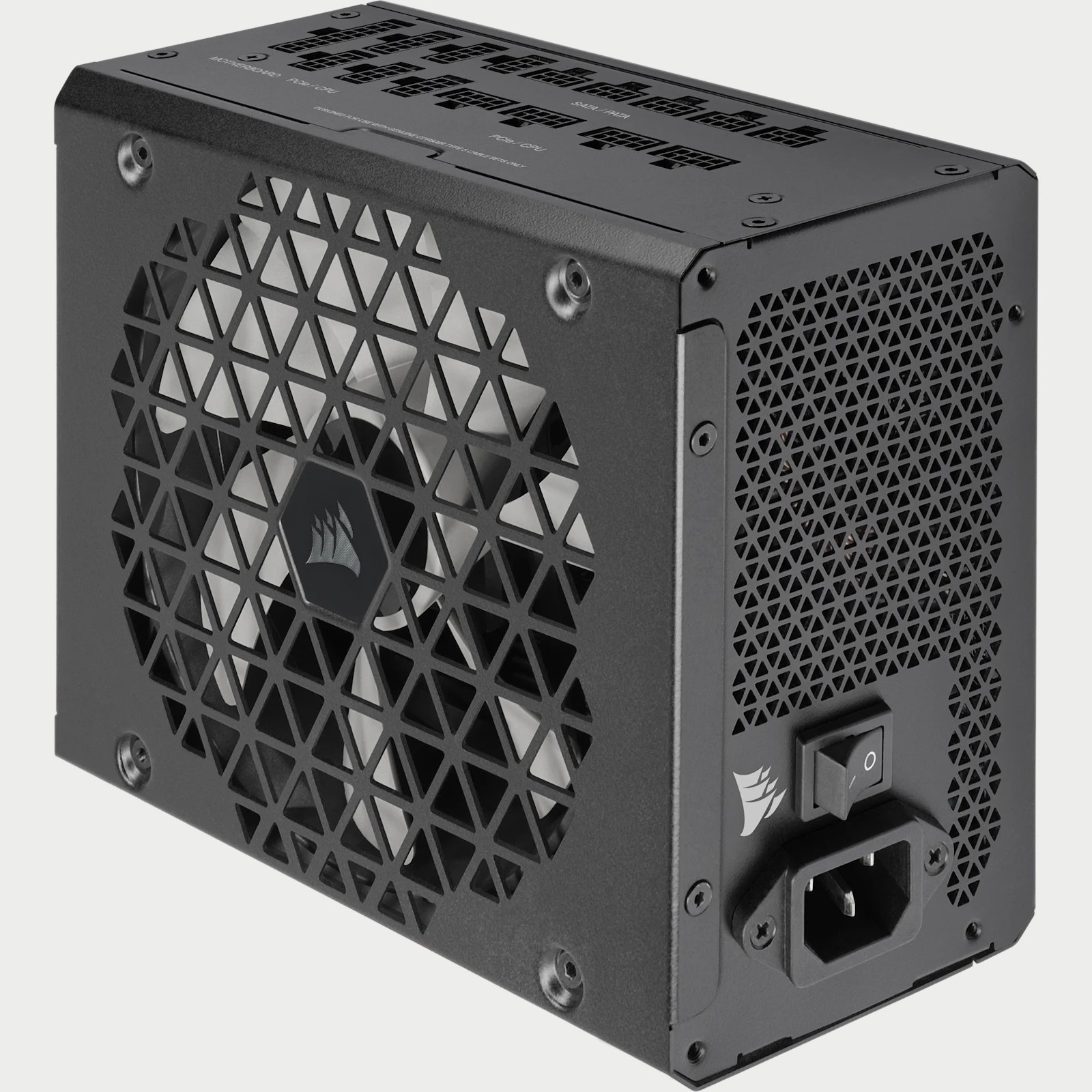
A Gold-rated power supply is not automatically quiet, and the label does not make it better than every Bronze unit in every respect. It describes efficiency under a certification program's test conditions. Output capacity, wasted electricity and operating behavior are separate considerations.
Start with the exact model number when comparing certificates. A familiar product-family name is not enough, because different capacities and revisions can carry different results.
Rated output is not constant wall consumption
Efficiency is the share of incoming electrical power that reaches the components. Most of the remainder becomes heat. A 750 W PSU does not continually draw 750 W, and 90% efficiency does not reduce its rated output capacity to 675 W.
Consider a calculated illustration, not a product measurement. Supplying 400 W to the PC at 90% efficiency requires roughly 444 W from the wall. At 80%, it requires 500 W. That is about a 56 W difference, but the effect on a bill depends on workload, running hours and electricity rates. As Cybenetics explains, efficiency varies across a PSU's operating range.
Check which property the badge actually certifies
80 PLUS rates efficiency at specified loads, with familiar desktop categories running from Standard to Titanium. Its thresholds vary by input voltage and application. For a typical US household connection, check the 115 V test results rather than importing percentages from a 230 V table.
Cybenetics splits efficiency and acoustics into ETA and LAMBDA. A strong result in one does not guarantee an equally strong result in the other. Its Gold label is not a direct equivalent of 80 PLUS Gold either. Corsair's comparison explains why different test methods prevent a simple badge-for-badge match.
Safety is separate again. Cybenetics states that SAFE is an independent program, not something included with ETA or LAMBDA. A unit can hold those efficiency or noise certifications without being SAFE-certified. Look at the actual certification, not just the laboratory's name.
A practical check before buying
Search the 80 PLUS registry or Cybenetics database using the manufacturer, complete model reference and wattage. Open the report and match all three, then check input voltage and rating. If quiet operation matters, look for acoustic measurements across loads rather than inferring noise from an efficiency label.
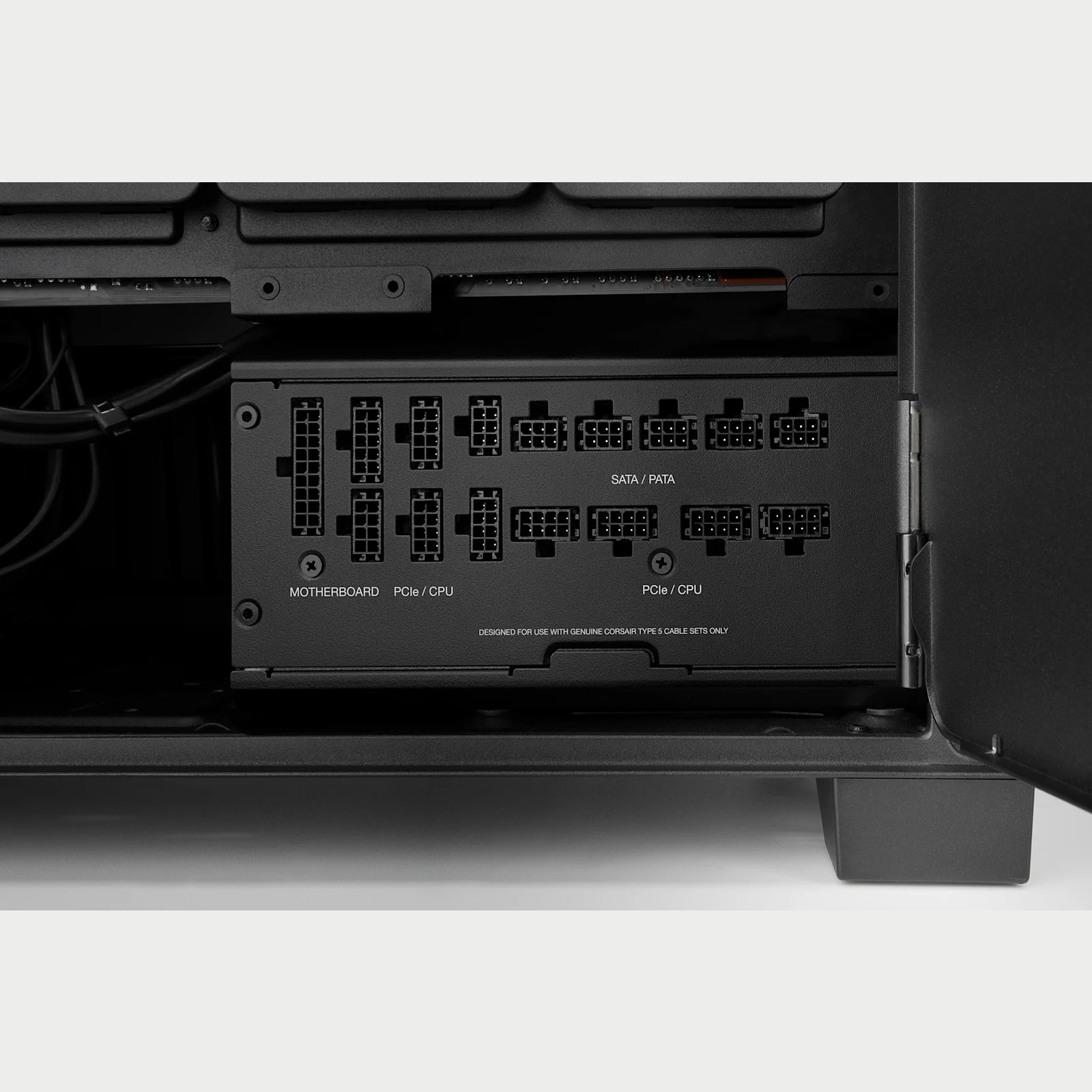
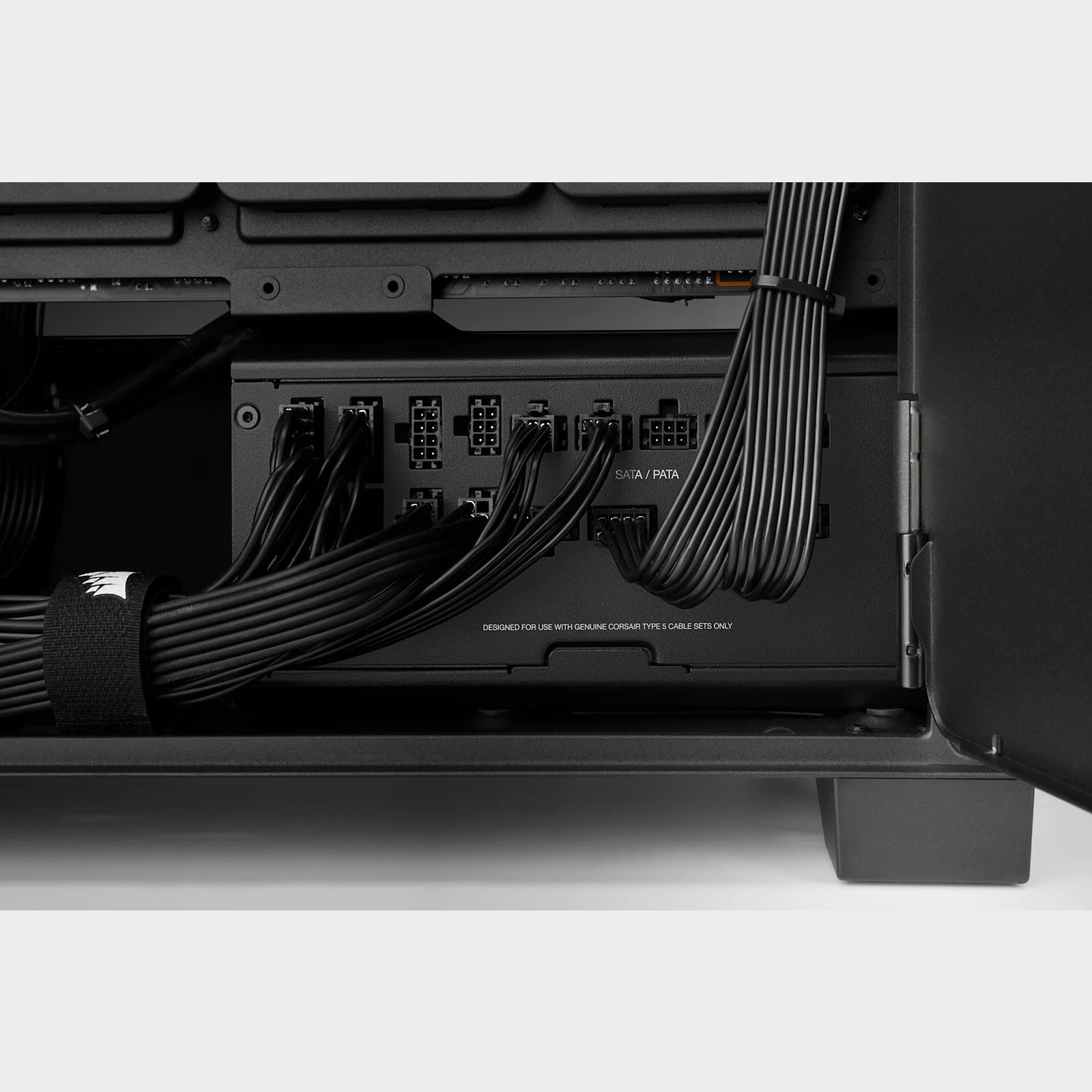
Next, check the power recommendation for your configuration, required connectors and case clearance. Use the PSU's supplied modular cables or replacements explicitly confirmed compatible by its manufacturer. A plug fitting the socket does not establish compatibility.
For a gaming upgrade, first check what the game requires and identify whether your CPU or GPU is the limiting component. The right PSU supports the upgrade. A better efficiency badge alone does not fix an underpowered processor or graphics card.
The conversation starts here
Sign in with a supporter account to comment. Sign in


Nobody has commented yet. Want to go first?