
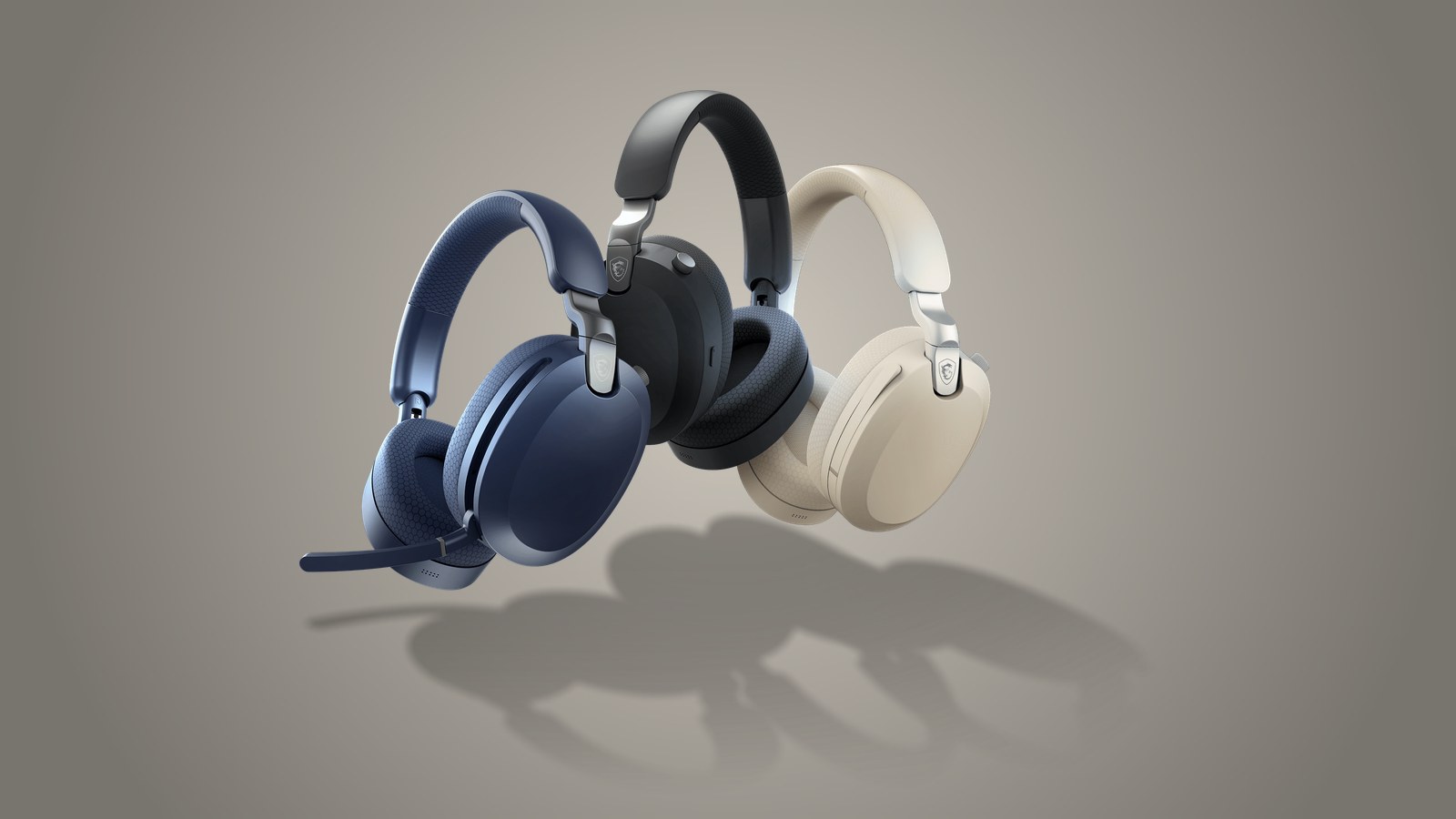
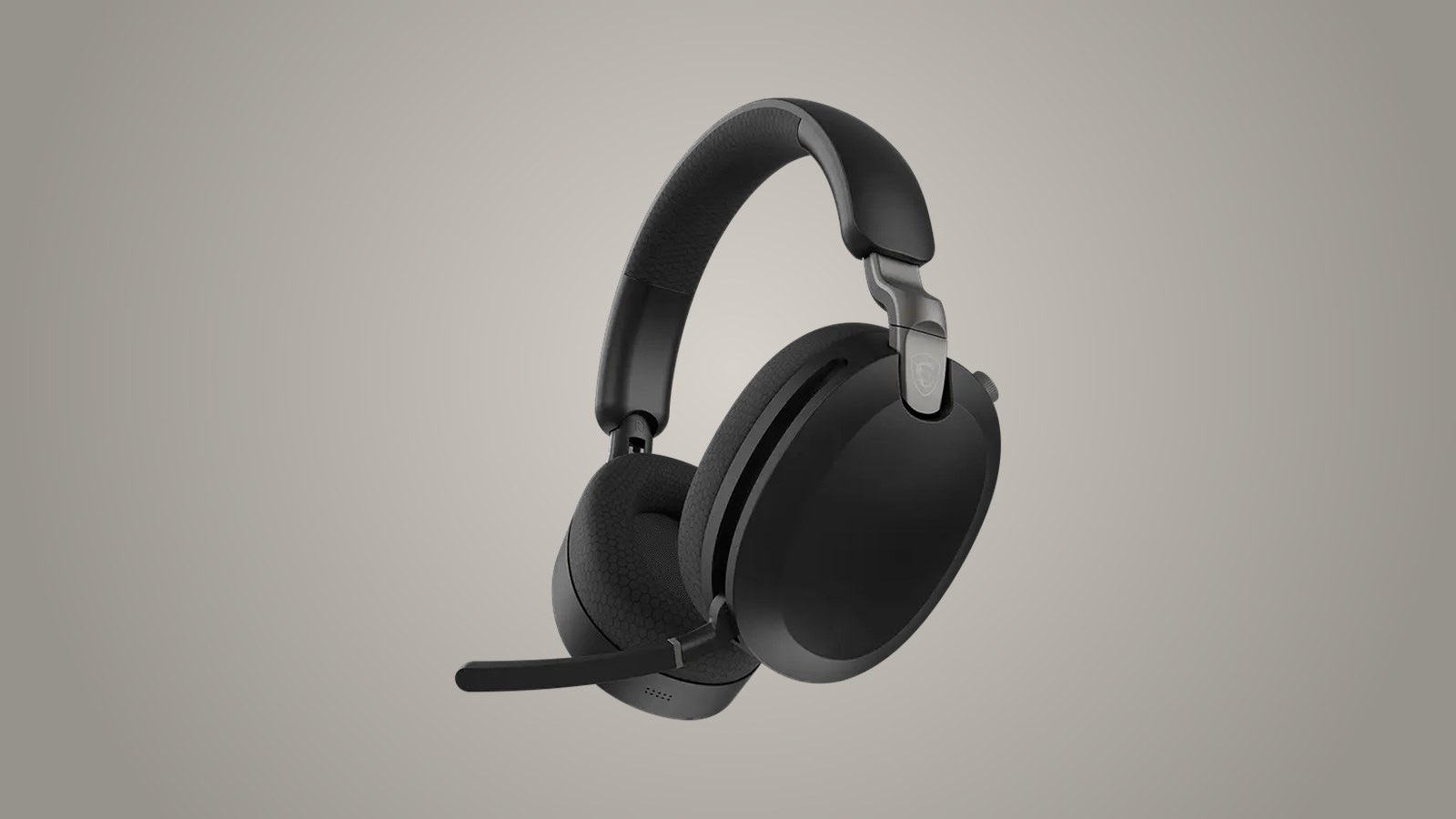
The MSI Maestro 500 Wireless sounds good, blocks out a fair amount of the noise around you and feels well made from the moment it comes out of the box. We give it 8/10. Its weak spot is weight, a familiar problem with big over-ear headsets. MSI lists it at 280 grams, about 9.9 ounces, and after roughly two hours straight it starts to press on your head a little. Until then, it is pleasant to wear.
It connects three ways: a USB-C 2.4 GHz wireless dongle, Bluetooth or a 3.5 mm cable. It has active noise cancellation, plus a transparency mode that lets you hear what is going on around you without taking it off. MSI's US store lists the black model at $69.99, and on October 30, 2026, it was showing a limited-time price of $54.99. MSI sent us the unit we tested.
Good sound and isolation you can feel
We liked how it sounds. Each earcup holds a 40 mm driver, the small speaker that makes the sound. That is a common size for gaming headsets. MSI quotes a frequency response of 20 to 40,000 Hz, the range of tones it can reproduce from the deepest bass to the highest treble. Human hearing tops out at around 20,000 Hz, so the upper half of that spec makes no difference to what you will hear.
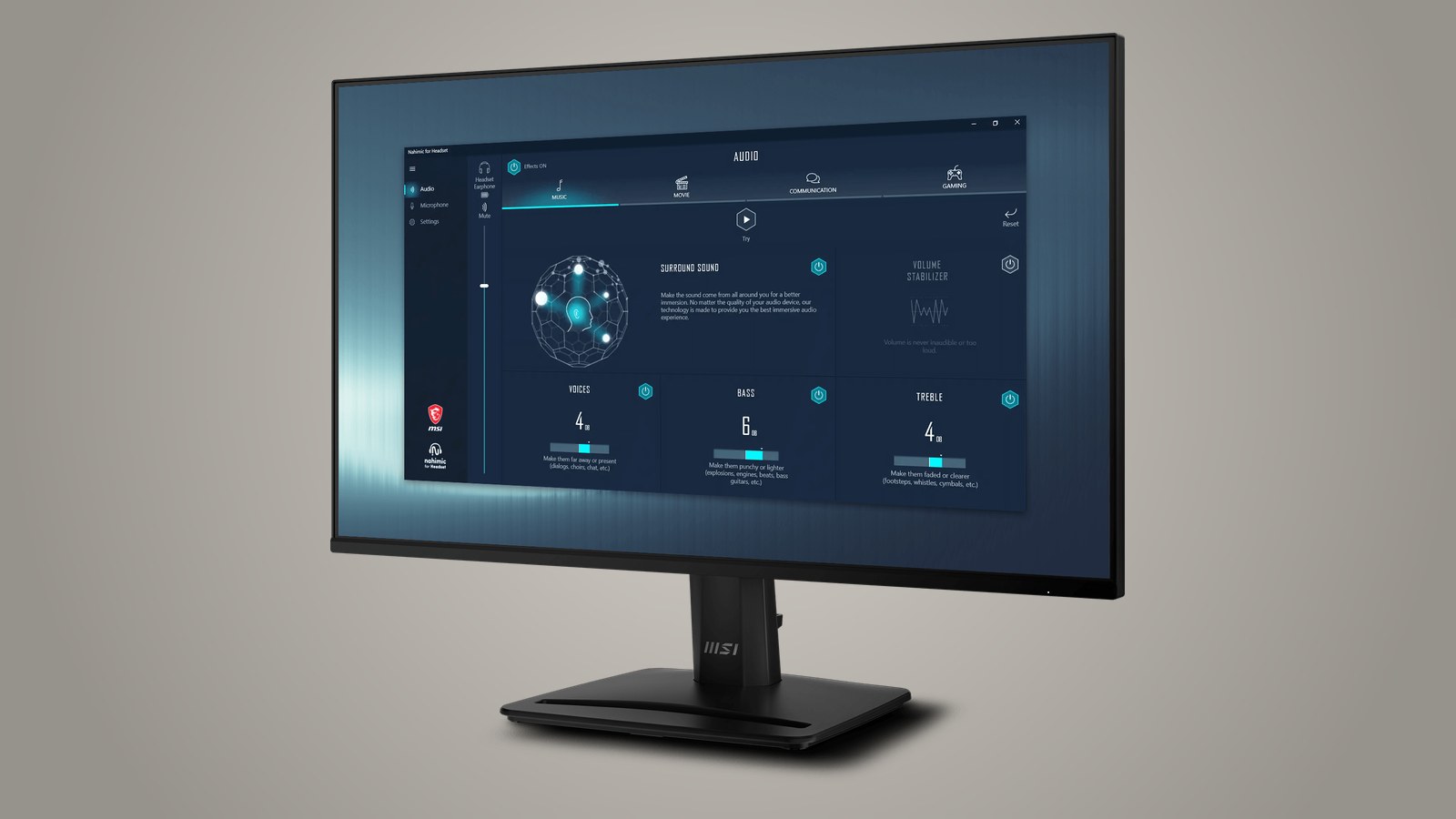
On Windows, the free Nahimic for Headset app adds an equalizer with presets for music, movies and games, along with virtual surround sound, which mimics speakers placed around your head to help you tell where a noise is coming from. It needs Windows 10 or later. There is no version for Mac, consoles or phones.
Isolation is solid too. Active noise cancellation uses microphones to pick up outside sound and plays an opposite wave that cancels it before it reaches your ears. It works best on steady, low-pitched noise such as a bus engine or a PC fan, and less well on voices or sudden bangs. MSI does not say how many decibels it cuts, so we cannot compare it with other models on paper. Transparency mode does the reverse, using those same mics to let in the voice of someone talking to you or an announcement at the train station.

At 280 grams, you notice it after two hours
MSI's 280-gram figure includes the wireless dongle. That is not unusual on paper. The Razer BlackShark V3, which we recommend in our guide to the best gaming headsets of 2026, weighs 270 grams. You still feel it on your head, though. It is comfortable at first, and after about two hours straight it starts to bother us a little. If you tend to play longer stretches in one go, expect to take it off for a while.
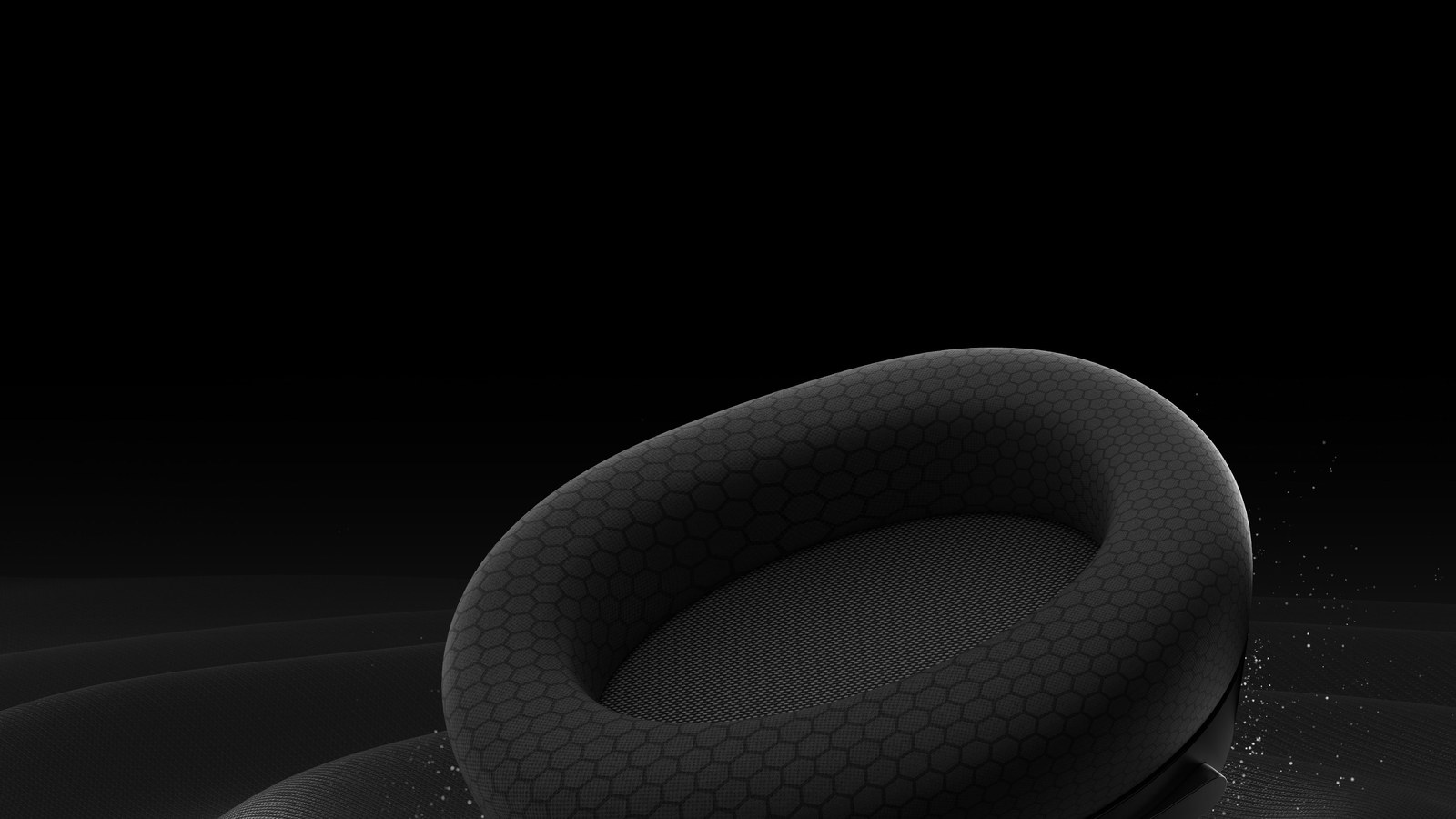
We like the materials. According to MSI, the ear cushions pair memory foam, which molds to your head and springs back when you take the headset off, with a breathable mesh fabric that keeps heat from building up as much around your ears.
It folds up and travels in its pouch
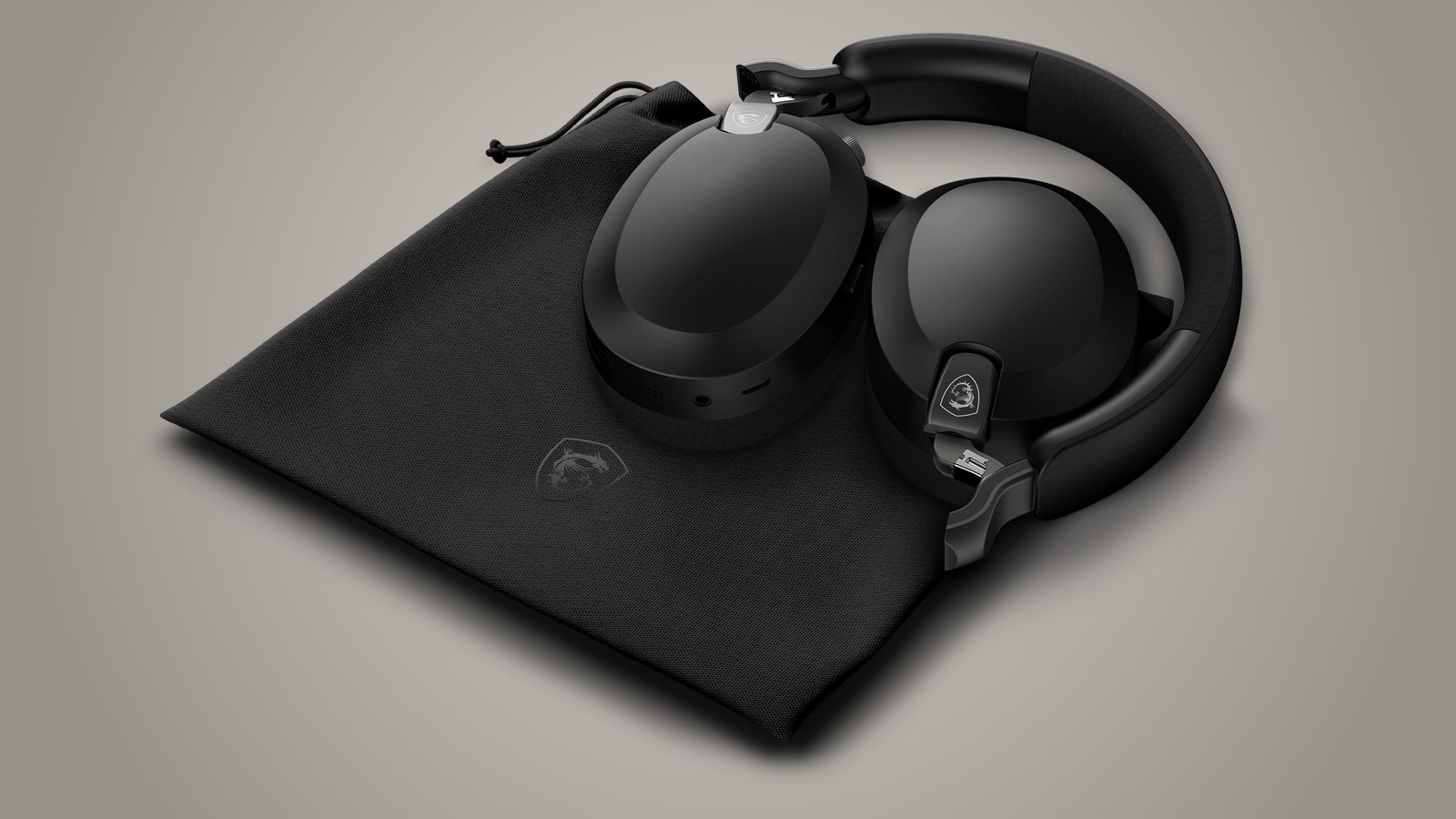
The earcups swivel 90 degrees to lie flat on your chest when you wear the headset around your neck, and they tilt 5 degrees either way to fit your head. They also fold inward, so the headset takes up less room in a backpack. In the box you get a fabric pouch, the 3.5 mm cable and a charging cable.
Dongle, Bluetooth or cable, and what each mode leaves out
The 2.4 GHz dongle is the connection meant for gaming. MSI promises under 30 milliseconds of latency, which is the delay between a game making a sound and that sound reaching your ears. With a delay that short, a gunshot or footsteps sound practically in sync with what you see on screen. The dongle is USB-C, so it plugs straight into PCs with that port. If yours only has USB-A, you will need an adapter, and there is none in the box.
Bluetooth 5.4 covers your phone or tablet without tying up a port. MSI does not give a latency figure for it, so for gaming the dongle, rated at under 30 milliseconds, is the safer bet. Bluetooth also compresses audio before sending it, which can cost some quality, as we explain in our piece on lossless audio over Bluetooth and USB-C.
The 3.5 mm cable is how you connect to an Xbox, through the controller, or keep listening when the battery runs out. Over the cable you only get sound. Noise cancellation, transparency, the mic and the buttons all stop working, so you cannot use it to chat on Xbox. The USB-C port on the headset is for charging only.
Up to 60 hours on the dongle and 90 over Bluetooth
The battery is rated at 1,000 mAh. That number tells you how much energy it holds, not how many hours it will last, which depends on volume, connection and whether noise cancellation is on. MSI promises up to 60 hours on the 2.4 GHz dongle and up to 90 over Bluetooth, measured at 50% volume with noise cancellation off. We did not measure it ourselves. If the 60 hours hold up, that is about three weeks of gaming at three hours a day. With noise cancellation on it will run shorter, and MSI does not say by how much.
MSI says a 5-minute charge gets you about 4 hours on the dongle or 6 over Bluetooth. Audio stops while it charges, though, so you cannot plug it into your PC and keep using it like a wired headset.
A mic that mutes when you flip it up
The mic sits on a flip-up boom. Lowered, it is live, and flipping it up mutes it without pressing anything, so one glance at the boom tells you whether people can hear you. MSI backs it with an array of six microphones using beamforming, a technique that combines what each one picks up to focus on the direction of your mouth, plus environmental noise reduction so your teammates do not hear your keyboard or the street.
MSI rates the mic at 100 to 10,000 Hz. That range comfortably covers your voice in a match or a video call, but it is built for talking, not for recording a podcast.
Verdict: 8/10
The Maestro 500 Wireless gets the most important things right. It sounds good, isolates well and feels well built. On top of that you get three ways to connect, noise cancellation and a very long claimed battery life for $69.99, or less when it is on sale. What keeps it from a higher score is the weight, which starts to bother you after about two hours.
It suits anyone who wants one headset for their PC, their phone and the commute, and who does not usually play more than two hours without a break. If you play on Xbox and want to talk to your team, look elsewhere, because there it only works over the cable, with no mic. From MSI we have also reviewed the Versa 300 Elite Wireless mouse and the Forge GK600 TKL Wireless keyboard.
Frequently asked questions
How much does the MSI Maestro 500 Wireless weigh?
MSI lists it at 280 grams, about 9.9 ounces, including the wireless dongle. That is not unusual for an over-ear headset, but you do feel it. It starts to bother us a little after about two hours straight.
How long does the MSI Maestro 500 Wireless battery last?
MSI claims up to 60 hours on the 2.4 GHz dongle and up to 90 over Bluetooth, at 50% volume with noise cancellation off. It runs shorter with noise cancellation on, and MSI does not say by how much. We did not measure it. If the 60 hours hold up, that is about three weeks of gaming at three hours a day.
Does the MSI Maestro 500 Wireless have noise cancellation?
Yes, it has active noise cancellation and a transparency mode. Noise cancellation picks up outside sound with microphones and plays an opposite wave to cancel it, and it works best on steady, low-pitched noise like an engine or a fan. Transparency mode lets voices and announcements through. In our testing it isolates well.
Does the MSI Maestro 500 Wireless work with PS5 and Xbox?
MSI lists it as compatible with PS4 and PS5. On Xbox it only works over the 3.5 mm cable plugged into the controller, and the cable carries sound only, with no mic, noise cancellation or buttons, so you can hear the game but not chat.
Can you use the MSI Maestro 500 Wireless while it charges?
No. According to MSI, audio stops while it charges. On the plus side, a 5-minute charge gets you about 4 hours on the dongle or 6 over Bluetooth. If the battery dies mid-match, you can also keep listening over the 3.5 mm cable.
Is the MSI Maestro 500 Wireless worth buying?
We give it 8/10. At $69.99, or $54.99 when MSI's US store has it on sale, it sounds good, isolates well, feels well made and connects over a dongle, Bluetooth or cable. The catch is the weight, which starts to bother you after about two hours straight. It is a good buy if you want one headset for your PC and your phone and do not play very long sessions without a break.
The conversation starts here
Sign in with a supporter account to comment. Sign in
Nobody has commented yet. Want to go first?