
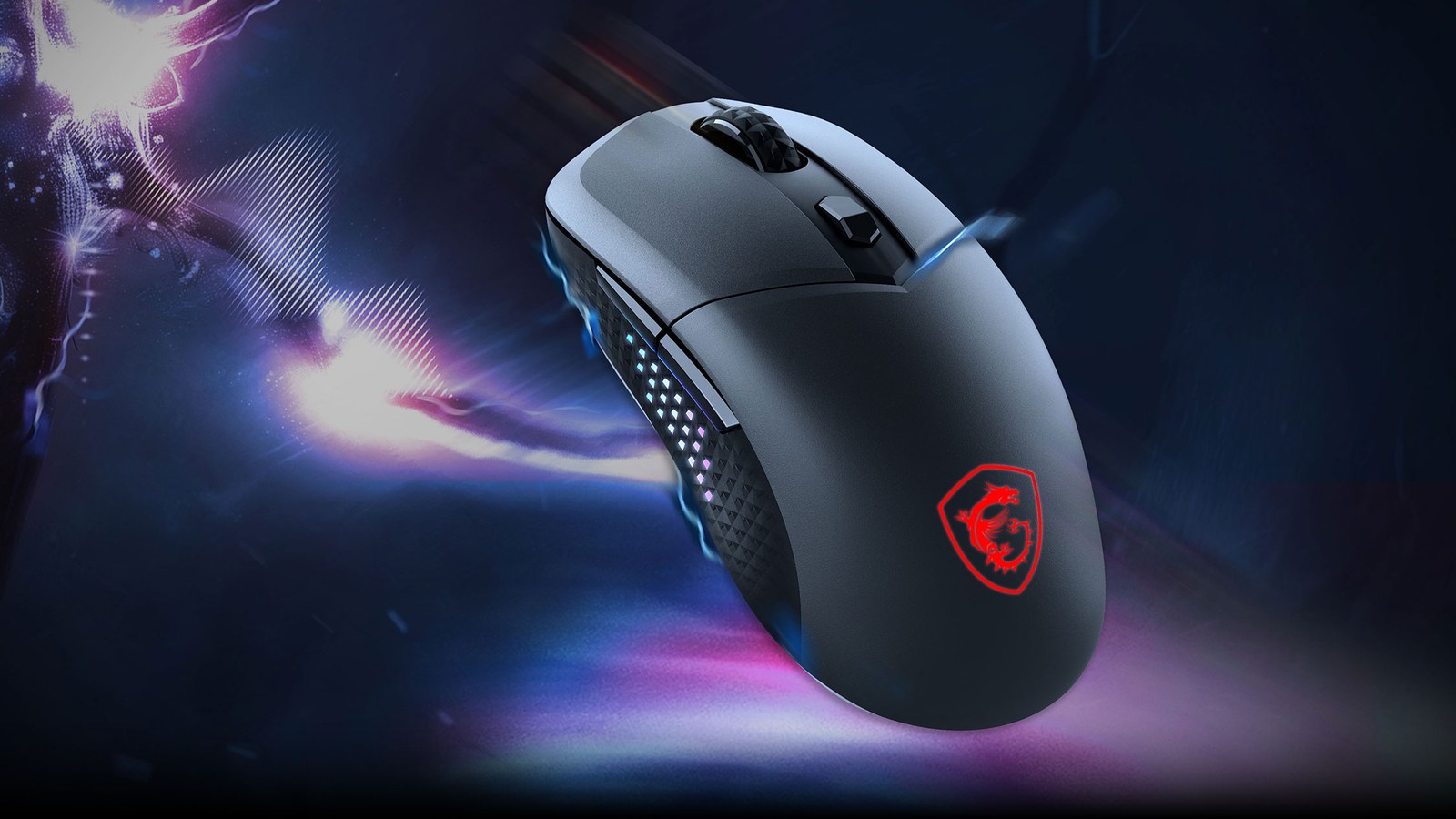
The MSI Versa 300 Elite Wireless weighs 65 grams, about 2.3 ounces, according to MSI, and that low weight is by far the best thing about it. We used it wired and wireless while playing 007 First Light and Baldur's Gate 3, and it takes almost no effort to move. We give it 7.5/10. It is a good lightweight mouse that gets everything right, with minor gripes such as some hand fatigue in long sessions and a build that feels plasticky. On sale, it is a smart buy.
It connects three ways: a 2.4 GHz wireless receiver, Bluetooth or a USB cable. MSI lists it at $69.99 in its US store. When we checked on October 23, 2026, the store showed a $39.99 sale price but had it marked as sold out. MSI sent us the unit we tested.
Why 65 grams makes a difference
MSI's 65-gram figure is for the mouse alone, without the cable. Weight decides how much force it takes to get a mouse moving and to stop it, so a light one asks less of your wrist and fingers on fast flicks and small corrections. It goes where we want without a fight, and the pure PTFE feet (the slick material better known as Teflon) help it glide with little friction.
For context, large palm-grip mice with removable weights can top 120 grams (4.2 ounces) before you add a single weight. The Versa weighs close to half that. We usually prefer heavier mice for the stability they bring, and even so, the low weight is what we liked most here.
Mostly wired, but wireless works well too
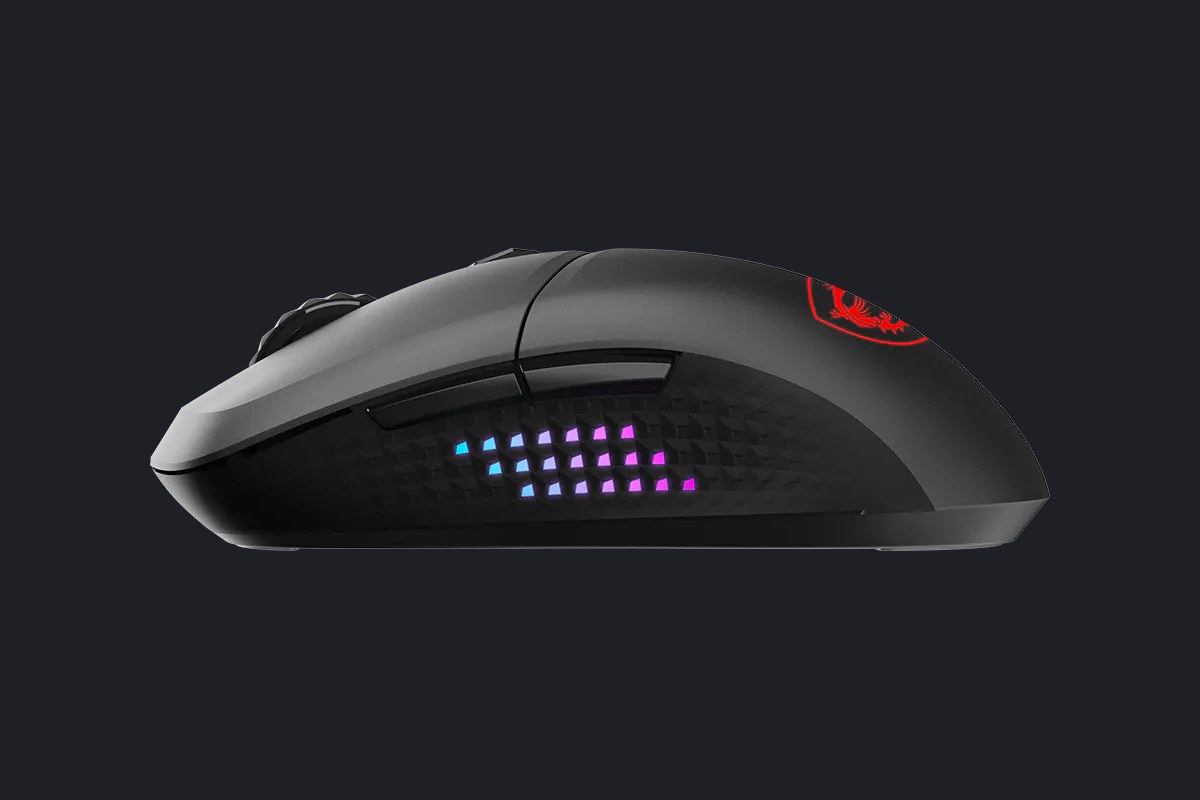
We ended up gaming with the cable plugged in most of the time, although the mouse works very well wireless too. After the weight, the cable is the part we liked best. MSI calls it FriXionFree, and its spec sheet lists it at 2 meters, about 6.6 feet, running from USB-C at the mouse to USB-A at the PC. It is braided and very flexible, a lot like paracord. A stiff cable tugs at the mouse during wide sweeps, while this one bends and trails along without holding it back.
To go wireless, a switch on the underside picks Bluetooth, 2.4 GHz or off. The USB receiver for 2.4 GHz mode, which MSI calls SWIFTSPEED, tucks into a slot inside the mouse so it does not get lost. Bluetooth frees up that USB port, but MSI does not say how responsive the mouse is in that mode.
MSI rates the polling rate at 1,000 Hz, which means the mouse reports its position to the PC once every millisecond. Its sibling, the Versa 300 Wireless 8K, reaches 8,000 Hz, though that gap does not automatically mean a faster response on screen. Our guide to 1,000 Hz and 8,000 Hz mice explains why.
Battery life is the murkiest spec. MSI's current spec sheet says up to 200 hours, but the press release MSI used to announce it in October 2024 said up to 80, and MSI's US store lists both numbers on the same page. MSI does not explain the gap, and it does not publish battery capacity or charging time. We did not measure it, so 80 hours is the safer number to plan around. If it holds up, that is nearly four weeks of wireless play at about three hours a day.
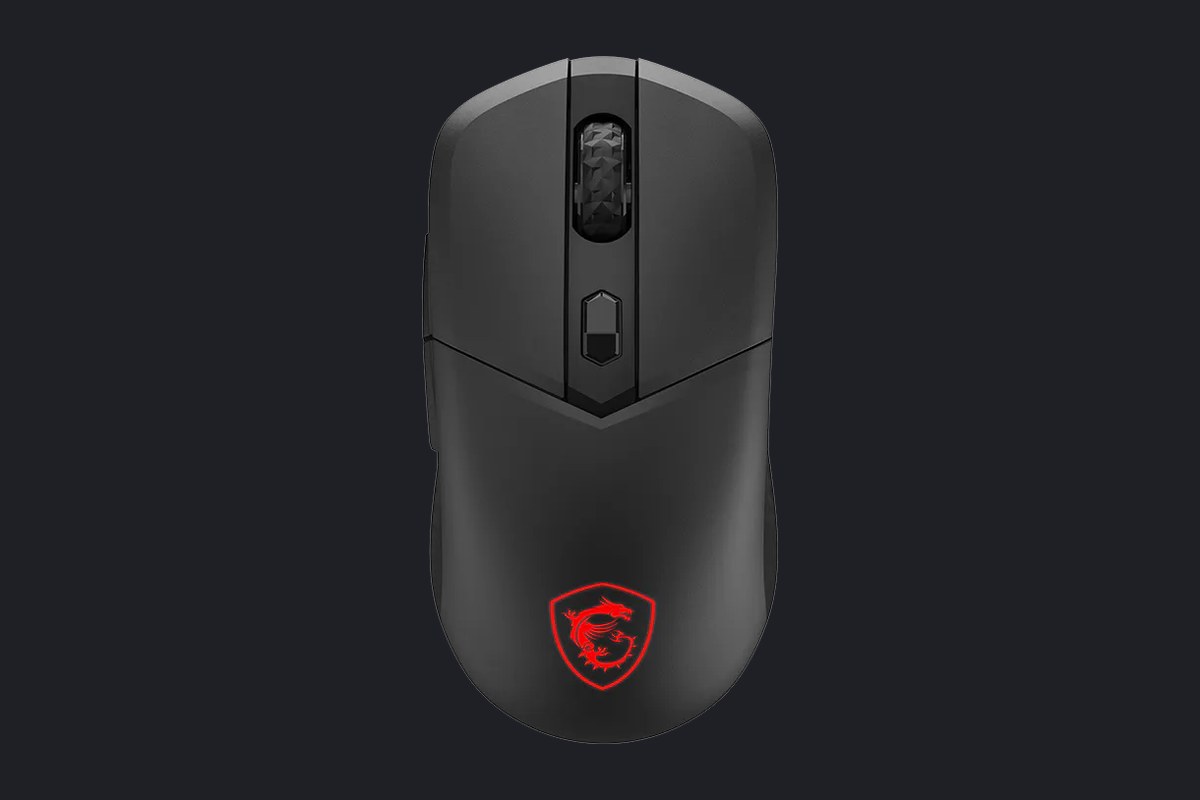
The cable also charges the battery, so keeping it plugged in, as we did most of the time, keeps it from running flat mid-match. When you switch it on wireless, the shield logo shows the charge level: green above 70%, yellow from 30% to 69%, and blinking red below 30%.
Buttons, sensitivity and lighting without any software
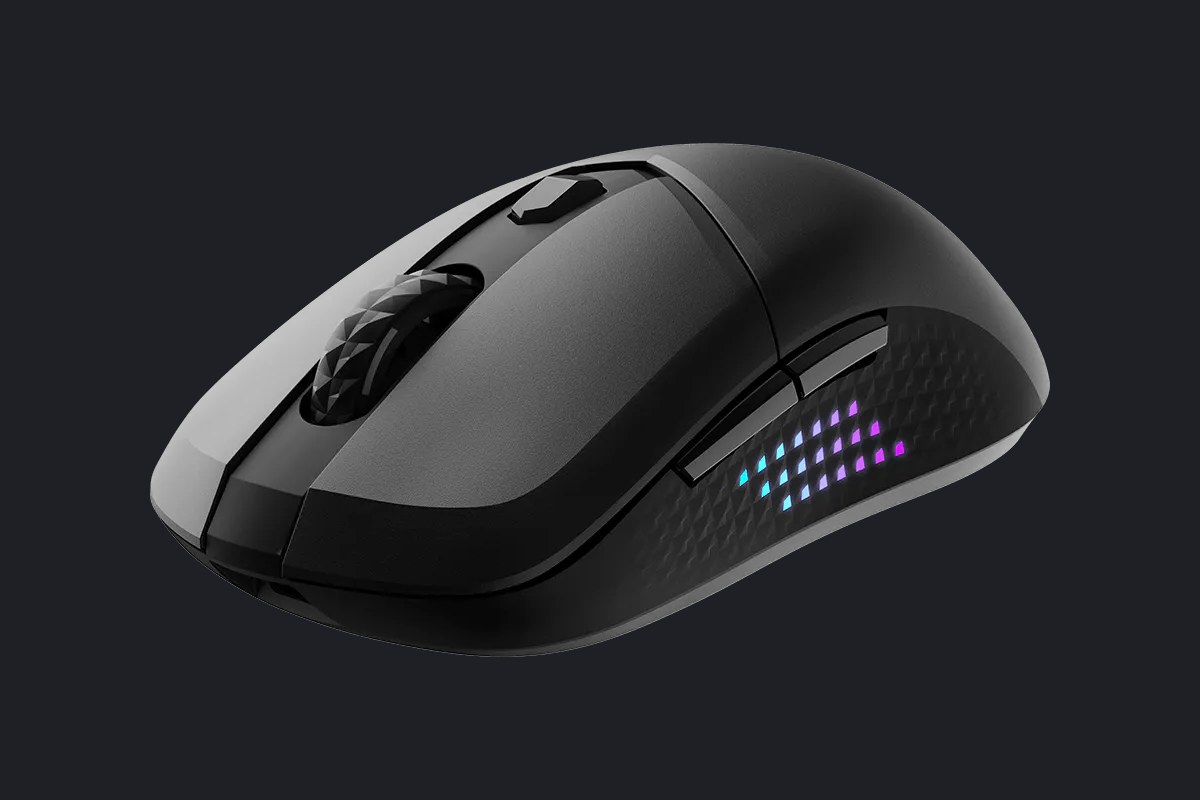
There are six buttons: left and right click, the scroll wheel click, two side buttons and a DPI button behind the wheel. On our unit, both side buttons sit on the left.
DPI measures how many dots the cursor moves for every inch you move the mouse. Higher DPI sends the pointer farther with the same motion, so you can cross the monitor with a small hand movement, but fine aim on small targets gets harder. The button cycles through five steps (400, 800, 1,600 by default, 3,200 and 6,400), and a color on the mouse shows which one is active. MSI claims up to 26,000 DPI from its PixArt PAW3395 sensor, the part on the underside that tracks movement across your desk, but that maximum only unlocks in MSI Center, MSI's Windows app.
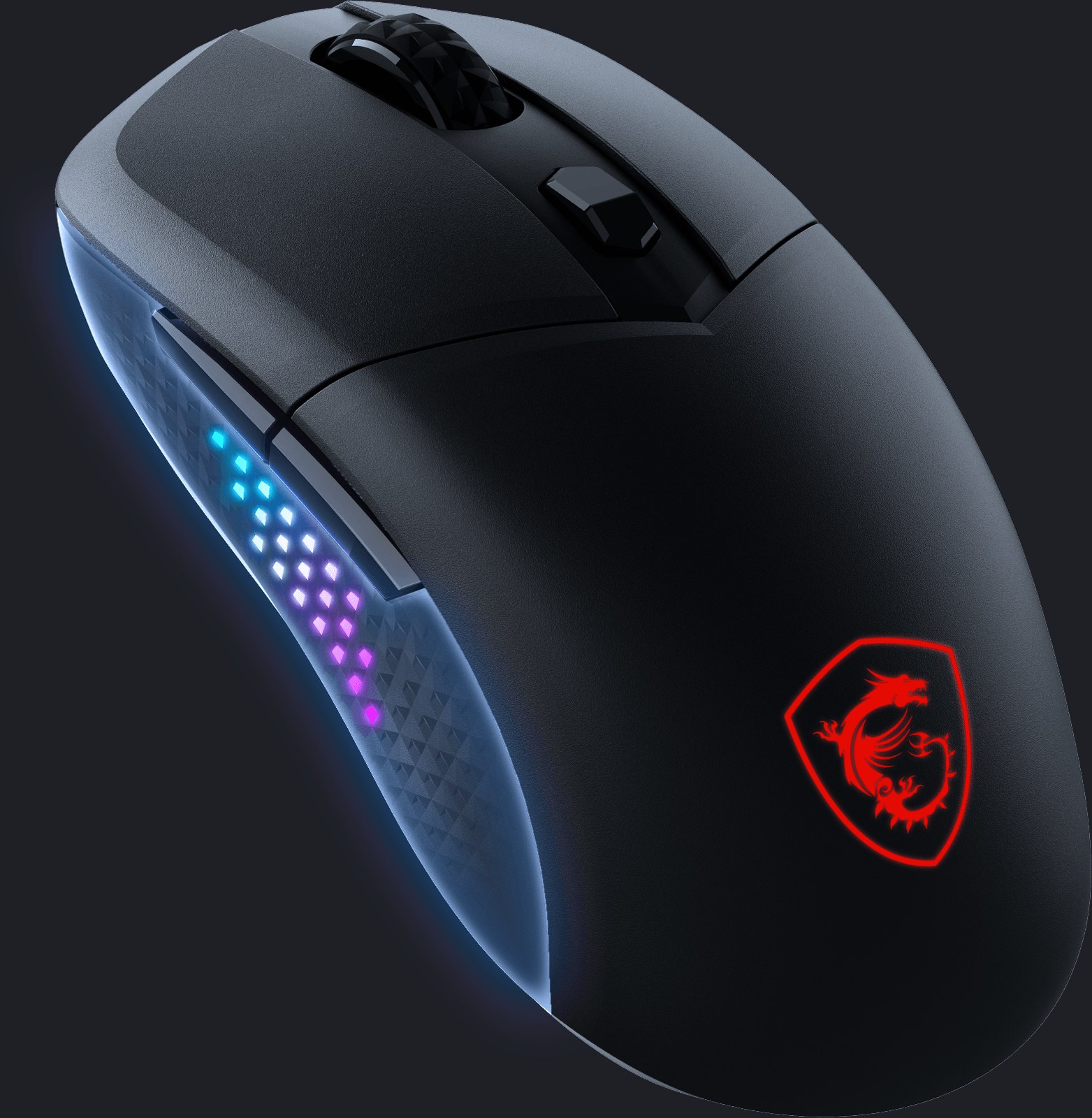
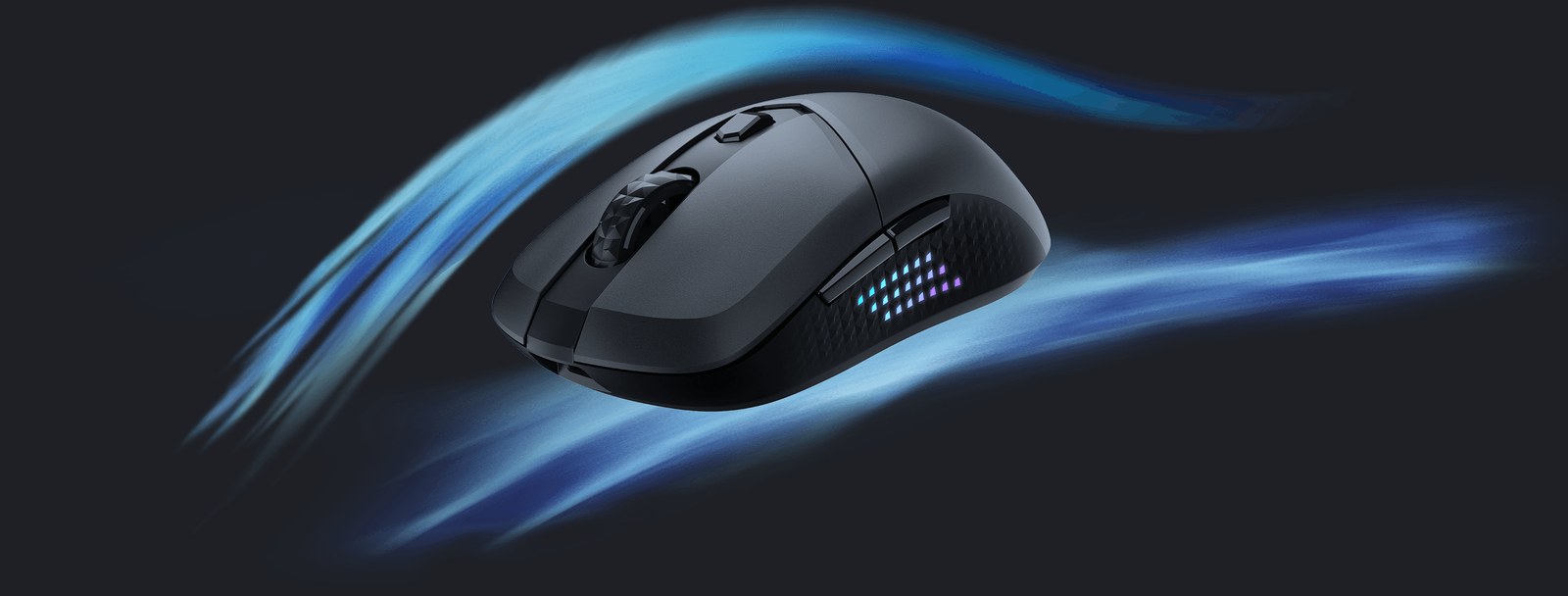
The shell is matte black, and the lighting has two zones: the MSI shield near the back and a grid of small diamonds along the side, a textured grip MSI calls Diamond LightGrip that keeps your fingers from slipping. You can adjust it in MSI Center or, without installing anything, by holding the DPI button and pressing another one. Right click changes brightness, the wheel changes the effect, and the side buttons set speed and color.
Why 7.5 and not 8
Beyond the weight and the cable, the Versa gets the job done without standing out. The clicks, scroll wheel and side buttons all work as they should in games, but none of them has a feel or feature that makes it special. What costs it half a point are two minor gripes: comfort in long sessions and the finish.
The shape is symmetrical, with identical sides and no ledge for your thumb, and it measures 4.9 by 2.5 by 1.6 inches. After two or three hours straight of Baldur's Gate 3 or 007 First Light, our hand started to feel a bit tired because the thumb had nowhere to rest. If you often play that long, a mouse with a thumb rest will be more comfortable.
In the hand, it feels plasticky overall, and the finish is a little basic. That does not get in the way of using it, but it suits a $40 mouse better than a $70 one. The design is fine, too, though it lacks personality. It is a standard black mouse that blends in, so look elsewhere if you want something that stands out on your desk.
That makes price the deciding factor. Near the $39.99 sale price MSI's store showed on October 23, 2026, it is a smart buy and we would recommend it. At the $69.99 list price, $30 more, we would hold off.
Verdict: 7.5/10, best bought on sale
The Versa 300 Elite Wireless won us over at what it does best. It is extremely light and takes very little effort to move, we love the cable, and it responds very well wireless. It suits claw grips, where only the back of your palm touches the mouse and your fingers arch over the buttons, and fingertip grips, especially if you play a lot of shooters full of quick flicks and small corrections. Left-handed players can use the shape, but the side buttons would sit under the ring finger or pinky instead of the thumb.
If you do not care about the side lighting and want 8,000 Hz polling, look at its sibling, the Versa 300 Wireless 8K, which MSI's spec sheet lists without the lit side grids. And if you want a keyboard from the same brand, we have also reviewed the MSI Forge GK600 TKL Wireless.
Frequently asked questions
How much does the MSI Versa 300 Elite Wireless weigh?
MSI lists it at 65 grams, about 2.3 ounces, not counting the cable. Large mice with removable weights can top 120 grams (4.2 ounces) before you add a single weight, so the Versa weighs only a little over half as much, and fast flicks and small corrections take less effort from your wrist.
How long does the Versa 300 Elite Wireless battery last?
MSI gives two numbers. Its current spec sheet says up to 200 hours, while the press release it used to announce the mouse in October 2024 said up to 80. We did not measure it, so we would plan around 80 hours, which works out to nearly four weeks of wireless play at about three hours a day. The cable charges it while you play.
What connection options does the Versa 300 Elite Wireless have?
It connects through its 2.4 GHz USB receiver, over Bluetooth or with its 2-meter (6.6-foot) cable, which runs from USB-C at the mouse to USB-A at the PC. A switch on the underside picks Bluetooth, 2.4 GHz or off, and the receiver tucks inside the mouse. We kept it wired most of the time, and it also works great wirelessly.
Do you need MSI Center to use the Versa 300 Elite Wireless?
Not for the basics. Without any software, the DPI button cycles through five sensitivity steps (400, 800, 1,600, 3,200 and 6,400), and you can change the lighting by holding that button and pressing another. You need MSI Center, MSI's Windows app, to reach the 26,000 DPI maximum, and you can also use it to set up the lighting from your PC.
How is the Versa 300 Elite Wireless different from the Versa 300 Wireless 8K?
The 8K reports its position to your PC up to 8,000 times a second instead of 1,000, and MSI's spec sheet lists it without the lit side grids. More reports per second do not automatically mean a faster response on screen, as our guide to 1,000 Hz and 8,000 Hz mice explains.
Is the Versa 300 Elite Wireless good for left-handed players?
The shape works for lefties, since it is symmetrical with identical sides. The catch is the two side buttons, which sit on the left, so a left-handed player would reach them with the ring finger or pinky rather than the thumb.
Is the Versa 300 Elite Wireless worth buying?
On sale, yes. It is a smart buy if you can find it for around $40. We give it 7.5/10 for its low weight and flexible cable, and it loses half a point because our hand got a bit tired after two or three hours straight, since the thumb has nowhere to rest, and because the finish feels plasticky. MSI's US store showed a $39.99 sale price on October 23, 2026, but had it marked as sold out. At the $69.99 list price, $30 more, we would hold off.
The conversation starts here
Sign in with a supporter account to comment. Sign in

Nobody has commented yet. Want to go first?