
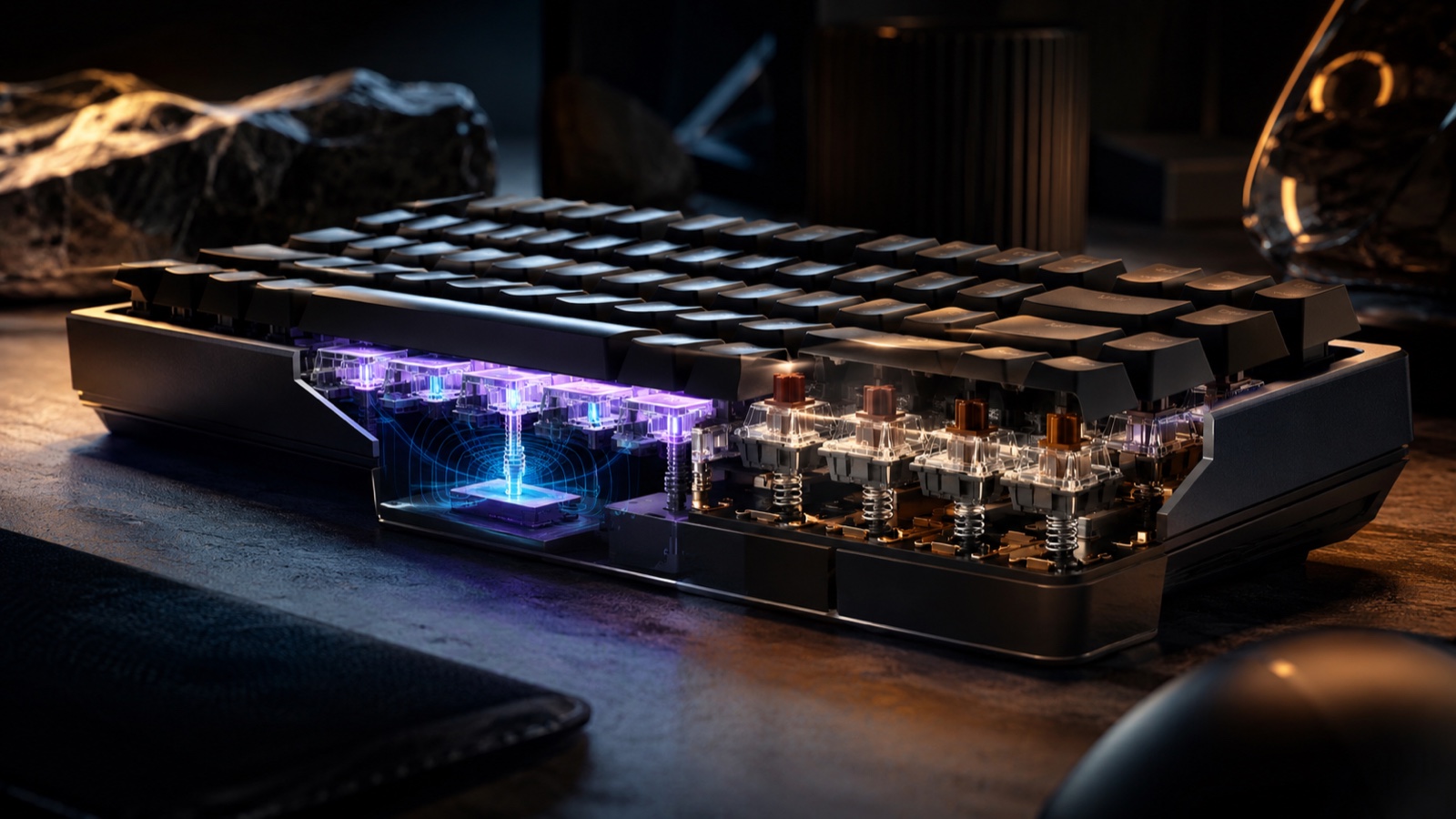
You are moving with W, A, S and D in a shooter, release one key to change direction and press it again almost immediately. On a normal mechanical keyboard, the key has to rise far enough before another press can register. A magnetic keyboard can detect that movement much earlier.
That is the important difference. It will not improve your aim on its own, but it gives you much finer control over how every key responds. It can even feel closer to a controller, with a light press to walk and a deeper one to run, for example. The technology is mainly for players who want faster and more precise control of their character.
A key that knows its position
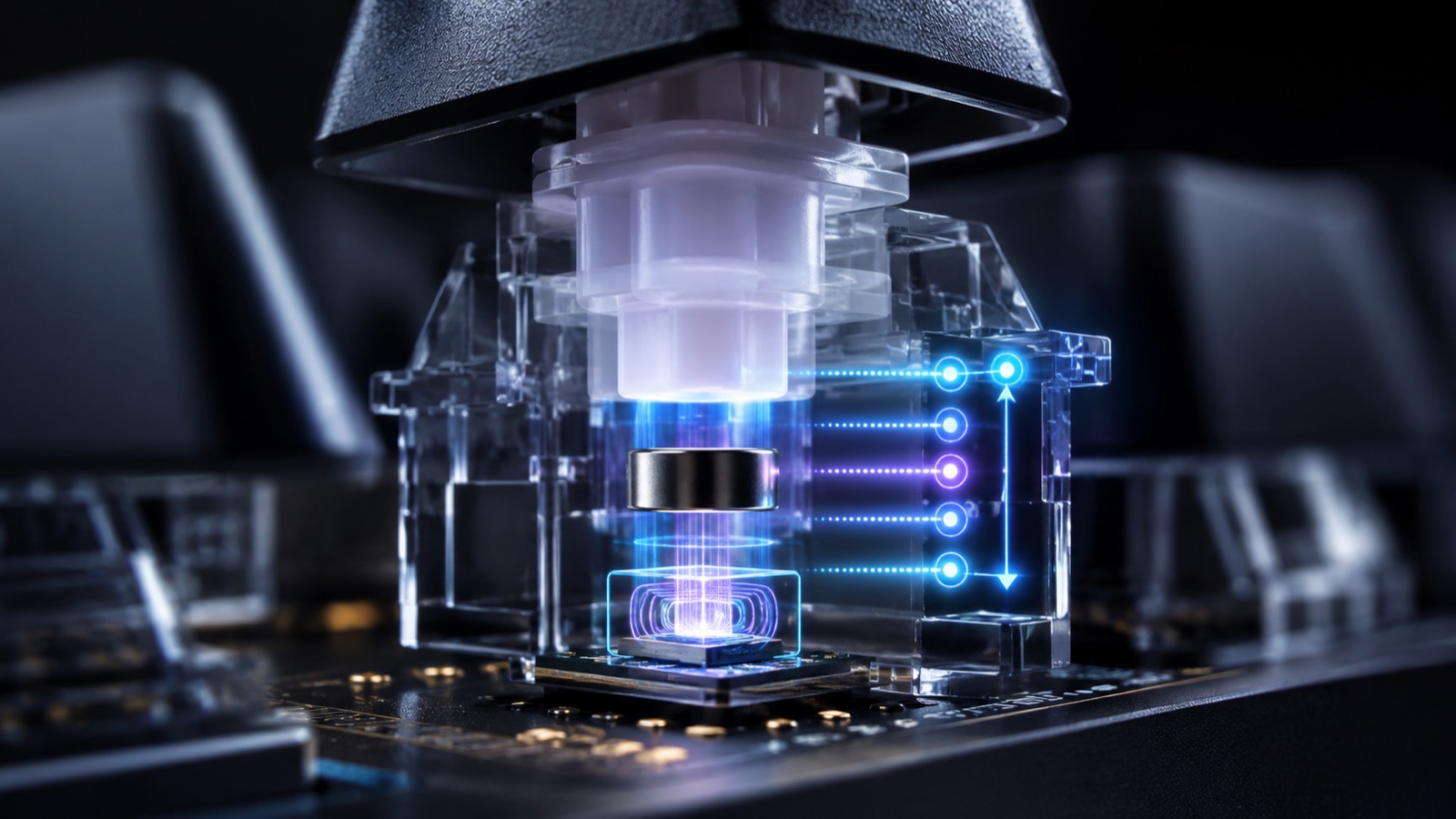
A mechanical switch contains a spring, moving parts and an electrical contact that registers the press at a set height. A Hall Effect design keeps the physical key and spring but replaces that sensing contact with a small magnet above a sensor on the circuit board. Changes in the magnetic field tell the keyboard where the key sits throughout its travel, without the sensing parts touching.
Think of mechanical detection as a light switch and Hall Effect sensing as a dimmer that knows the dial position. That is why some keyboards offer adjustable actuation from 0.1 to 4.0mm. A shallow setting responds to a brush, while a deeper point requires a deliberate press and prevents mistakes. There is no universally fastest setup. WASD can be sensitive while the Windows key sits much deeper.
Continuous tracking may also provide analog control, such as walking slowly on a half press when a game accepts controller-like input, although support is inconsistent and some games dislike switching between keyboard and gamepad commands. That feature depends on the game. What always works is choosing how far each key must travel before it responds.
Rapid Trigger
That said, Rapid Trigger removes the fixed reset point. Once a press has registered, the key turns off as soon as the finger begins moving upward and can register again on the way down. Less physical travel separates two commands.
That is the entire trick.
However, the practical gain appears in rapid strafing, stopping and repeated presses, and it does not make a character run faster or control weapon recoil for you. It removes the slice of key travel where your finger has changed direction and a conventional switch has not reset. That distinction can matter in a competitive shooter and disappear in a slower game. Set it too aggressively and ordinary typing may produce more mistakes.
Rapid Trigger should not be confused with other features that decide what happens when you press A and D at the same time. Some competitions even restrict those kinds of assists. Rapid Trigger is simpler: it only lets one key respond again as soon as you begin releasing it.
The 8,000Hz question
The 8,000Hz figure describes how many times per second the keyboard reports what you are doing to the PC. A higher number means less time passes between pressing a key and sending that input to the computer.
On paper, 8,000Hz is faster than the usual 1,000Hz, but the difference is tiny. It does not make the game run eight times faster or suddenly improve your reactions. It may matter in competition on a system built to remove every possible delay. For most people, Rapid Trigger will be far more noticeable than moving from 1,000 to 8,000Hz. A keyboard cannot fix an unstable frame rate either, which our guide to checking whether a game will run on your PC can help diagnose.
Calibration matters
A magnetic keyboard needs to know the real position of every key before it can measure how far you are pressing it. Calibration does exactly that: it teaches the keyboard where each key's travel begins and ends.
You will not normally need to worry about it, but a key may become slightly less accurate over time. Interference can also appear if you place a powerful magnetic source very close to the keyboard.
That is why easy recalibration matters. It is not as eye-catching as Rapid Trigger or 8,000Hz polling, but it can help the keyboard continue working correctly as the years pass.
Who should switch?
Hall Effect makes sense for frequent shooter and rhythm-game players who want repeated inputs and different sensitivity on WASD without making every key hair-trigger. It also suits people who enjoy building profiles. If you mainly type, play slower games or value simple wireless operation, a strong mechanical keyboard may offer a more appealing feel, far more switch choices and less setup for less money.
But INSERT FUTURE uses a wireless mechanical Logitech PRO X TKL LIGHTSPEED every day, so our interesting comparison is not old hardware against new hardware. It is the real trade from a polished mechanical keyboard to magnetic sensing.
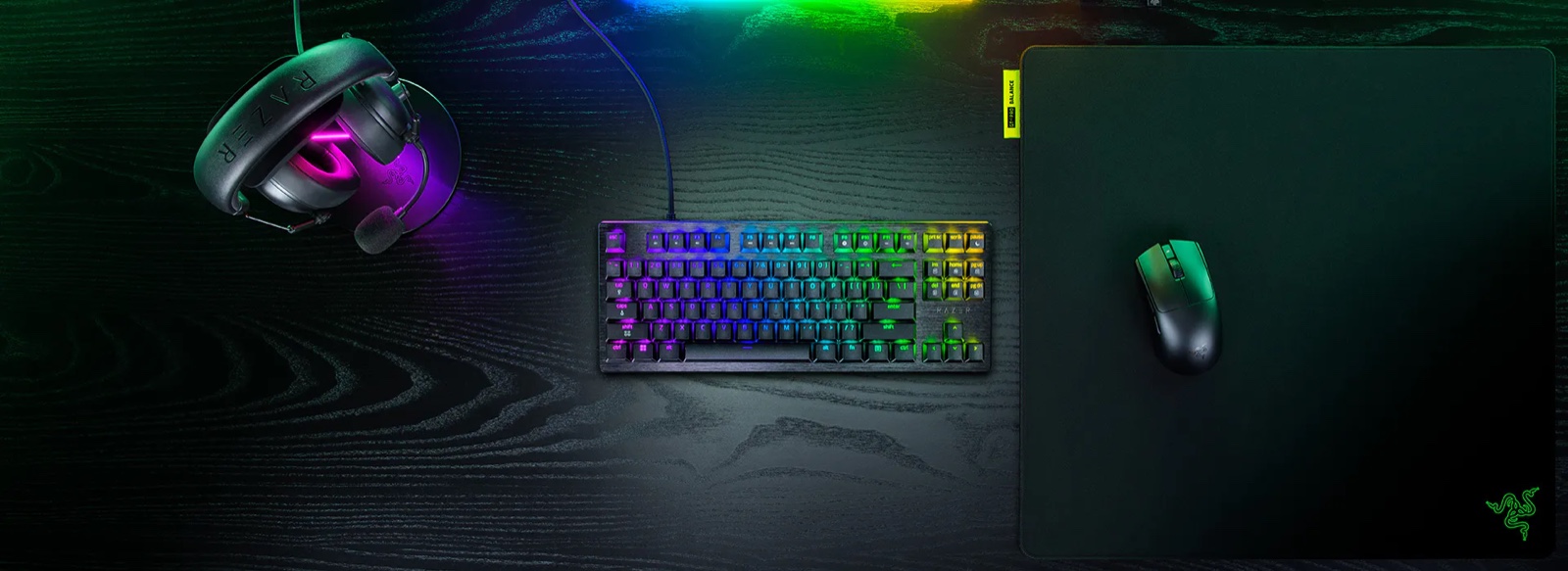
We will review the Razer Huntsman V3 HE Magnetic 8KHz TKL, priced at $139.99 in the United States. According to Barrie Ooi, head of Razer's PC gaming division, it is “designed for competitive players,” which gives us a clear test: Rapid Trigger, profiles and its on-demand calibration. Until then, we have not measured its 8,000Hz latency.
My bet is that the meaningful difference will not be 8,000Hz, but whether Rapid Trigger improves movement without filling ordinary typing with errors. Our guide to the five best gaming headsets of 2026 applies the same test to another desk upgrade: specifications only matter when they change the experience. Magnetic switches deserve a try for competition. Everywhere else, feel still wins.
The conversation starts here
Sign in with a supporter account to comment. Sign in
Nobody has commented yet. Want to go first?