
For what we're dealing with here, the phone in your pocket is a more powerful machine than almost every console you grew up with. And with the right app, that excess power turns into magic. An emulator takes a video game built for another console and makes it run on your phone, with its graphics, its sound and, if you plug in a controller, even better than on the original.
Before we dig in, one important clarification, because there's often confusion. Emulators are completely legal; what isn't legal is downloading games you haven't bought. Here I'll tell you which programs to play with, not where to get the ROMs, because that's between you and your conscience.
RetroArch, the all-in-one to start with
If you're only going to install one thing, make it this. RetroArch is a kind of Swiss army knife that, instead of one emulator per console, packs dozens into the same app through what it calls cores (each core is the engine of a different console that you download separately). With it you instantly get the NES, the Super Nintendo, the Mega Drive, the Game Boy Advance, the first PlayStation or the Nintendo 64, all under one interface.
It's free and a bit overwhelming at first, with its endless menus, but once it clicks you won't want anything else. For everything retro up to the 32-bit era, it's still the undisputed king, and it saves you from filling your phone with separate apps.
Dolphin and PPSSPP, the generation that amazes
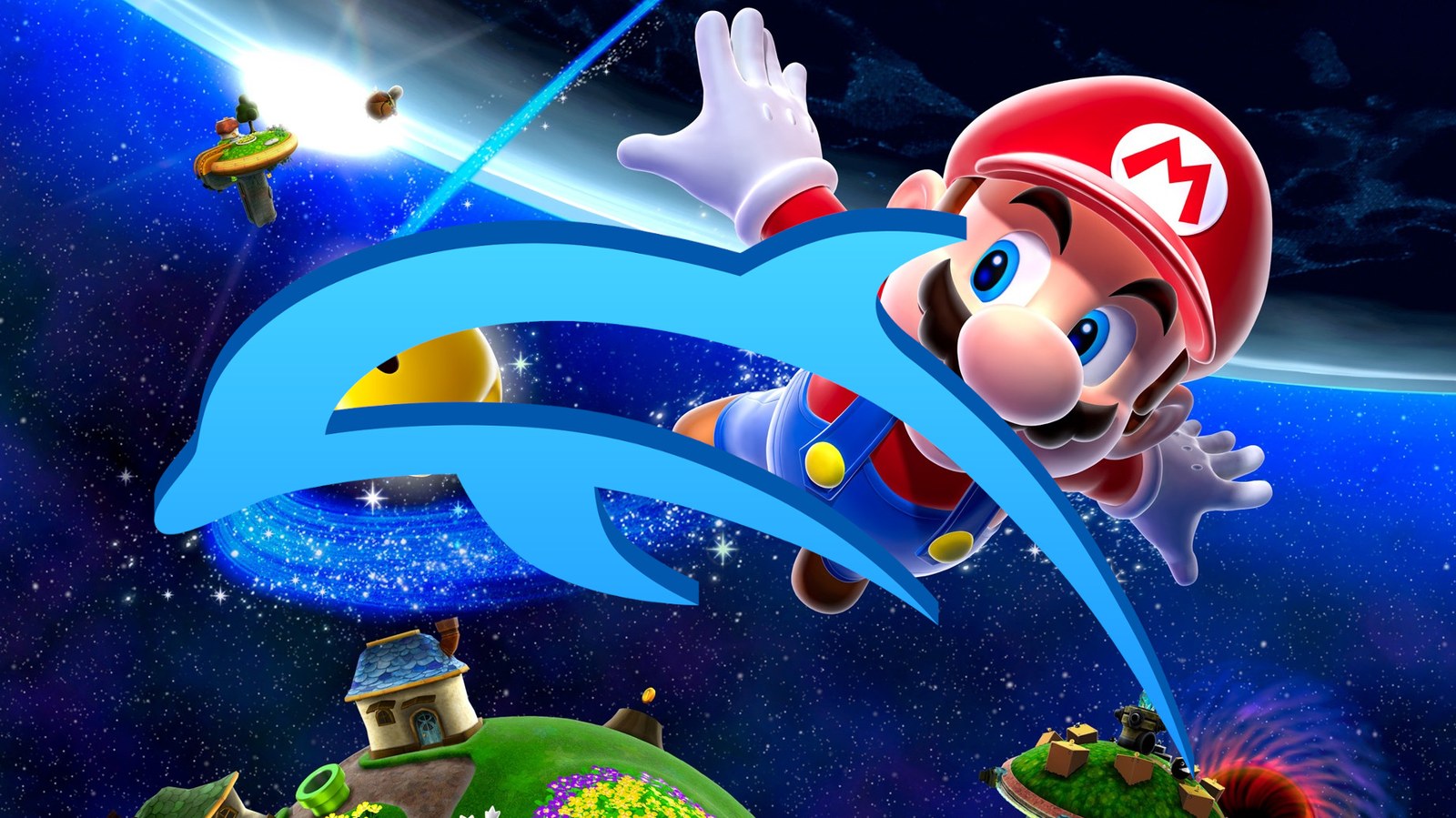
This is where people's jaws drop. Dolphin is the GameCube and Wii emulator, and seeing Super Mario Galaxy or Metroid Prime running full speed on a phone still impresses no matter how often you've seen it. It runs smoothly, it's free and it lets you bump up the resolution so those games look even better than on the original console.
Its travel companion is PPSSPP, the PSP emulator, and this one is a different story for how polished it is. It runs beautifully even on modest phones, so you don't need the latest flagship to revive Sony's handheld. Between the two they cover a whole generation of great games plenty of people had written off.
PlayStation in your pocket, from PS1 to PS2
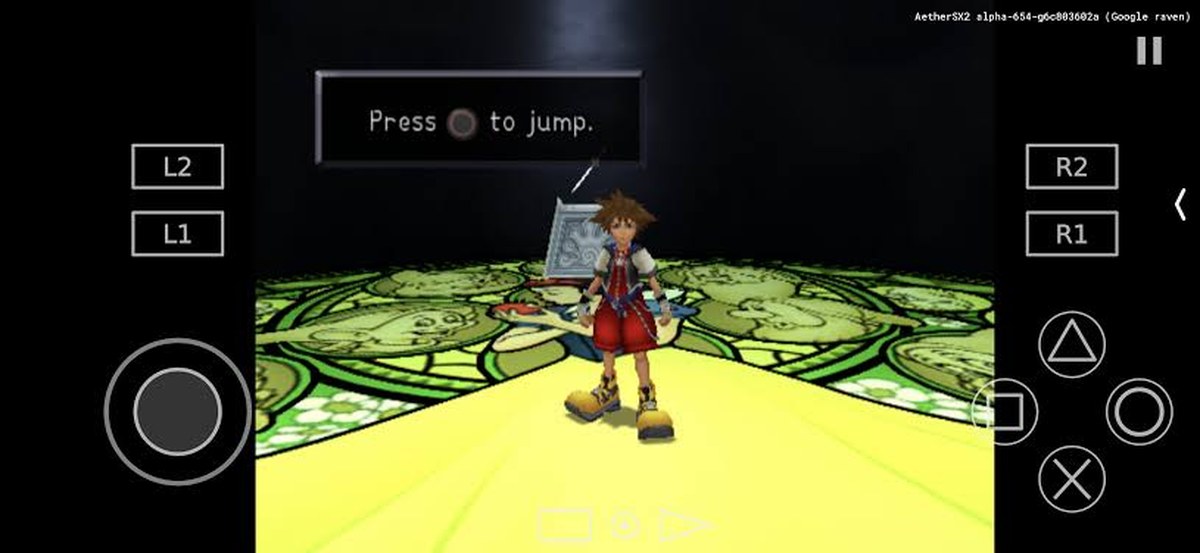
For the first PlayStation, the classy option is DuckStation, a precise PS1 emulator with a thousand settings to leave those classics like new. Things get serious when we move up to PS2, because emulating that console demands real power. That's where AetherSX2 came in, which was a smash hit, until its creator stopped developing it in 2023, fed up with harassment and with impostors sneaking in fake, ad-riddled copies.
Today the community mostly leans on NetherSX2, a patched version of that project that's still alive and runs PS2 games on a decent phone with an ease that was unthinkable not long ago. That said, here you do need a phone with real muscle, because the PS2 doesn't emulate on just anything.
Nintendo handhelds and the Switch minefield
With Nintendo's handhelds there's joy and drama in equal measure. The Nintendo DS emulates beautifully with melonDS, fluid and very polished. The drama comes with the 3DS and the Switch, because in 2024 Nintendo took down Citra and Yuzu, the two go-to emulators, after a high-profile lawsuit. They didn't vanish entirely, because out of their ashes came forks kept alive by others, like Lime3DS or Azahar for the 3DS, and projects like Citron or Eden for the Switch.
It's a field that changes month to month, with projects being born and going dark, so here you tread carefully and don't marry any of them. And it's worth remembering that emulating a console still on sale is, to put it mildly, delicate, something very different from rescuing a machine from twenty years ago.
PC games on your phone, and what you need to enjoy it
And I've saved the trendy madness for last. Winlator isn't about retro consoles, it takes on Windows itself. It uses tools called Wine and Box64 to fool a PC game into thinking it's running on a computer, when it's actually running on your Android. It's not perfect magic and it won't run everything, but seeing PC games work on a phone is one of those things that sounded like a joke a few years ago.
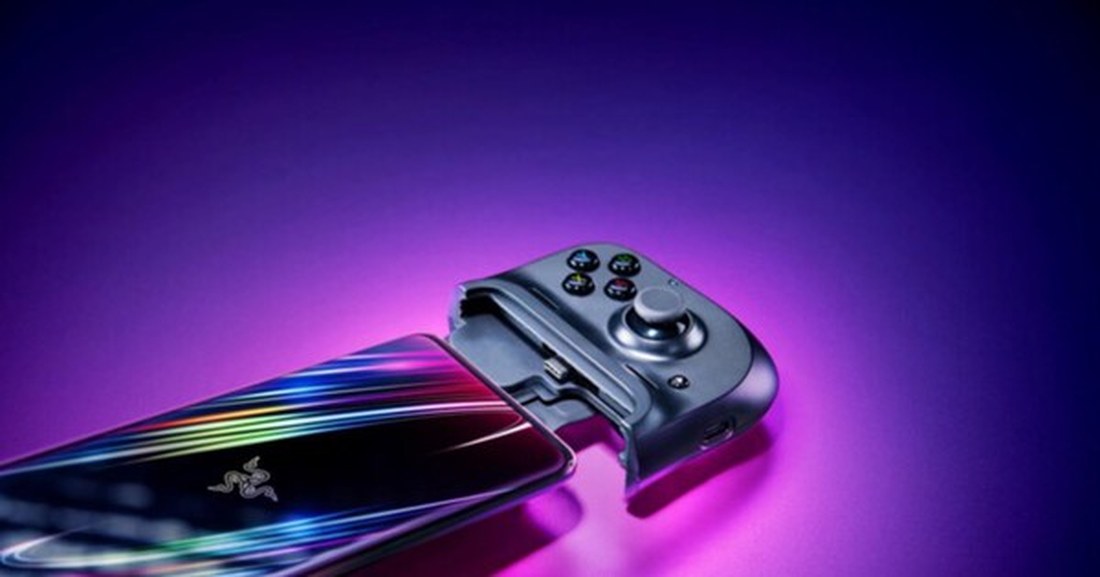
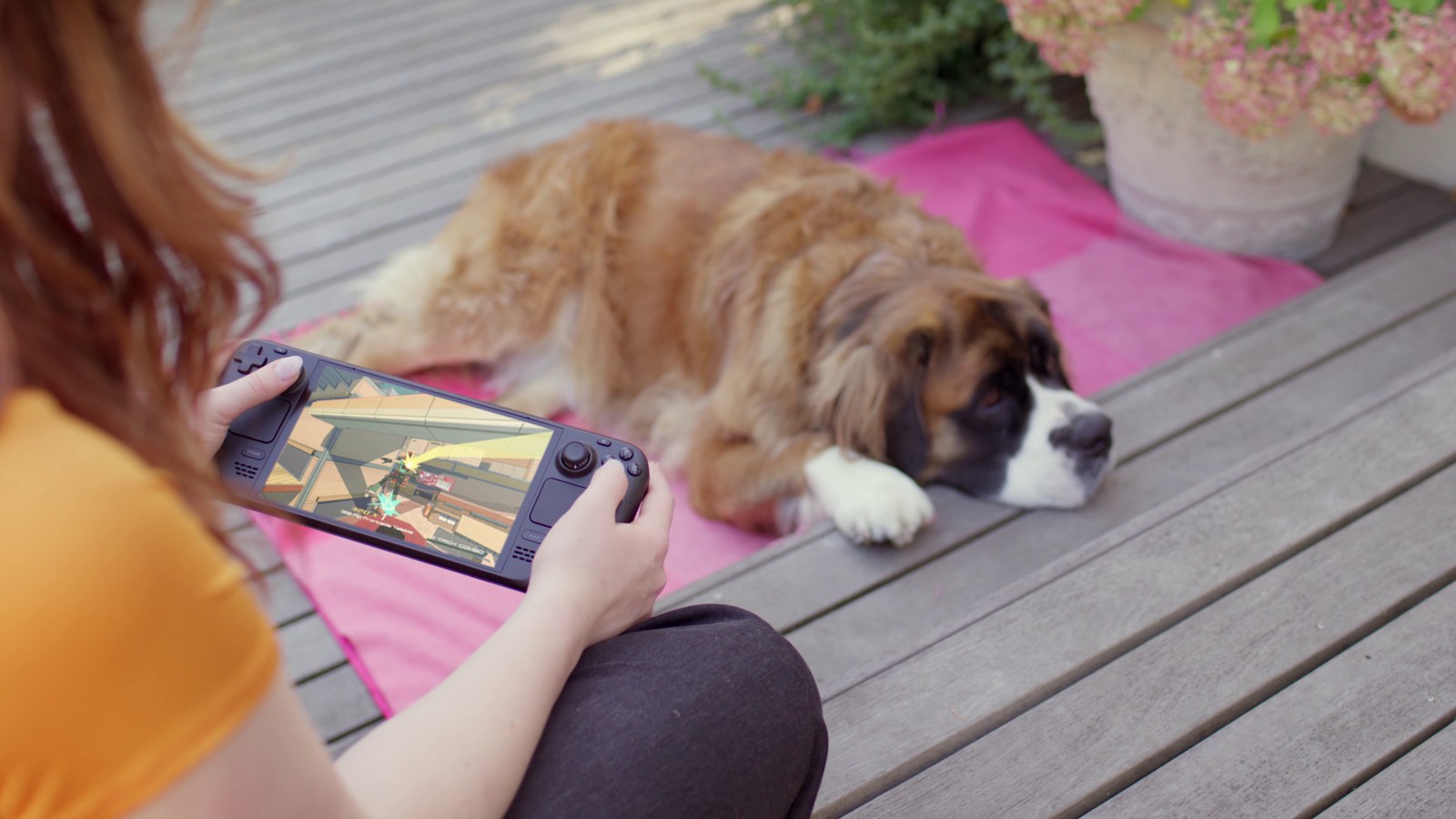
One last tip that changes everything, get yourself a controller. On-screen touch controls will do, but an accessory that grips the phone, like the Razer Kishi or Backbone, turns the whole thing into a proper portable console. With that set up, your phone stands shoulder to shoulder with things like the Steam Deck, with a huge library always on you, ready for when the usual multiplayer tires you out and you want something else to take in your pocket. So which one will you start with?
The conversation starts here
Sign in with a supporter account to comment. Sign in
Nobody has commented yet. Want to go first?