
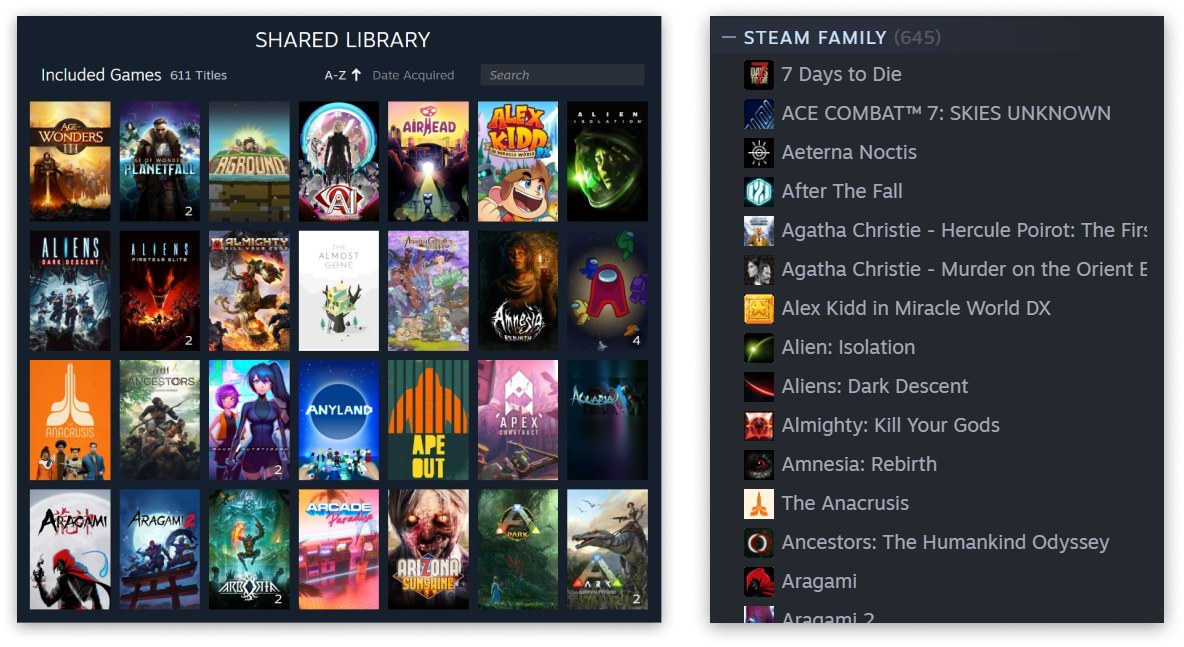
Sharing your Steam password so somebody can try a game works beautifully until they sign in while you are playing, Steam Guard starts firing codes and both of you remember that one account was never designed to have two owners. Steam Families solves that problem without exchanging credentials or mixing saves.
Valve began public testing on March 18, 2024, and opened Steam Families to every user on September 11 in an announcement signed by designer Lawrence Yang. The short version is simple: up to six people in one household pool the shareable games attached to their accounts. Every purchase still belongs to its buyer, but other members can install it under their own profile, earn achievements and keep their own progress. It does not turn one copy into six. That rule explains almost everything that follows.
How to create a Steam Family
Open Steam, enter Account Details and find Family Management. Select Create a Family, name it and invite up to five other people. The same controls are available through the mobile app and browser. Recipients accept through their own accounts, so your password never needs to leave yours.
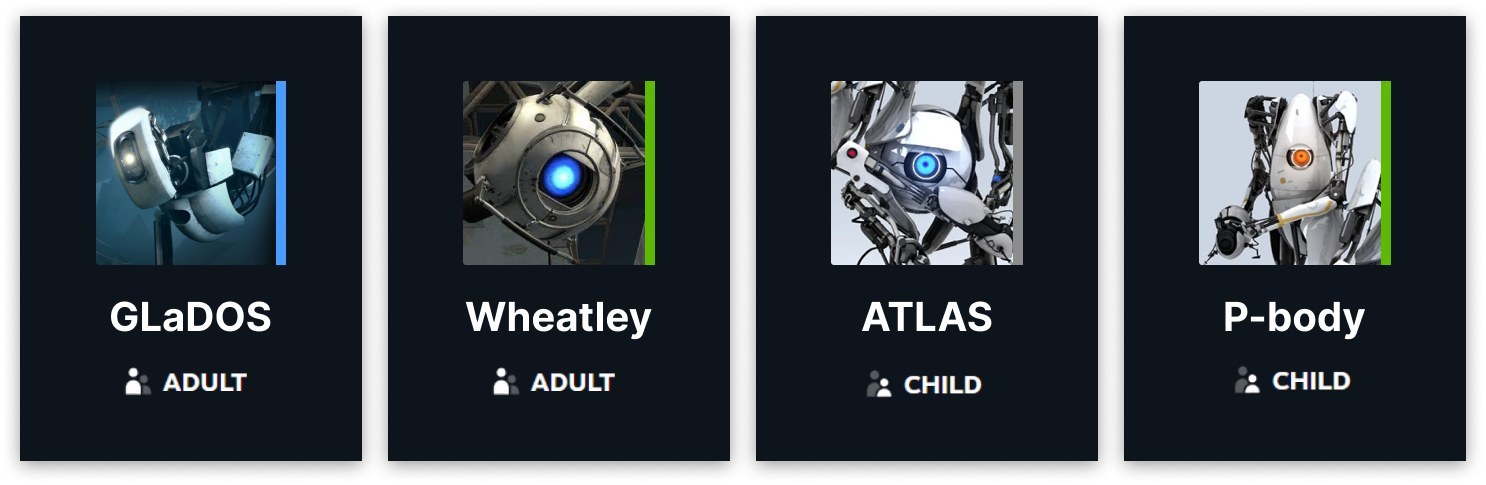
The feature does not require an additional subscription. Steam does ask you to classify each person as an adult or child. Adults can manage invitations and restrictions, while children are subject to parental controls.
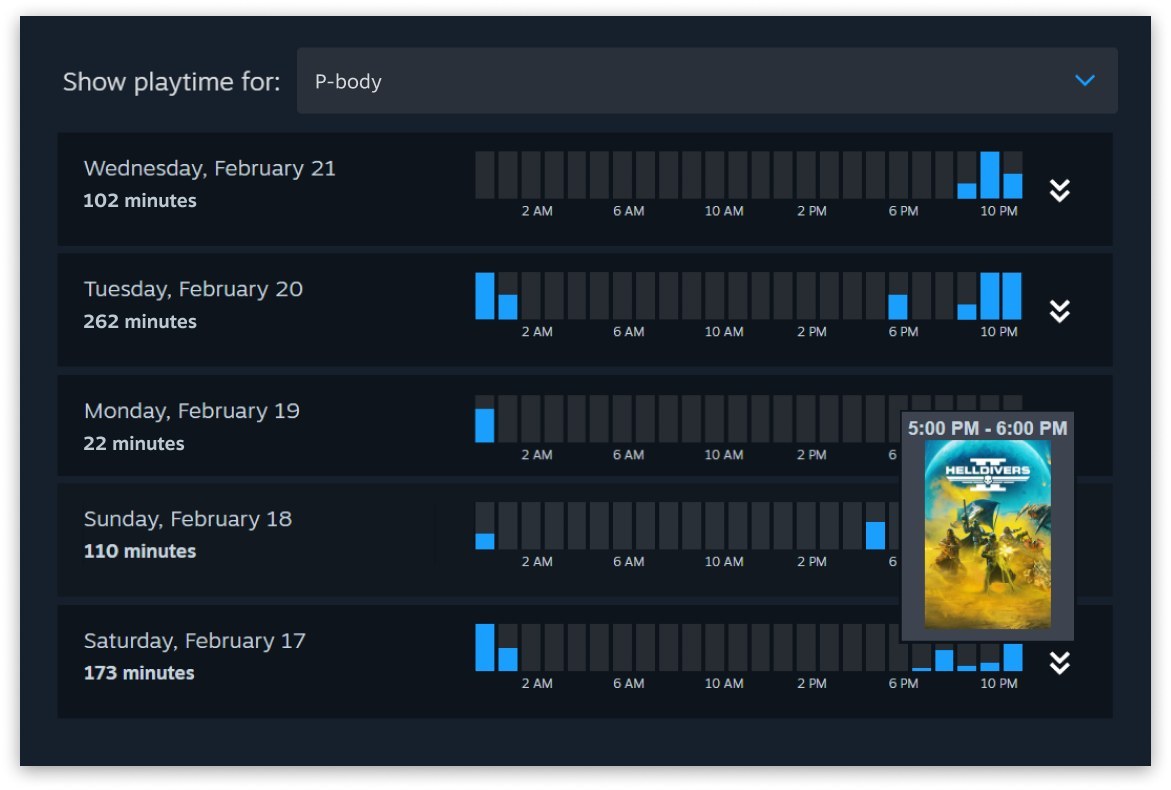
Those controls can limit access to games, the store, chat and community features, as well as set play schedules and time limits. A child can also send a shopping cart to an adult for approval and payment, keeping the account separate without leaving a bank card exposed. After 30 days in the family, an adult can help recover the child's account too.
Valve defines Steam Families for close relatives living in one household and uses account activity to verify that household. It is not the official replacement for lending games to five friends across the country. Requirements can change, and Steam explains the reason when an invitation fails.
Do not assign the child role to a friend as a joke. That account cannot leave the family by itself and must be removed by an adult or Steam Support. The role exists for genuine supervised accounts, not for gaining control over another adult's profile.
Everyone can play at once, but not the same copy
The old system could lock an entire library when its owner started playing, but Steam Families lends copies rather than libraries. Valve designer Lawrence Yang put it plainly in the official announcement: “you can play games from other family members' libraries even if they are online playing another game.” You can launch Elden Ring while somebody else plays your Hades and a third person borrows Portal 2 from another member.
The limit appears when two people want the same game at the same time. If the family owns one copy of Baldur's Gate 3, only one member can use it, so the second must wait or buy another. If it owns two copies, two people can play simultaneously. Think of the shared collection as a shelf of digital discs, DLC included. Switching to a copy without the same expansions can stop an existing save from loading, so check who owns the base game before buying add-ons.
Your saves and achievements remain yours
Every member plays through an individual account. Achievements, Workshop access and progress do not merge with the owner's profile. Saves depend on the game and Steam Cloud, so verify cloud synchronisation before moving between PC and Steam Deck. Our list of the best Steam Deck games offers an easy way to try the family library without fighting for one computer.
Not every game participates. Publishers can exclude titles for technical or commercial reasons, and games that require another account or an outside subscription are often unavailable. The store page remains the deciding source.
A game appearing in the shared collection does not mean every family PC can run it. Check the requirements and use our guide to finding out whether a game will run on your PC before installing it. You can then play offline if the game supports Steam Families, although initial setup and membership changes still require Steam to verify the accounts.
An invitation with a one-year consequence
The important choice comes before accepting. An adult can leave at any time but must wait one year from joining the previous family before creating or entering another. The slot they vacate also has a one-year cooldown before a new person can occupy it. They may rejoin their last family without waiting if it still has space.
Responsibility travels with the copy. If a member cheats or commits fraud while using one of your games, Steam warns that family privileges may be revoked and your account may receive a VAC ban. I would only invite people I genuinely trust, not the stranger whose entire pitch was “share your library, bro.”
I think this is Steam's best feature for a household with several players, but saving money does not mean buying everything once. Before duplicating a purchase, ask everyone at home whether two of you will actually play the same game at the same time.
The conversation starts here
Sign in with a supporter account to comment. Sign in



Nobody has commented yet. Want to go first?