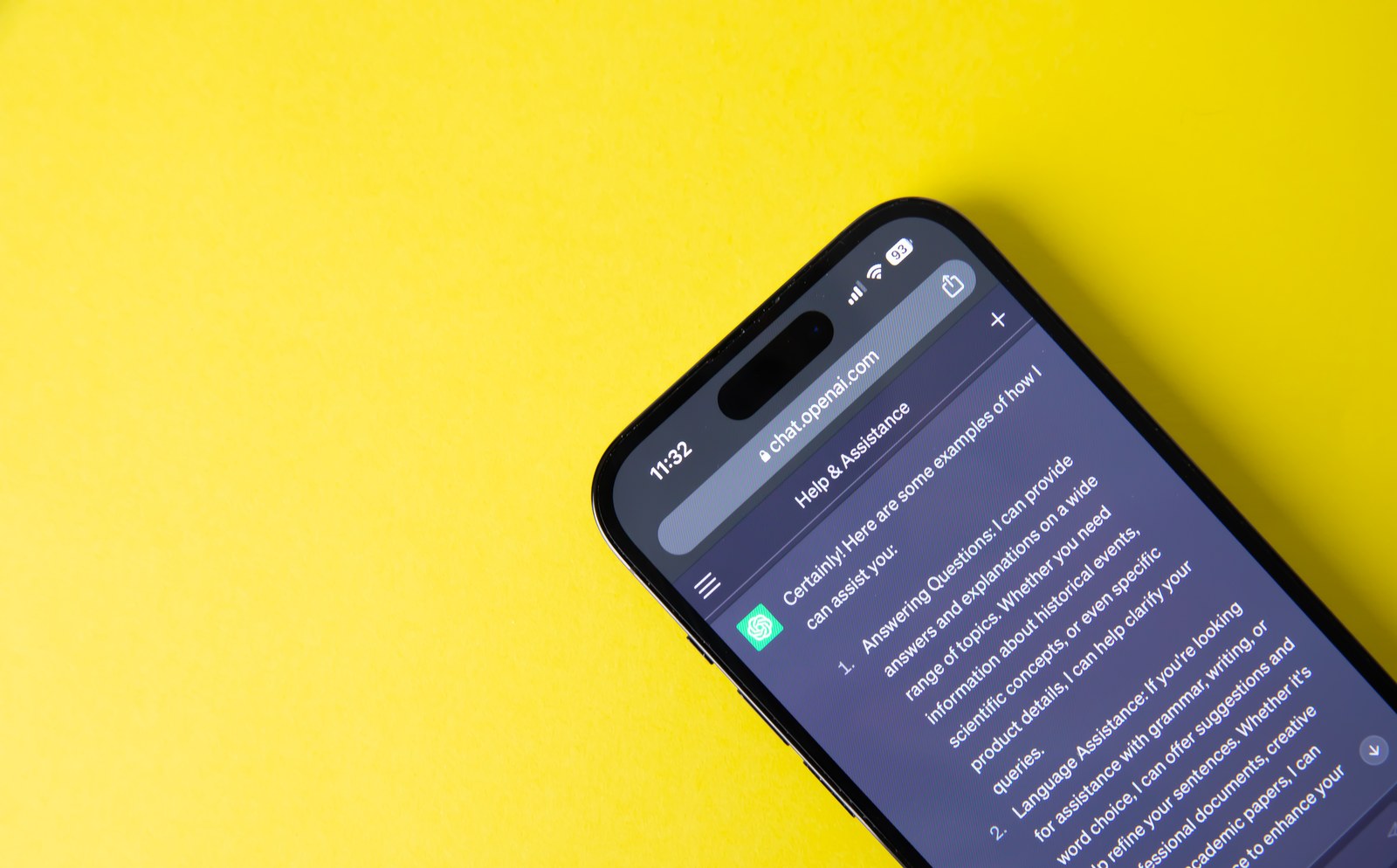
ChatGPT can now turn a written prompt or a photo into an animated GIF, a short looping image you can drop into a group chat or post anywhere GIFs work. The feature comes with Images 2.6, the image model OpenAI announced on November 4. OpenAI says the model is available worldwide on every ChatGPT plan, free included, on the web, desktop and mobile.
GIF creation is rolling out gradually, so it may not show up in your account yet. Images 2.6 also adds saved reference photos. You save a picture under a name, say your dog's, and in a later chat you call it up by typing @ and that name instead of uploading it again.
Make a GIF from a prompt
There's no special button. You ask for it in a regular conversation:
- Start a new chat in ChatGPT on the web or in the app.
- Ask for a looping GIF and describe what moves. OpenAI's help page suggests "Make a looping GIF of a paper boat bobbing on the water."
- Wait for the result. An image can take a few minutes depending on how complex the request is, and you can keep using ChatGPT in the meantime.
A GIF is a run of frames, still images that create motion when they play one after another. That's why it helps to spell out what should move and what should stay put. In the examples in its announcement, OpenAI asks for a fixed camera, the same character and background in every frame, gradual movement, and a last frame that flows back into the first so the loop doesn't jump.
Animate a photo or a sketch
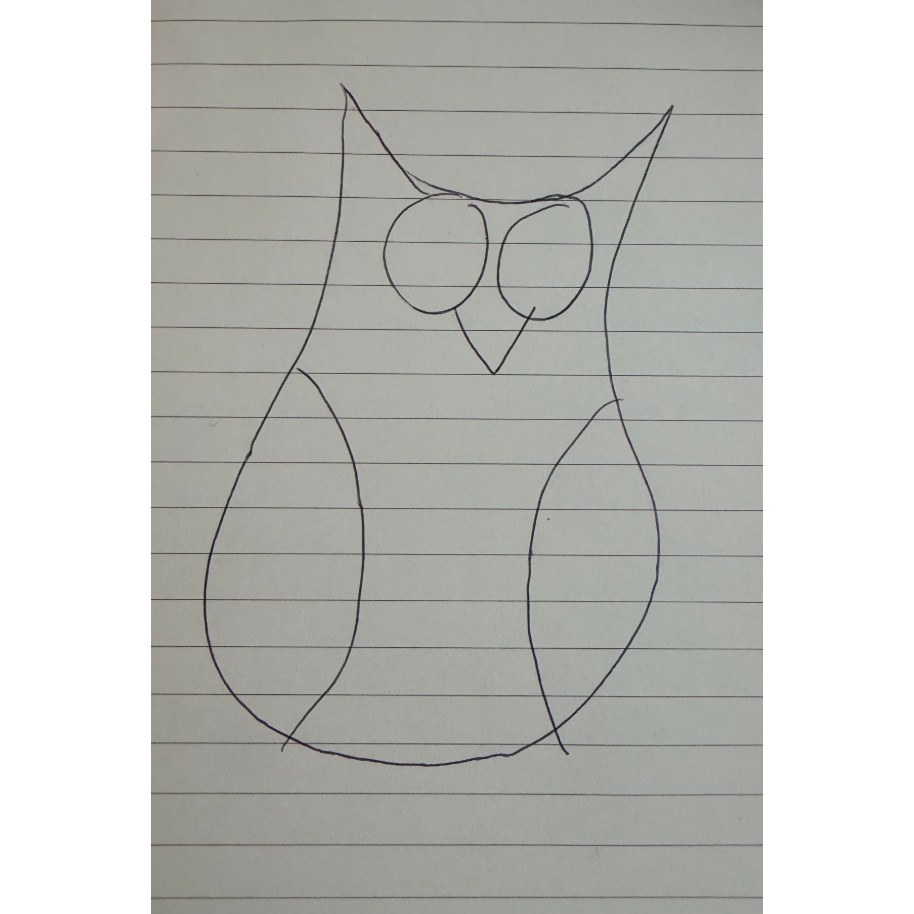
Attach the image in the chat and ask ChatGPT to animate it, saying what should move. OpenAI's release notes suggest uploading a sketch and asking for the character to wave. It doesn't need to be finished art. The announcement itself starts from an owl drawn in ballpoint pen on notebook paper.
ChatGPT can't edit an animated GIF you upload, so to change a GIF you already have, you'll need to start from a still image.
Change the speed, tweak it and save it
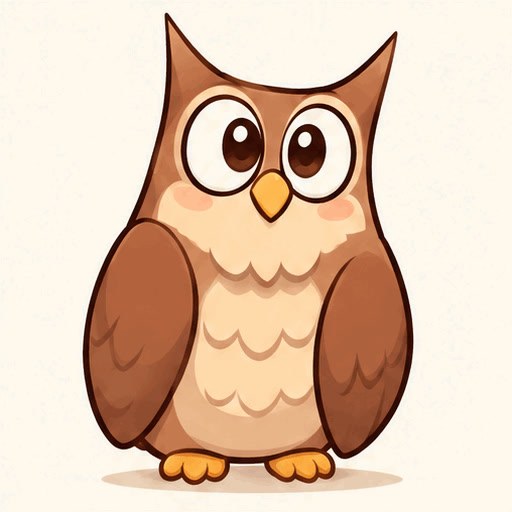
To change what happens in the GIF, say so in the same conversation, for example that the owl should blink or the background should be blue. According to OpenAI's help center, opening the GIF lets you adjust its playback speed, save it to your device or share it to another app. The post OpenAI used to announce the feature on X adds that you can edit individual frames, though the help page doesn't yet say how.
OpenAI claims Images 2.6 generates images 50% faster than before and holds on to details better from one edit to the next, such as a character's outfit when you swap the background. In a GIF that matters, because the character has to look like the same character in every frame.
Save a reference photo and use it with @
A saved reference spares you from attaching the same photo in every chat. Here's how to set one up:
- Upload the photo and ask ChatGPT to save it as a reference. If you describe it, say as a picture of your dog, ChatGPT may offer to save it for you.
- Pick a name and save it.
- In any later chat, type @ followed by that name. Using OpenAI's own example, if the dog is called Pepper, you can just ask for "a watercolor portrait of @Pepper."
If you plan to save someone else's face, ask them first. It's their photo, and it will sit in your account for you to reuse whenever you like.
What happens to your photos, and what OpenAI hasn't said
OpenAI hasn't yet explained where saved references are managed, how many you can keep or how to delete them. It does document what happens to uploads in general. Its help page on Library says ChatGPT automatically saves images you upload in chats, and a file you delete from Library is scheduled for permanent deletion from OpenAI's systems within 30 days. Images that ChatGPT creates disappear from your gallery when you delete the conversation they came from.
Anything you upload in a temporary chat isn't saved to your account, although OpenAI doesn't say whether you can create references from there. To keep your photos out of model training, turn off "Improve the model for everyone" in Data Controls, as our guide to stopping ChatGPT from training on your chats walks through. If your teen uses a linked account, ChatGPT's parental controls may let you decide whether they can create or edit images.
There are no usage numbers either. OpenAI hasn't published how many GIFs each plan allows, how long they run or how many frames they contain. The only plan difference its help page lists is that Images with thinking, the mode where the model reasons before it draws, is limited to Plus, Pro and Business.
Frequently asked questions
Is making GIFs in ChatGPT free?
Yes. OpenAI says Images 2.6, the model behind the GIFs, is available on every ChatGPT plan, free included, on the web, desktop and mobile. What it hasn't published is how many GIFs each plan allows, so a free account may run into usage limits sooner than a paid one.
Why don't I see the GIF option in ChatGPT?
OpenAI has been rolling it out gradually since November 4, 2026, so it doesn't reach every account at once. There's no setting to flip. Ask for a looping GIF in a new chat, and if it doesn't make one, try again in a few days with the app updated.
How long is a GIF made with ChatGPT?
OpenAI hasn't published the length or frame count of ChatGPT's GIFs. You can change the playback speed when you open a GIF, which makes each pass of the loop longer or shorter. If you want more movement, ask for it in the conversation and describe the whole sequence.
Can ChatGPT edit a GIF I already have?
No. OpenAI's help center says ChatGPT can't edit an animated GIF you upload. To remake one, start from a still image such as a single frame, a photo or a drawing, and ask ChatGPT to animate it. GIFs that ChatGPT creates can be changed by describing the edit in the chat.
How do I reuse a photo in another ChatGPT chat?
Ask ChatGPT to save the photo as a reference and give it a name. In any new conversation, type @ followed by that name in your prompt, for example "a watercolor portrait of @Pepper." ChatGPT then uses the saved image, so you don't have to attach it again.
Can I delete saved reference photos in ChatGPT?
OpenAI hasn't explained how to delete saved references yet. It does say uploaded images are saved to Library and that a file you delete there is removed from its systems within 30 days. If you don't want a photo to stay in your account, upload it in a temporary chat instead.
The conversation starts here
Sign in with a supporter account to comment. Sign in

Nobody has commented yet. Want to go first?