

AI Mode in Google Search can now pull from your Google Wallet, so you can ask it about your spending and your cards and get answers built on your own accounts. Google Drive and your conversations in the Gemini app come next, Google said on Monday, Nov. 23. The Wallet connection is rolling out now and the other two will follow "in the coming weeks," according to Robby Stein, Google's vice president of product for Search.
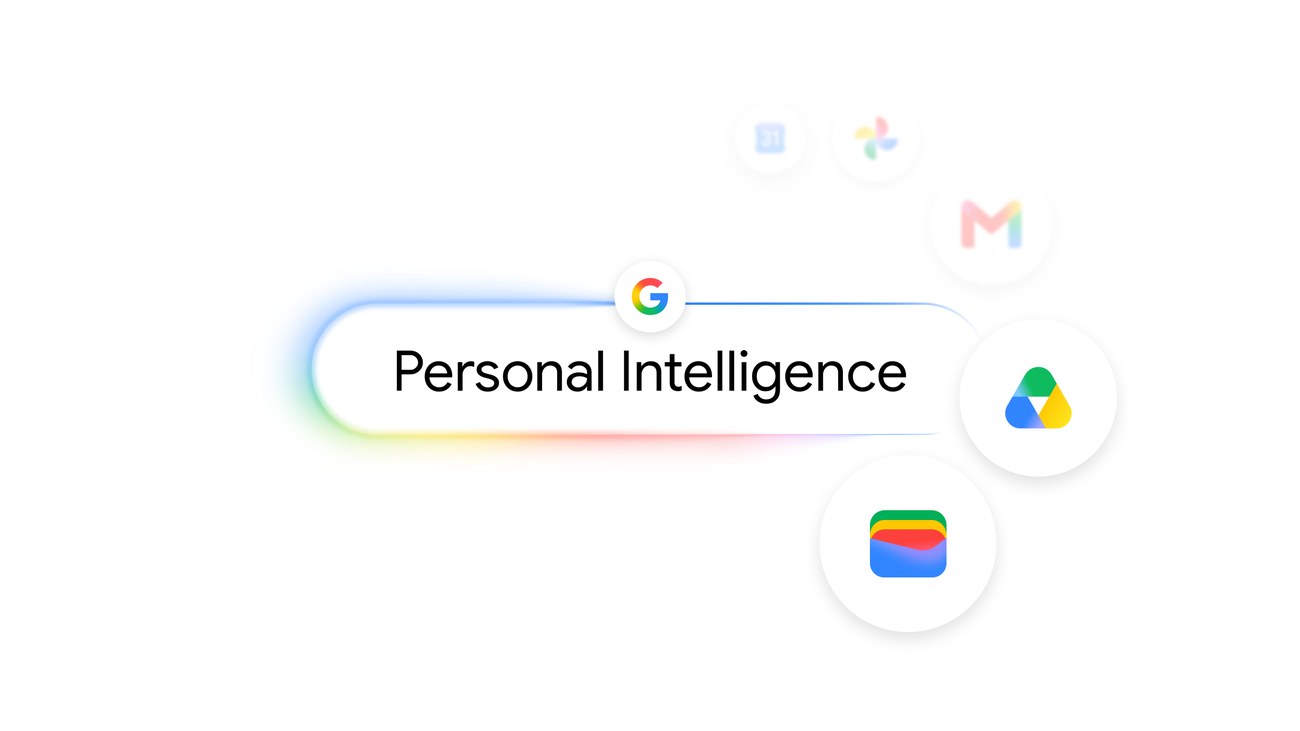
All of it sits inside Personal Intelligence, the opt-in setting that already lets AI Mode check Gmail, Google Calendar and Google Photos before it answers. If you ask about a weekend trip, for instance, it can find the hotel confirmation in your inbox and plan around it. Personal Intelligence opened to all U.S. users on March 17, but only on personal Google accounts. Work and school Workspace accounts are left out.
What AI Mode will do with Wallet, Drive and Gemini
With Wallet connected, AI Mode reads the cards you've linked to chart your spending and financial goals, suggest where to trim everyday costs and help you get more out of each card's cash-back categories, travel perks and reward points. Access is read-only. AI Mode can't move, manage or invest your money.
The Gemini app got the same Wallet link on Nov. 13. There, bank and card accounts connect through Plaid, the same go-between Anthropic uses to let Claude read your bank accounts.
Drive will give AI Mode your docs, spreadsheets and PDFs. Google's example is a personalized plan for tax season, pieced together from documents scattered across your files.
The Gemini link works both ways. The Gemini app can already draw on your Search history, and soon AI Mode will be able to pick up what you explored in Gemini, so you won't have to start over when you switch.
Google also says a Personalization icon will soon appear under tailored answers to show what context AI Mode used. If something is out of date, you tell it in the chat. Google's example is "I'm no longer a vegetarian."
What Google does with your data
Connecting an app reaches beyond AI Mode. Google's help page on connected apps says the permission covers all Search services, including Maps, Shopping, News, Flights, Hotels and Translate.
Google says it doesn't train its generative AI models directly on your Gmail, Drive or Calendar. It can, however, use summaries, excerpts and inferences drawn from your emails and files, both to answer you and to train those models, and the same page concedes that the summary may simply be the whole email or file.
Human reviewers read a subset of that data after it has been disconnected from your account. Ads won't be based directly on your inbox or photos, but that information can be used to tailor them.
Disconnecting an app, or deleting something inside it, doesn't remove what has already landed in your Search Services History, which can still be used for model training. You can review and delete that history at activity.google.com. It's a separate control from the Gemini app's chat settings, which we cover in our guide to stopping ChatGPT, Gemini and Claude from training on your chats.
The help page goes as far as asking people not to connect apps that hold personal or confidential information, which is a fair description of a wallet full of cards or a Drive folder of pay stubs and leases. That page doesn't mention Wallet yet, and Google hasn't said whether card transactions get the same treatment.
How to turn it on or off
You need to be 18 or older, with Search history and personalized recommendations turned on.
To connect or remove apps, open the Connected Apps page under Search Personalization, pick the apps you want and change your choice whenever you like. You can switch off personalization entirely in Search settings. To clear what you've already asked, open AI Mode history in the left-hand panel and use Delete all.
Monday's announcement didn't say where else the Wallet and Drive connections will work. Google's help page lists the countries where Search can link to your apps, and neither the U.K. nor any EU country is on it.
The conversation starts here
Sign in with a supporter account to comment. Sign in


Nobody has commented yet. Want to go first?