
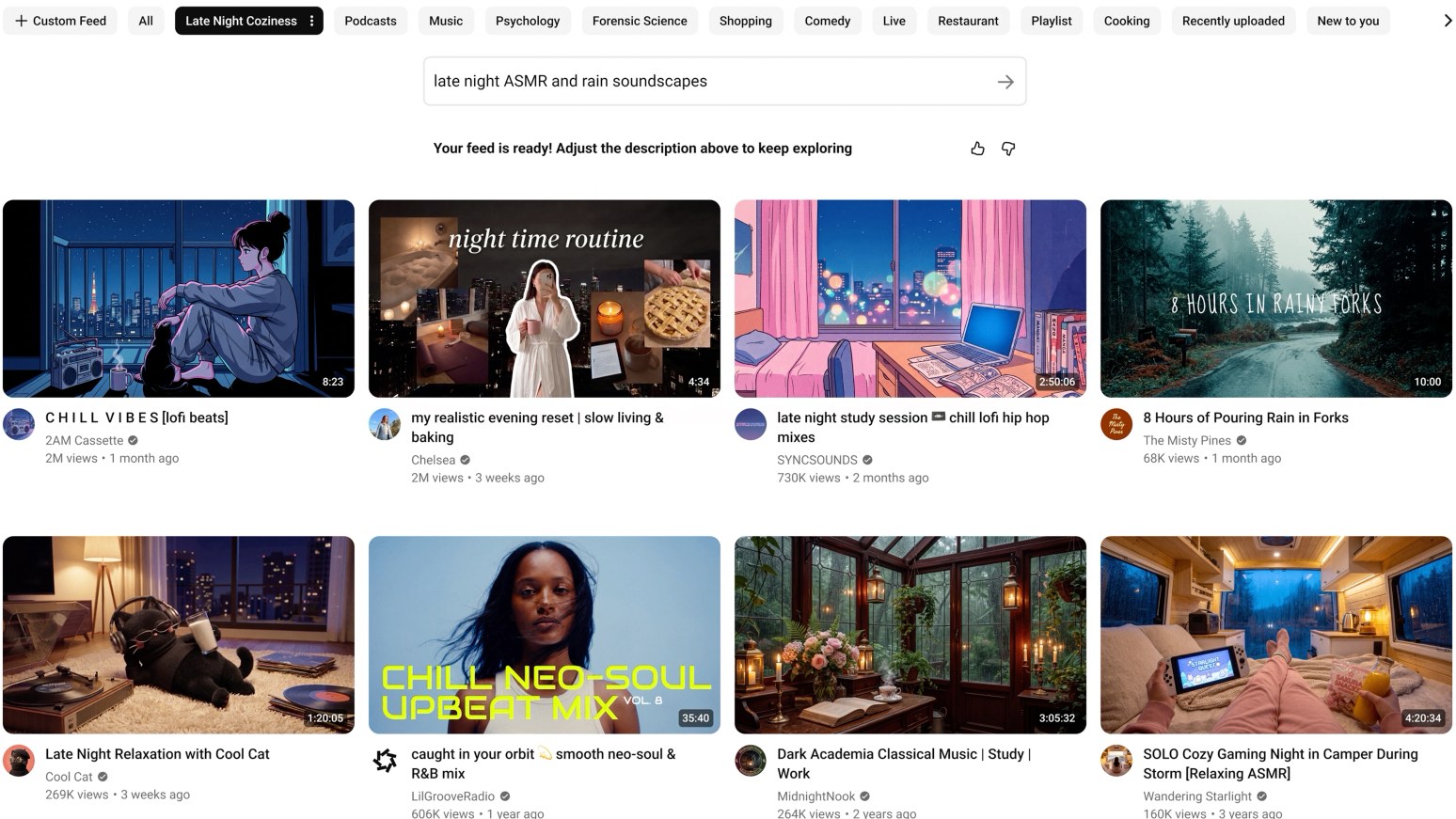
YouTube now lets you type a description of the videos you want and save the result as its own tab on the home page. The feature is called custom feeds, and YouTube's help page lists who can use it right now: signed-in viewers in the US whose device language is set to English and who have both watch history and search history turned on. The announcement from TeamYouTube adds that you must be at least 13. Tablets are not supported yet.
Your home feed is normally built by the recommendation algorithm from what you have watched and searched. A custom feed starts from your own instructions instead. YouTube's example is a request for guided meditations under 10 minutes to unwind after work, and tech press coverage of the launch says a prompt can spell out what to include, what to leave out and what to prioritize, and that the feeds run on Google's Gemini model. YouTube's own pages do not name the model. The creation screen does carry a warning that the feature is experimental and that its AI recommendations may not always be accurate.
How to create a custom feed
On a phone, open Home and tap the plus button at the start of the row along the top. Describe a topic, a set of channels or a mood, or tap one of the suggested prompts, and send it. The feed is saved as a new tab in that row and syncs to the desktop site as long as you are signed in to the same Google account. On the web, the button sits at the top left of Home and is labeled Custom Feed.
To change a feed, open it and edit the text in the box above the videos. Tap Home to get back to your regular recommendations. Thumbs-up and thumbs-down buttons under the prompt tell YouTube whether the results match what you asked for. Refreshing a feed brings in some new videos and keeps others, the same way the standard home page behaves.
What YouTube does with your prompts and views
Custom feeds are private to your account, and nobody else can find them. Anything you watch from one still lands in your regular watch history, so it can also shift what the standard home page recommends. For creators, those views count toward watch time and monetization just like views from Home. YouTube says its teams use the thumbs ratings to improve the product.
What YouTube does not say is why search history has to be on, how long your prompts are stored or whether they are used to train AI models. The Gemini app has its own setting for that kind of training, which we cover in our guide to stopping ChatGPT, Gemini and Claude from training on your chats, but YouTube's help page does not say that setting applies to custom feeds.
How it rolled out
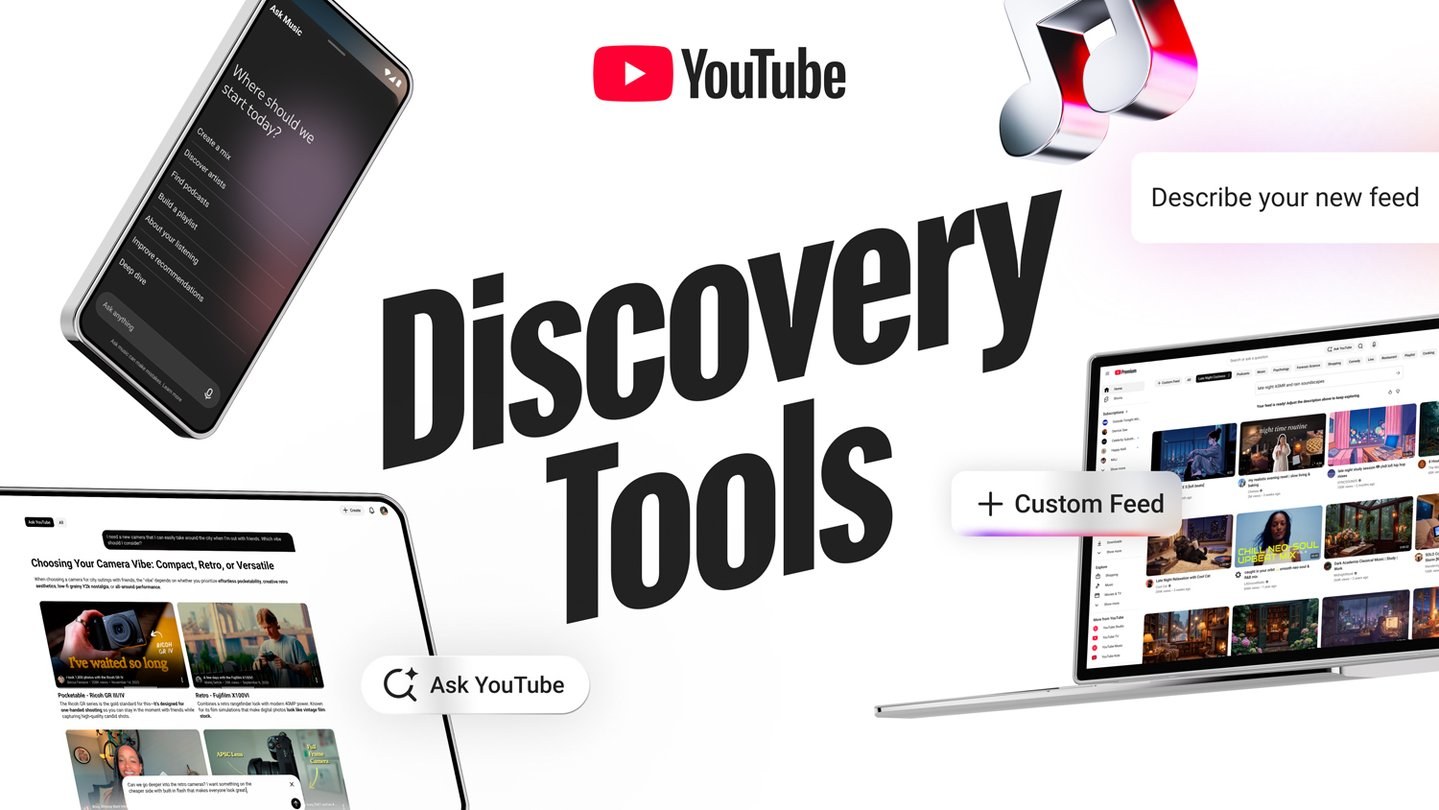
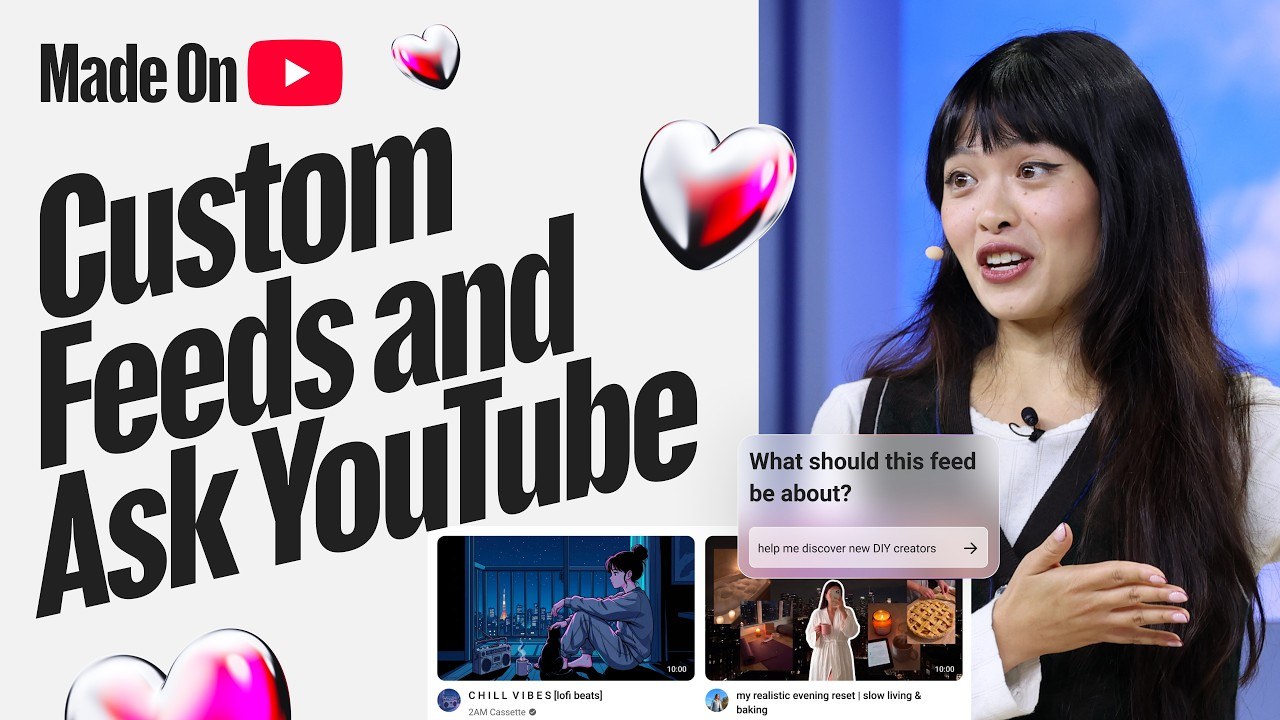
YouTube introduced a single custom feed for US users on May 27, according to tech press reports. It unveiled multiple feeds at its Made on YouTube event on September 23 and began rolling them out on mobile and desktop in October. The September announcement also mentioned TVs, but the published instructions cover only phones and the web.
TeamYouTube says the feature will reach more people and regions, without giving dates. Switching your phone to English is not enough outside the US, because location is part of the requirement.
Meta announced something similar for Facebook on October 13. With Your algorithm, the interests you type are added to the signals its algorithm already uses. YouTube keeps each prompt in a separate feed and leaves the main one in place, although what you watch in the new feeds still shapes it.
The conversation starts here
Sign in with a supporter account to comment. Sign in
Nobody has commented yet. Want to go first?