
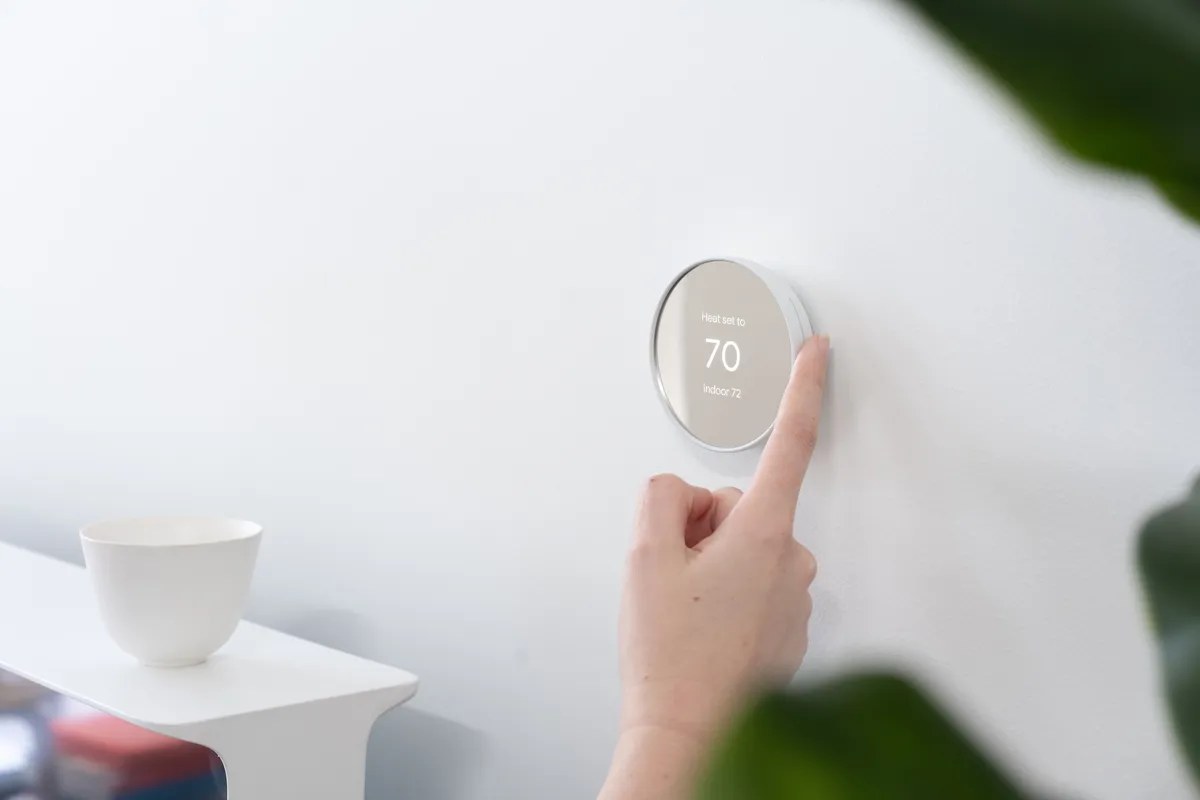
Google has announced Home MCP, a way for compatible AI agents to inspect Google Home devices and send them commands. It opens another route into the smart home: a third-party agent can act on your request instead of every interaction going through Google's assistant.
The announced early-access rollout starts in the US, in English, for Google Home Premium Advanced subscribers. Owning a Nest speaker is not enough. The setup also involves technical configuration and explicit authorization.
What an agent can ask your home to do
MCP is a protocol that connects an AI application to external tools. Here, those tools can identify home resources, read states and history, and request supported actions. Google's Home MCP reference lists the available functions. The model interprets a request and uses those functions rather than gaining unrestricted control of every appliance.
The distinction from a chat-only assistant matters. Advice about heating ends as text. An authorized agent can request a change on a compatible device. It is a household example of how AI agents work, with effects beyond the conversation window.
Not every feature of every connected device is necessarily exposed through the integration. Home MCP should also be distinguished from Developer MCP, a separate server intended to help with Google Home development documentation rather than operate your home.
A subscription is only one requirement
Google's setup guide requires an active Google Home setup, Premium Advanced, a Google Cloud project and an MCP-compatible client. Its examples include Antigravity, Claude Cowork and OpenClaw. Authentication and permission grants are part of connecting the agent to the home.
That is extra work if you only want to switch on a light from your phone. The more plausible audience is someone who wants to add household controls to an agent they already use. Client compatibility does not remove that client's own requirements or make every setup identical.
Permissions affect everyone in the household
Google blocks sensitive operations such as unlocking doors, and Home MCP does not yet support creating or managing automations. Being able to issue a command does not mean an agent can configure all your household routines.
Review the requested access and tell other household members before connecting an agent. Access can be revoked through Google's account or Home controls. If keeping data and control on your own network is the priority, our guide to local versus cloud AI explains why connecting household hardware to an agent does not automatically make the system local.
The conversation starts here
Sign in with a supporter account to comment. Sign in



Nobody has commented yet. Want to go first?