
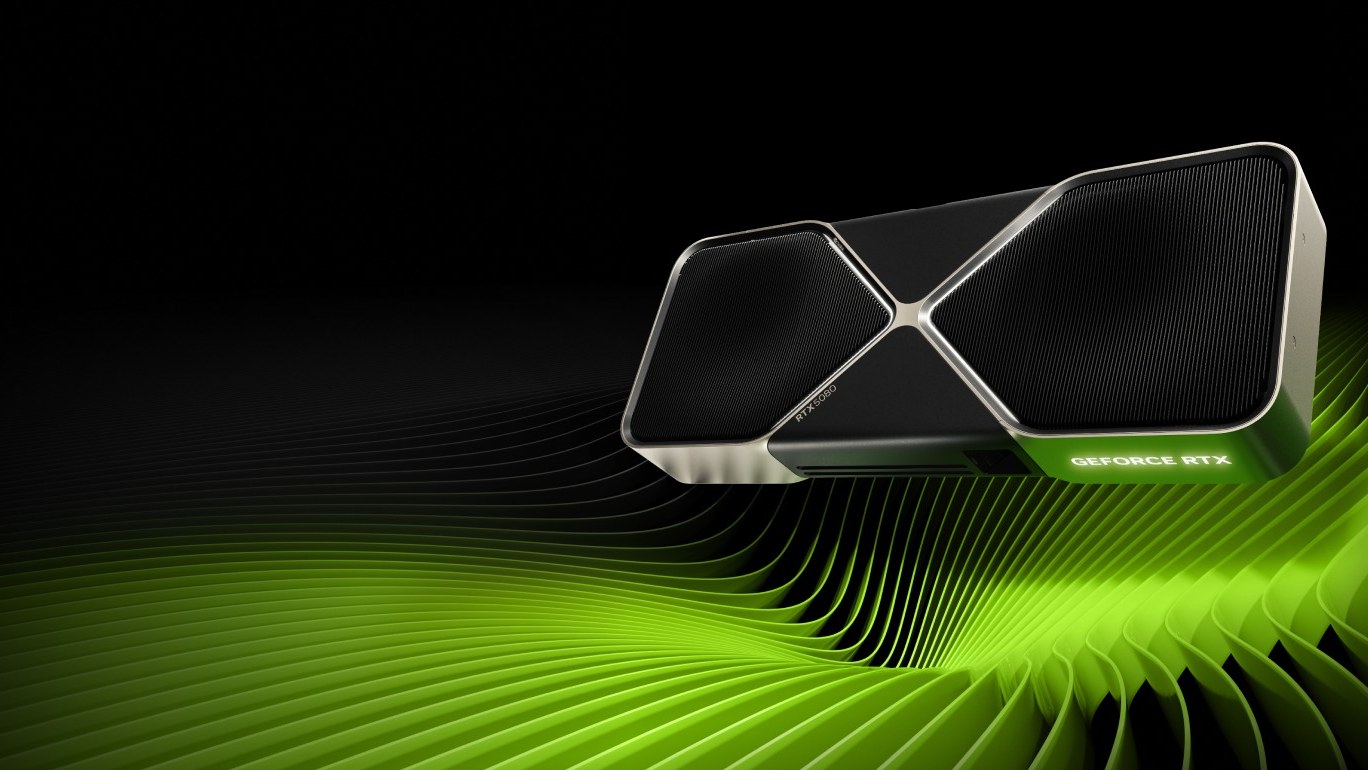
Starting in November 2026, new Nvidia Game Ready and Studio drivers will support only Windows 11, under the company's GeForce support plan for Windows 10. A driver is the software that lets Windows use your graphics card, and Studio drivers are the version built for design and video apps. On Windows 10, your card keeps working but gets no tuning for new games, and through October 2029 it only gets a quarterly driver with security patches and critical bug fixes.
The cutoff ends the extra year Nvidia announced in July 2025 for every GeForce RTX card, ahead of Microsoft ending Windows 10 support on October 14, 2025. The GTX 900 and GTX 10 series got their final Game Ready driver in October 2025 and receive security updates only through October 2028.
What you lose by staying on Windows 10
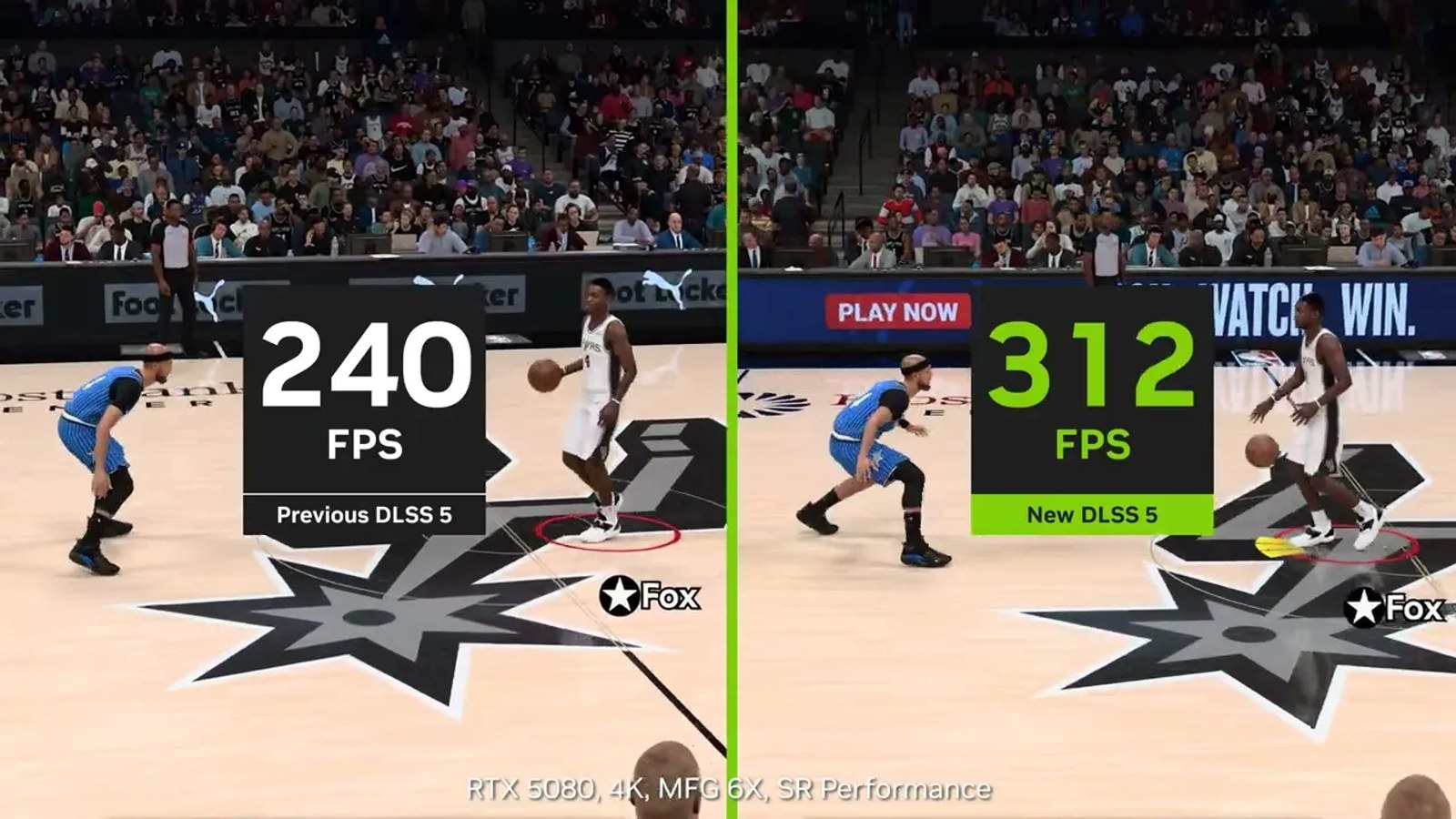
A Game Ready driver is the version Nvidia tunes for a specific game launch. It adjusts performance and switches on features such as DLSS, which rebuilds the image with AI so games run more smoothly, from day one. Driver 621.01, released October 20, added support for Phantom Blade Zero and Call of Duty: Modern Warfare 4, plus the faster DLSS 5 model in NBA 2K27.
On Windows 10, games you already play won't get worse, and a new release may run fine on October's driver. But if it launches with a bug that Nvidia fixes in the driver, Windows 10 won't get the fix.
What Windows 11 requires
Microsoft offers a free upgrade from Windows 10 Home or Pro, version 2004 or later, to the same edition of Windows 11 if the PC meets the minimum Windows 11 specs:
- A 64-bit processor with two or more cores at 1 GHz that appears on Microsoft's list of supported chips. - 4GB of RAM and 64GB of storage. - UEFI firmware with Secure Boot. - TPM 2.0. - A DirectX 12 graphics card with a WDDM 2.0 driver.
On a gaming PC, the processor or the TPM is usually what blocks the upgrade. Microsoft's lists start at 8th-generation Intel Core chips and AMD Ryzen 2000 desktop processors, though not every model makes the cut. A TPM is a security chip, or a feature built into the processor, that stores encryption keys. Microsoft says many motherboards ship with it turned off and that it can almost always be switched on.
How to check whether your PC can upgrade
1. Go to Settings > Update & Security > Windows Update and select Check for updates. If the PC qualifies, you'll see an option to install Windows 11 for free. 2. If the option doesn't appear, the PC Health Check app shows which requirement the PC fails. Microsoft links to it from its Get Windows 11 page. 3. If it's the TPM, press Windows + R and type tpm.msc. A "Compatible TPM cannot be found" message usually means it's turned off. 4. Turn it on in your motherboard's UEFI settings, the successor to the BIOS, with the Intel PTT or AMD fTPM option, depending on your processor. Microsoft walks through it in its guide to enabling TPM 2.0.
After a UEFI change, Windows Update can take up to 24 hours to offer the upgrade. Microsoft says the upgrade keeps your files but still recommends backing up first.
If your PC can't run Windows 11
Install October's last Game Ready driver, the final one with game optimizations for Windows 10, though Nvidia hasn't said which version that will be. Keep the installer in case you reinstall the system, then move to the quarterly security drivers. Our guide on whether to install every Game Ready driver covers how to roll back if one causes trouble.
For Windows itself, Microsoft's consumer Extended Security Updates program patches Windows 10 version 22H2 through October 12, 2027. In the US you can enroll for free by syncing your PC settings with Windows Backup or redeeming 1,000 Microsoft Rewards points, or pay a one-time $30 plus tax. One license covers up to 10 PCs, and you enroll from Windows Update.
Microsoft advises against installing Windows 11 on hardware that doesn't meet the requirements. If your processor isn't on the lists, getting Game Ready drivers again means replacing it, and the motherboard too if it can't take the new chip.
The conversation starts here
Sign in with a supporter account to comment. Sign in
Nobody has commented yet. Want to go first?