
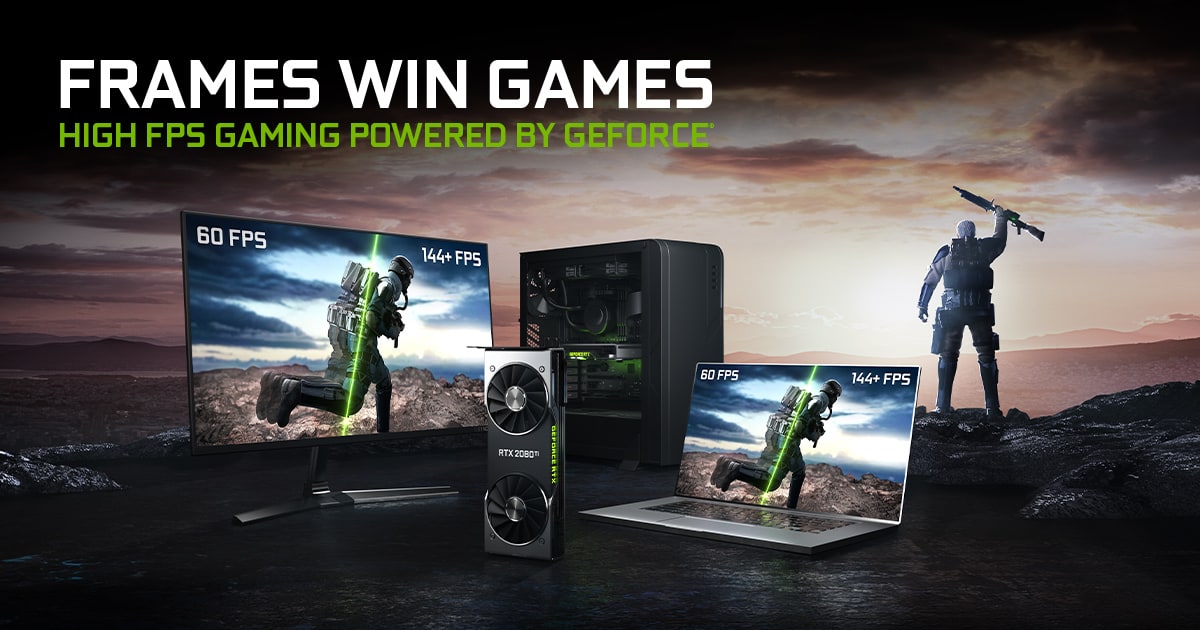
The short answer: the system creates FPS, the display shows Hz
FPS measures how many complete images the GPU produces each second. Hertz (Hz) tells you how many times the monitor can refresh in that second. A game running at 120fps on a 60Hz display still renders 120 frames, but the panel can begin only 60 refreshes.
Those extra frames are not entirely wasted: a newer frame may reach the next refresh sooner and slightly reduce latency. Without synchronisation, however, parts of two frames can appear together as screen tearing.
What happens in common combinations
At 60fps and 60Hz, each frame ideally has 16.7 milliseconds. At 120 the interval falls to 8.3ms, at 144 to 6.9ms and at 240 to 4.2ms. These are theoretical intervals. Consistent frame time matters just as much as the average.
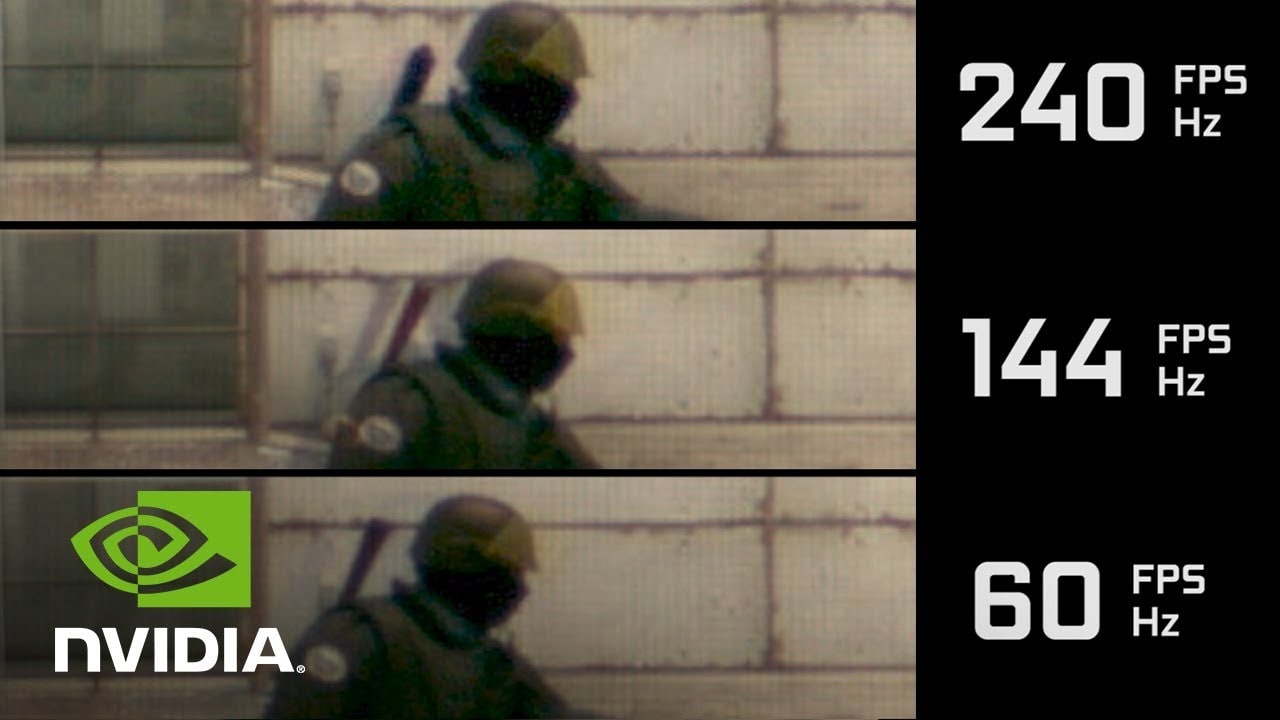
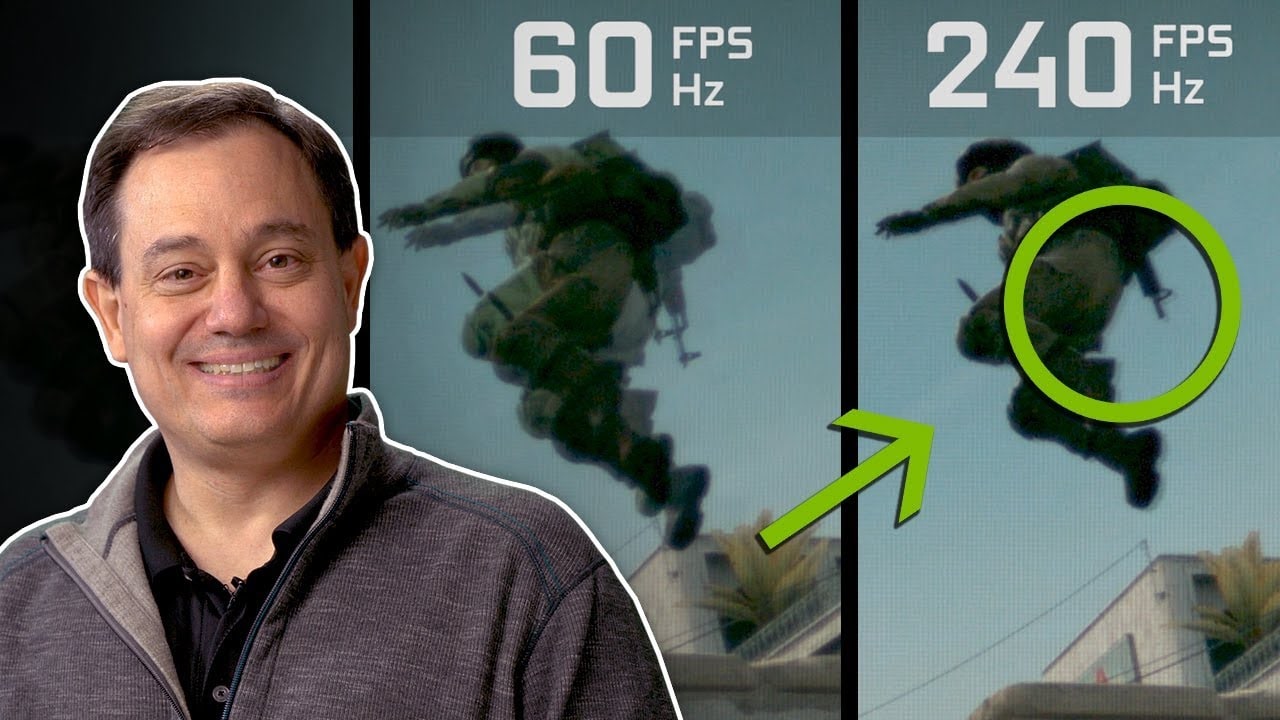
When FPS falls below refresh rate, the monitor cannot create fresh game information. When it exceeds refresh rate, you will not see every complete frame, although response can improve. NVIDIA's 60, 144 and 240fps comparison illustrates motion clearly, but it remains a GPU maker's demonstration rather than independent buying evidence.
VRR brings both numbers together
Variable refresh rate adjusts the display to incoming FPS within its supported range. It reduces judder and tearing without demanding a locked 60, 120 or 144fps. Our VRR, G-Sync and FreeSync guide explains the standards and compatibility.
Traditional V-Sync prevents tearing but can add delay when a frame misses its refresh slot. VRR is usually more flexible. Competitive players should also understand input lag and how to reduce it, because a fast panel cannot fix a slow signal chain by itself.
How many hertz you really need
For consoles and cinematic games, 120Hz with VRR is a practical target because it accommodates 40, 60 and 120fps modes. On competitive PC, 144 or 165Hz is an excellent balance. A refresh rate of 240Hz or more makes sense when the system sustains high frame rates and every millisecond matters.
Do not buy 360Hz to play at 70fps, or sacrifice resolution, contrast and real response simply for a larger number. Check stable game performance, VRR range, available ports and measured latency. Hz is capacity, but the experience depends on the whole chain.
The conversation starts here
Sign in with a supporter account to comment. Sign in
Nobody has commented yet. Want to go first?