
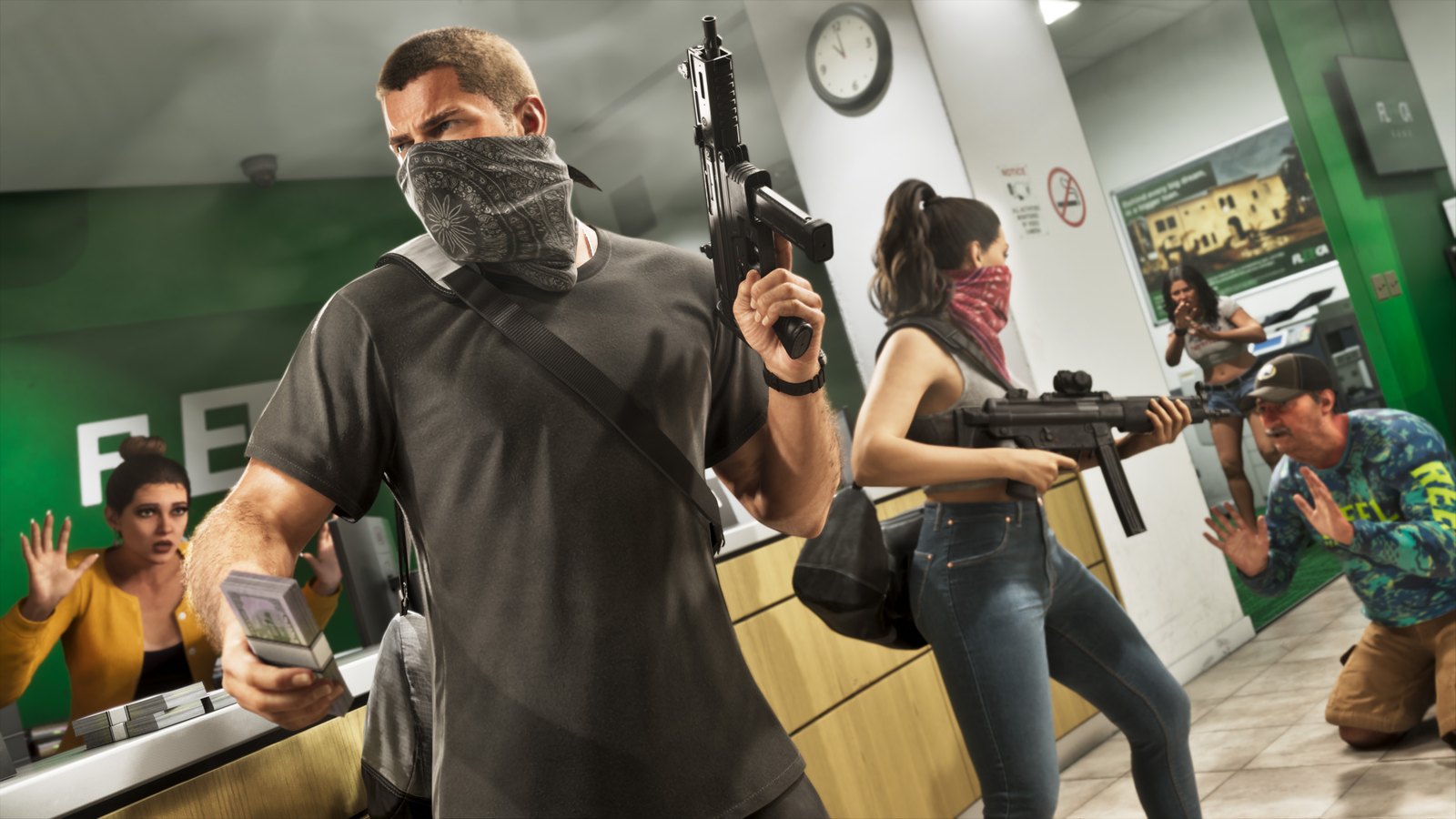
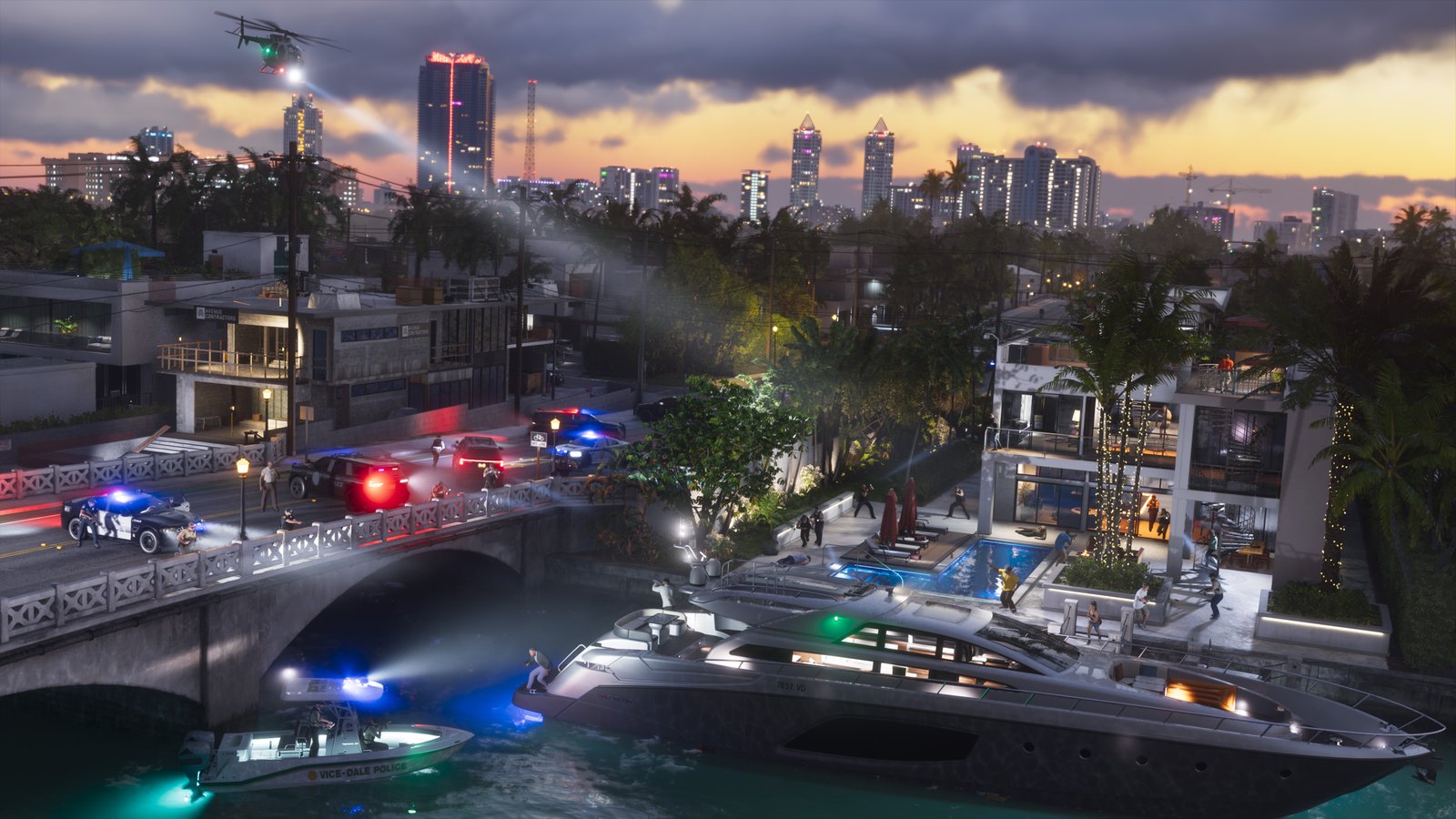
GTA 6 arrives November 19, 2026, on PS5 and Xbox Series X|S, and Rockstar hasn't announced a PC version. A Stream Deck can't plug into a console, because its keys send commands to apps on a computer. So you need a capture card to carry the console's picture to your PC or Mac, where OBS Studio or Elgato Studio records or streams it while the Stream Deck + runs those apps.
What to buy, at Elgato's US store prices as of November 7:
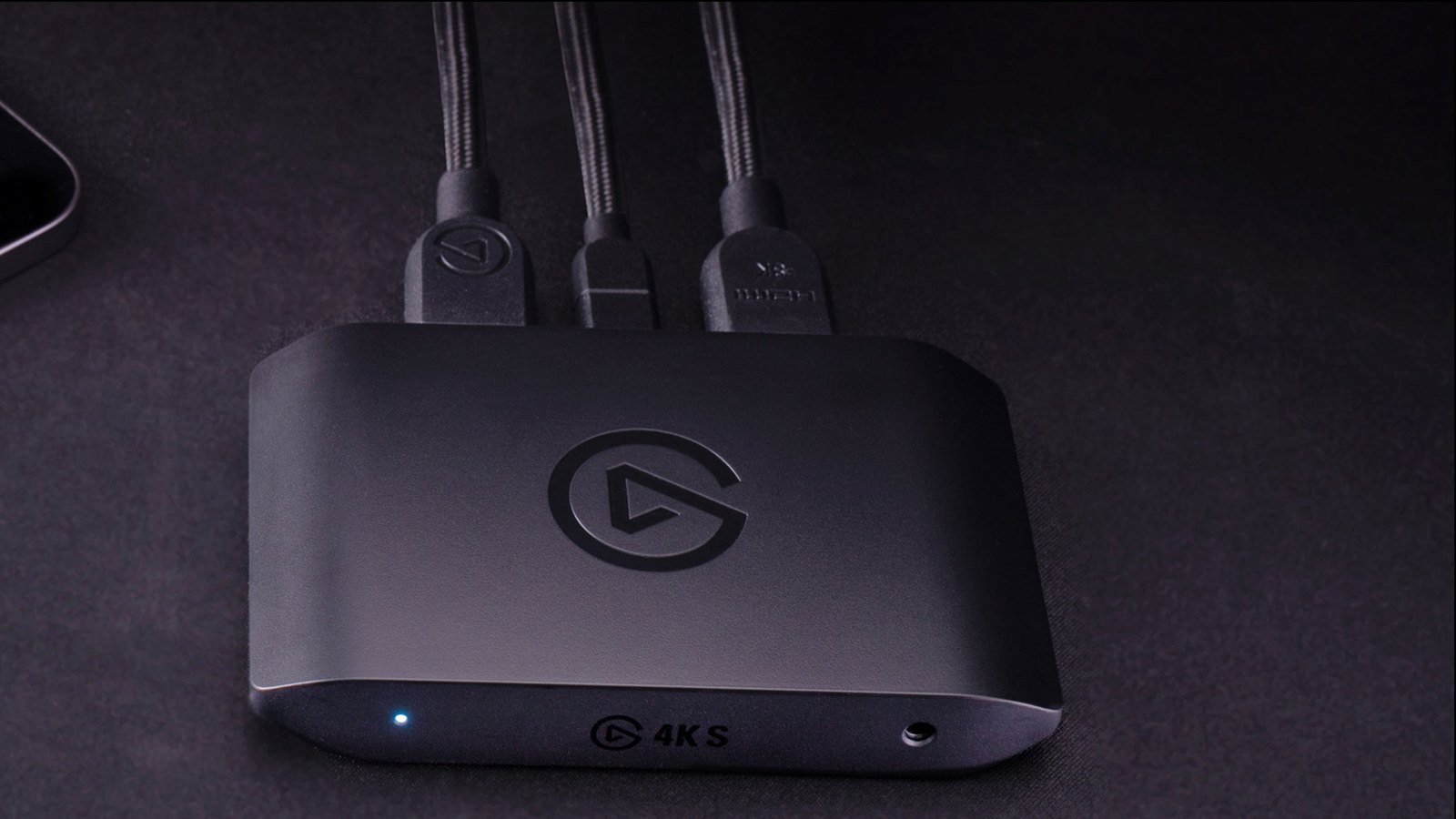
- A capture card, either the Game Capture 4K S ($159.99) or the 4K X ($249.99).
- Stream Deck +, $179.99, with eight keys and four dials (our review).
- Optionally, Elgato's Chat Link Pro, to put PS5 party chat on stream.
- A Windows 11 PC or a Mac on macOS 14.2 or later.
Which capture card to get for GTA 6
A capture card sits between the console and the TV. It passes the picture through to the TV with no added lag and sends a copy to the computer over USB-C, so you play as you normally would while the computer records.
The 4K S records 4K at 60 frames per second and passes that picture through to the TV with HDR, which widens the range between bright and dark areas, and VRR, which matches the screen's refresh rate to the console's frame rate moment to moment to prevent stutter. HDR recording drops to 1080p and works only on Windows. It's the card Elgato recommends for GTA 6 on PS5 and Xbox Series.
The 4K X has HDMI 2.1 and passes through up to 144 frames per second in 4K (144Hz), where the 4K S stops at 60. That's why Elgato reserves it for a PS5 Pro on a high-refresh HDMI 2.1 screen. On a 60Hz TV, the 4K S is enough. Before paying the extra $90, keep in mind that Rockstar hasn't said what frame rate GTA 6 will run at, on PS5 Pro or anywhere else, as we noted in our PS5 Pro explainer.
How to connect everything
Elgato's setup guide works out to four steps:
- PS5 only: with the console plugged straight into the TV, go to Settings > System > HDMI and switch off Enable HDCP, a copy protection that leaves the capture card with a blank screen. For Xbox Series, Elgato's instructions don't ask you to change any setting.
- Run an HDMI cable from the console's HDMI Out to the card's HDMI In, and a second one from the card's HDMI Out to the TV.
- Connect the card to the computer with its USB-C cable. No drivers are needed.
- To record, open Elgato Studio and the console feed appears automatically. To stream, click + in the OBS Studio Sources panel, choose Video Capture Device and select the card.
A Stream Deck + layout for GTA 6
In OBS, a scene is what viewers see at a given moment, such as the game with your camera or a holding screen. Elgato's OBS Studio plugin for Stream Deck maps OBS commands to keys and updates each key live, so you can see at a glance whether you're recording. The Twitch plugin adds channel actions. Both install from the Stream Deck store.
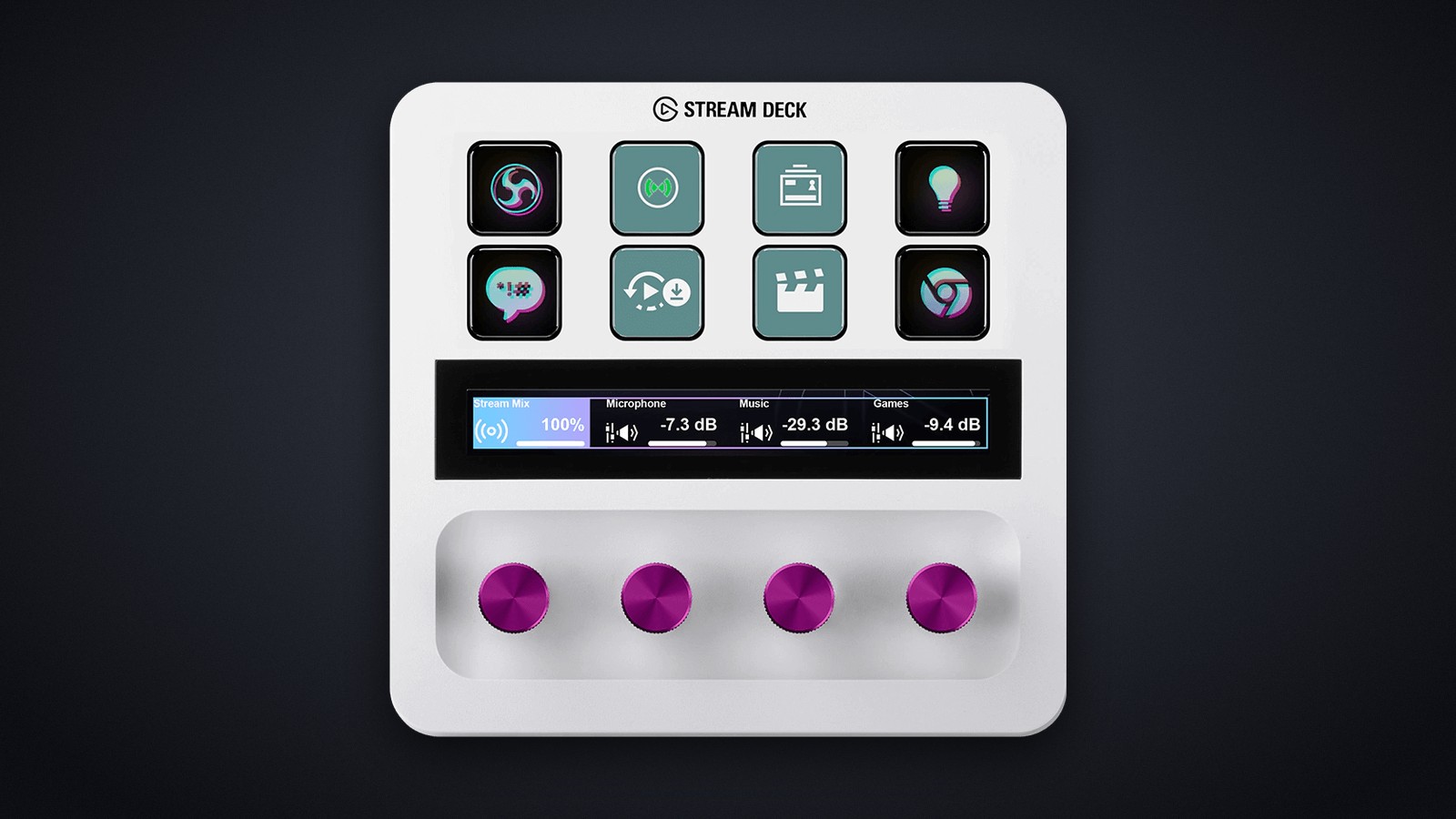
This layout is our proposal, built from actions Elgato documents. We use a Stream Deck + supplied by Elgato every day in our newsroom, but GTA 6 isn't out yet, so we haven't tested this layout with the game. The eight keys:
- Go Live. A multi action, meaning one key that runs several steps in a row. It switches to your intro scene, turns on the replay buffer that the fourth key uses and starts the stream.
- Stream. Ends the broadcast and shows whether you're still live.
- Record. Saves the full session on your computer, separate from the stream.
- Save Replay. The replay buffer keeps the last few seconds of play in memory, and this key writes them to a file even if you weren't recording.
- Create Clip, from the Twitch plugin. Posts a clip of the last 90 seconds of your stream to your channel. If you only record, use Chapter Marker instead, which flags the moment in your recording so it's easy to find in the edit.
- Gameplay scene. Cuts back to the game with your camera and alerts.
- Break scene. Puts up a holding screen while you're away from the controller.
- Mute. Cuts your mic, and the key shows it.
The four dials, for audio
Assign the OBS plugin's Audio Mixer Volume action to each dial and pick the audio source it controls. Turning the dial raises or lowers that source, and the touch strip above it shows the level:
- Dial 1, game audio from the capture card.
- Dial 2, your mic.
- Dial 3, Discord chat.
- Dial 4, music.
Game audio and party chat
A common mistake is a stream with no game sound. With a headset plugged into the PS5 controller, the console routes all audio there and the capture card gets none. Elgato's fix is to plug the headset into the computer and listen through the Elgato Studio or OBS preview.
To keep your headset on the controller and still get PS5 party chat on stream, there's Chat Link Pro. It sits between the controller and a wired headset and sends a copy of everything you hear, game and chat included, to the capture card's 3.5mm input. Then switch the card's audio input from HDMI to analog in Elgato Studio's device settings, as Elgato's guide explains. Elgato lists it for PS5, PS4 and Switch, not Xbox. If your group talks on Discord on the PC, you can skip it.
Elgato's free Wave Link mixer keeps what viewers hear separate from what you hear, so you can turn the music down for yourself without turning it down for viewers. Its Stream Deck plugin works on the dials too.
No capture card?
The PS5 can stream to Twitch or YouTube on its own, without scenes or alerts, through the Create button's Broadcast option once you link your account, according to PlayStation Support. For saving clips on PS5 and Xbox, see our clips and screenshots guide. Without a capture card, the Stream Deck + is still useful on the computer for Discord or Spotify volume.
Test everything before November 19
Elgato suggests rehearsing with another game rather than plugging in the capture card for the first time on launch day. Its checklist asks you to confirm that the picture reaches both the TV and OBS, your voice sits above the game, a recording with dark and bright scenes looks right and a test stream goes out with working picture and sound.
The GTA 6 preload starts November 10 and takes up to 212GB (our preload story has the details), so the game can download while you rehearse.
Frequently asked questions
Can you connect a Stream Deck to a PS5 or Xbox?
Not directly. A Stream Deck runs through the Stream Deck app on Windows or Mac, and its keys control software on that computer. To use one with a console game like GTA 6, you route the picture to the computer with a capture card, then record or stream it in OBS Studio or Elgato Studio, which the Stream Deck can control.
What capture card do I need to stream GTA 6?
For PS5 and Xbox Series X|S, Elgato recommends the $159.99 Game Capture 4K S, which records 4K at 60 frames per second and passes the picture through to your TV with no added lag. For a PS5 Pro on a high-refresh HDMI 2.1 display, it suggests the $249.99 4K X, which passes through up to 4K at 144Hz.
Can I stream GTA 6 on PS5 without a capture card?
Yes. The PS5 can broadcast to services such as Twitch or YouTube on its own through the Create button's Broadcast option once you link your account. A capture card only becomes necessary if you want custom scenes, alerts, multiple audio sources or Stream Deck control, because all of that runs on a computer.
Why does my capture card show no picture from my PS5?
The usual cause is HDCP, a copy-protection signal the PS5 sends that blocks capture cards. Connect the console straight to your TV, go to Settings > System > HDMI and turn off Enable HDCP, then put the capture card back between the console and the TV. Elgato says switching HDCP off doesn't affect gameplay.
Why is there no game audio on my PS5 stream?
If your headset is plugged into the PS5 controller, the console sends all audio there and the capture card receives none. Plug the headset into your computer instead and listen through the OBS or Elgato Studio preview. To capture PS5 party chat as well, Elgato makes the Chat Link Pro adapter, which feeds chat audio into the capture card's 3.5mm input.
Is GTA 6 coming to PC?
Not for now. Rockstar has announced GTA 6 for PS5 and Xbox Series X|S, launching November 19, 2026, and hasn't announced a PC version. That means recording or streaming it from a computer requires a capture card between the console and your TV.
The conversation starts here
Sign in with a supporter account to comment. Sign in

Nobody has commented yet. Want to go first?