
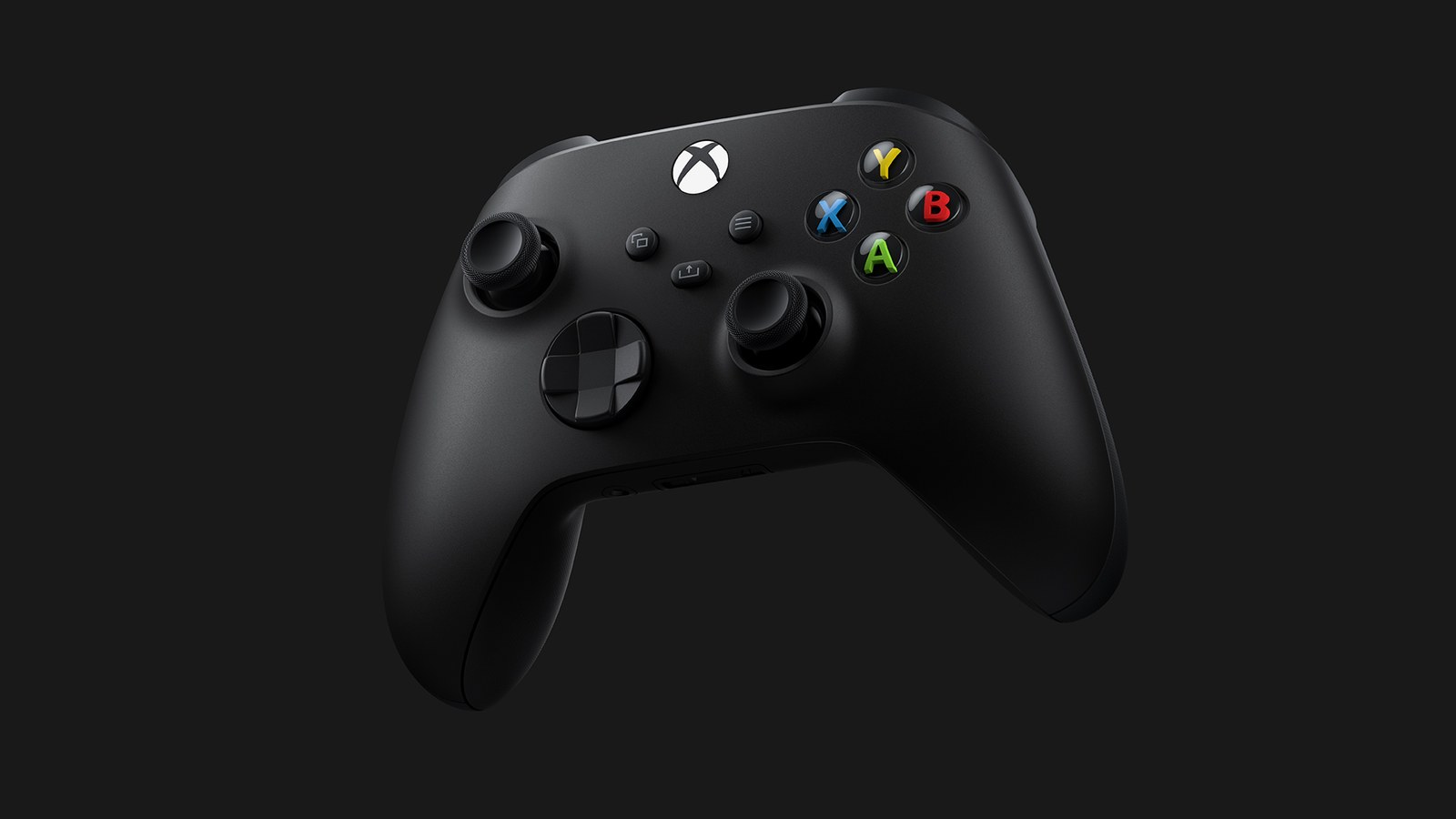
On PS5, hold the Create button on the DualSense to take a screenshot, or tap it twice to save a video of what you just played. On Xbox Series X|S, a quick press of the Share button takes a screenshot and holding it records a clip. For your phone, PS5 automatically sends clips under 3 minutes, in Full HD (1080p) or lower, to the PlayStation App, while Xbox uploads every capture to its servers, the Xbox network, for you to save with the Xbox app.
GTA 6 launches November 19. Set your clip length, resolution and uploads now so a single button press is all it takes later. Download sizes and preload timing are in our GTA 6 preload guide.
Recording and screenshots on PS5
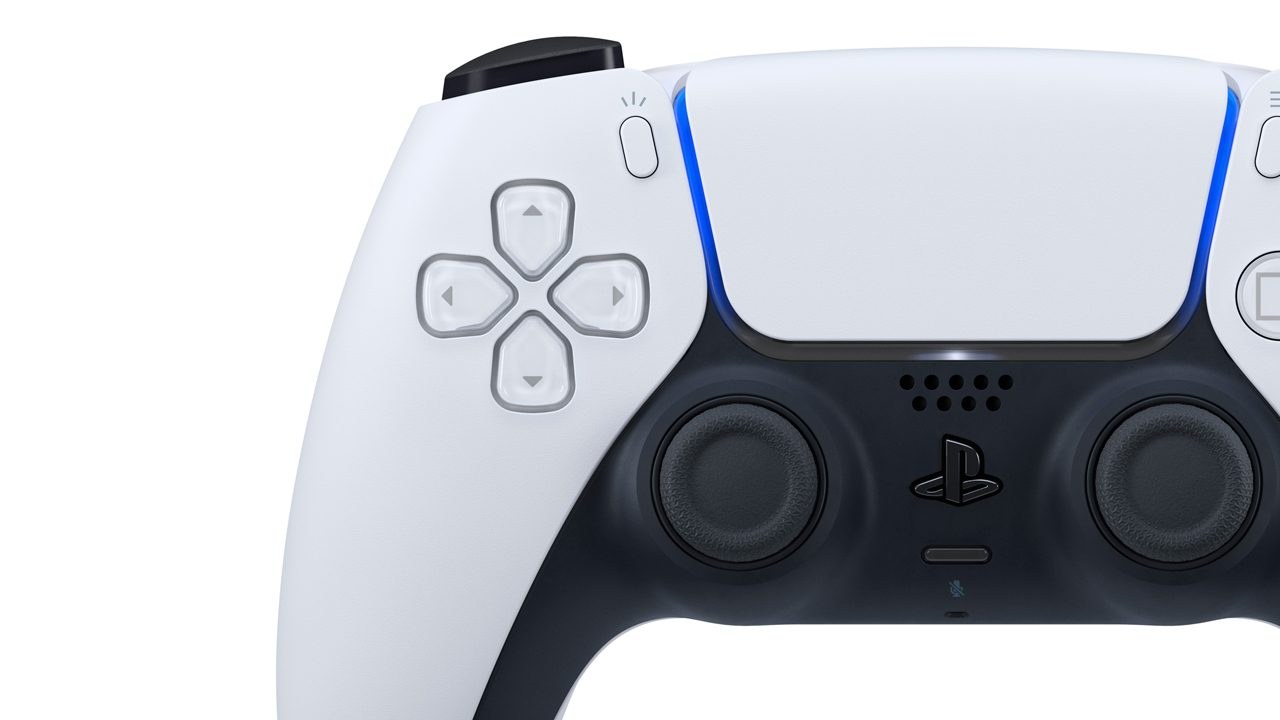
The Create button sits to the left of the touch pad. Press it and you get three choices, as PlayStation Support explains:
- Take Screenshot grabs the frame on screen. - Start New Recording captures from that moment on, for up to an hour. Press Create again and pick Stop Recording to end it. - Save Recent Gameplay keeps something that already happened, because the console is always recording in the background. It can save anything from the last 15 seconds to the last hour.
To remap the button, go to Settings > Captures and Broadcasts > Captures. With Standard, a short press opens the menu, holding takes a screenshot and a double tap saves recent gameplay. Easy Screenshots takes the screenshot on a single press instead. The same screen sets how much a double tap saves. If you want those clips to reach your phone automatically, keep it under 3 minutes. Thirty seconds works well.
Video Clip Format sets the file type, the resolution and whether your mic or party chat is recorded, and Sony asks you to check with the people in your party first. MP4 plays on any phone without conversion, and 4K recording needs a compatible display. Some games also block certain scenes from capture, and Rockstar has not said whether GTA 6 will.
Recording and screenshots on Xbox Series X|S
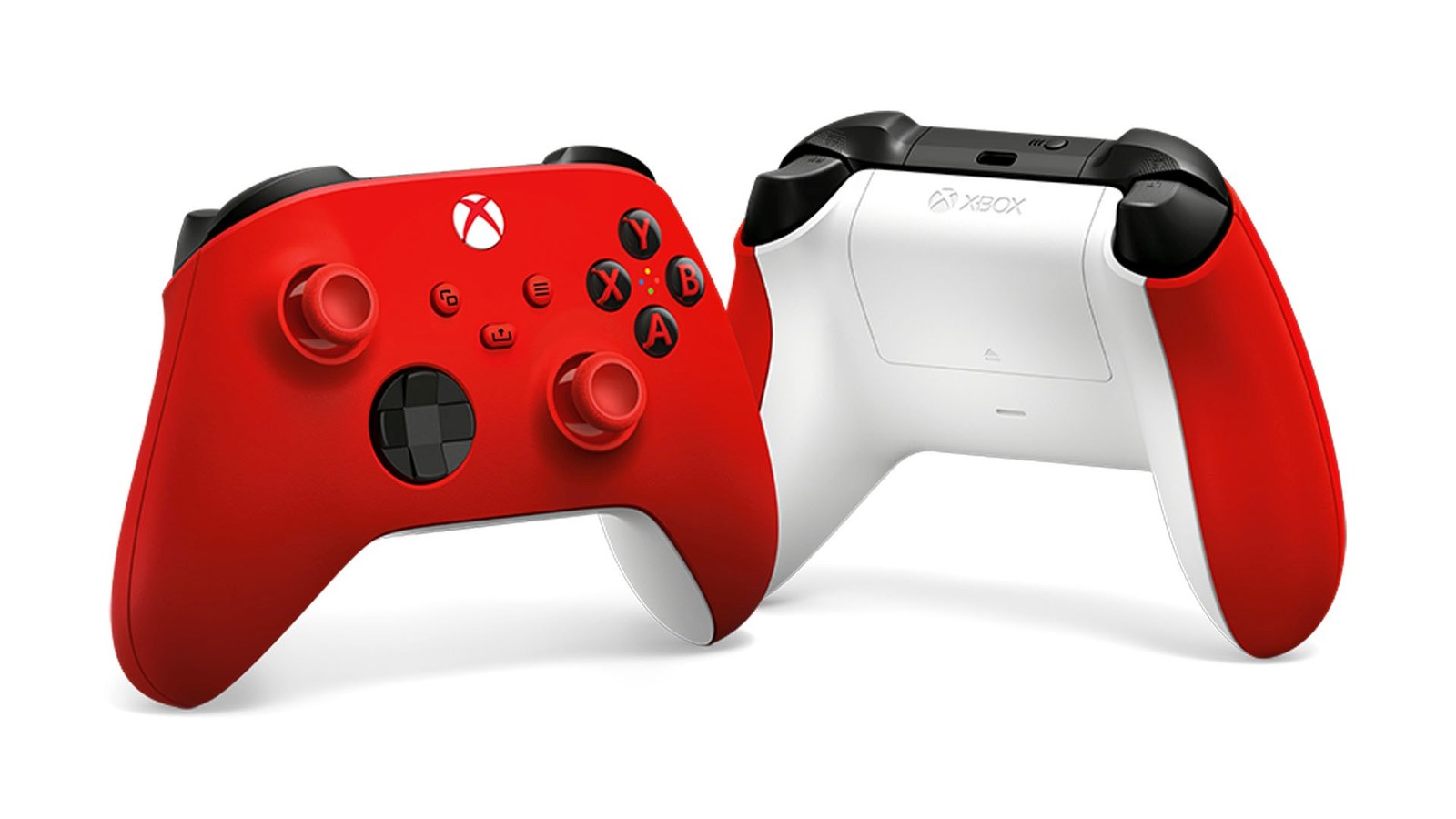
Per Xbox Support, the Share button, the arrow in the middle of the controller, takes a screenshot with a press and records a clip when held. You can remap each gesture in the console's Accessories app.
You can also use the guide, the menu the Xbox button opens. There, X saves the last 30 seconds and Y takes a screenshot, and pressing View first lets you go back as far as 2 minutes. To record what happens next, choose Capture & share > Start recording. Those clips run up to 10 minutes on internal storage or an hour on an external drive, depending on resolution.
4K clips need the console to be sending a 4K signal to your TV, plus a 4K option picked under Profile & system > Settings > Preferences > Capture & share > Game clip resolution.
Getting clips and screenshots onto your phone
On PS5 you need three things: the console linked to the PlayStation App, rest mode with Stay Connected to the Internet on, and Auto-Upload enabled under Settings > Captures and Broadcasts > Captures. Sony's PlayStation App help page says uploads stay on its servers for 14 days and do not require PlayStation Plus. In the app, open Library > Captures, pick one and tap Download.
Captures made before you turned on Auto-Upload can be sent by hand from Media Gallery with the Options button and Upload to PlayStation App. A 4K clip or anything over 3 minutes will not go through the app at all, so copy it to a USB drive with More > Copy to USB Drive in Media Gallery and move it to a computer.
On Xbox, captures upload to the Xbox network on their own and the mobile app notifies you when they are ready. To keep one on your phone, open My Library, select it and tap Save. Microsoft may delete captures from the Xbox network after 90 days, so back up anything you care about from the console's Captures app, either to OneDrive, Microsoft's cloud storage (5 GB free with every Microsoft account), or to a USB drive formatted as NTFS, the Windows format, as Xbox's backup guide explains.
Trimming and storage
To shorten a clip on PS5, open it in Media Gallery, select Edit and use Set Trim to cut the dead time at the start and end.
Clips share the SSD with GTA 6, which Rockstar says needs up to 212GB. Delete the ones you have already moved off the console, and if you still need room, follow our guide to freeing up space without losing your saves. On Xbox, Capture save location can send new captures straight to an external drive. On a Windows 11 PC, the recording shortcut is Windows + Alt + G, and our Windows 11 screen recording guide covers the rest.
Frequently asked questions
How long can a PS5 clip be?
A recording you start from the Create button menu can run for up to an hour. Save Recent Gameplay works backward instead, keeping anything from the last 15 seconds to the last hour, because the PS5 records continuously in the background while you play.
Why isn't my PS5 clip showing up in the PlayStation App?
The app only receives videos shorter than 3 minutes at 1080p or below, so 4K or longer clips are skipped. The console also has to be linked to the app, resting with Stay Connected to the Internet on, and Auto-Upload must be enabled in Settings. Older captures can be sent manually from Media Gallery.
Do I need PlayStation Plus to get PS5 captures on my phone?
No. Sony stores auto-uploaded clips and screenshots on its servers for 14 days at no charge, and you can download them to your phone from the PlayStation App during that time. After that they disappear from the app, though they stay on the console unless you delete them.
How do I record the last few minutes on Xbox Series X|S?
Press the Xbox button to open the guide, then press X to save the last 30 seconds. For a longer clip, press the View button first and choose a duration of up to the last 2 minutes. Holding the controller's Share button also records a clip.
How long does Xbox keep uploaded clips?
Microsoft may delete clips and screenshots on the Xbox network after 90 days. To keep them, save them to your phone from My Library in the Xbox app, or use the Captures app on the console to copy them to OneDrive, which includes 5 GB free, or to an NTFS-formatted USB drive.
Can PS5 and Xbox Series X record in 4K?
Yes, both can. The PS5 needs a compatible display, and those videos will not reach the PlayStation App. On Xbox, the console must be outputting 4K to the TV and you pick a 4K setting under game clip resolution. If HDR is on, captures come out in HDR as well.
The conversation starts here
Sign in with a supporter account to comment. Sign in
Nobody has commented yet. Want to go first?