
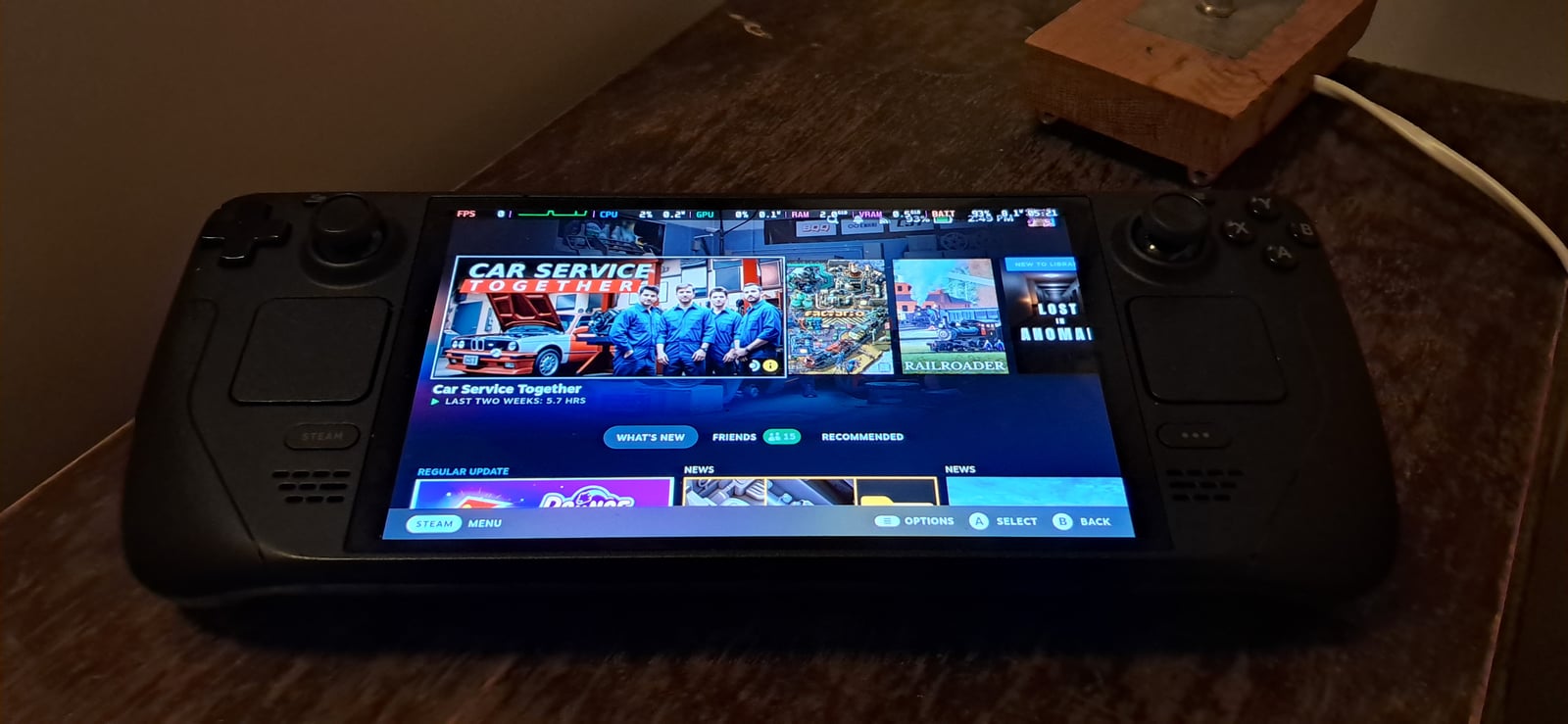
Steam Deck developers can now see how frame rates vary across real players’ sessions. Valve added a distribution chart to its partner dashboard on October 1, initially for Steam Deck Verified titles. The readings come from players who opted to share anonymous performance data.
Instead of reducing everything to one average, the chart shows how the measurements spread across frame rates. Frames per second, or FPS, count how many images a game produces each second. The new view can help a studio spot a performance problem or reconsider the graphics settings it gives players by default.
A diagnostic tool for studios
Developers can find the chart in Steamworks under Technical Tools > Steam Hardware Compatibility Review. It sits alongside average frame rates and player feedback. This is a developer dashboard update, with no announcement of a public performance database for shoppers.
Valve suggests looking for patterns across both numbers and feedback. A large share of readings below 30 FPS, combined with reports of poor performance or instability, would be a reason to investigate. Our guide to 1% lows, FPS and frame times explains why an average alone cannot describe every slowdown.
Low readings need context
A player may choose a 30 or 40 FPS cap to preserve battery life even when a game can run faster. Those readings are still part of the data. So are loading screens, where frame rates can drop sharply. Neither case is enough on its own to establish a problem during gameplay.
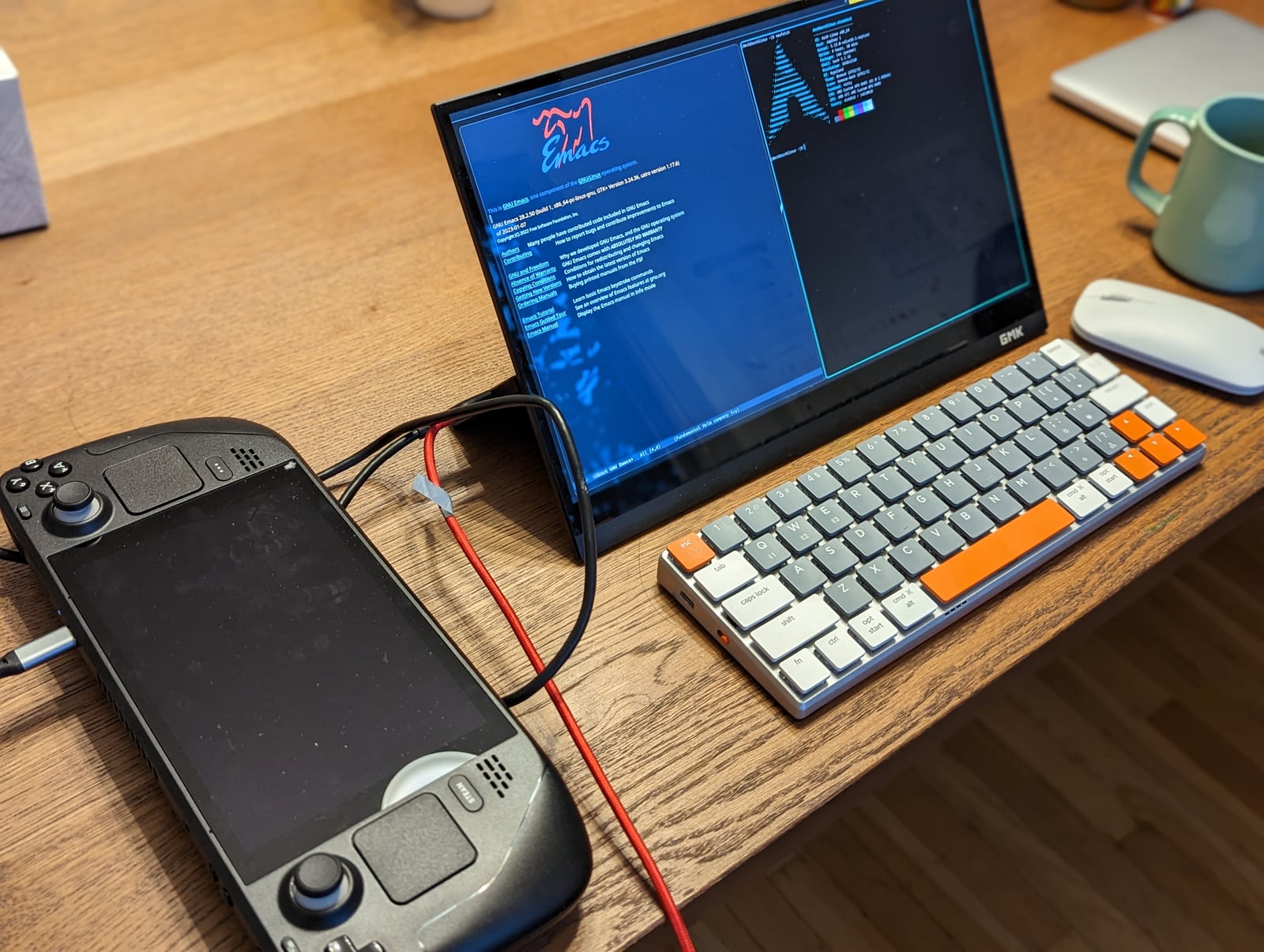
The built-in LCD display refreshes at up to 60 Hz, while the OLED model reaches 90 Hz. That means the screens can update their images up to 60 or 90 times per second, not that every game will run that fast. Valve’s OLED specifications also support external displays. A connected monitor can have a different refresh-rate ceiling, which is another reason to examine the context behind the figures.
What players should expect
The update gives studios another way to compare their test results with play outside the studio. Any improvement still depends on a developer investigating the evidence and making changes. The chart itself does not make a game run faster.
Valve’s existing compatibility checklist requires default settings that deliver a playable 30 FPS at 800p on Steam Deck, alongside suitable controls and readable text. Verified therefore does not promise 60 or 90 FPS in every situation. Comfortable controls and a usable small-screen interface also matter when choosing what to play, as our Steam Deck game selection explains.
The conversation starts here
Sign in with a supporter account to comment. Sign in


Nobody has commented yet. Want to go first?