
The short answer
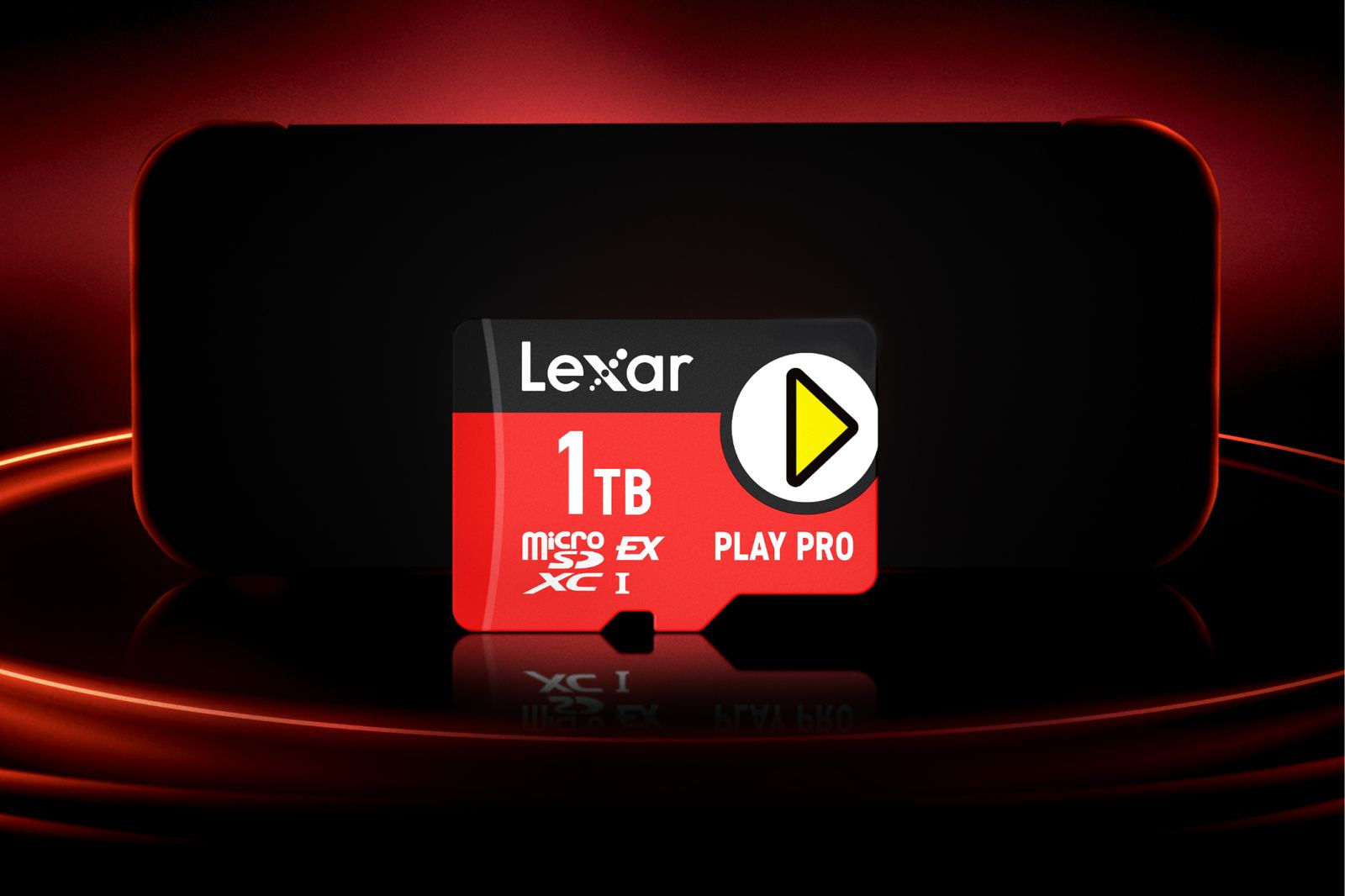
Nintendo's support page leaves no room for interpretation: “Nintendo Switch 2 is only compatible with microSD Express cards.” The console accepts compliant models up to 2TB and requires an internet connection for a system update the first time one is used. Official Nintendo licensing offers reassurance, but it is not mandatory for compatibility.
Look for the word Express or the EX symbol on the card and its packaging. A regular microSD, microSDHC or microSDXC card from the original Switch cannot load Switch 2 games, regardless of the speed printed on the box. It can only be inserted to import old screenshots and video clips.
Choosing the right capacity
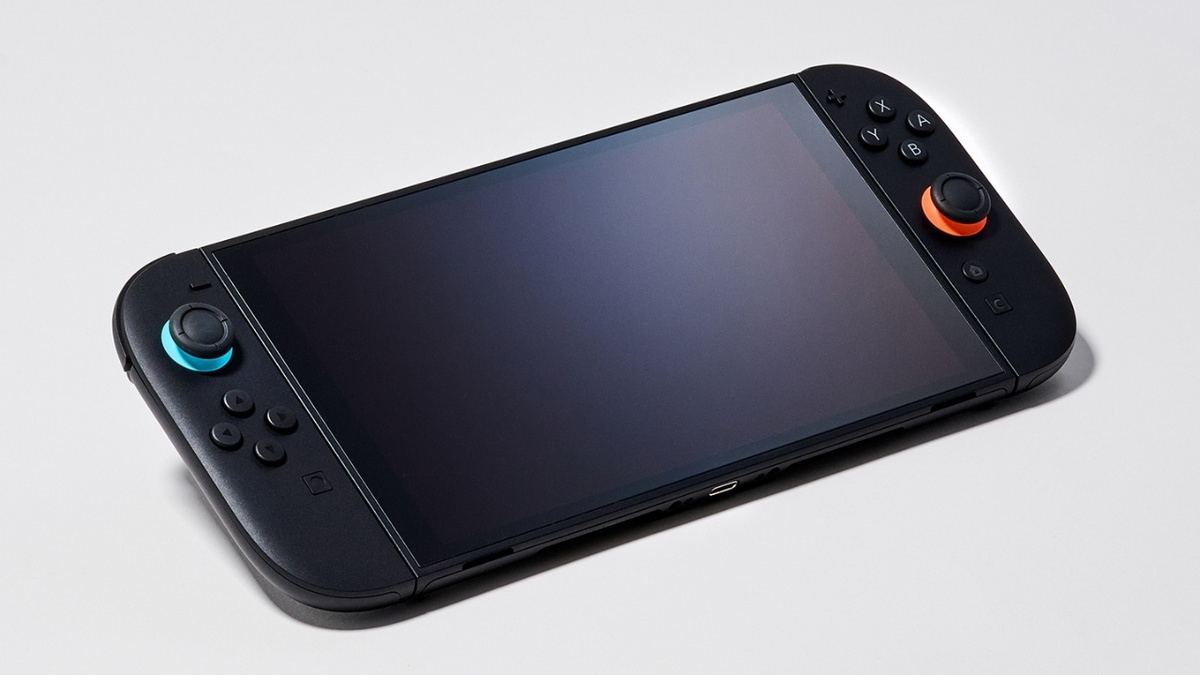
Nintendo Switch 2 includes 256GB of internal storage, with some of it reserved for the system. That is enough to start without buying a card, and Nintendo says no current game specifically requires expanded storage, but game-key cards download the full title and a handful of large releases can consume that space quickly.
An extra 256GB is a reasonable entry point for players who buy mostly complete cartridges and keep few downloads installed. On August 31, Nintendo's licensed 256GB Samsung card was $59.99, while Best Buy listed a 512GB SanDisk Express card at $158.99. Right now, twice the capacity costs considerably more than twice the money.
A 512GB card remains the most comfortable middle ground for a mixed library when it is discounted. A 1TB card makes sense if you buy mainly digital games, rotate between several large releases or hate archiving them, while the supported 2TB ceiling is a long-term luxury rather than a requirement. I would not pay that premium before filling the internal drive and a 256GB card.
For Switch 2, the essential checks are the microSD Express standard and a trustworthy retailer.
Games yes, save data no
A microSD Express card can hold downloaded games, updates, DLC, screenshots and captured videos. It also carries the data downloaded by game-key cards, which contain the key required to launch a title rather than the whole game, so check the storage requirement printed on the box before buying one. That is why we still distinguish those releases from a physical edition that keeps the game on its cartridge.
Save files always remain in the console's internal memory, whether you play digitally or from a cartridge, and they cannot be copied to a microSD Express card. An off-console backup requires Nintendo Switch Online cloud saves and a compatible game. Deleting installed software does not delete its progress.
How to move installed games
Open System Settings > Data Management > Move Data Between System / microSD Express Card, choose the software, updates or DLC you want to transfer, then confirm. New downloads are saved to an inserted microSD Express card by default, although some update data may later land in the other storage location.
You cannot merge software previously spread across several microSD Express cards onto a single card. Nintendo recommends using one, then copying everything to a larger model when it fills up. That makes 512GB worth considering over 256GB whenever the price difference is sensible and you already own a substantial digital library.
Which card should you buy?
You do not need a particular brand or Nintendo artwork on the package, but four checks matter before choosing your card:
With prices checked on August 31, my recommendation is to start with 256GB: $59.99 roughly doubles the total space available without paying today's disproportionate 512GB premium. If you already know your library will be predominantly digital, wait for a strong 512GB sale or buy 1TB once. If you are still choosing games, start with our 2026 Nintendo Switch and Switch 2 recommendations and check their download sizes first.
Once the card is installed, the remaining capacity is listed under System Settings > Data Management. That number, rather than the largest speed claim on a product page, should determine when you need another upgrade.
- The card must say microSD Express and show the EX symbol; microSDXC, U3, A2 or a high speed claim alone is not enough.
- Its capacity must not exceed the 2TB limit supported by Nintendo Switch 2.
- Buy from a reliable retailer with a clear warranty, because counterfeit capacity remains a common memory-card scam.
- Match capacity to your library: 256GB for light use, 512GB as the balanced option and 1TB for a mainly digital collection.
The conversation starts here
Sign in with a supporter account to comment. Sign in
Nobody has commented yet. Want to go first?