
Uninstalling a game does not delete its save on PS5 or Xbox Series X|S, but the two consoles back that save up in different ways. Xbox copies your saves to the cloud automatically and for free whenever you are online. A PS5 keeps them on the console, and getting a copy off the box takes either PlayStation Plus or a full backup to a USB drive.
It is worth clearing room before November 12, when GTA 6 preloads begin, letting you download the game ahead of launch. Rockstar has not published a file size, and our preload guide explains why the 210GB figure going around for PS5 is not official.
Back up your saves first
With PlayStation Plus, turn on Settings > Saved Data and Game/App Settings > Saved Data (PS5) > Sync Saved Data > Auto-Sync Saved Data. Sony's cloud storage page says members get 100GB for PS5 saves, and the console uploads them when you close a game or enter rest mode.
Without a subscription, a PS5 will not copy individual PS5 saves to USB. The workaround is a full console backup under Settings > System > System Software > Back Up and Restore, onto a FAT32 or exFAT USB drive. It covers saves, captures, settings and games, but not trophies. Making the backup deletes nothing, but restoring it erases everything on the PS5 at that point.
Xbox needs no setup. Microsoft's cloud saves FAQ says saves are stored on the console and in the cloud while you are connected, with or without a subscription. The upload happens when you quit a game, so if you played offline, launch and close the game once while connected before you uninstall it.
How to free up space on PS5
1. Go to Settings > Storage > Console Storage > Games and Apps. 2. Select the games you are done with and choose Delete. 3. If a game shows a Customize option, you can remove only part of it, such as an add-on or a mode you have finished.
Deleted purchases can be downloaded again from your game library at any time, according to Sony's storage guide. Saves live in a separate Saved Data menu, so deleting from Games and Apps leaves them alone.
How to free up space on Xbox Series X|S
1. Press the Xbox button and go to Profile & system > Settings > System > Storage devices. 2. Pick a drive and select View contents to see how much space each game uses. 3. Highlight a game, press the Menu button and choose Uninstall. To remove only add-ons, open Manage game and add-ons, untick what you no longer need and select Save changes.
Xbox also suggests what to remove under My games & apps > See all > Manage > Free up space. That list flags things like DLC for games you no longer have installed. Microsoft's storage help page states that uninstalling does not remove your license or your progress.
Park games on a USB drive instead of deleting them
An external drive holds games you are not playing so you can copy them back later instead of downloading them again, which pays off on a slow connection (see our guide to faster PS5 downloads).
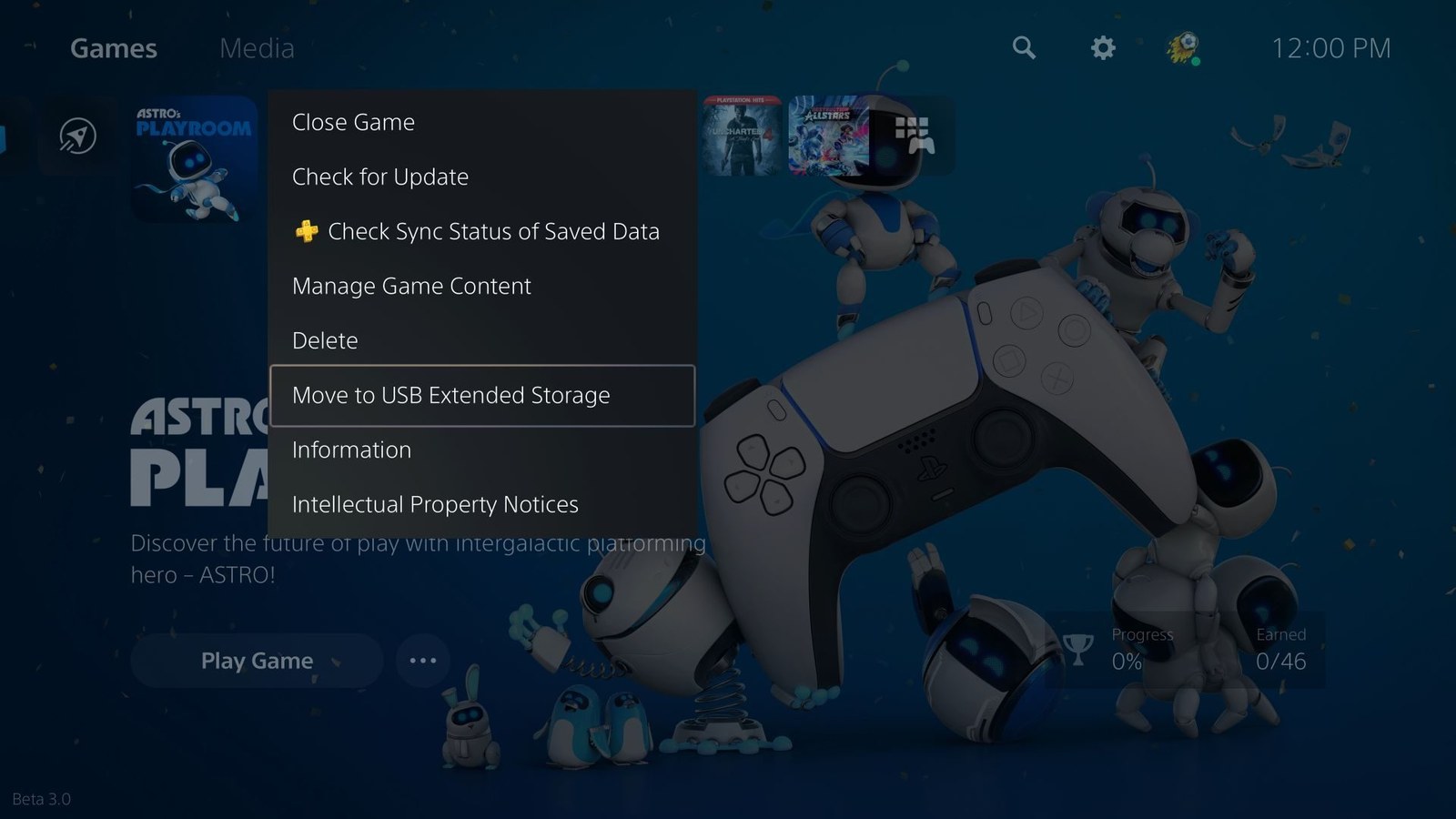
On PS5, Sony's extended storage requirements call for a drive rated SuperSpeed USB 5Gbps or faster, between 250GB and 8TB, plugged straight into the console. Format it under Settings > Storage > USB Extended Storage, which wipes the drive. Then highlight a game in your library, press Options and choose Move Games and Apps. PS5 games cannot run from the USB drive, so to play one again, copy it back with Copy from the Installed tab.
On Xbox Series X|S, the drive must hold at least 128GB and connect over USB 3.0 or 3.1. Games are moved from Manage game and add-ons > Move or copy. Titles Optimized for Xbox Series X|S have to go back to the internal SSD or an expansion card before you play them, while Xbox One, Xbox 360 and original Xbox games run from the USB drive.
Add internal storage when deleting is not enough
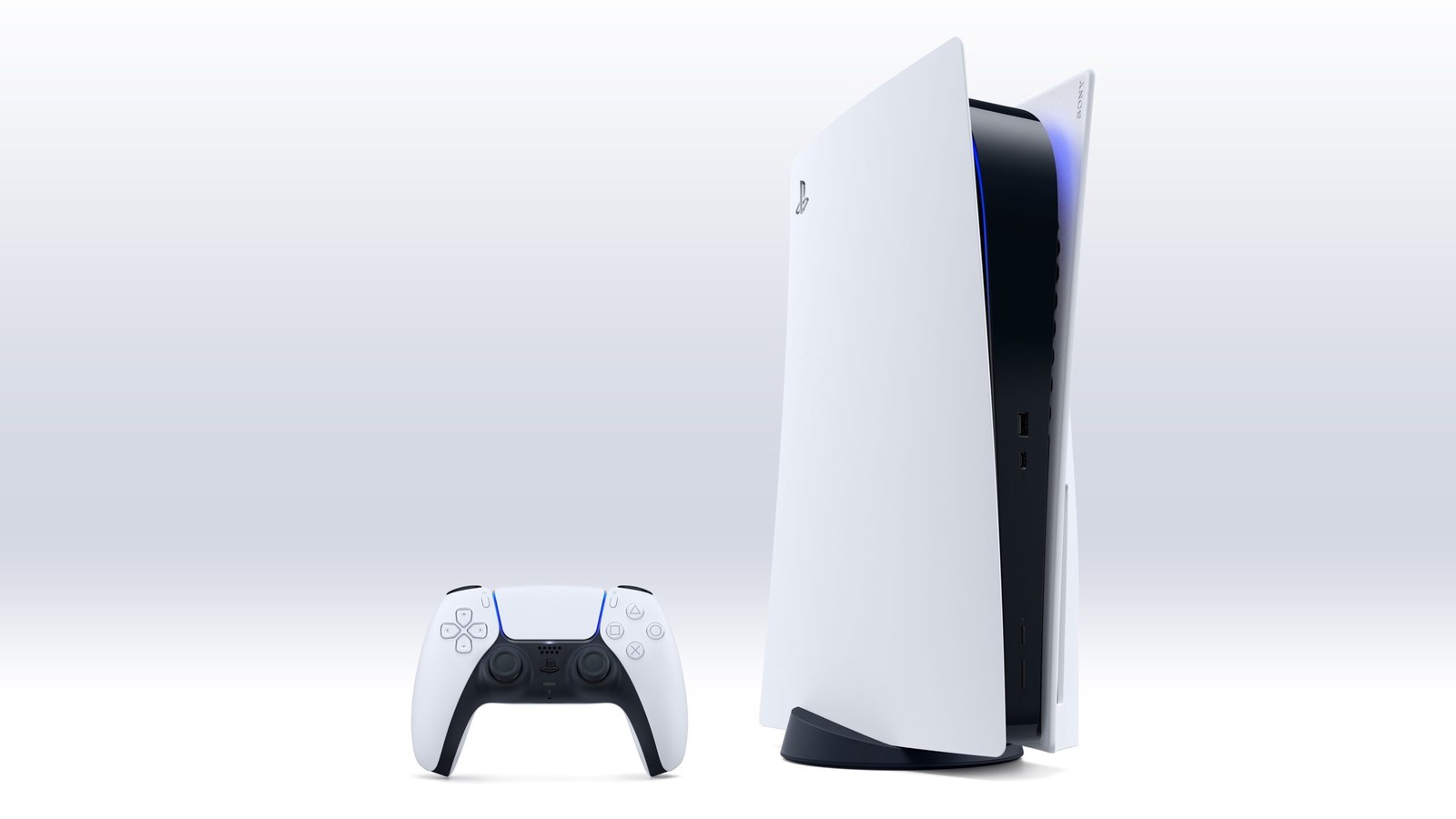
If every new release means uninstalling something else, it is time to add internal storage. On PS5 that means a PCIe 4.0 M.2 SSD, a fast card-shaped drive that fits a slot inside the console and needs a metal heatsink to stay cool. Our PS5 storage upgrade guide covers the requirements, the drives worth buying and the installation.
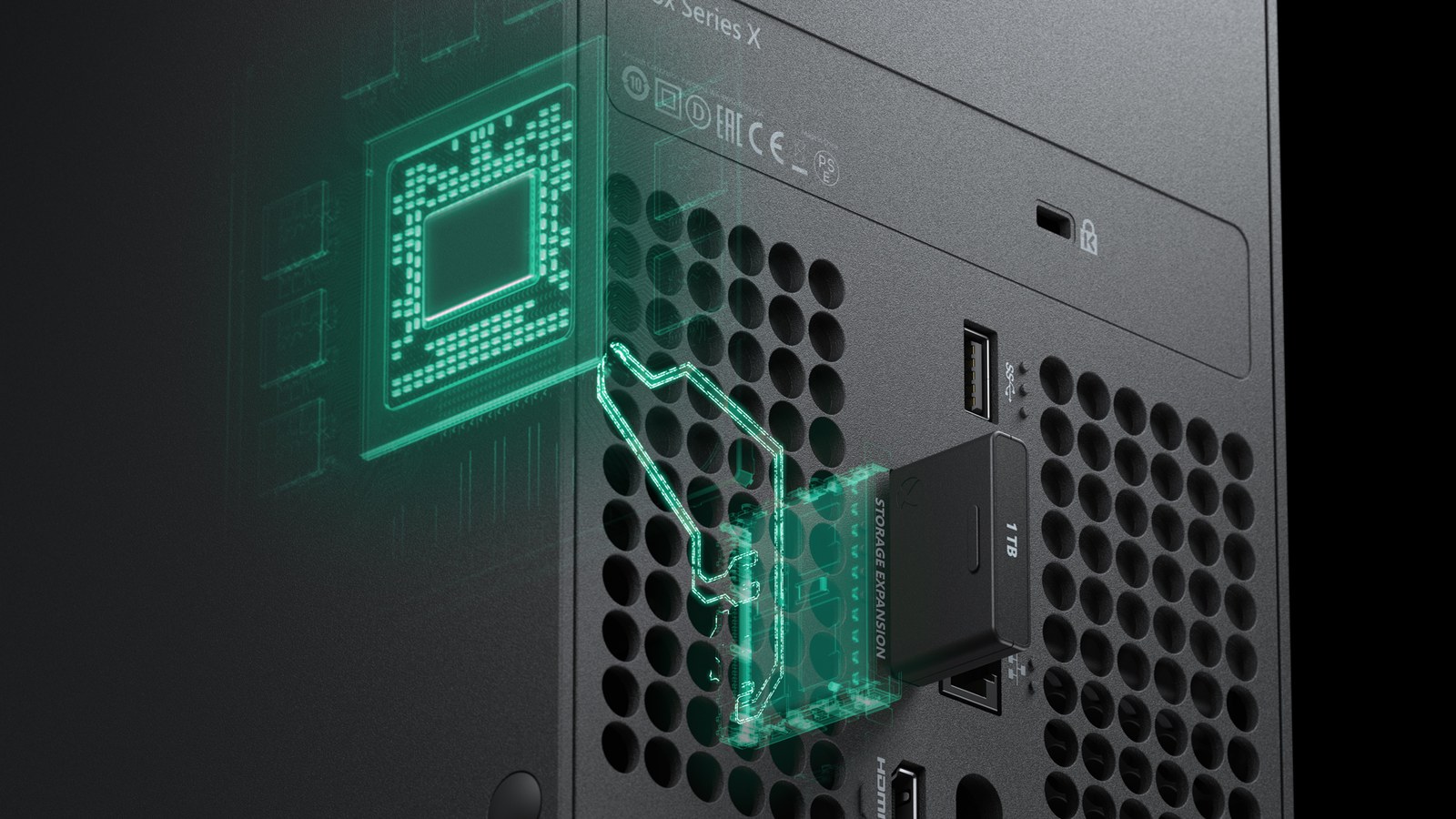
On Xbox Series X|S it is the Storage Expansion Card, which plugs into a port on the back and comes in 512GB, 1TB and 2TB sizes. Microsoft's expansion card page says it performs like the internal SSD, so optimized games run from it directly.
When you are done, reinstall one of the games you removed and load its save to confirm it is still there.
Frequently asked questions
Do I lose my save if I delete a game on PS5?
No. Deleting a game from Settings > Storage removes the installation only. The save stays on the console and shows up again when you reinstall the game on the same user. You lose it only if you delete it from the Saved Data menu or reset the PS5 without a cloud or USB backup.
Do I need PS Plus or Game Pass for cloud saves?
On PS5, yes, cloud saves require PlayStation Plus, which gives you 100GB for PS5 saves and optional auto-sync. On Xbox Series X|S no subscription is needed. Saves upload to the cloud for free every time you quit a game while connected to the Xbox network.
Can you play PS5 games from an external hard drive?
No. A USB drive set up as extended storage can hold PS5 games, but you must copy them back to console storage or an M.2 SSD before playing. PS4 games run directly from the drive, which needs to be SuperSpeed USB 5Gbps or faster and between 250GB and 8TB.
What external drive works with Xbox Series S or Series X?
Any USB 3.0 or 3.1 drive of 128GB or more. It can store every game and run Xbox One, Xbox 360 and original Xbox titles. Games Optimized for Xbox Series X|S only run from the internal SSD or the Storage Expansion Card, sold in 512GB, 1TB and 2TB sizes.
How much space does GTA 6 need?
Rockstar has not published a file size. The 210GB PS5 figure comes from an account that reads PlayStation Store data and has not been confirmed, and there is no figure for Xbox at all. Your console will show the real number when preloading opens on November 12.
How do I back up PS5 saves without PS Plus?
Use the full backup under Settings > System > System Software > Back Up and Restore, onto a FAT32 or exFAT USB drive. It includes saves, captures, settings and games stored on the console, but not trophies. Keep in mind that restoring it wipes everything currently on the PS5.
The conversation starts here
Sign in with a supporter account to comment. Sign in

Nobody has commented yet. Want to go first?