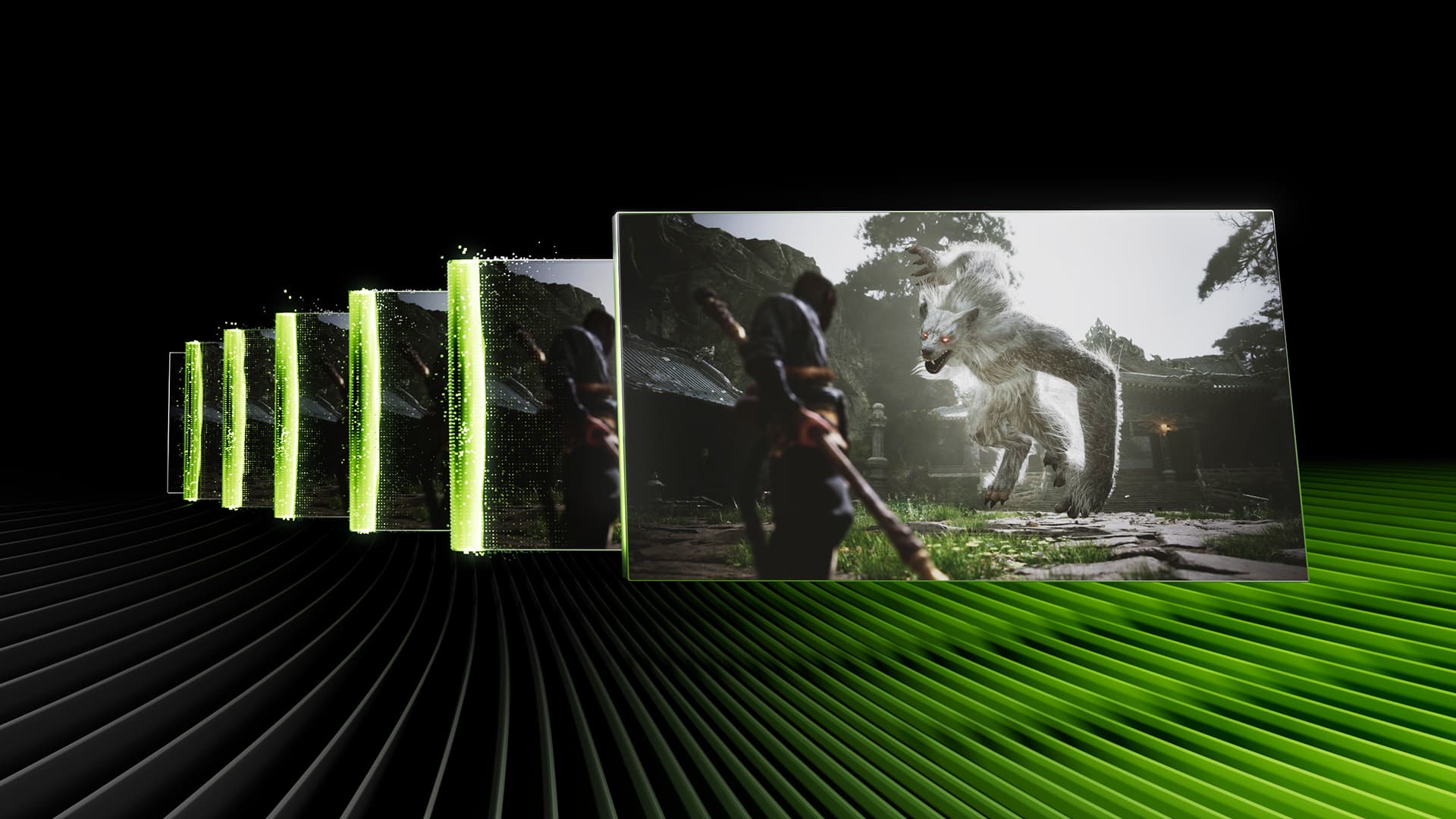
What DLSS, FSR and PSSR actually do
You open the graphics menu, meet a wall of acronyms and have to pick Quality, Balanced or Performance. Choose blindly and you may gain 40 frames per second while wondering why the protagonist's hair looks like a broken television aerial.
DLSS, FSR and PSSR are image-reconstruction technologies. A game renders at a lower internal resolution, then uses motion, depth and information from earlier frames to produce a higher-resolution output. The GPU draws a smaller portion of the puzzle and the algorithm fills in the missing pieces, freeing performance for higher frame rates, ray tracing or a 4K output.
The reconstructed result is not identical to native rendering. It can beat poor temporal antialiasing, yet it may also leave ghosting, flicker or unstable edges. The logo matters; the individual game's implementation matters even more.
The differences between DLSS, FSR and PSSR
DLSS belongs to NVIDIA and runs on the AI hardware inside GeForce RTX cards. In July 2026, DLSS 4.5 is the upscaler players actually select, using a second-generation transformer model for Super Resolution. The wider suite includes Ray Reconstruction, antialiasing and Frame Generation, while RTX 50 cards can use Dynamic Multi Frame Generation at up to 6X in supported games.
The naming has a catch. DLSS 5 exists, and we have examined its developer controls, but it is not merely a replacement upscaler. NVIDIA describes it as neural rendering for lighting, materials and detail, with release planned for autumn 2026. DLSS 4.5 remains the relevant comparison for today's Quality and Performance settings.
FSR is AMD's family. FSR 2 and 3 run across a broad range of hardware, including some GeForce cards. AMD's current machine-learning upscaler was called FSR 4 and is now named FSR Upscaling 4.1 inside the Redstone suite. Upscaling supports Radeon RX 7000 and 9000 cards; the complete Redstone set—Frame Generation, Ray Regeneration and Radiance Caching—targets RX 9000 hardware.
PSSR, PlayStation Spectral Super Resolution, is Sony's PS5 Pro solution. It is unavailable on PC and the standard PS5. An upgraded version arrived in March 2026—far more interesting than PS5's latest minor system update—using technology developed with AMD through Project Amethyst. Sony says PSSR has been used in more than 50 games.
Compatible graphics cards and consoles
On a GeForce RTX card, DLSS Super Resolution is normally the first option to try. Every RTX generation supports upscaling, but newer features are hardware dependent: Frame Generation began with RTX 40 and Multi Frame Generation belongs to RTX 50. GTX cards can use FSR in supported games but cannot run DLSS.
Radeon compatibility depends more heavily on generation. RX 7000 and RX 9000 cards can access machine-learning FSR Upscaling, with RX 6000 support planned for 2027. Older hardware relies on FSR 2 or 3.
Consoles do not provide one universal selector. PS5 Pro uses PSSR where developers implement it, although some games retain FSR. Standard PS5 and Xbox Series X|S use whichever solution a studio chooses.
Quality, Balanced or Performance: which mode should you choose?
Start with Quality. It uses a higher internal resolution and asks the algorithm to invent less information. If it reaches your target—60fps for most games, more for competitive play—there is little reason to drop lower. Balanced helps when you are a few frames short; Performance makes sense at 4K, with demanding ray tracing or on struggling hardware.
Be more conservative at 1080p. Performance mode begins with so few pixels that vegetation, particles and fine geometry can break apart in motion. Try Quality or native rendering before chasing a prettier counter.
Treat Frame Generation separately. It inserts calculated images between rendered frames, improving visible smoothness without turning a sluggish 25fps response into genuine 100fps play. Reach roughly 50 or 60 rendered frames first, then enable generation. Competitive games benefit more from responsiveness than synthetic frames.
Which one should you use in 2026?
With a GeForce RTX, begin with DLSS Quality. On Radeon RX 7000 or RX 9000, try FSR Upscaling 4.1, with full Redstone features available to RX 9000 hardware. FSR 2 and 3 remain useful on older or cross-vendor cards. On PS5 Pro, use upgraded PSSR when available, but switch it off if a particular game produces visible trails or flicker.
There is no universal winner. DLSS usually has the advantage on an RTX PC, FSR reaches more configurations and PSSR is built around one console. A careful FSR integration can still beat neglected DLSS, and the original PSSR proved that an AI label does not prevent visual artifacts.
We will update this guide when NVIDIA releases DLSS 5, AMD expands Redstone or Sony revises PSSR. It also connects our coverage of PC graphics and hardware, consoles and subscriptions and new technology in games. The best setting is not the one that produces the largest menu number. It is the one that stops you staring at every fence and strand of hair instead of playing.
The conversation starts here
Sign in with a supporter account to comment. Sign in
Nobody has commented yet. Want to go first?