
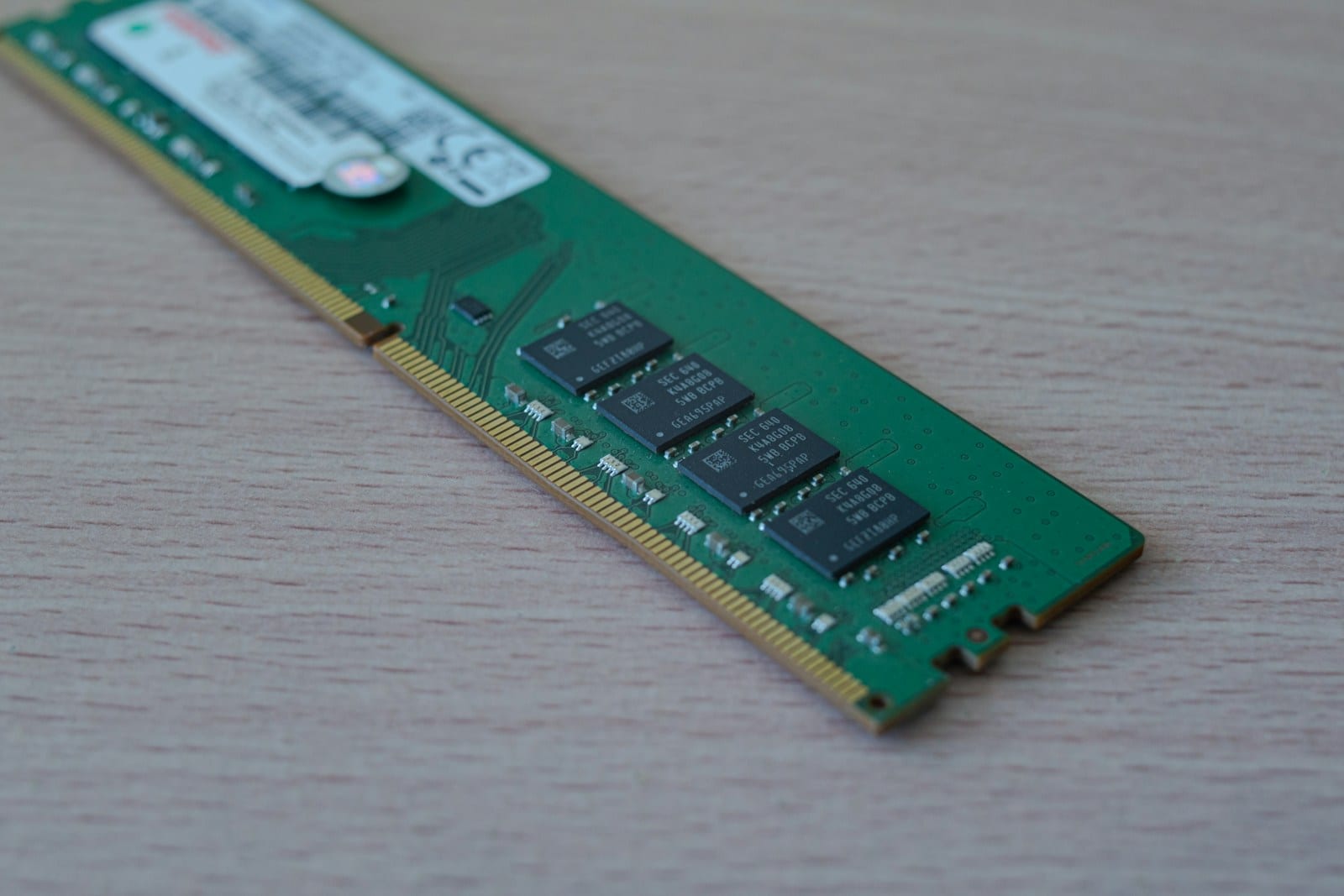
CL counts cycles, not nanoseconds
CAS latency, or CL, counts the cycles between a column request and the moment memory starts returning data. A lower CL needs fewer cycles, but each cycle is shorter on faster memory. CL30 and CL36 therefore cannot be compared without their transfer rates.
Kingston gives a simple conversion: latency in nanoseconds = CL × 2000 / MT/s. DDR5-6000 CL30 produces 10ns. DDR5-7200 CL36 also produces 10ns. The second kit moves more data each second even though the first response begins after the same theoretical delay.
Four timing numbers are not a score
A label such as 30-38-38-96 summarizes several timings: CAS, RAS to CAS, RAS Precharge and Row Active Time. They describe different operations inside memory banks. The first number is easy to advertise, but it does not represent every access or the behavior of the CPU's integrated memory controller.
Bandwidth grows with transfer rate and the channels available. Two modules in the correct slots can matter more than paying a premium for slightly tighter timings. Our dual-channel versus single-channel guide covers the installation decision that comes before tuning latency.
Capacity comes first too. When a game or application exhausts memory and spills into storage, the difference between CL30 and CL36 is no longer the main problem. Buy sufficient capacity, choose a supported kit and compare latency inside the speed range the platform can hold reliably.
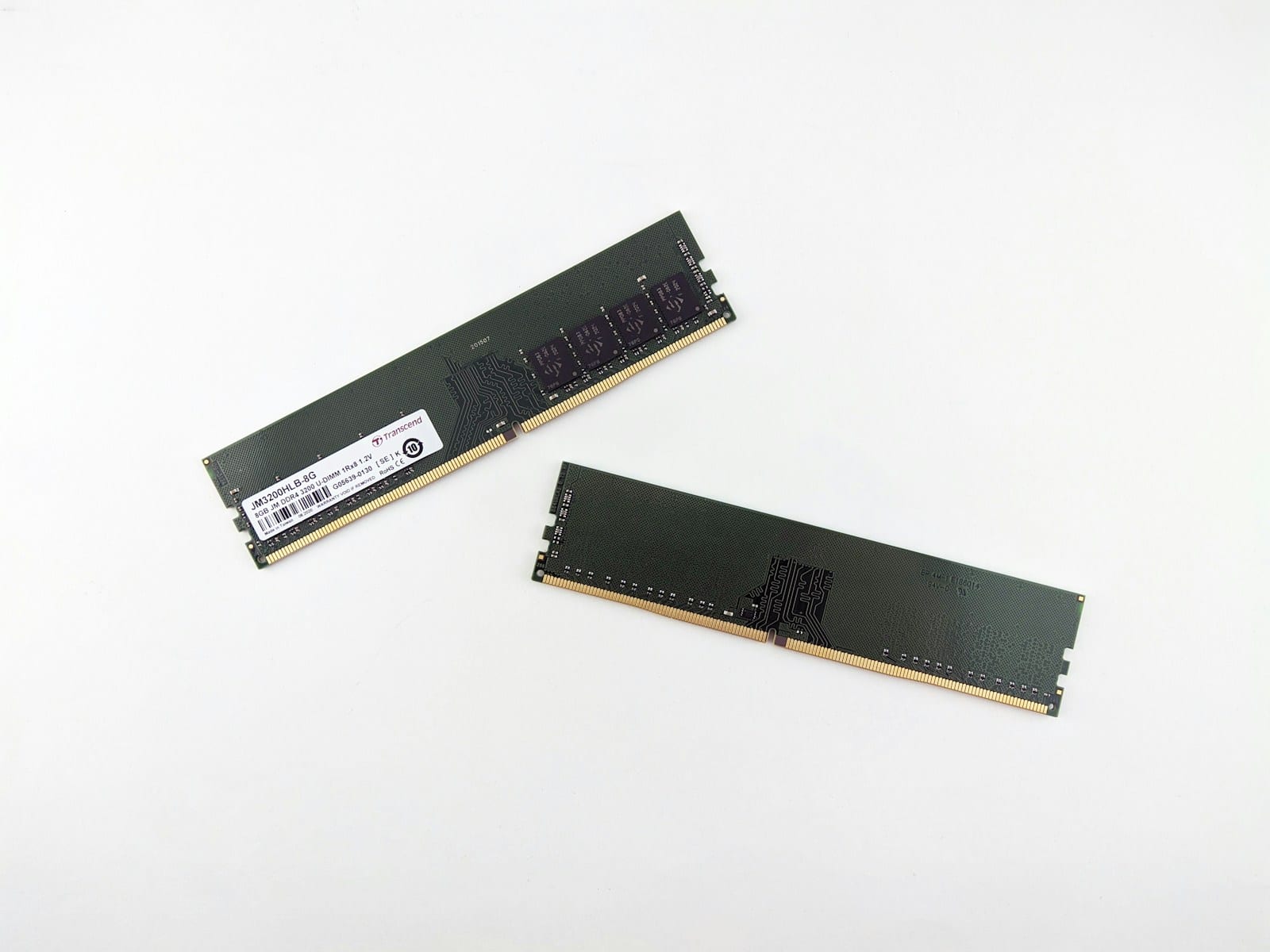
A useful comparison for a real purchase
Begin with the memory type supported by the board, DDR4 or DDR5, and check its QVL. Decide capacity and module count next. Pick a sensible transfer rate for the CPU's memory controller, then compare timings and price. An aggressive kit that must be reduced to boot can perform worse than a modest stable one.
Advertised speed normally requires an XMP or EXPO profile. Our XMP versus EXPO guide explains how to enable one and recover if errors appear. Without that profile, the system may boot at conservative JEDEC values and the box will not describe the setting Windows is actually using.
For two kits with equal capacity and MT/s, lower CL is generally preferable when price and the remaining timings are similar. Across different speeds, calculate nanoseconds and read tests on the intended platform. That calculation prevents a bad label comparison, but the system still needs to support the kit, boot reliably and perform well.

The conversation starts here
Sign in with a supporter account to comment. Sign in

Nobody has commented yet. Want to go first?