
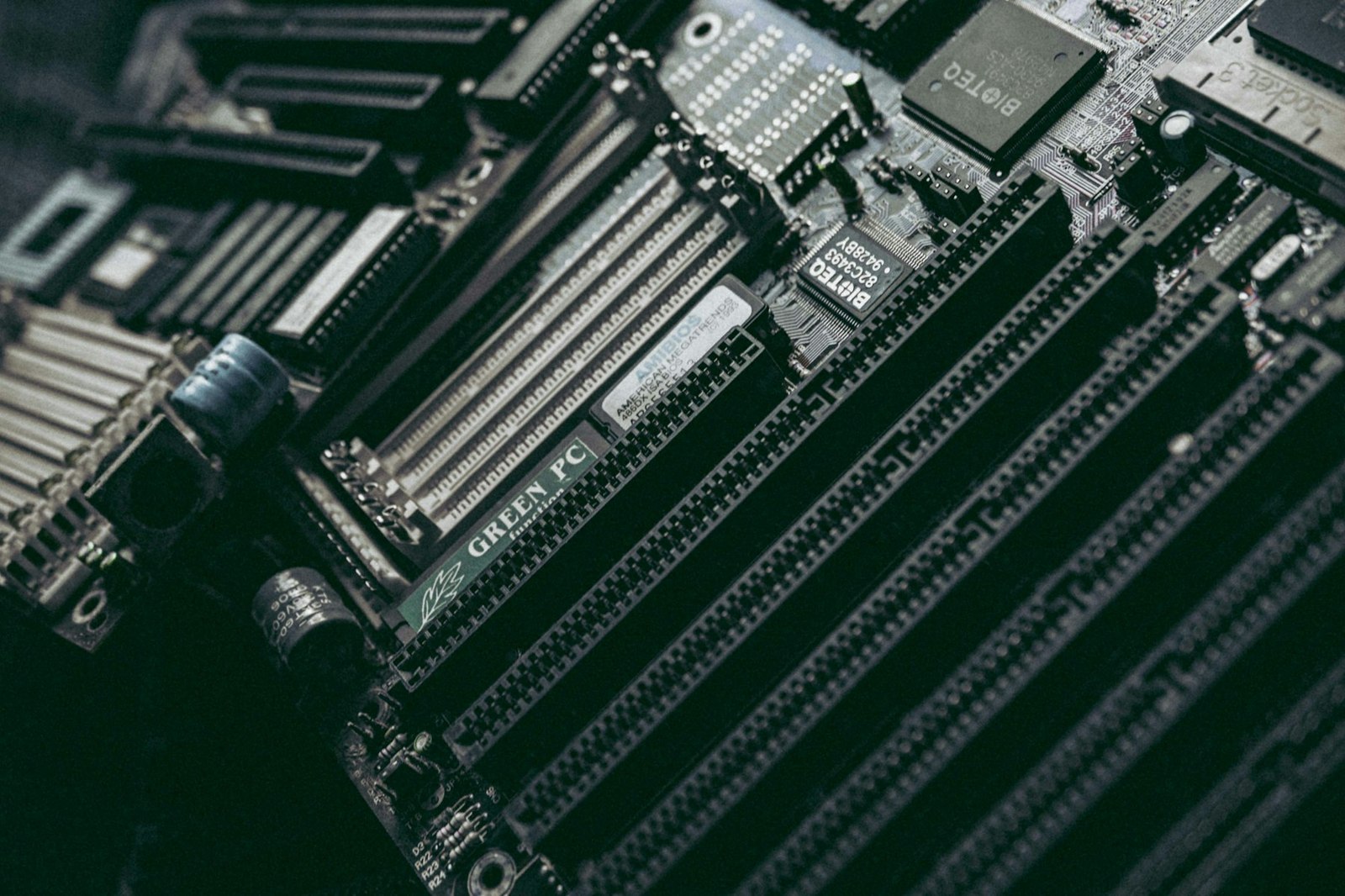
Buying a DDR5-6000 kit does not guarantee that it boots at 6000 MT/s. A motherboard normally starts memory on a conservative JEDEC profile to maximize compatibility. XMP and EXPO store a combination of speed, timings and voltage on the module, allowing a tested vendor profile to be applied at once.
Intel XMP began in the Intel ecosystem, with XMP 3.0 associated with DDR5. AMD EXPO targets AM5 Ryzen platforms and DDR5. They pursue a similar result, but the labels are not interchangeable and neither guarantees support across every board, processor and kit.
The right profile starts with the board and kit
For an Intel system, look for an XMP kit included on the motherboard's validated memory list. EXPO is the direct option on Ryzen AM5. Many recent boards can accept the other ecosystem's profile or translate it under a vendor-specific name, but that support needs to appear in the manual or QVL, the board maker's qualified vendor list of tested modules. A DDR5 label alone does not prove it.
The CPU's integrated memory controller matters too. Two units of the same model can have different margins, and filling four slots is often harder than using two modules. Our dual-channel versus single-channel guide explains why installing the kit correctly comes before chasing a frequency number.
Avoid mixing separately sold kits even when their brand and product number match. Chip revisions can change. If more capacity is required, one validated two-module set is normally less troublesome than combining two boxes.
How to enable it without making boot a lottery
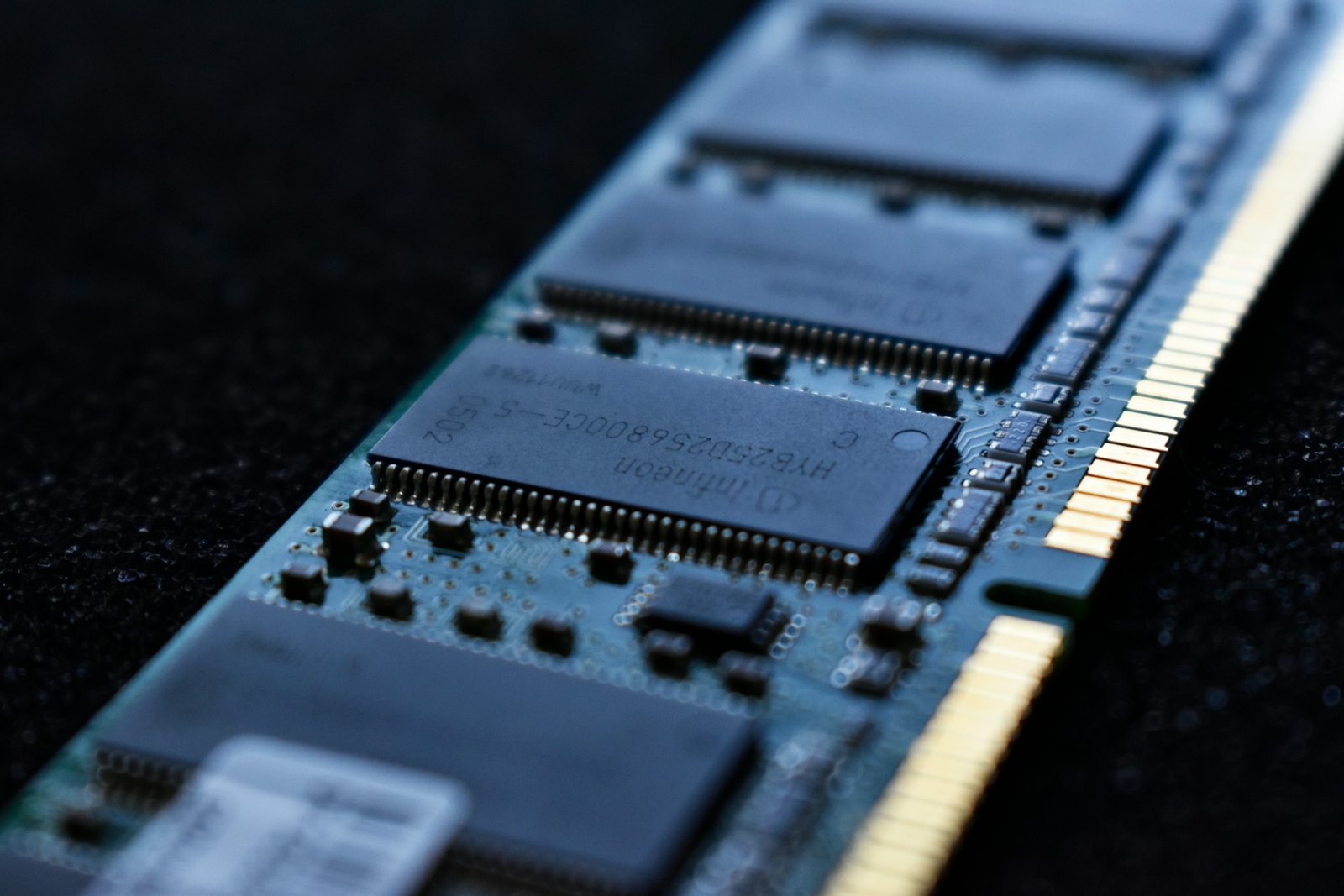
Update the BIOS when the board maker has published memory compatibility improvements, enter its memory menu and start with the primary profile. It may be called XMP Profile 1, EXPO I or something else depending on the board. Save and allow memory training to finish. The first boot can take longer and restart several times. Cutting power during that process can interrupt a configuration that was going to complete normally.
Confirm the advertised data rate in Windows Task Manager under Performance and Memory. CPU-Z reports the real clock in its Memory tab: DDR doubles it, so roughly 3000MHz corresponds to DDR5-6000. A sustained memory test plus normal heavy workloads provides better evidence than opening one game. If crashes, blue screens or reboots begin, return to the default profile or try a less aggressive setting.
If the machine still cannot boot after its memory-training retries, follow the motherboard manual's Clear CMOS procedure before changing voltages. That reset restores safe BIOS defaults, but the button, jumper or battery method varies by board.
Intel and AMD still classify these profiles as memory overclocking even though they package the settings for easy use. Both warn that operation outside published specifications may affect warranty coverage. Performance depends on the game and processor. It may improve lows and memory-sensitive tasks, but it cannot replace an inadequate GPU or fix shader-compilation stutter.
The short decision
Enable XMP on an Intel platform and EXPO on Ryzen AM5 when the board, processor and kit support it. Keep the factory profile when absolute compatibility matters most, the machine is already unstable or its data cannot tolerate errors. The goal is not the largest number in BIOS. It is the advertised speed without sacrificing reliability.
The conversation starts here
Sign in with a supporter account to comment. Sign in
Nobody has commented yet. Want to go first?