
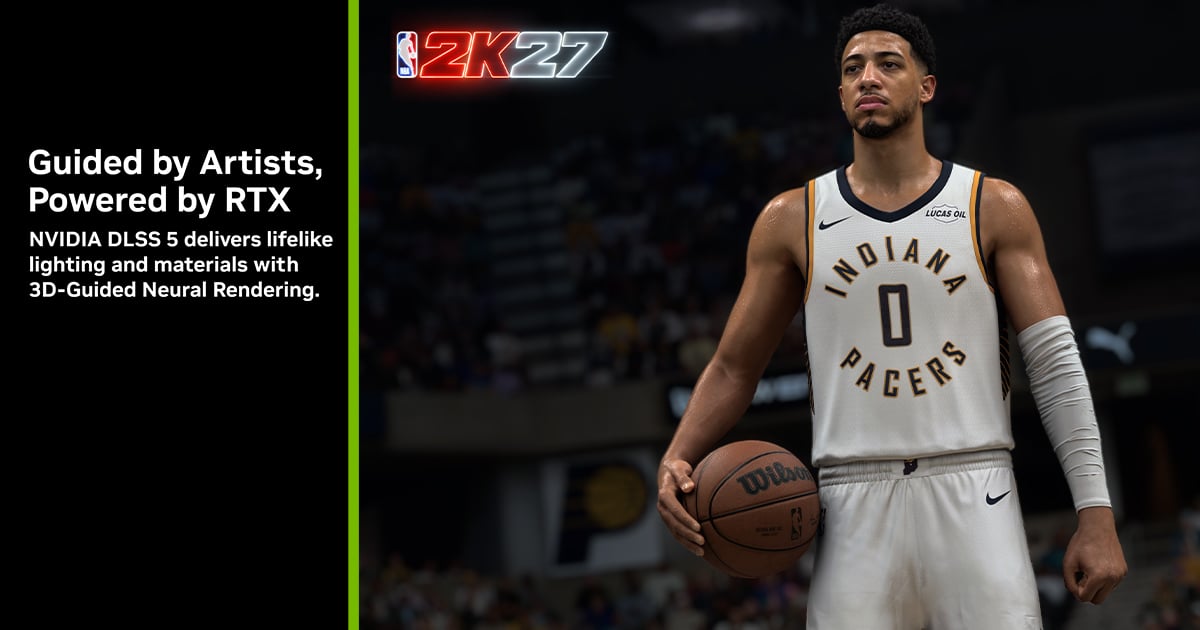
Updated September 5. DLSS 5 is now available in NBA 2K27 with Game Ready driver 616.64 WHQL. Official support covers desktop and laptop GeForce RTX 50 GPUs, plus GeForce NOW Ultimate on NVIDIA-operated RTX 5080 rigs. RTX 40 support has not been announced.
The announcement ends a peculiar week. Four days ago, a DLL shipped with NBA 2K27 was made to run unofficially even on an RTX 4080, while NVIDIA had yet to reveal a date or final GPU support. The technical route to RTX 40 clearly exists, but those cards are not officially supported for this debut.
This is not another Super Resolution mode
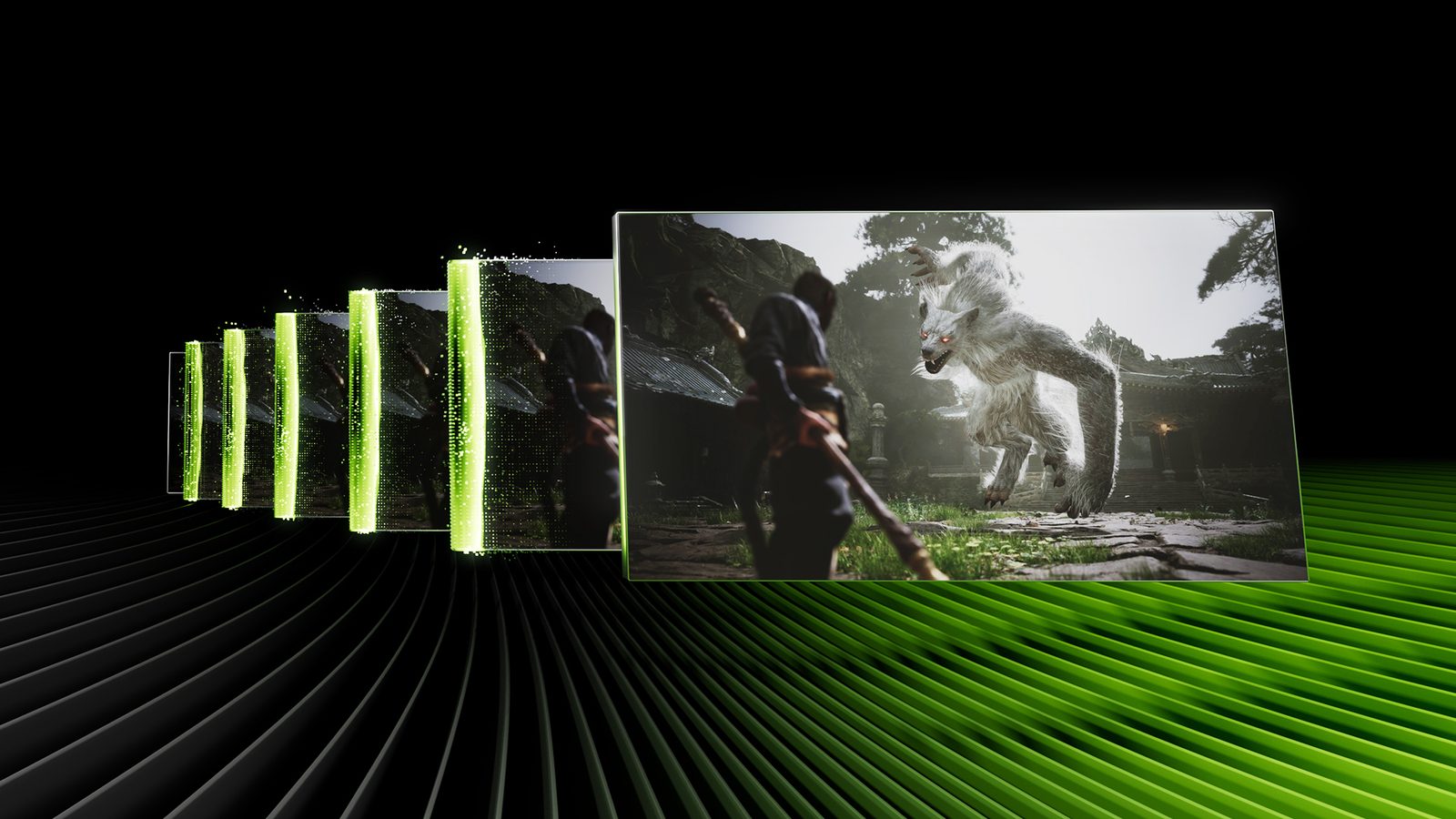
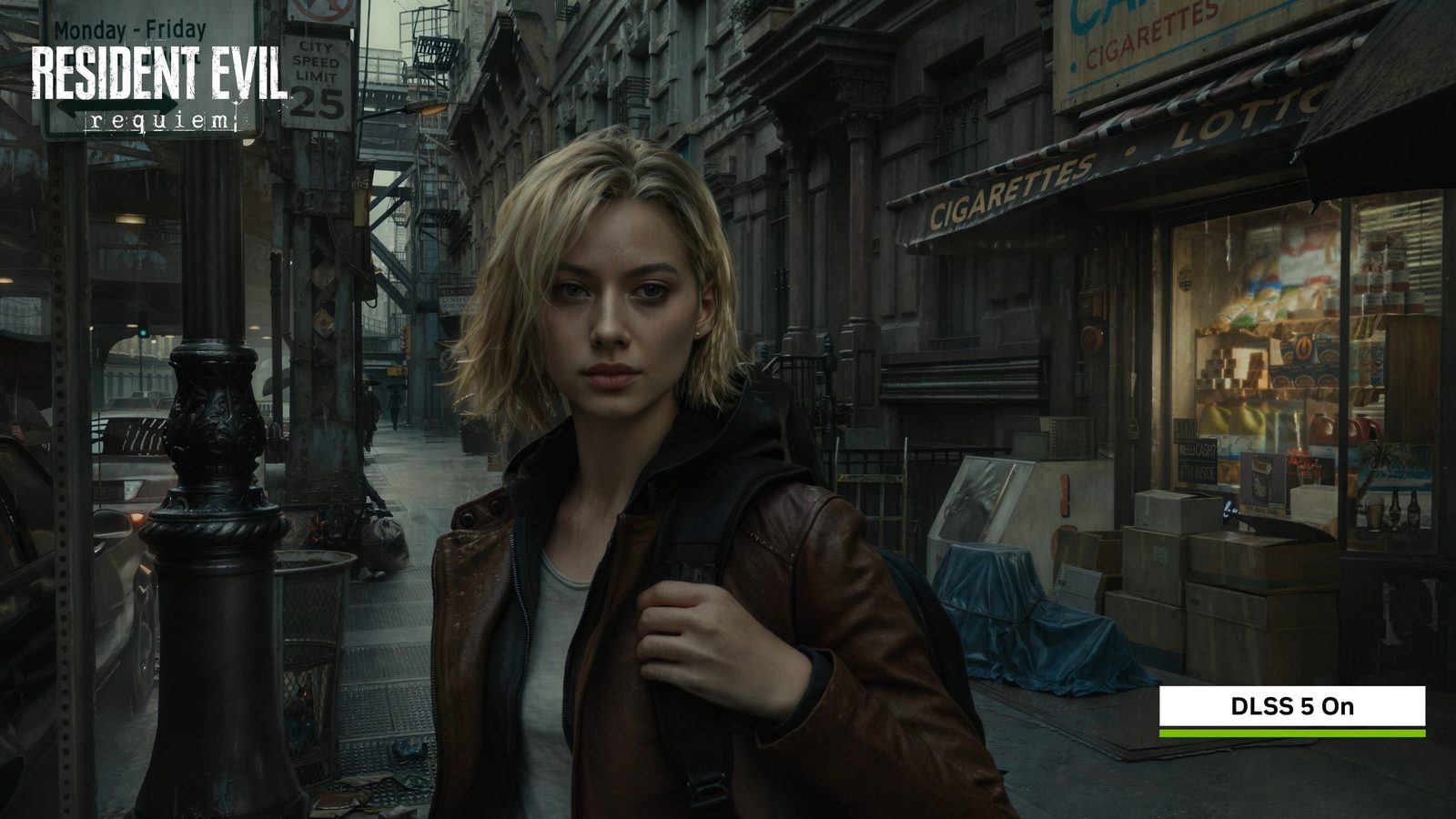
DLSS 5 does not replace Super Resolution or Multi Frame Generation. It is an independent layer that receives the engine's completed frame and supporting data such as motion, surfaces and lighting, then returns more complex materials and light responses. In NBA 2K27, the most visible changes are light passing through ears and hair, skin shading and contact shadows across faces and jerseys.
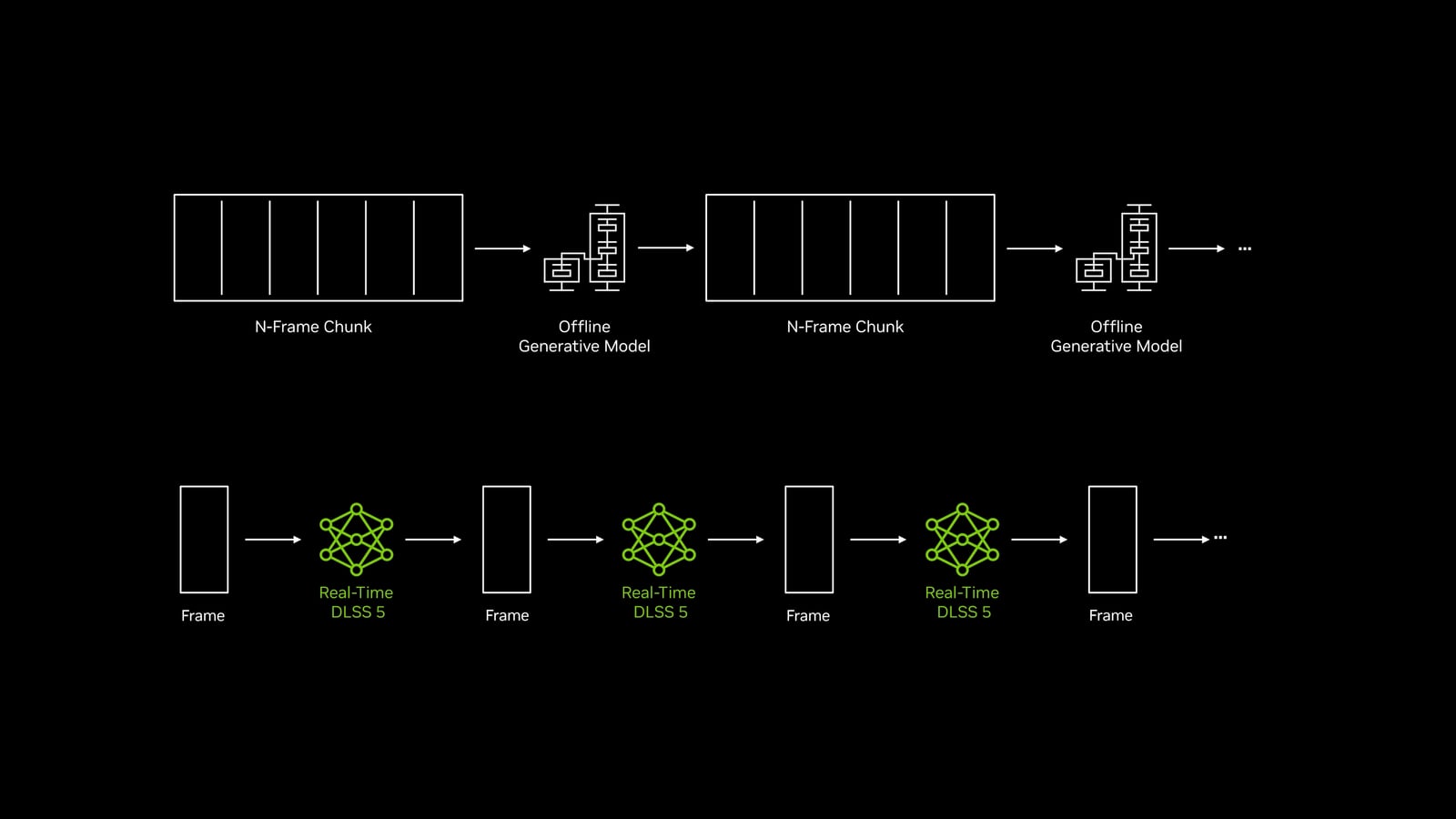
That distinction matters because the AI is not merely rebuilding pixels or inserting frames. It can influence the final appearance of a scene while remaining anchored to the studio's geometry and textures. NVIDIA says the model is deterministic, processes one frame in and one frame out, and maintains temporal stability instead of letting a face drift between images.
The March model required two RTX 5090 GPUs. Six months later, NVIDIA says it runs five times faster on a single GPU, enough to support every RTX 50 model at up to 4K. More optimizations are planned for the fall, but the company has not announced RTX 40 support or named the next wave of games.
What NVIDIA's frame-rate figures include
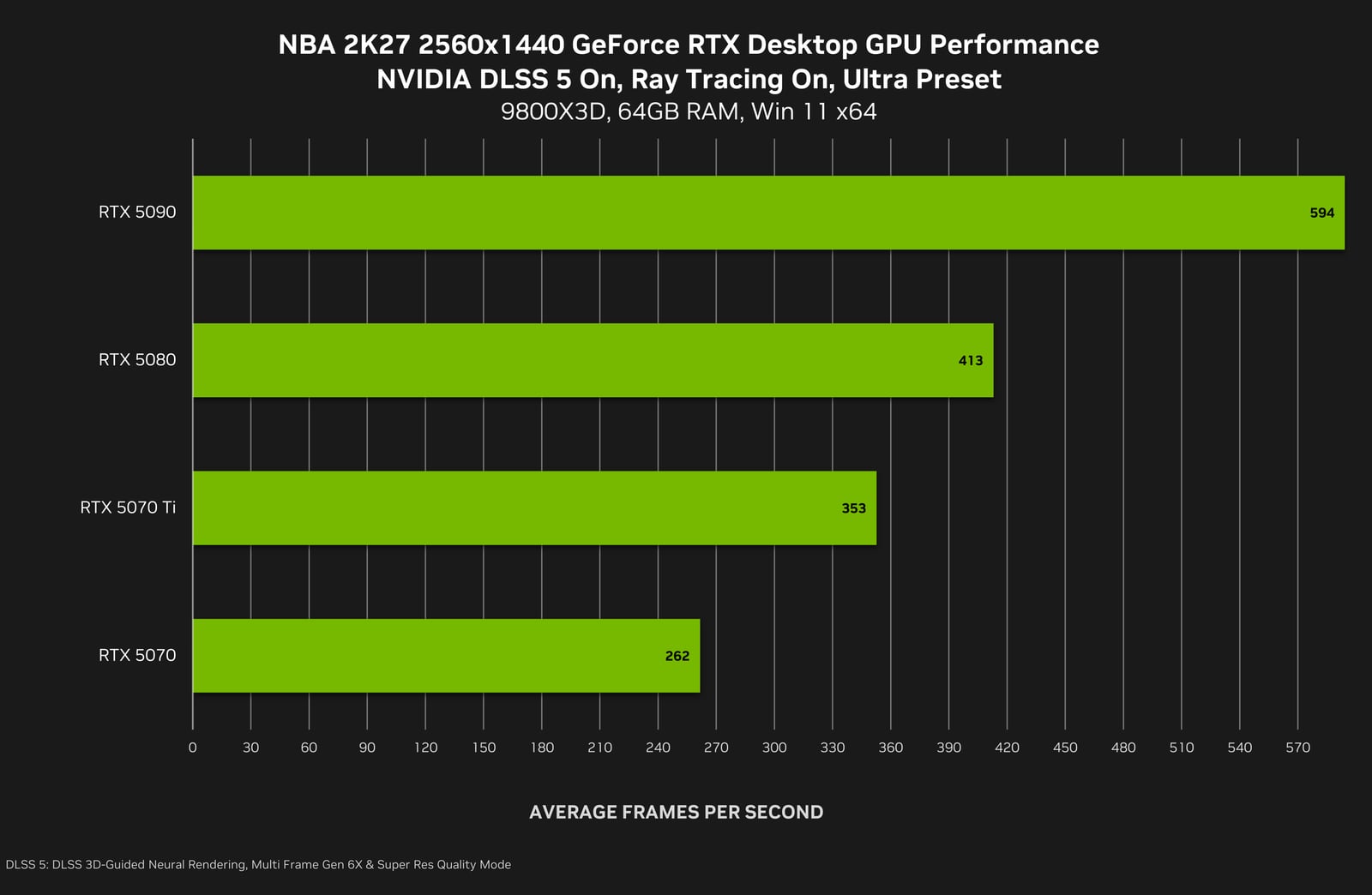
NVIDIA's chart shows NBA 2K27 reaching 594 FPS at 1440p on an RTX 5090, 413 on an RTX 5080, 353 on an RTX 5070 Ti and 262 on an RTX 5070. At 4K, the company claims up to 370 FPS on the RTX 5090. Those figures look extraordinary, but the footnote changes their meaning: the test combines DLSS 5, Quality-mode Super Resolution and 6X Multi Frame Generation.
Multi Frame Generation 6X takes one rendered frame and adds five AI-generated frames. The counter describes display cadence, not 594 complete images calculated by the engine every second. NVIDIA's chart also does not isolate NBA 2K27's performance with Neural Rendering enabled but without frame generation, so it cannot tell us the true cost of the new effect.
The leaked DLL reduced Control from 71 to 35 FPS in an unofficial 4K test. That result cannot judge final NBA 2K27 code, and its performance cost should not be extrapolated to the final release. Our DLSS, FSR and PSSR guide explains why smoother output does not automatically mean higher native performance or faster response.
Our view: it can be worth the cost if 60 real FPS remain
We would compare the result before leaving DLSS 5 enabled. Our preference is to retain at least 60 rendered FPS before adding generated frames. That is an editorial threshold, not an NVIDIA requirement. If Neural Rendering pushes the game below that base, we would favour responsiveness without the effect.
With a base of 60 rendered FPS, the trade can make sense. In a well-optimized game, retaining that fluidity while gaining visibly richer skin, hair, materials, shadows and lighting may be worthwhile, especially in slower or cinematic games where image quality matters more than shaving every millisecond. In a fast competitive game we would choose performance first, while in a visual showcase DLSS 5 may become difficult to turn off.
Each studio will determine the outcome. The intensity, tone and masking controls we examined after SIGGRAPH can protect a face or restrict the effect to particular objects. Careful tuning could deliver striking realism without replacing art direction. Switching everything to the highest value could produce a more detailed image that is not necessarily a better one.

How to enable it in NBA 2K27
Install driver 616.64 WHQL or a later compatible release from NVIDIA. In NBA 2K27, open Video Settings and find DLSS Neural Rendering. Super Resolution, Frame Generation and Reflex have separate controls. F9 toggles Neural Rendering during games and replays.
Compare the same scene with the effect on and off while keeping resolution and other settings unchanged. Do that first without frame generation to see the difference in rendered performance. Then add generated frames if you wish and assess smoothness and responsiveness separately. The final FPS counter is not enough to decide.
The conversation starts here
Sign in with a supporter account to comment. Sign in
Nobody has commented yet. Want to go first?