
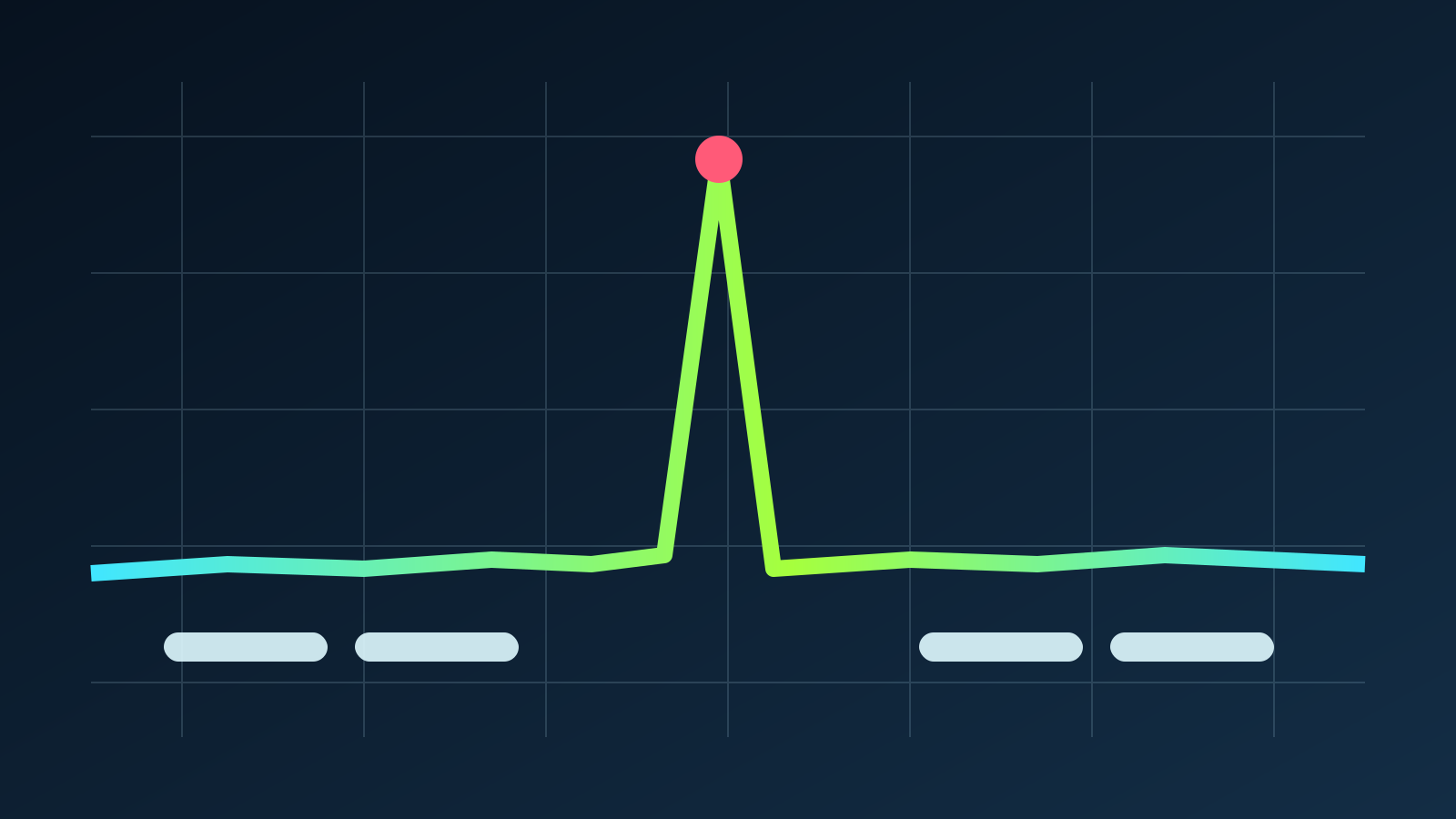
The hitch appears when the game meets something new
Walk into an area for the first time and an explosion may freeze the picture for a fraction of a second, yet the same route can be smooth on the next attempt. The second run is not smoother because the GPU learned to draw faster, but because the game or graphics driver finished compiling and storing the instructions that effect needed.
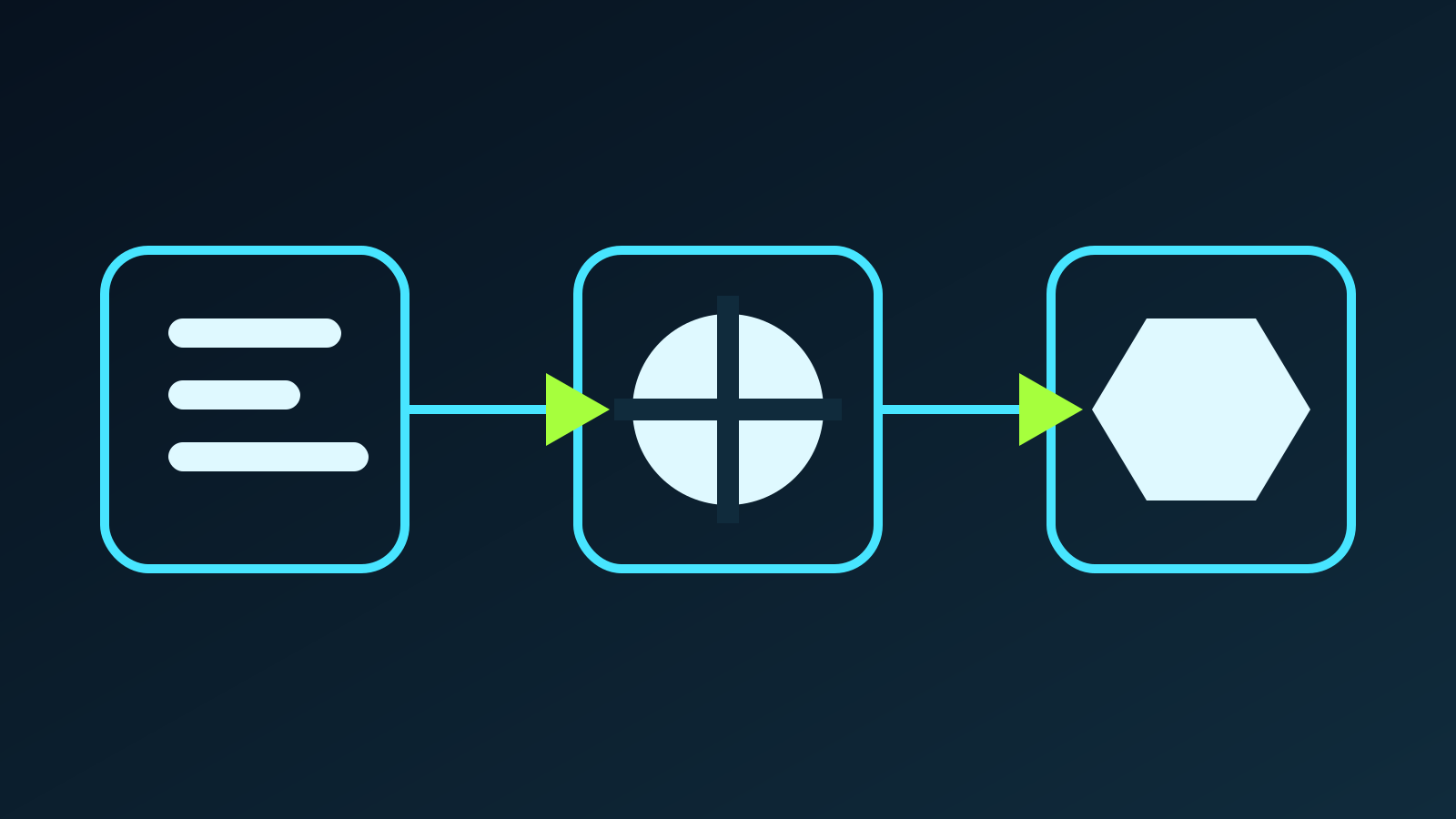
A shader is a small program that runs on the GPU and handles jobs such as placing a vertex, choosing a pixel's color or calculating how a material reacts to light. A game combines those programs with other graphics states, and the driver tailors the result to a specific GPU through a process that uses CPU time.
When the work happens during play, the current frame cannot finish. A game running at 60 FPS has only 16.7 milliseconds to deliver each image, so a 100ms compilation can block almost six frame intervals and cause the abrupt hitch known as stutter. Input lag is different because it measures the delay between an action and its result on screen.
What a shader cache stores
Drawing a scene requires more than pairing a shader with an object. The game must also choose blending, depth, texture formats, shadows and other graphics-pipeline states, many of which DirectX 12 groups into Pipeline State Objects, or PSOs. A ready combination can be reused, whereas a cache miss may force the system to build it before the frame is complete.
Epic says shader compilation produces processing spikes and visible frame-rate hitches, which is why Unreal Engine can prepare PSOs in advance and load most of them before a new area appears. Microsoft's official Direct3D 12 sample follows the same principle by saving compiled PSOs to disk for later runs.
A compiling shaders screen before the menu is therefore usually doing you a favor because it moves the wait to a moment when you are not yet playing instead of risking a hitch during a fight or the first visit to a new area.
Why stutter returns after an update
A cache remains useful only while its results match the game, graphics driver and GPU. A patch may add materials or alter shaders, while a new driver can invalidate work that was already prepared. NVIDIA confirms that installing a driver deletes its cache.htm), so the first session afterward may stutter again.
NVIDIA Control Panel lets you set a cache limit between 128MB and 100GB or leave it unlimited. As the cache approaches that allowance, the driver removes older results, so a limit that is too low can discard compiled data from games you still play and force the system to generate it again.
Not every hitch is caused by shaders, since slow asset streaming, insufficient memory, object creation and CPU bottlenecks can all produce a similar pause. Compilation is a strong suspect when an effect hitches on its first appearance and becomes smooth when repeated. A pause that returns every few seconds across the game needs a wider diagnosis.

What players can do
Let the initial compilation finish, even when it takes several minutes, and do not clear shader caches as routine maintenance. Deleting those files may recover some disk space, but the game will have to rebuild them and the first-run hitches can return.
Update the graphics driver when you need a specific fix, but do not reinstall it before every session. The first run after a major update may be rough while the cache is rebuilt, and repeatedly restarting that process prevents the game from settling.
- Wait for compilation to finish before starting the game.
- Keep enough free disk space and use a sufficiently large shader cache.
- Do not clear caches or reinstall drivers without a specific reason.
- Check whether replaying the same scene removes the hitch.
- If it never improves, investigate CPU, memory, storage and graphics settings.
What a faster GPU does not fix
A faster graphics card can execute shaders more quickly once they are ready, but it cannot ensure that the game has prepared every PSO in advance. If compilation is bottlenecked by the CPU, driver or engine design, swapping one RTX card for another will not fix a game that compiles new pipelines in the middle of a scene.
DLSS, FSR and PSSR do not solve this stage on their own because they lower the cost of producing an image or reconstruct it at the output resolution after the required program is ready. If a game hitches once and then settles, its cache is doing exactly the job it was built to do.
The conversation starts here
Sign in with a supporter account to comment. Sign in


Nobody has commented yet. Want to go first?