

What NAT does and why it affects multiplayer
Network address translation lets several devices share one public connection. Trouble starts when the router or provider cannot determine which console should receive an incoming session. Typical symptoms include normal browsing and downloads but failures when joining parties, using voice chat or connecting to particular players.
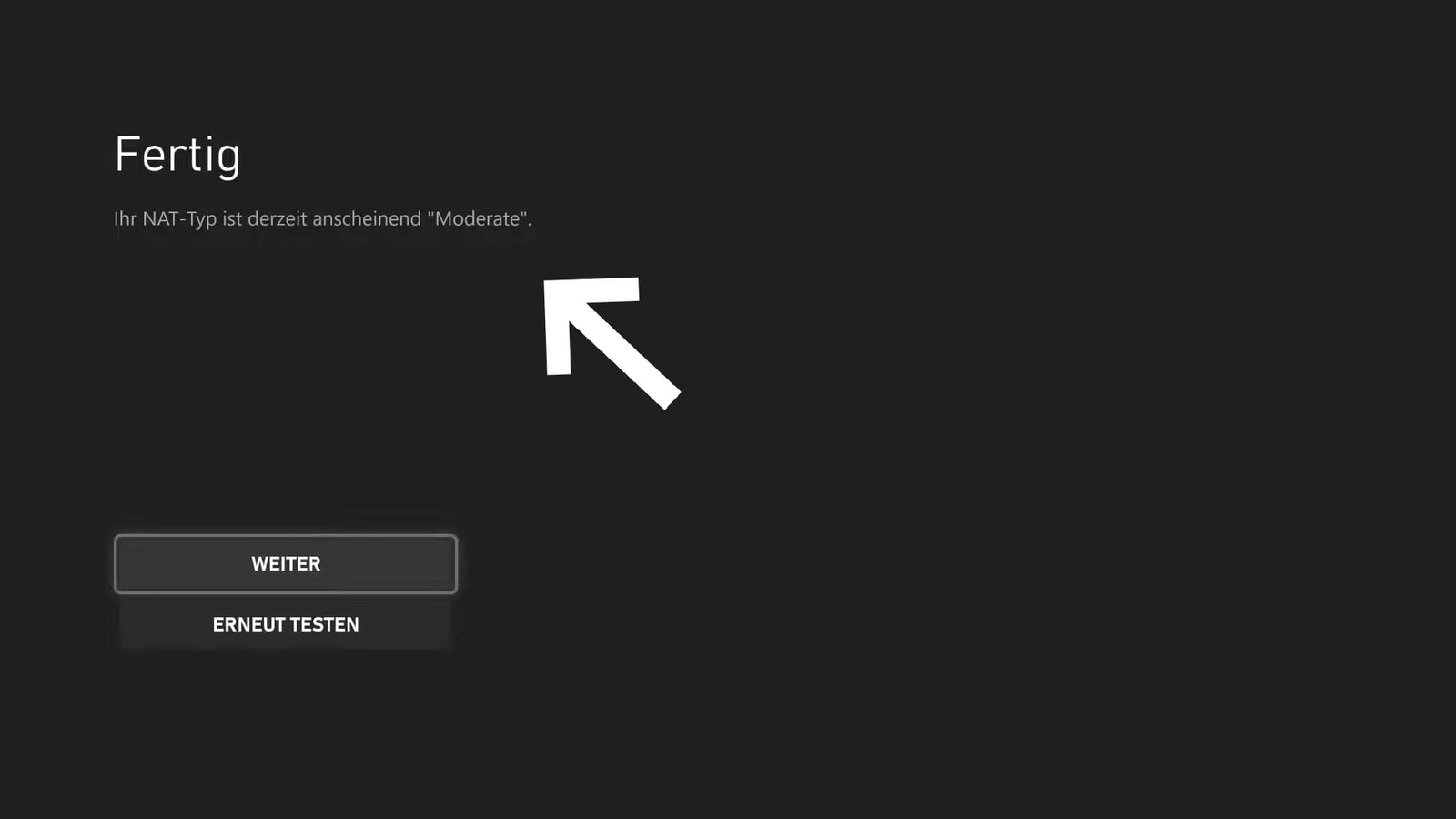
On Xbox, Open can communicate with every type, Moderate generally reaches Open and Moderate, and Strict is the most limited. Microsoft documents the distinction in its official Xbox Live access classification.
PS5 types are not a direct translation
PlayStation reports Types 1, 2 and 3. Type 2 is the normal result behind a router and does not mean the connection is broken. Type 3 is restrictive and can limit communication. Type 1 is a very direct connection, but it is not a target worth bypassing a home firewall to achieve.
Run the console's network test before changing ports and note the NAT result, IP and error. A healthy NAT does not guarantee a smooth match: ping, jitter and packet loss explain delays and teleporting that port forwarding cannot fix.
A safe order for fixing Strict NAT
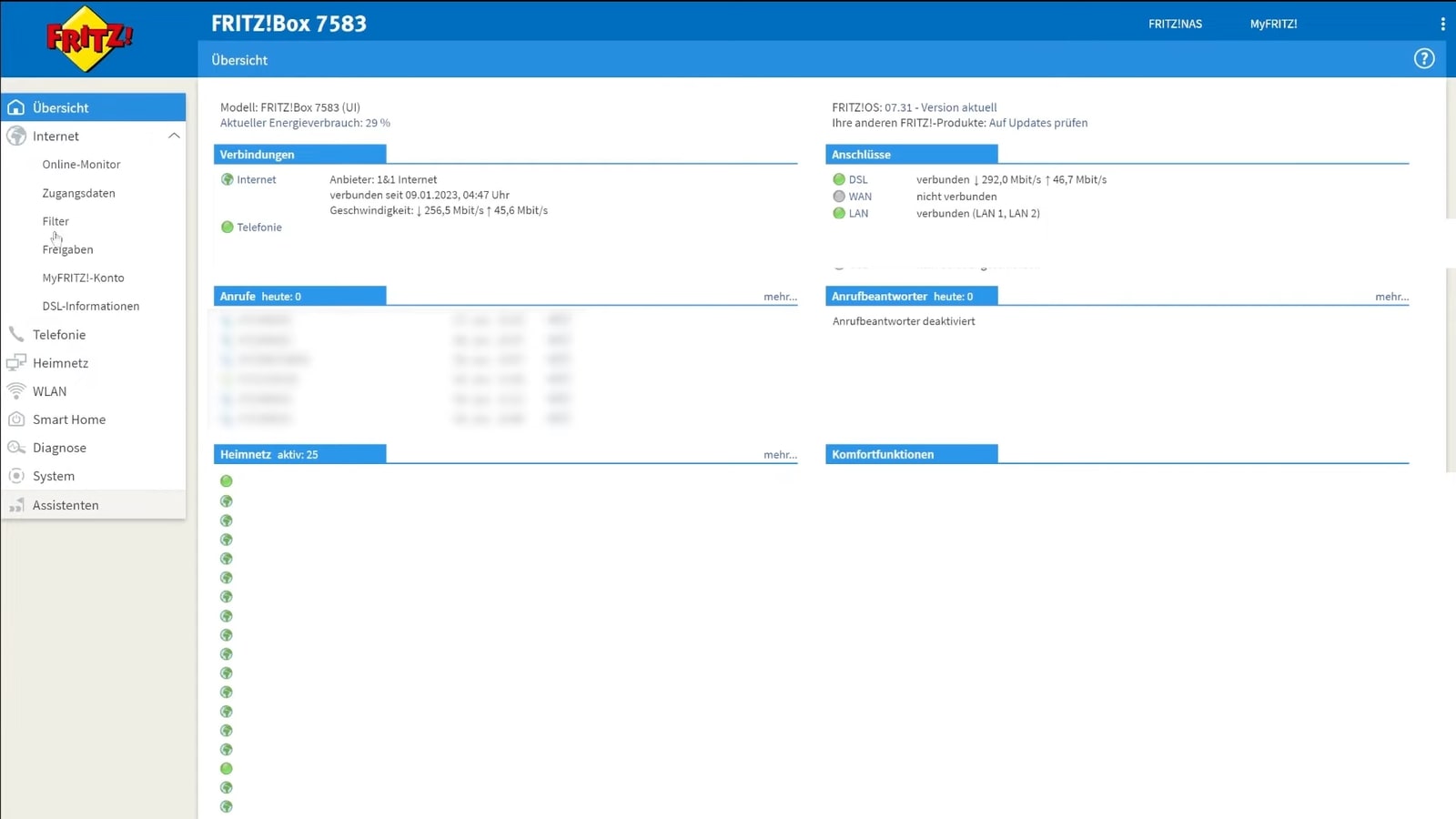
First restart the console and router, install updates and test Ethernet. Then enable UPnP on the router if available and test again. UPnP negotiates mappings without maintaining a manual port list. Do not open random ranges or combine UPnP with duplicate forwarding rules.
If it remains Strict, check for two routers performing NAT. Put the ISP device in bridge mode only if you understand the setup, or use the appropriate access-point/gateway mode. If the router's WAN address is private or shared, ask the provider about CGNAT and a public IPv4 address. Xbox uses UDP 3074 as its default preferred multiplayer port but supports alternatives, so there is no universal magic port.
What not to do
Do not leave a console in DMZ as a permanent fix, disable the router firewall or copy twenty rules from an old video. If manual forwarding is necessary, use current platform documentation and reserve a local IP so the target does not change.
If trouble happens only over Wi-Fi, NAT is probably not the main cause. Check coverage, interference and congestion. Our guide to cloud-gaming speed and data use helps separate bandwidth from stability. A healthy network is not the one with the most open label. It connects without exposing unnecessary services.
The conversation starts here
Sign in with a supporter account to comment. Sign in



Nobody has commented yet. Want to go first?