

The short answer
For 1080p cloud gaming at 60fps, treat a stable 25Mbps as a practical target. NVIDIA requires 15Mbps for 720p, 25 for 1080p, 35 for 1440p at 120fps and 45 for 4K at 120fps. PlayStation Portal lists 7Mbps for 720p and 13 for 1080p, showing how the codec and quality setting change the requirement.
Buying a 600Mbps plan does not fix packet loss or a slow route to the server. Cloud gaming sends the input, renders the game remotely and returns compressed video. Each step adds delay, which is why Ethernet or nearby 5GHz Wi-Fi often helps more than doubling the advertised speed.

How many gigabytes an hour can use
Required connection speed is not the video's data consumption. A service asking for 25Mbps does not necessarily stream at that rate continuously. To estimate usage, you need its actual average bitrate, the amount of data transmitted each second during play.
For example, a constant 15Mbps stream transfers 6.75GB in an hour. At 25Mbps that is 11.25GB, at 35Mbps it is 15.75GB, and at 45Mbps it is 20.25GB. Multiply Mbps by 0.45 to get decimal gigabytes per hour. These are calculated scenarios, not measured usage or verified GeForce NOW maximums. They exclude additional traffic, and bitrate can vary with scenes and settings.
Measure your own session by noting the device's data counter, playing for 15 minutes without other downloads, then checking the difference. Multiply that by four for an hourly estimate under those conditions. Repeat with another session if the scenes or quality change substantially. Ten hours averaging 20Mbps would transfer about 90GB, almost an entire 100GB mobile allowance.
How to test the connection before paying
Test from the device and room where you will play, not beside the router. Look for stable ping, packet loss close to zero and spare bandwidth while somebody else streams video. Our ping, jitter and packet-loss guide explains those readings.
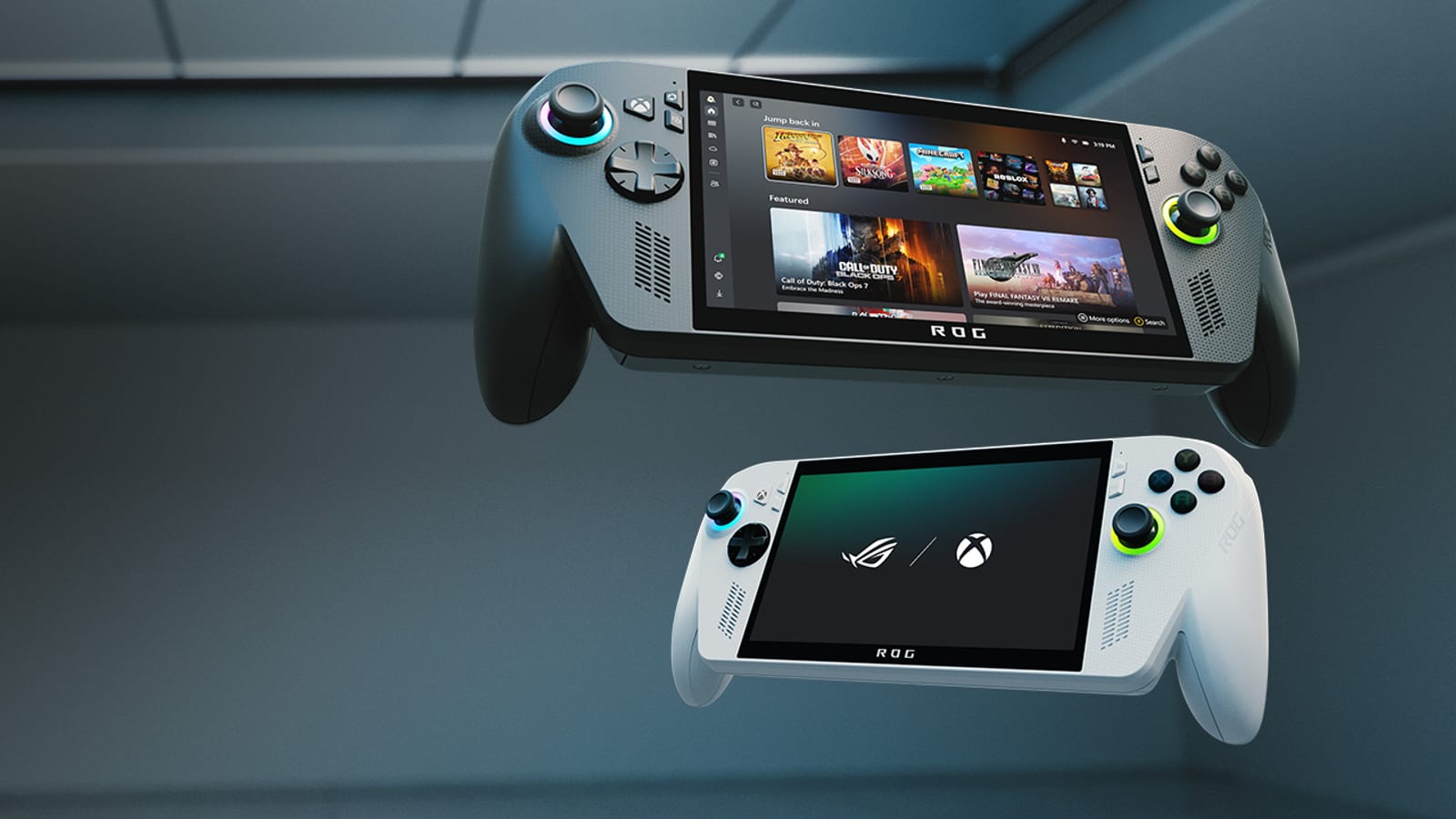
Use a free tier or short trial where available. The new Xbox Cloud Gaming limits make it even more important to confirm the network works before consuming a monthly allowance.
Repeat the test at the time when you normally play. A perfect morning result may not represent a busy home network at 10pm. Check whether the service has a nearby data centre as well. Two identical connections can behave differently when one travels hundreds of extra kilometres.
Leave headroom on a shared line. A 4K television, cloud backup and video call can compete with the game stream even when an isolated speed test clears the minimum. Router traffic priority may help locally, but it cannot repair a congested external route or recover data that has already been lost.
The conversation starts here
Sign in with a supporter account to comment. Sign in


Nobody has commented yet. Want to go first?