

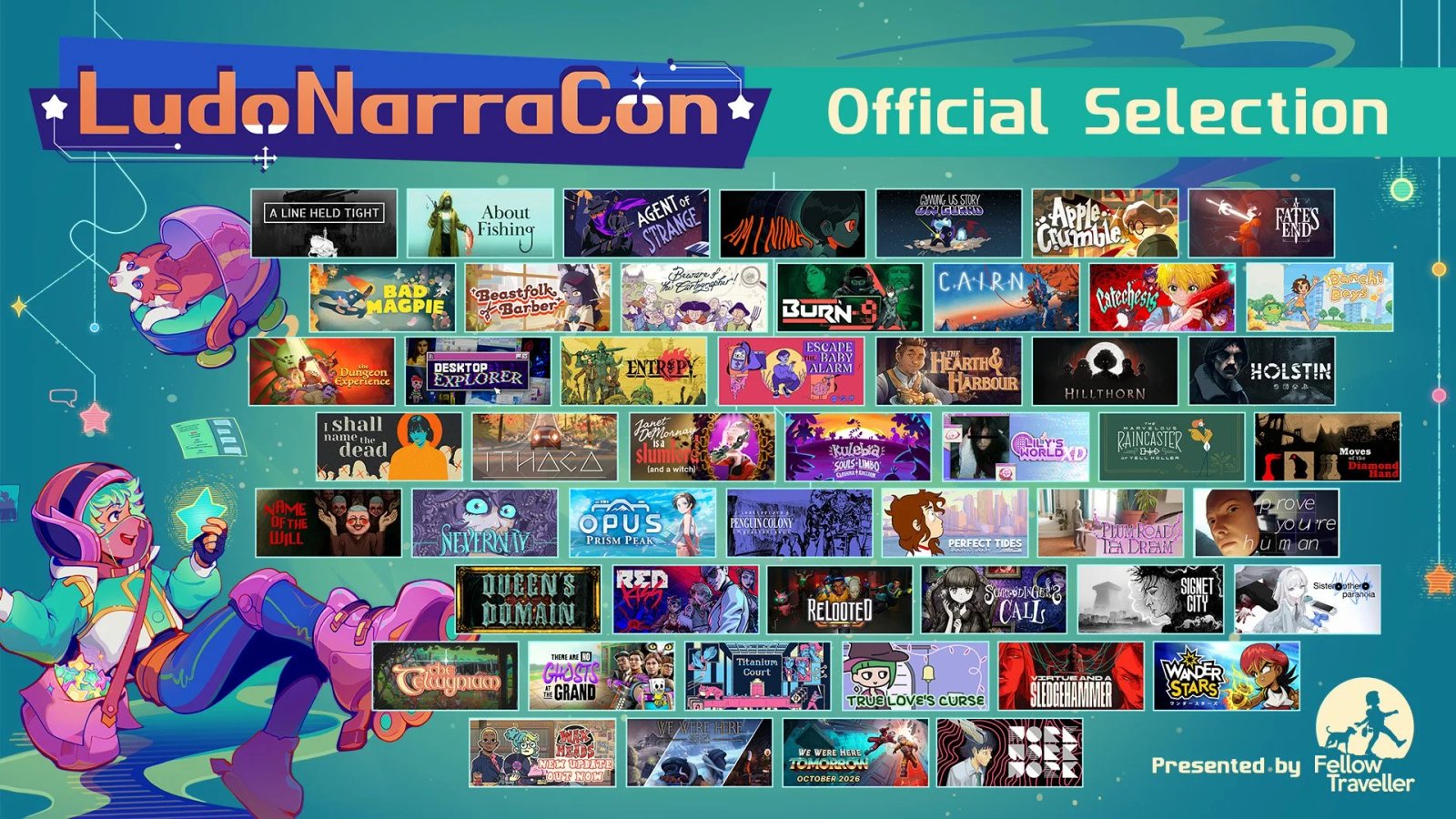
LudoNarraCon opens October 8, 2026 on Steam with 50 games in its Official Selection. Fellow Traveller’s organizer announcement separates the October 8–12 festival from its sale, which continues through October 15. The narrative-game event moves away from its usual spring slot and is free to attend from home.
Demos and discounts make it a useful discovery week, but 50 selected games does not mean 50 confirmed demos. Released and unreleased entries have different participation requirements.
Demos and discounts follow different rules
Unreleased Official Selection games must provide a public demo during the festival. Released entries must be discounted throughout October 8–15, with limited exceptions such as a recent launch that prevents another Steam discount. Demos are encouraged rather than required. Look for a demo download on the individual Steam page instead of expecting every selected game to be free to play.
The Narrative Game Sale extends beyond the Official Selection. Fellow Traveller expects roughly 150–200 discounted titles, which is a forecast rather than a final offer count. Check the live Steam listings for actual discounts and US prices once the sale begins.
The 2026 streams focus on conversations and demos
Fellow Traveller is taking a break from traditional panel discussions this year. It plans creator conversations and demo streams organized by the festival team, offering a closer look at how a story-driven game plays and how it was made.
The event is globally accessible through Steam. Individual games still have their own PC requirements and Steam Deck compatibility, so global access is not a hardware guarantee. Our guide to checking a game against your PC explains what to compare before downloading.
How to make the most of the week
Start at the official event website, open the listings that interest you and wishlist games you want to follow. Check how long each demo will be available. The sale runs through October 15, but that does not guarantee every demo remains downloadable until then.
If an installed demo will not start or reports errors, our guide to verifying Steam game files shows how to check its installation. Verification can replace damaged files, but it cannot make unsupported hardware meet a game’s requirements.

The conversation starts here
Sign in with a supporter account to comment. Sign in



Nobody has commented yet. Want to go first?