
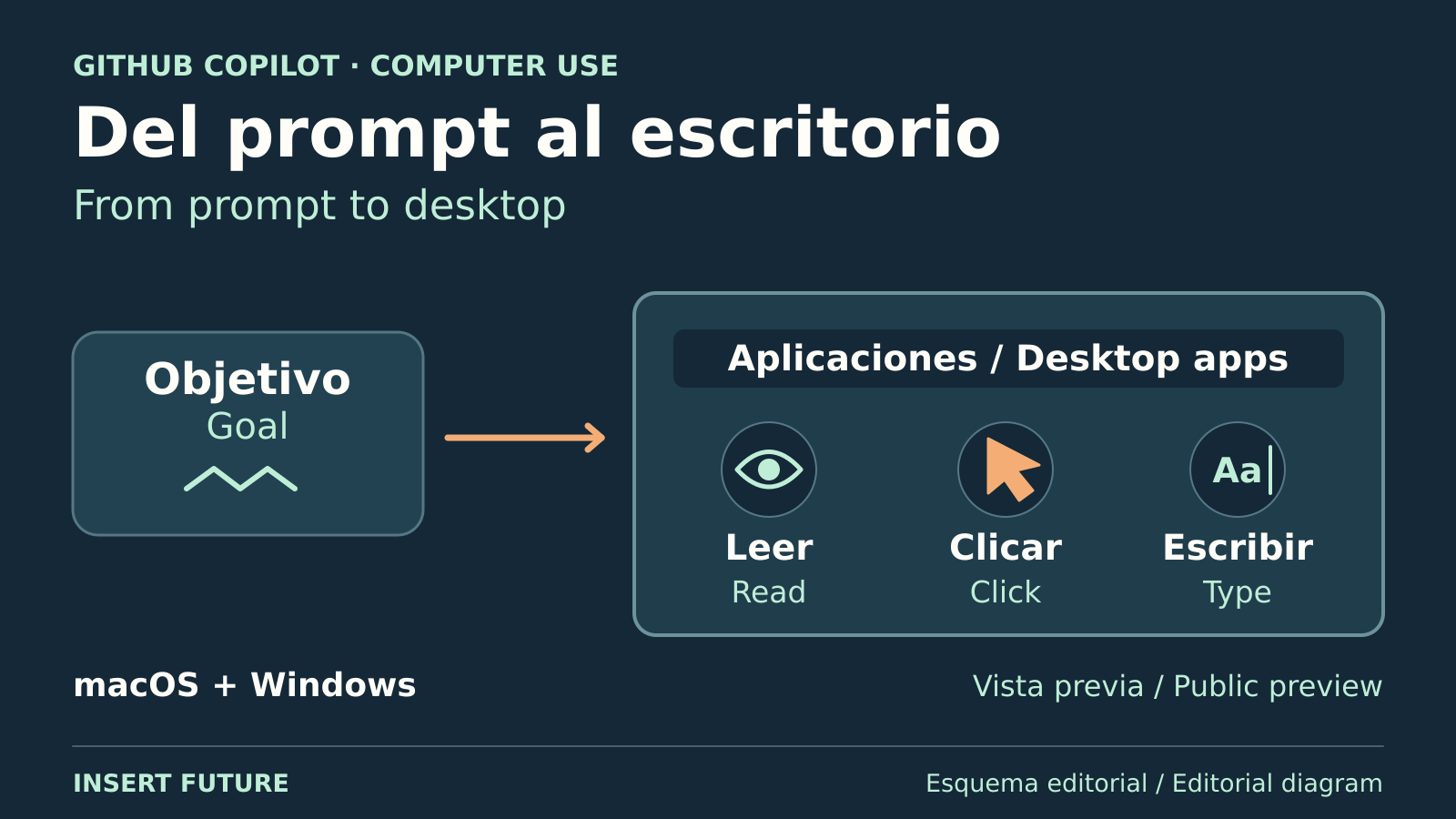
GitHub Copilot can now operate local desktop apps through a public preview released on October 1. Windows and macOS users can access it in the GitHub Copilot app or Copilot CLI, its terminal-based tool. It can click, type and transfer information between programs, including older software with no direct automation connection.
Updating a presentation is one example GitHub gives. Instead of telling you which controls to use, the AI agent can carry out the interaction. This remains a preview, so a supported type of task should not be mistaken for a promise that every run will succeed.
Enable desktop access before delegating a task
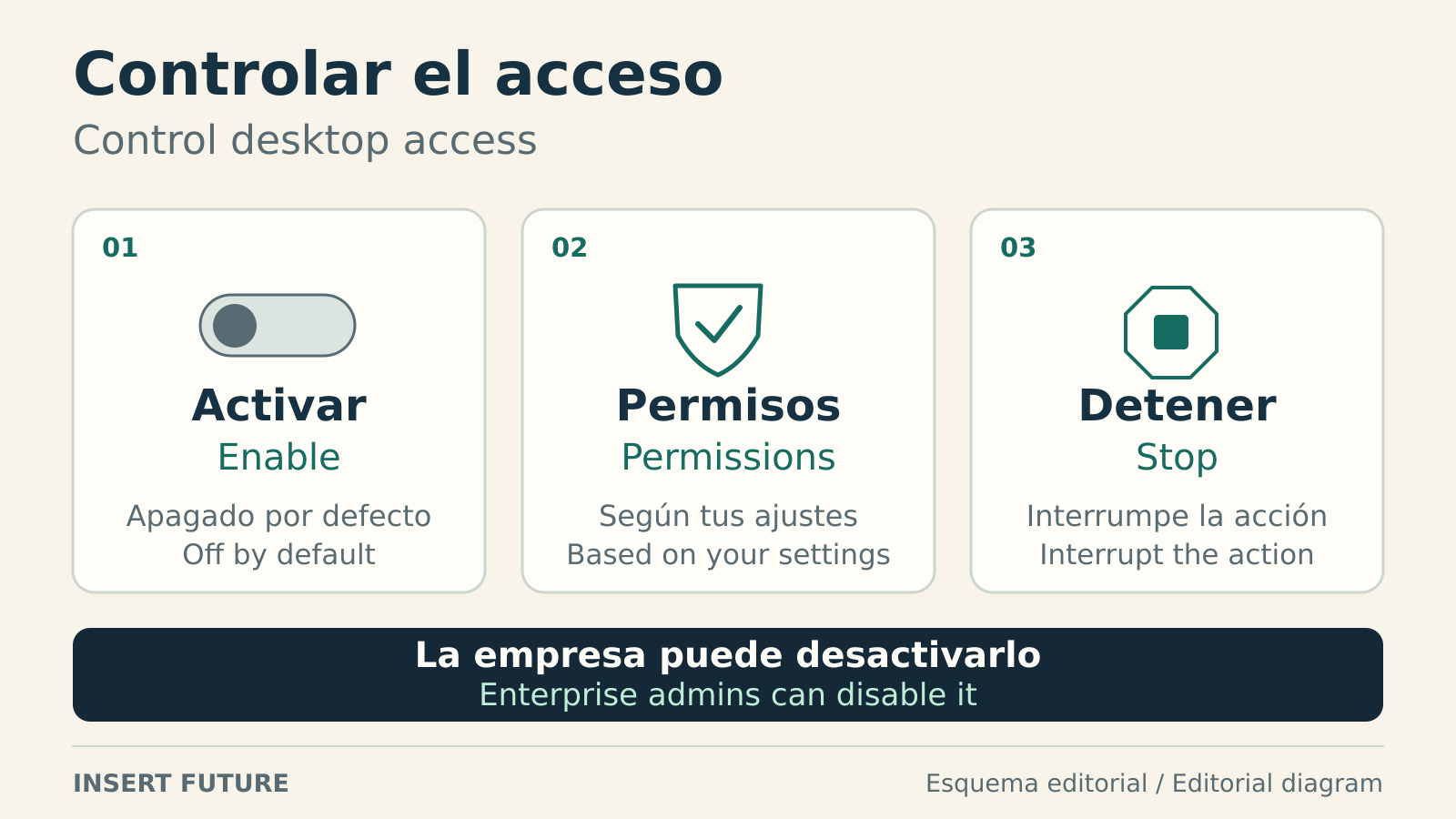
Computer use starts switched off. In the app, open Settings, choose Computer Use and enable the feature. On macOS, Accessibility permission lets Copilot operate controls, while Screen Recording lets it inspect windows. GitHub lists both the app and CLI as available across Copilot plans, although an organization can block computer use.
The CLI instructions use /computer on to enable it, /computer show to inspect its status and /computer off to disable it. A local setting cannot override an organizational block.
Copilot reads the operating system’s accessibility information and uses screenshots when visual context is needed. GitHub’s capability documentation favors a direct connection or a dedicated tool when one can do the job more predictably. Changing window layouts can cause the agent to choose the wrong control or enter text in the wrong place.
A saved approval can outlast the task
Your permission mode determines when Copilot asks before controlling an app. If prompted, you can grant access for the session, save it for later sessions or decline. An Always allow decision applies to both the app and CLI on that computer. Our guide to checking agent permissions explains why the scope matters before leaving access in place.
Removing an app from the saved-approval list only changes future sessions, according to the app’s access instructions. It does not revoke permission already granted to an open session. Click Stop or press Esc in the app to interrupt an operation, or press Esc twice in the CLI. End the session to revoke its app access.
Dynamic Workflows adds a reusable sequence of steps
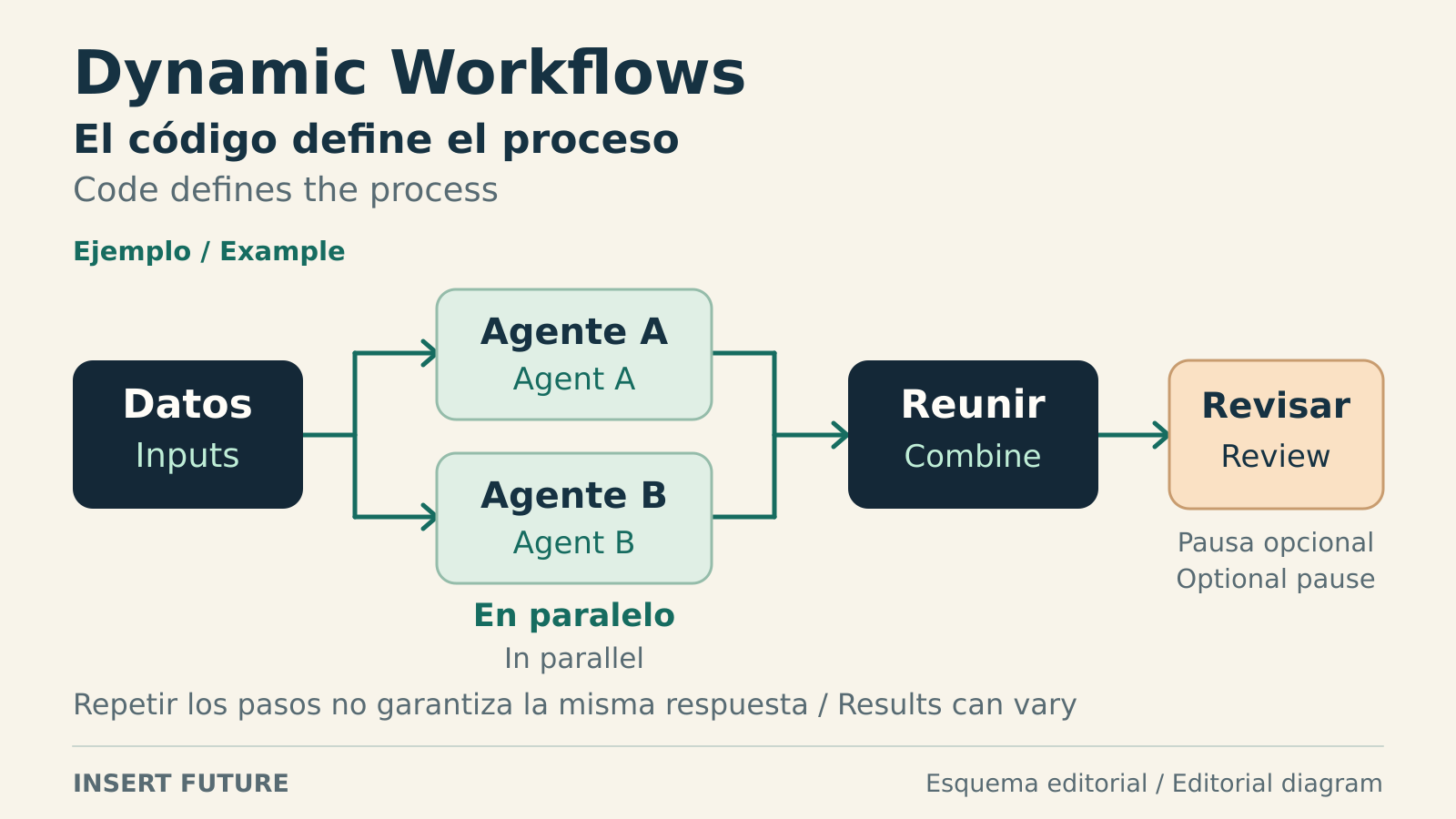
A separate October 1 public preview introduces Dynamic Workflows across the Copilot app, CLI and developer toolkit. A workflow is a program that defines the sequence of work and where agents take part. For a service outage, it might gather logs, have agents analyze different systems and collect their findings, with a checkpoint for human review.
Dynamic Workflows is available on all Copilot plans. It needs no extra setup in the app, while CLI users must enable experimental features with /experimental on. You can ask Copilot to write a workflow. Reusing that workflow fixes the process, not the answers its agents will produce.
GitHub documents limits for agent counts, running time and AI-credit consumption. The credit limit is approximate because work already underway can take usage beyond it. Its advice is to start with a small run, inspect the actual consumption and use that evidence before expanding the job.
The conversation starts here
Sign in with a supporter account to comment. Sign in
Nobody has commented yet. Want to go first?