

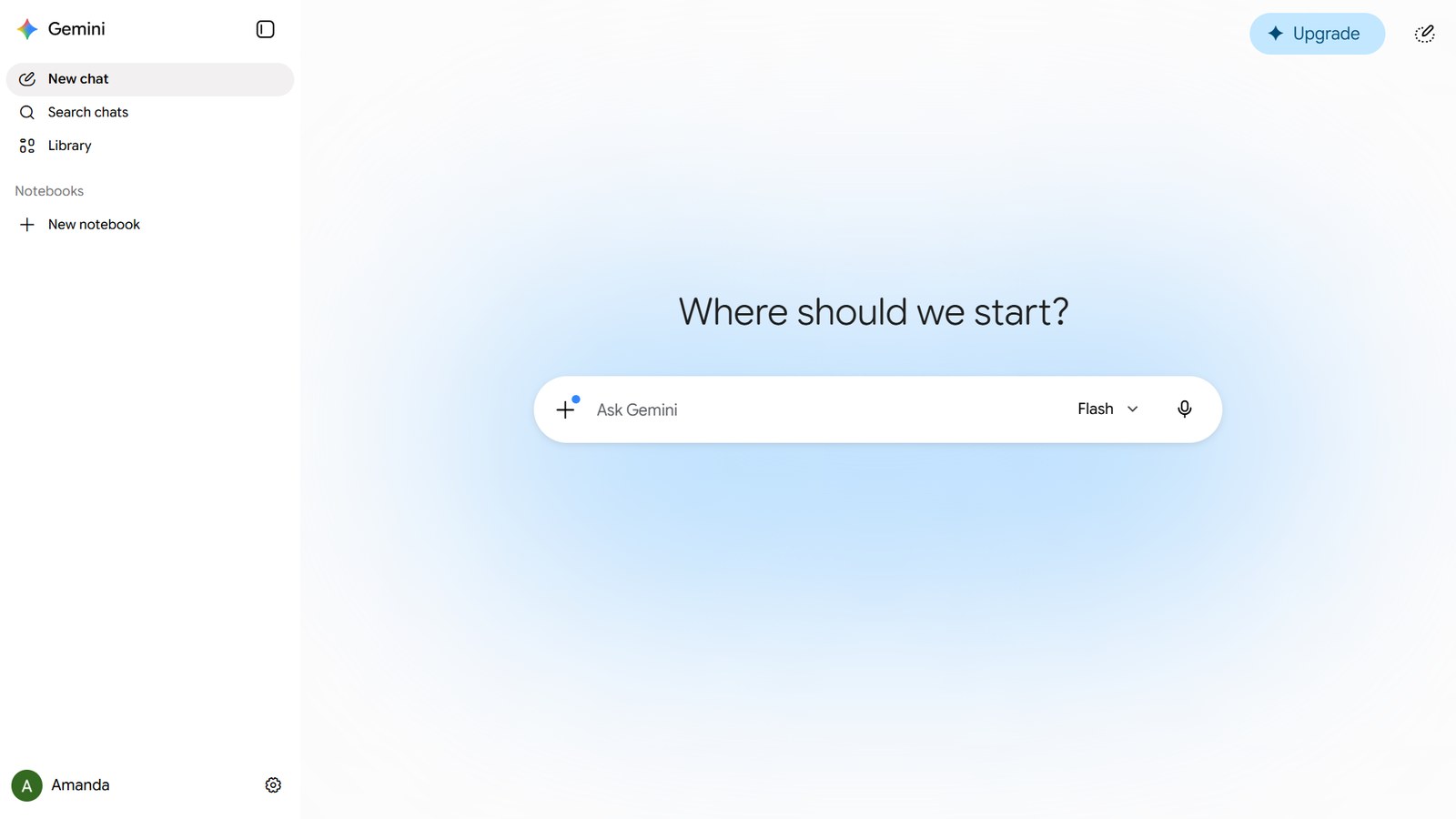
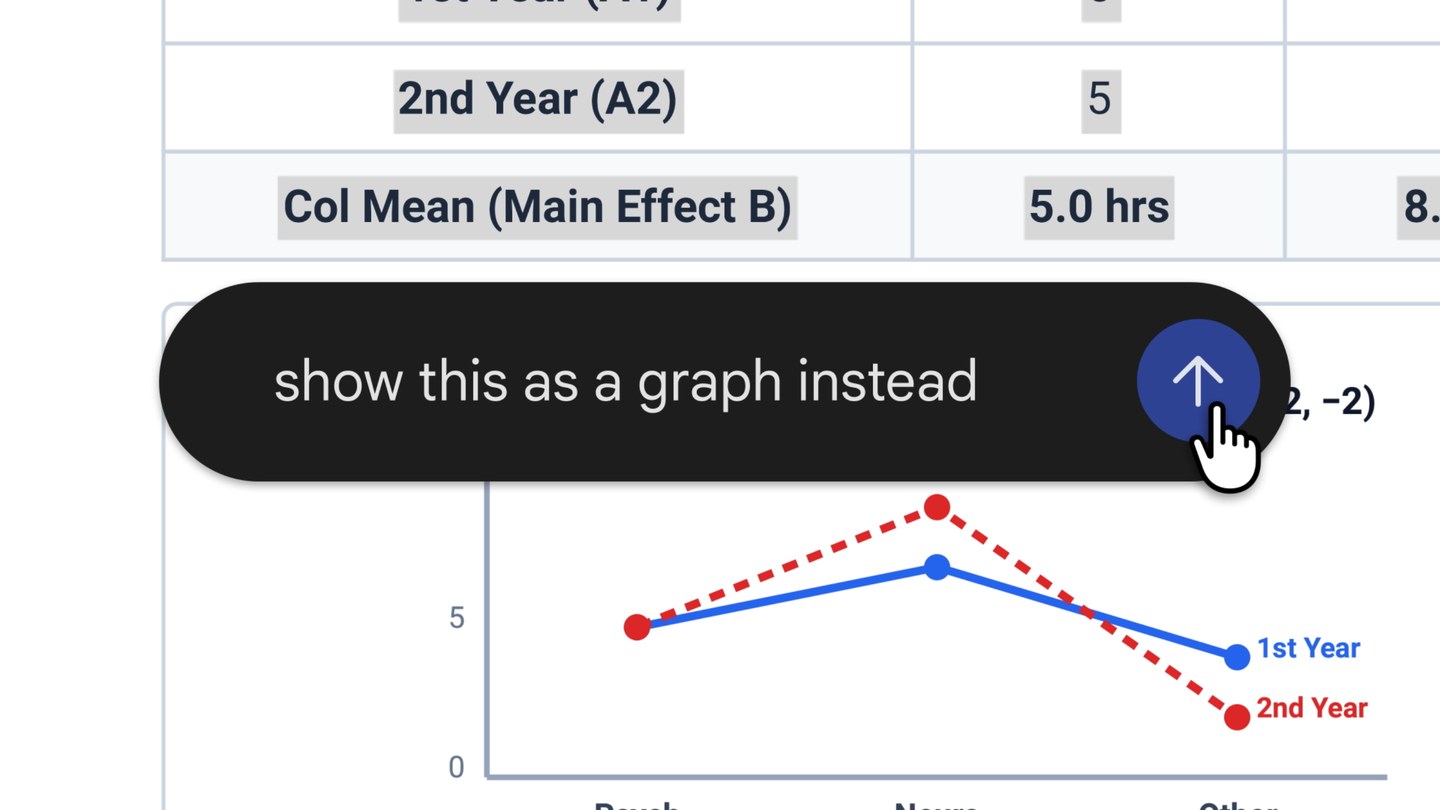
Gemini can now open and edit the files it creates without sending you to another app. Google announced the change on October 29 on its Workspace Updates blog. Ask for a document, spreadsheet, slide deck or PDF and it opens as a preview inside the conversation. From there you can expand it to full screen and type changes yourself, highlight a passage to ask about it, or tell Gemini to rework it.
File generation itself is not new. Gemini has produced downloadable files since April 27, but changing a single sentence meant downloading the file and opening it somewhere else. The editable preview is available now to personal Google accounts and to Workspace accounts, the ones companies and schools provide, in every language the app supports. On phones, though, it only covers PDFs for the moment.
How to ask for a file and edit it
Name the format in your request. Google's help page suggests prompts such as asking for a spreadsheet that tracks students' weekly math scores, and Gemini may also offer to turn an answer into a file on its own. When the feature launched in April, Google said Gemini made one file per prompt. Unless that has changed, a slide deck and the spreadsheet behind it are two separate requests.
Google's own example starts with handwritten lecture notes. You upload them, ask for a PDF study guide, then edit it by hand, highlight a section for Gemini to redo its text or visuals, and ask follow-up questions about anything unclear.
What each format can do
For presentations, Gemini drafts an outline or the slide content, previews the layout and takes requests to change tone or structure. The finished deck opens in Google Slides or downloads as a PowerPoint file (PPTX) or a PDF.
Spreadsheets cover trackers, tables and data models, and open in Google Sheets when you want to keep working on them. For longer text, Gemini drafts PDFs, Google Docs, plain-text files, Markdown files (plain text with simple symbols for headings and lists) and LaTeX, the typesetting system many scientists and mathematicians use because it handles equations and references automatically. All of these can be edited in the chat and saved to Drive.
Gemini can still produce Word, Excel, CSV (tables saved as plain text) and RTF (text with basic formatting) files for download, but Google does not list them among the formats you can now edit inside the chat.
PDFs only on mobile, for now
PDF previews and edits work on the web and in the mobile apps. Documents, spreadsheets, slide decks, Markdown, plain text and code files can only be edited from Gemini on the web, and Google has not said when that will reach phones. If you need to tweak a deck from your phone, you can open it in Google Slides and edit it there.
Who gets it, and what Google left out
Google is offering the feature to everyone who can use the Gemini app, whether on a personal account, Workspace or Workspace Individual (Google's plan for solo professionals), with no subscription required. There is no separate admin switch, so at a company or school it is available wherever the Gemini app is turned on. Work accounts also require users to be 18 or older. That broad access sets it apart from the equivalent feature in Claude, Anthropic's assistant, which was a beta for paid plans when we covered Claude's Docs and Slides in September.
What differs between accounts is the model, meaning the version of Gemini's AI that writes the file. Since October 9, accounts without a subscription have been limited to Flash-Lite, the lightest Gemini model, as we explained in our piece on free Gemini's model changes. Google's announcement says nothing about limits on file size, page count or files per conversation.
If you plan to upload your own notes or documents from a personal account, first check the activity setting that controls whether Google can use your conversations to improve its models. Our guide shows how to stop Gemini from training on your chats.
The conversation starts here
Sign in with a supporter account to comment. Sign in


Nobody has commented yet. Want to go first?