
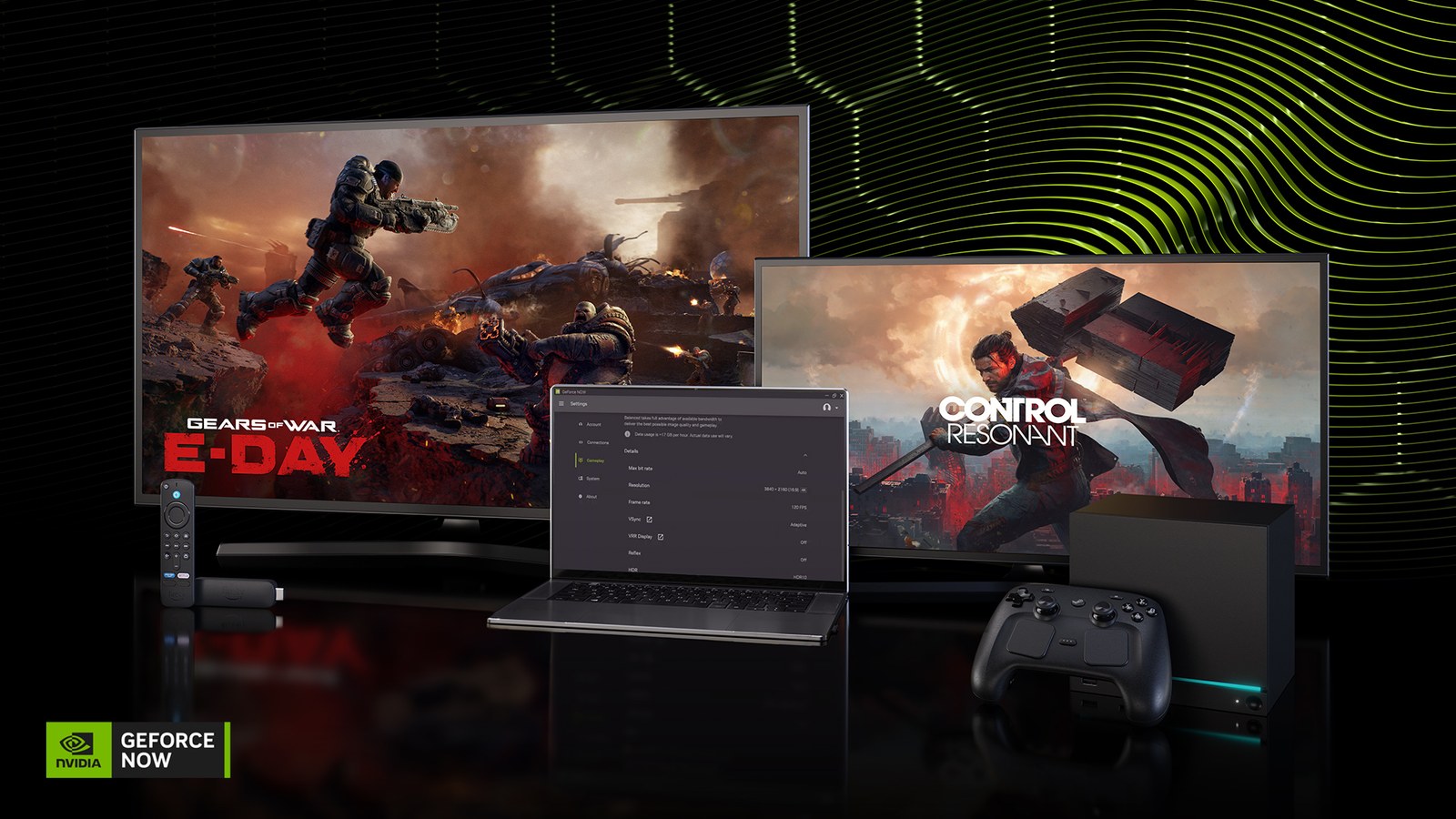
GeForce NOW now offers DLSS 4.5 overrides in its app, letting members adjust supported reconstruction and frame-generation features. The game runs on a remote rig, so a recent local RTX GPU is not required just to receive the stream. Individual games still need the relevant DLSS support.
Set the override, then verify it in gameplay
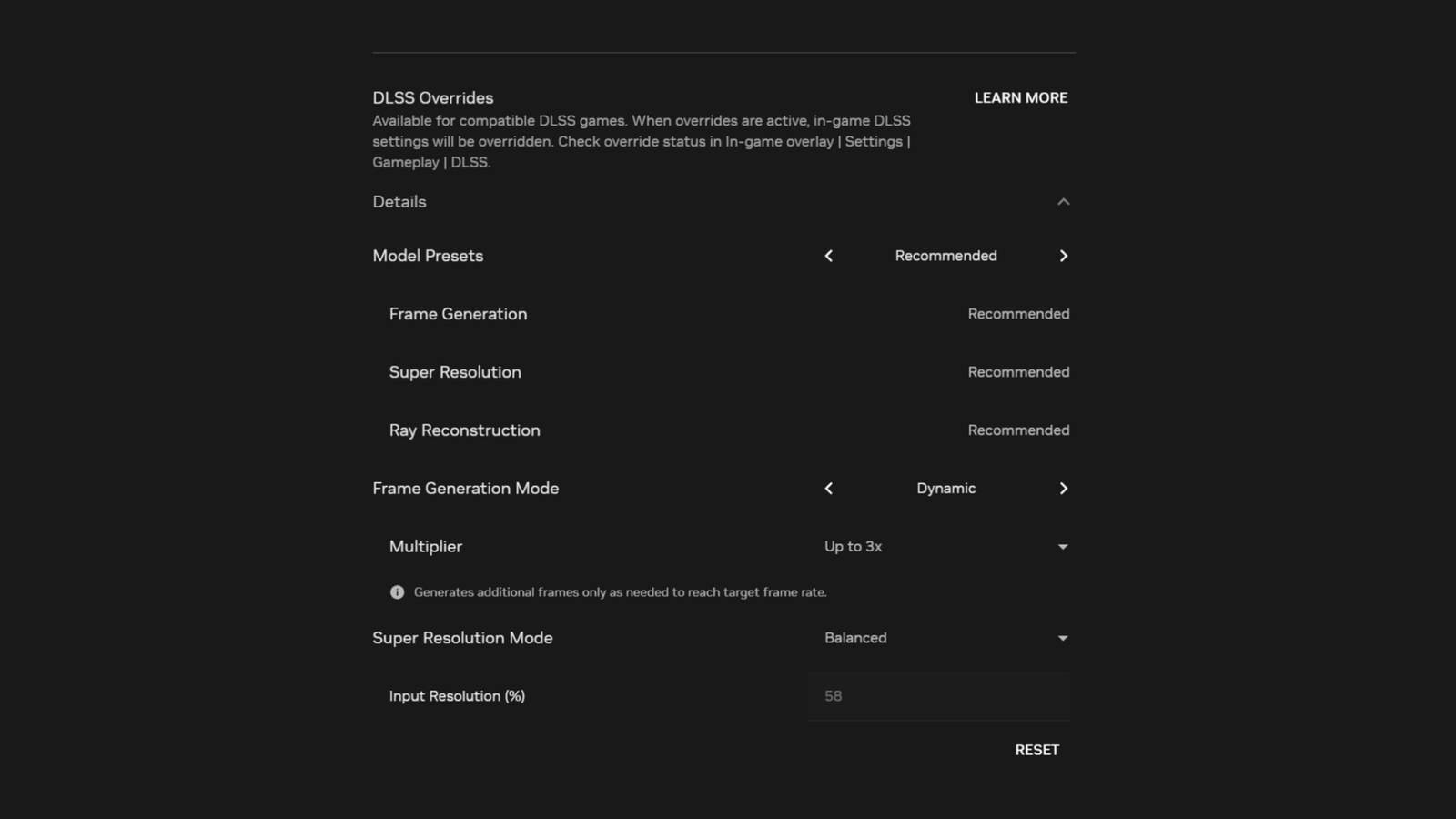
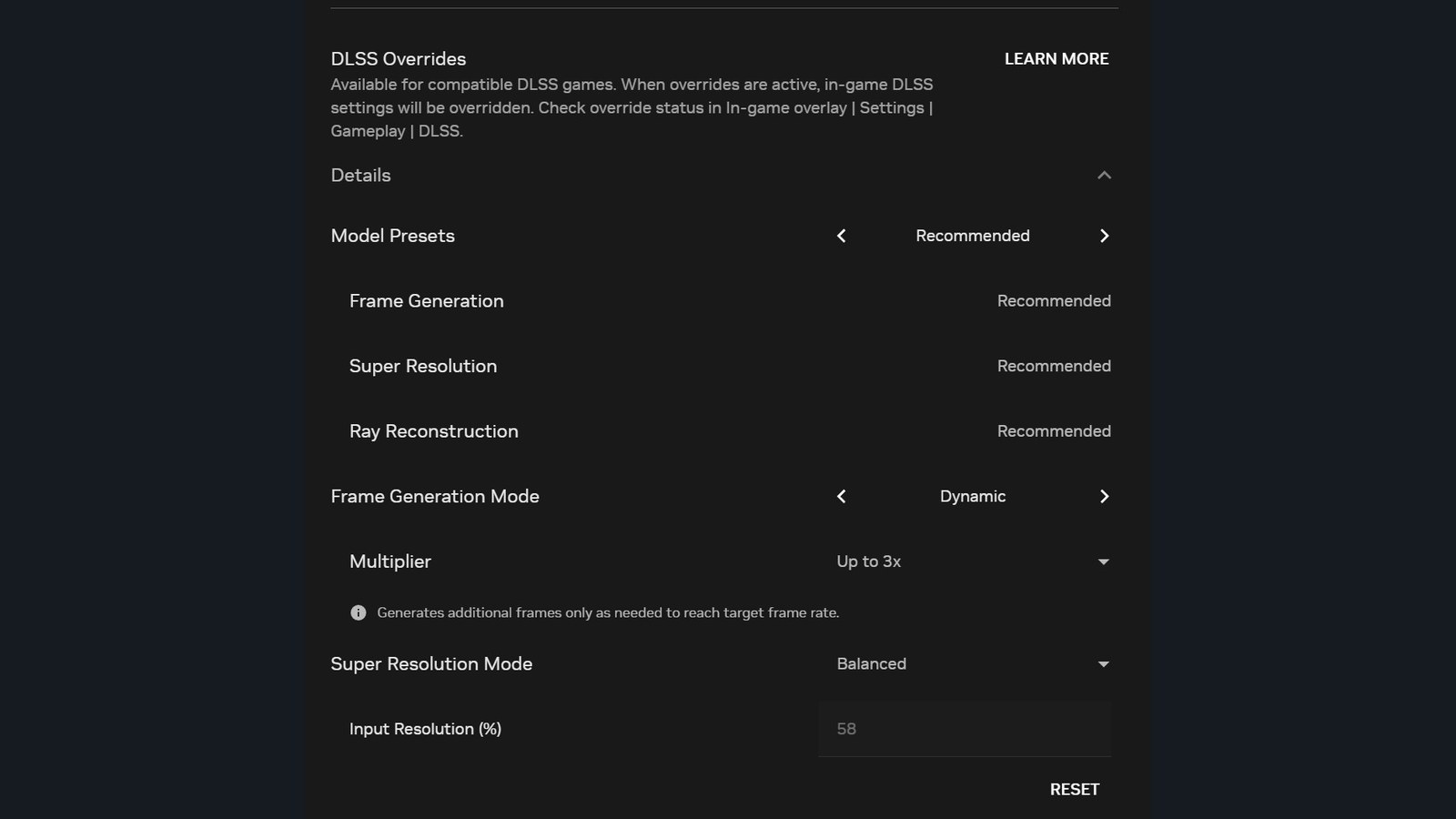
NVIDIA’s instructions place the controls under Settings > Gameplay > Streaming Quality. Select Details to customize them, or start with Recommended to let the service choose a model for the streaming settings.
Launch a compatible game and turn on the feature you are overriding in its own settings. A Super Resolution override requires Super Resolution to be enabled in the game. GeForce NOW does not provide a comprehensive DLSS-support filter. Super Resolution and Ray Reconstruction model overrides cannot operate simultaneously. When the game enables Ray Reconstruction, its override takes priority.
During gameplay, press Ctrl+N on Windows or ChromeOS, or Cmd+N on macOS, to check the overlay’s DLSS status. Menus and cutscenes may show an inactive status when the game is not using the feature, so check an actual playable scene. Dynamic frame generation can also become inactive during gameplay when the service determines the existing frame rate is sufficient for the stream.
Dynamic frame generation has tier and rig requirements
Dynamic Multi Frame Generation requires an Ultimate membership and an RTX 5080 cloud rig. Its override supports up to 4X, without 5X, 6X or fixed Multi Frame Generation overrides. Those limits differ from some local-PC options.
Overrides are global settings. Change them before launching another game if that title needs different values. Our DLSS, FSR and PSSR explainer distinguishes reconstruction from frame generation.
Rendering controls do not fix every streaming problem
The announcement highlights the settings in the Windows, macOS, Chrome OS and Steam OS apps. Server-side graphics adjustments do not remove connection problems between the data center and your display. Our cloud-gaming bandwidth and data guide covers that separate part of the experience.
This week’s announcement also includes Warhammer 40,000: Boltgun 2 and Enshrouded 1.0. NVIDIA cautions that games can be onboarded throughout the week after their store release, rather than guaranteeing that every announced title is already visible.
The conversation starts here
Sign in with a supporter account to comment. Sign in

Nobody has commented yet. Want to go first?