
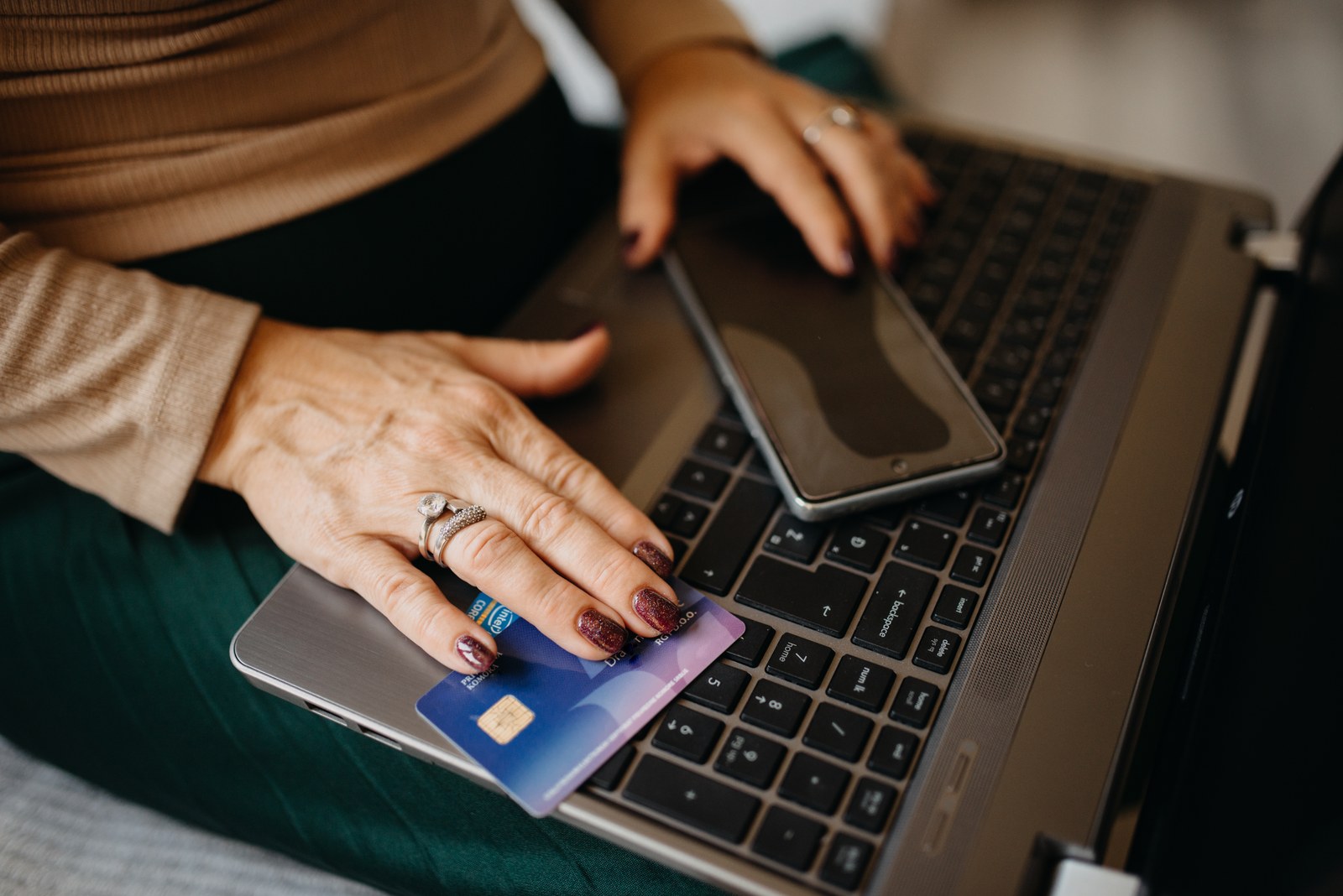
OpenAI now limits how many paid ChatGPT accounts can be used on a single device and how many subscriptions can be bought with a single card. The rules are laid out in a help center article updated in late October, and it doesn't give a number for either limit. Go, Plus, Pro 100, Pro 200 and Pro 500 count toward the caps. Free accounts and Business, Enterprise and Edu workspaces don't.
OpenAI describes the limits as part of its privacy and security protections. The people most likely to run into them are those who share something: a family paying for several plans on one card, a household laptop that several people sign into, or someone who switches between two paid accounts of their own on the same machine.
The two messages you might see
The first message shows up at checkout. ChatGPT says there are too many subscriptions tied to the card or device and stops the purchase. According to OpenAI, your bank didn't decline anything, which means trying the same card again won't help.
The second reads "Device limit reached." It means that paid account can't be used on that device. You may see it when you sign in, or ChatGPT may sign you out later after a follow-up check, even if the payment went through and the account worked at first. Signing out of that device won't make room for another account either, because the limit counts the paid accounts used on a device, not the sessions open at the same time.
OpenAI also says neither message means someone has broken into your account.
Sharing a card or a computer
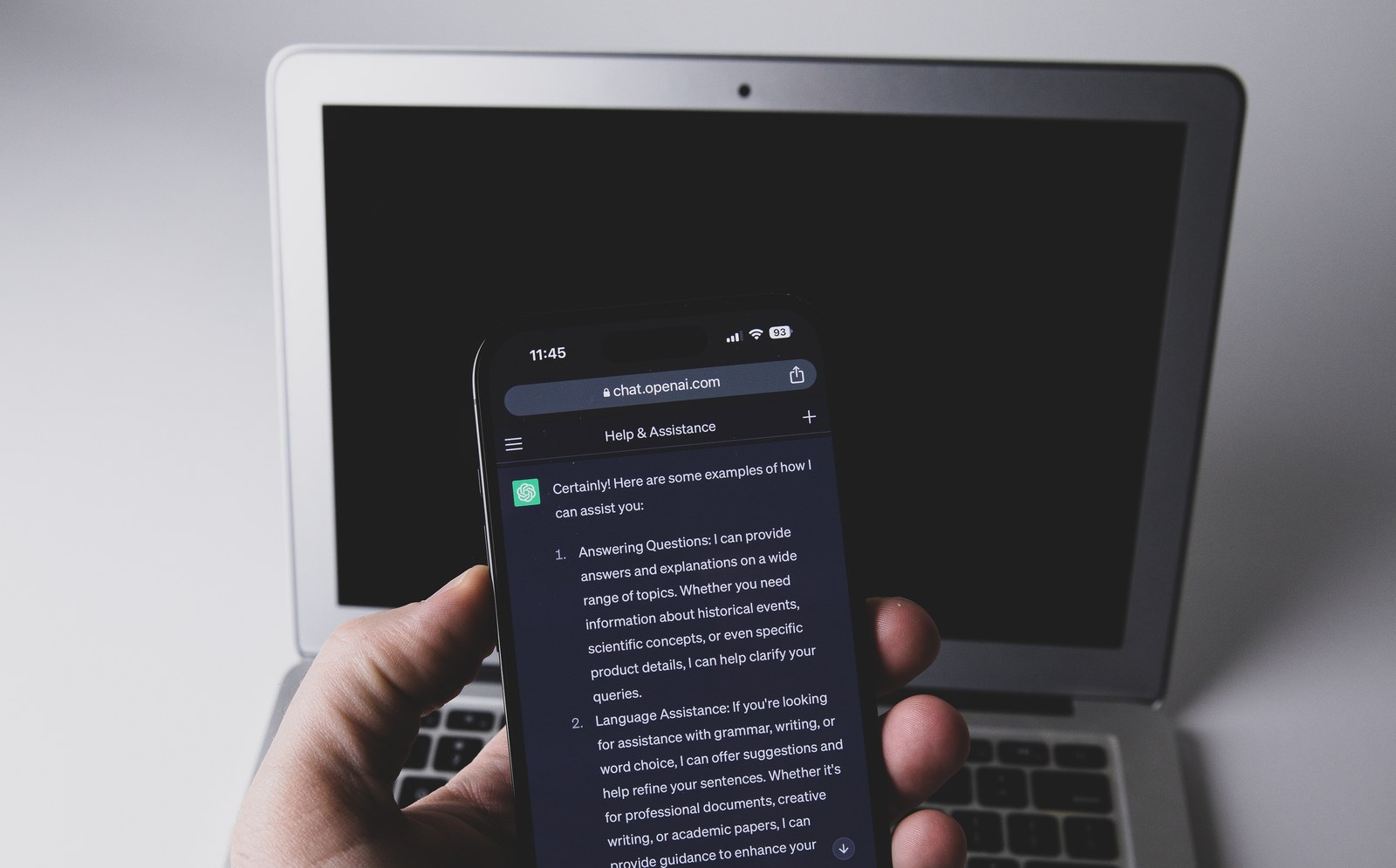
A card can hit the limit even when everyone uses their own phone. Think of parents who pay for their own Plus plan and their teenager's on the same card, perhaps with the teen's account linked to theirs through ChatGPT's parental controls. A shared computer at home or at a library can trip the device limit the same way.
Subscriptions bought before the restrictions took effect are grandfathered in. If you cancel one, though, OpenAI doesn't guarantee you'll be able to buy it again.

What OpenAI hasn't said
Beyond the missing numbers, the help article doesn't say when the rules took effect, what counts as a device (the whole phone or each browser) or how long support takes to review a shared card or computer.
What you can do
OpenAI lists three options: - Use a different paid account of yours that is allowed on that device. - Cancel and request a refund. If you paid through ChatGPT or Google Play, you can do it from the message itself, and paid access ends right away. If you paid through Apple, cancel and ask Apple for the refund. - Ask OpenAI support to review your case if you legitimately share a card or device. Say so in your request, and don't send passwords, verification codes or your full card number.
Buying credits or paying for a usage reset won't lift the block. Credits, sold under Settings > Usage, add to what a single account can spend, but they don't merge subscriptions or move usage between accounts. A paid reset refills the weekly allowance early for Work and Codex, two ChatGPT tools with usage caps, on a Plus or Pro account, so it doesn't combine accounts either.
Signing up now for two Plus accounts to use on one laptop and get more usage could run into the device limit. Within a single account, the official ways to get more out of ChatGPT are credits or a bigger plan: Pro 100, Pro 200 or Pro 500, which OpenAI reworked at its DevDay, as covered in our roundup.
The conversation starts here
Sign in with a supporter account to comment. Sign in



Nobody has commented yet. Want to go first?