

OpenAI wants ChatGPT to stop waiting for a prompt. Its new centerpiece, dots, can keep track of responsibilities, investigate and return with completed work while you are elsewhere. Around it sits a shared team workspace, a broader Codex, new tools for developers and a more expensive top subscription. This is a bid to change what ChatGPT is, not just which model answers a question.
If you expected 29 new features, there is an important distinction. OpenAI's official DevDay recap says more than 20 major announcements and breaks them into 25 named items. It does not call them 29 ChatGPT features. Splitting products into subfeatures to reach 29 would blur what ships to regular users, what is for developers and what has not shipped yet. Here are the 25 official items, with those boundaries kept intact.
The new shape of ChatGPT: items 1–4
1. dots is an always-on agent powered by GPT-6 Astra. It gets a separate cloud computer, can use apps you connect, remembers your preferences and works on multiple responsibilities without a fresh chat for each one. According to OpenAI's product announcement, proactive research between requests is read-only. Actions that change accounts face rules and review. Those protections are meaningful, but they do not make mistakes impossible. The company's examples include invoices prepared for approval, reviewable code and launch documents kept up to date.
Access is the immediate catch. OpenAI's availability guide says Pro rollout excludes the European Economic Area, Switzerland and the UK. The company says Business Premium is available in supported ChatGPT regions, while Enterprise needs an administrator to enable the beta. Rollout is gradual even where the feature is eligible. The headline feature will not be something every paying subscriber can try today.
2. ChatGPT Space brings pages, files and shared work into one home. Think less group chat, more persistent place for a project that people and agents can pick up again. Pro, Business and Enterprise get desktop and web access. Mobile can find, read and share pages, with creation and editing still to come. 3. Pages are documents in which people and ChatGPT can write, research, comment and make charts or images together. Their real test is whether they reduce the copying between a chat and the actual deliverable. 4. Collaborative slides promise live editing by teammates and agents plus PowerPoint and Google Slides export. OpenAI says the feature is coming in the next few weeks, not that it is ready now.
Work with other people: items 5–8
5. Teams and shared tasks let Business and Enterprise users refine instructions together and delegate recurring updates through connected tools. 6. @ChatGPT in Slack and Microsoft Teams brings the assistant into a channel or thread and works with permitted tools. Being present in the conversation does not grant it blanket access to company data.
7. Meetings takes meeting notes and produces action-item summaries in Space. It is a macOS desktop beta for Pro and Business, with Enterprise later. OpenAI says the audio is deleted once the notes are ready. 8. Shareable profiles collect a creator's Sites and plugins in one place. Coworkers can also discover workspace-only shared skills. Unlike much of this launch, profiles extend to Free, Go and Plus.
The model and the speed tier: items 9–11
9. GPT-6.1 Sol aims to bring demanding Astra-like work within reach at a much lower cost. OpenAI reports gains in coding, computer use and document-heavy tasks. Several results approach Astra, but company-run evaluations are not a substitute for your own workflow. Standard API pricing starts at $2 per million input tokens and $10 per million output tokens for the stated context tier. The crucial eligibility detail: paid users get it in ChatGPT Work and Codex, not ordinary Chat yet. If you only use the chat box, this is not a new model in your picker today.
10. Ultrafast speeds up Astra token generation in Codex and the API. OpenAI claims up to 300 tokens per second in Codex and up to six times faster output in the API. It is a premium speed tier, not a general intelligence upgrade. Among Pro subscriptions it requires Pro 500. Sol 6.1 Ultrafast is still on the way. 11. Private Intelligence covers two enterprise privacy efforts. One combines the option not to retain request data with automated safety checks that OpenAI says do not give its staff access to the underlying content. The other is a confidential-computing Private Inference preview expected this fall. The latter cannot be assessed as a shipping product yet.

Building software and agents: items 12–18
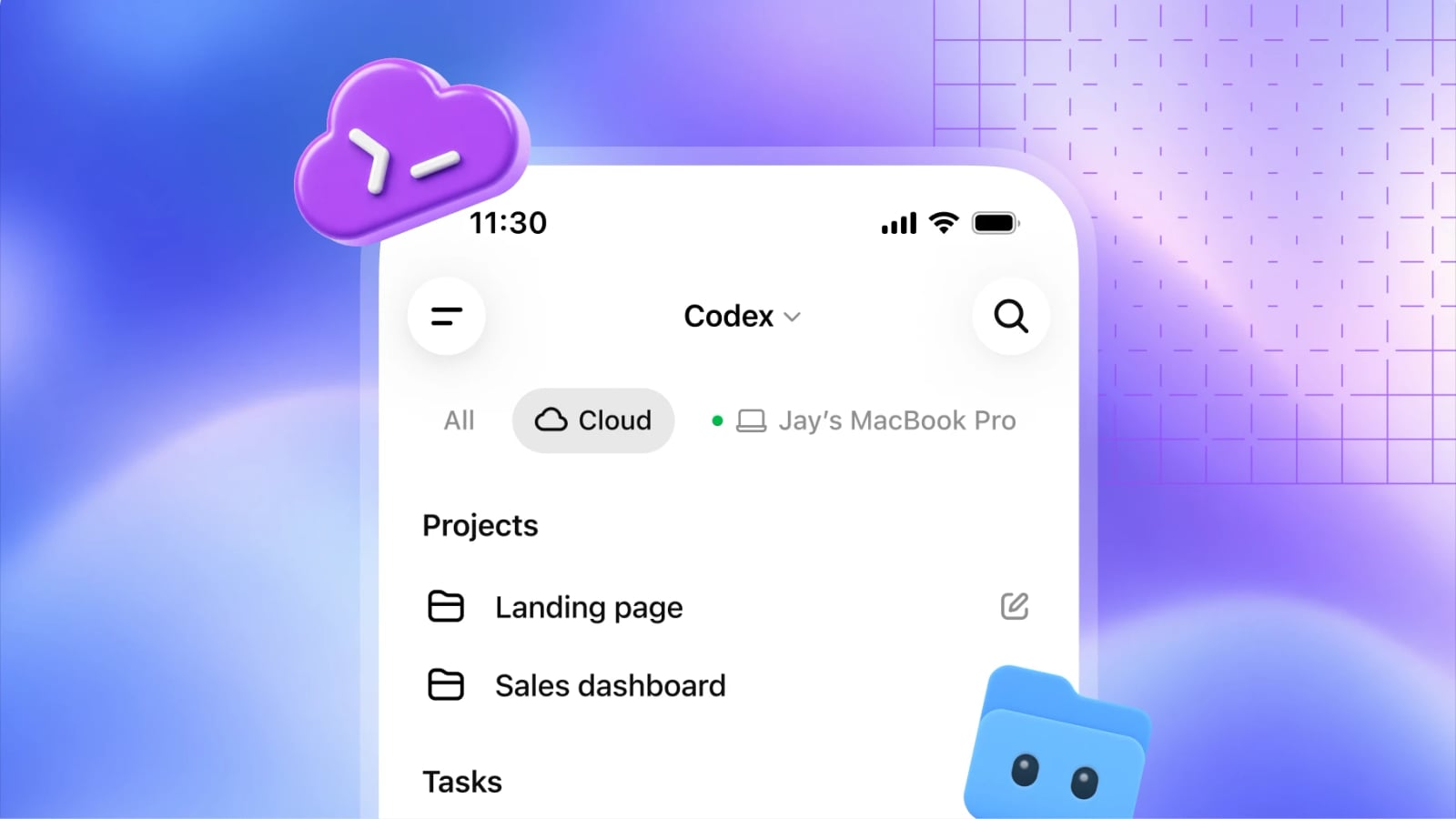
12. Codex in the cloud can run development tasks without leaving your laptop on and can be revisited from another device. Reusable environments give teams consistent dependencies and permissions. 13. The refreshed Codex CLI adds voice, an /agents view for overseeing concurrent work, and terminal improvements. Less dramatic than dots, perhaps, but immediately practical for people who write software every day.
14. Code Review makes it easier to inspect changes in the ChatGPT desktop app and run an automatic first pass in the cloud before commenting on GitHub or GitLab. 15. Codex Security Cloud scans GitHub repositories on demand or on a schedule, investigates findings, removes duplicates and proposes fixes. Human review still matters: a finding is not automatically an exploitable vulnerability, and a proposed fix may break something else.
16. Decisions API uses Luna to choose among finite, developer-defined answers, such as classifying an item or routing a request. The narrow scope is the point: this is for repeatable decisions, not open-ended judgment. It is in limited preview, with wider availability promised soon. 17. Agents API computer use lets developers build agents that interact with software and adds multi-agent, tool-search and context-management capabilities. OpenAI's API changelog confirms computer use on September 29. 18. Bedrock Managed Agents adapts the Agents API to AWS resources for organizations building there. None of these three is a new button in consumer ChatGPT.
ChatGPT as a platform: items 19–22
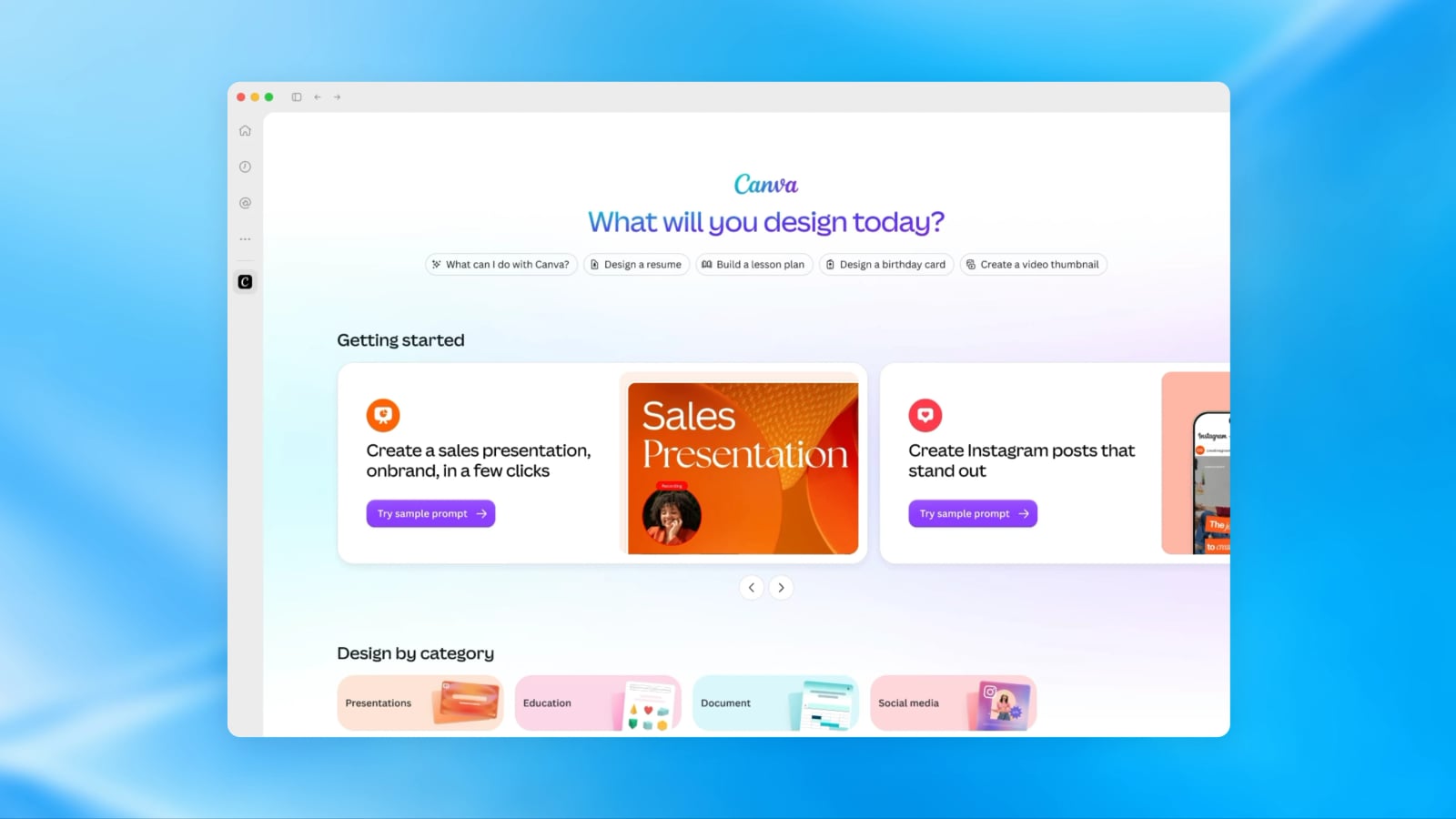
19. Plugin extensions give developers sidebar homes, interactive panels and file viewers. That may matter more than another model badge: a useful third-party tool could live beside the conversation instead of appearing as an invisible call. 20. Plugin creation and discovery includes Plugin Creator, clearer submission feedback and new directory recommendations. Users still decide what to install and what access to approve.
21. Plugins in Sites lets organizations put connected tools in the apps they build with ChatGPT, while each teammate keeps their own permissions. It is for Business, Enterprise, Healthcare and Edu. 22. MCP events for automations will allow a change in a connected app to trigger work without a new prompt: a project-board task could start a draft plan. The event specification remains proposed. Reliability, duplicates and permission boundaries will matter more than the demo.
Plans and partnerships: items 23–25
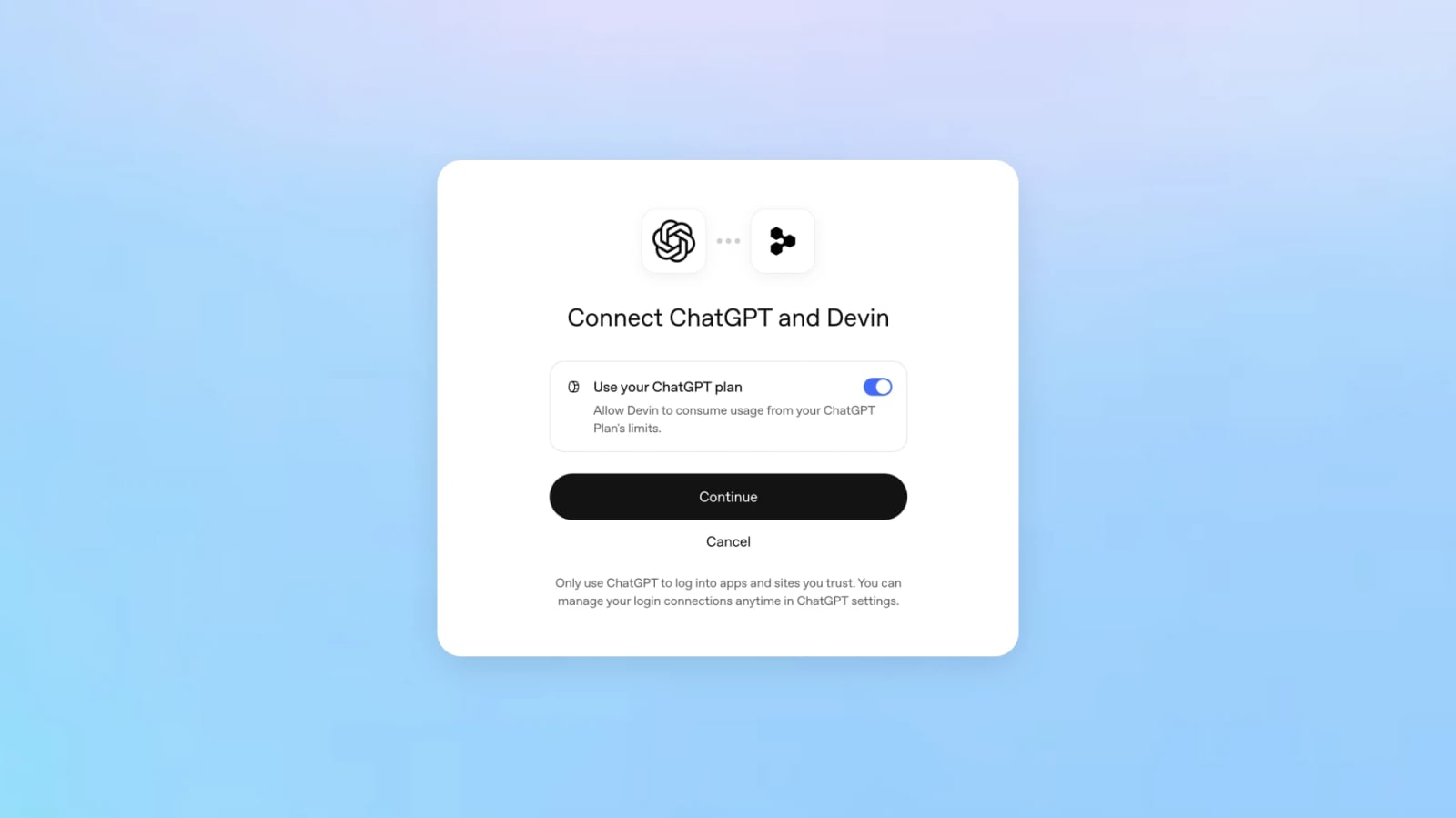
23. Sign in with ChatGPT lets people authenticate with their ChatGPT account and, in participating tools, draw on their plan allowance. OpenAI names 16 partners including Devin, Notion and Vercel. The company says sign-in is available globally. Shared plan usage needs an eligible Plus or Pro account and a participating product. Check the permissions and allowance before connecting anything. A ChatGPT subscription does not automatically make every external service free.
24. Pro 500 is a $500-a-month tier with Ultrafast and an allowance OpenAI describes as 25 times Plus. At the same time, its plan guide confirms a lower allowance for new Pro 200 subscriptions. Eligible existing subscribers retain the previous allowance only through October 29. Holding the $200 price while reserving the fastest tier for $500 has become the sharpest point of criticism among heavy users. We explained why the Pro 200 change is a poor deal separately.
25. OpenAI Marketplace lets eligible enterprises apply part of their existing OpenAI commitment to approved partner software. It starts with 32 partners and an expression-of-interest process. This is procurement for enterprises, not an app store open to every ChatGPT user.
The strongest idea and the loudest objection
Our pick is less cinematic than the dots trailer: Space and Pages may solve a problem people actually experience, namely losing decisions between chats, documents and coworkers. Codex Cloud is another tangible improvement because work can continue without one particular laptop acting as headquarters. dots has a higher ceiling, but its value depends on where you live, what you pay and how much effective control you retain over its actions.
The early r/codex discussion is mixed and should not be mistaken for a survey. Some users welcome pages, connections and always-on work. Others see the $500 plan and the reduced Pro 200 allowance first. Defenders list the new tools. Critics reply that those tools do not solve the usage limits they already hit. That is a genuine product tension, even if a forum cannot tell us how the wider audience will react.
There is also a harder trust question. More app access can make an agent far more useful, but it raises the stakes of a bad permission, an incorrect assumption or an approval that comes too late. OpenAI describes read-only background research, a separate cloud computer and action review. Those are welcome design choices. The next test is how they hold up across long tasks and messy real data. Our guide to what an AI agent actually does explains why tools and boundaries matter as much as the model.
What survives the keynote
DevDay 2026 points toward ChatGPT becoming a standing assistant, a shared workspace and an entry point to other software. The ambition is substantial. So is the gap between announcing 25 items and having all of them available today. Before paying more for that vision, we would ask three practical questions: can dots finish real work without unwelcome surprises, can Space replace some of the back-and-forth between tools, and how much of your own work does the new Pro allowance actually cover? If those answers disappoint, the launch count will not matter.
The conversation starts here
Sign in with a supporter account to comment. Sign in



Nobody has commented yet. Want to go first?