
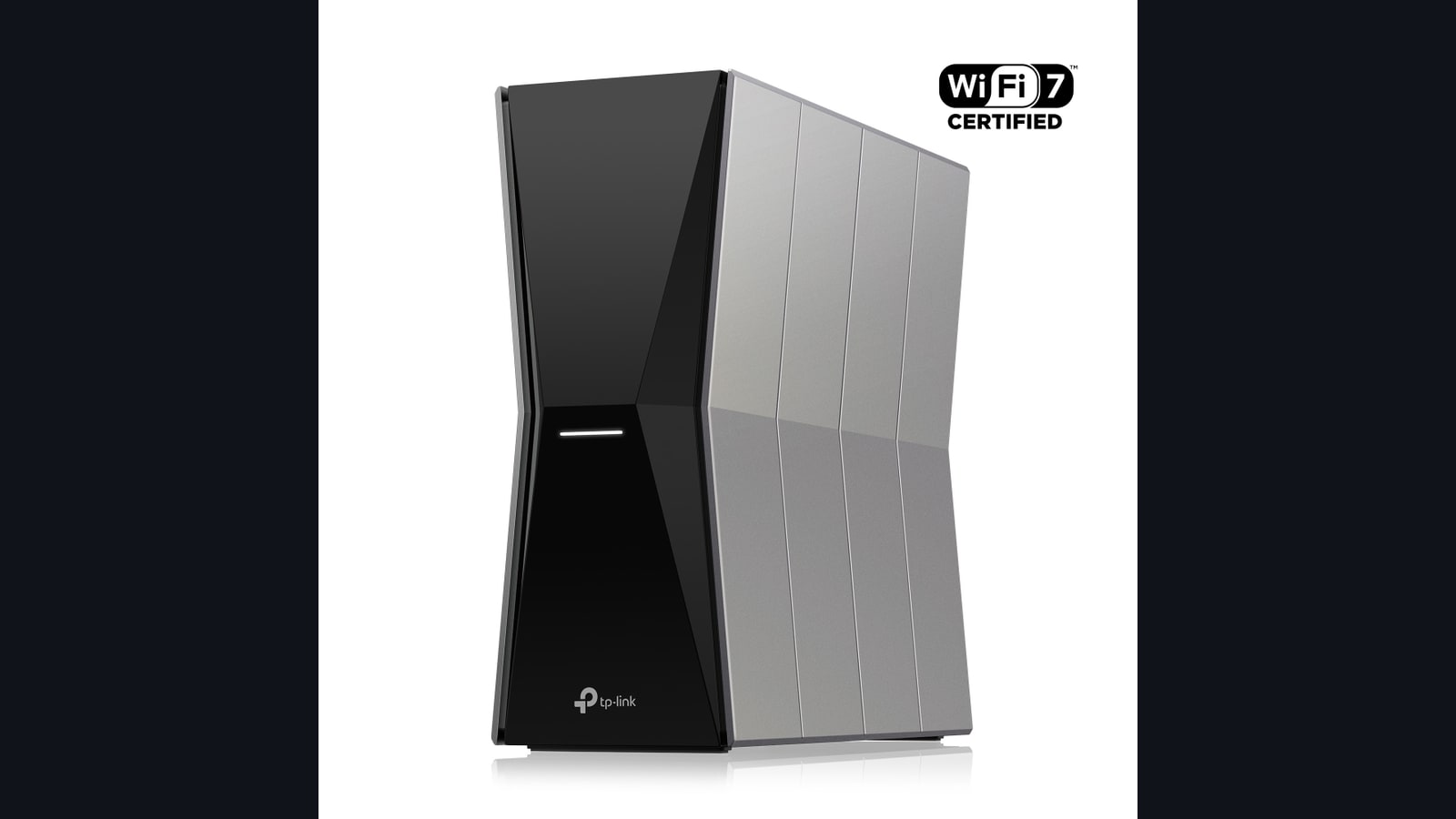
A new generation does not magically lower ping
Wi-Fi 5 maps to 802.11ac, Wi-Fi 6 and 6E to 802.11ax, and Wi-Fi 7 to 802.11be. Each generation expands capacity and efficiency, but ping to a server also depends on fibre or cable access, the provider, distance and Internet routing. A router cannot fix a distant server.
Stable latency, jitter and packet loss matter more to gaming than peak download speed. A clean 300Mbps connection can feel better than a congested 2Gbps link. Our ping, jitter and packet-loss guide shows how to measure the difference.
What each Wi-Fi generation adds
Wi-Fi 5 operates primarily at 5GHz and remains enough for many consoles and PCs near the router. Wi-Fi 6 adds features such as OFDMA and more efficient handling when many devices share a network. Wi-Fi 6E keeps those rules and opens the 6GHz band, providing cleaner channels to compatible hardware.
Wi-Fi 7 introduces channels up to 320MHz, 4096-QAM and Multi-Link Operation. MLO can use links across multiple bands to improve capacity and reliability. Intel describes these features, but headline maximums require a compatible router, client, operating system, channel width and local regulation.
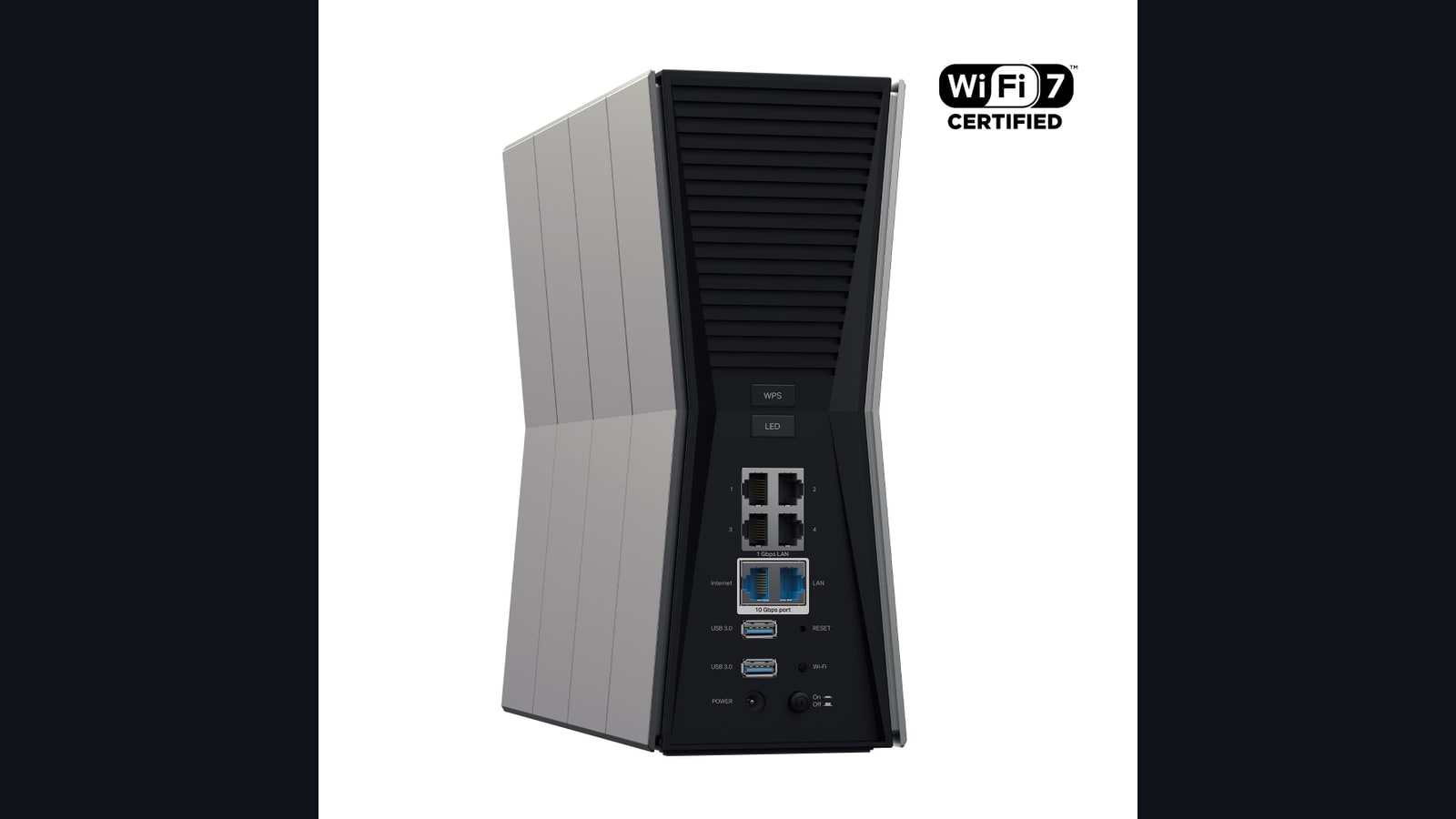
2.4, 5 or 6GHz: reach versus clean spectrum
The 2.4GHz band usually reaches farther and crosses walls more effectively, but it shares space with many devices. 5GHz offers a useful balance between capacity and coverage. 6GHz brings new, less congested channels but loses strength sooner through obstacles. The right band depends on the room, not the highest number.
Place the router in the open and above floor level, then test from the actual gaming position. When a thick wall separates both ends, a well-designed mesh or wired access point can achieve more than the newest standard alone. Ethernet remains the reference for consistency whenever a cable is practical.
When an upgrade is worthwhile
Wi-Fi 6 is sufficient for most homes that play games and stream video. Wi-Fi 6E becomes useful when 5GHz is crowded and your devices support 6GHz. Wi-Fi 7 makes sense during a full network refresh, for very large local transfers or several recent clients. Do not buy MLO for a console that cannot use it.
Update firmware, change channel and test Ethernet before spending. If parties or matchmaking fail while signal strength is fine, see our PS5 and Xbox NAT guide. A Wi-Fi label describes the link inside the home. It cannot replace diagnosis of the entire connection.
The conversation starts here
Sign in with a supporter account to comment. Sign in

Nobody has commented yet. Want to go first?